

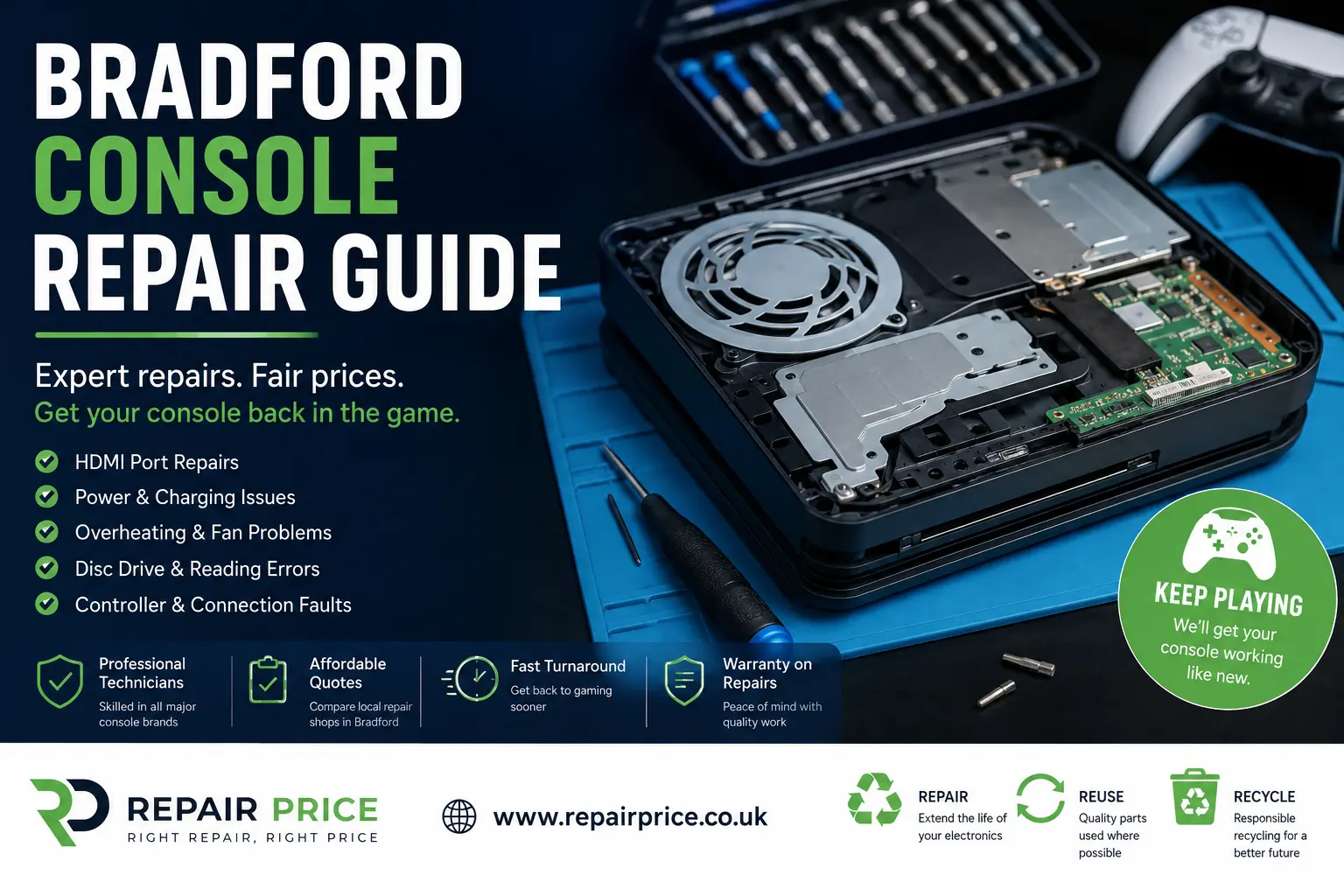
Bradford Console Repair Guide: Faults, Costs and Professional Repair Options
A faulty games console can quickly interrupt your entertainment, online gaming and access to digital content. Whether your PlayStation will not switch on, your Xbox keeps overheating or your Nintendo Switch has developed a damaged charging port, arranging a professional console repair in Bradford may be more affordable than replacing the entire system.
This guide explains the most common console problems, what may cause them, how technicians diagnose faults and when repair is likely to be worthwhile. It also shows you how to request estimates from local repair businesses through RepairPrice.co.uk and how to recycle equipment that cannot be restored safely.
For help with a damaged or unreliable console, visit our dedicated Bradford games console repair comparison page. You can describe the fault, provide the console model and compare responses from suitable repair businesses.
Discuss Console Repair or Recycling in Bradford on WhatsApp
Which Games Consoles Can Be Repaired?
Many independent electronics technicians work on a wide range of home and handheld consoles. Supported devices may include PlayStation 4, PlayStation 5, Xbox One, Xbox Series S, Xbox Series X, Nintendo Switch, Nintendo Switch Lite, Nintendo Switch OLED and selected older systems.
Repair availability depends on the fault, the technician’s experience and whether compatible replacement components can be obtained. Before accepting a repair, confirm that the business has experience with your exact console model and the type of problem you are experiencing.
You should provide the model number where possible, because different revisions of the same console may use different internal components. A clear description of the symptoms can also help the technician give you a more useful initial estimate.
Common Console Problems in Bradford
Games consoles combine processors, storage, cooling systems, power circuits, HDMI connections and wireless components inside a relatively compact enclosure. Heat, dust, accidental damage and normal component wear can therefore cause a variety of problems over time.
Console Not Turning On
A console that appears completely dead may have a damaged power supply, faulty charging connector, failed internal fuse, damaged power-management circuit or motherboard problem. Technicians will normally inspect the power input and test relevant voltage lines before recommending replacement parts.
A failed power supply can sometimes be replaced without extensive board-level work. However, if the problem is located on the main circuit board, the console may require microsoldering or component-level diagnostics.
HDMI Port Damage and No Display
HDMI socket damage is one of the most frequently reported console faults. The port may become loose, bent or detached after the cable is pulled, forced into the socket or repeatedly moved. Symptoms can include no picture, an intermittent signal, distorted colours or a connection that only works when the cable is held at a particular angle.
Replacing an HDMI port usually involves opening the console, removing the damaged connector and soldering a replacement to the motherboard. This work should be completed with suitable tools because excessive heat or damaged solder pads can make the repair more complicated.
Overheating and Unexpected Shutdowns
A console that becomes unusually hot, displays temperature warnings or switches off during demanding games may have restricted airflow. Dust can build up around the cooling fan, heatsink and ventilation channels, preventing heat from leaving the system efficiently.
In some cases, the cooling fan may be worn or the thermal material between the processor and heatsink may need attention. A technician can dismantle the system, clean the internal components and assess whether any cooling parts need replacing.
Avoid continuing to use a console that repeatedly overheats. Excessive operating temperatures may eventually damage internal components and turn a relatively straightforward maintenance job into a more expensive motherboard repair.
Disc Drive Faults
Disc-reading problems may be caused by a contaminated optical lens, worn loading mechanism, damaged rollers, faulty motor or failed laser assembly. The console may reject discs, make grinding noises, display read errors or accept a disc without recognising it.
Some disc-drive repairs are more complex because individual drive components may be paired with the console’s motherboard. A competent technician should identify whether the original control board or paired electronics need to be retained during the repair.
Controller Connection Problems
Wireless controllers that disconnect frequently may be affected by controller faults, damaged wireless modules, software issues or interference. Before arranging a console repair, test another controller, install available system updates and try a wired connection where supported.
If several controllers display the same behaviour, the fault may be within the console rather than the accessories. A technician can investigate the wireless hardware, USB ports and internal antenna connections.
Nintendo Switch Charging and Screen Damage
Nintendo Switch systems may develop damaged USB-C charging ports, battery problems, cracked displays, unreliable game-card readers or Joy-Con connection faults. Charging-port repairs require careful board work because the connector contains numerous small pins attached directly to the motherboard.
Screen assemblies and batteries may also be replaceable, although the final repair cost will depend on the precise Switch model and the quality of the replacement components selected.
How Much Does Console Repair Cost?
The price of a repair depends on the console, the damaged component, the labour involved and the availability of replacement parts. A cleaning service will normally cost less than an HDMI replacement or motherboard-level repair.
| Console problem | Typical work involved | What may affect the price |
|---|---|---|
| Overheating | Internal cleaning and cooling-system inspection | Fan condition, console design and thermal servicing requirements |
| Damaged HDMI port | Port removal, motherboard preparation and replacement soldering | Board damage, missing solder pads and model-specific parts |
| No power | Power-supply testing and motherboard diagnostics | Whether the fault is modular or component-level |
| Disc-reading fault | Drive inspection, cleaning or component replacement | Laser availability and paired drive electronics |
| Charging-port fault | Connector replacement and charging-circuit testing | Port damage, motherboard condition and device model |
| Broken screen | Display or touchscreen assembly replacement | Screen type, model and replacement-part quality |
These descriptions are intended as general guidance rather than fixed quotations. A repair business may need to inspect the console before confirming the total charge. Ask whether the diagnostic fee is included, whether return delivery costs apply and whether additional work will be authorised before it is completed.
RepairPrice.co.uk helps you approach suitable businesses without relying on a single estimate. Use the Bradford console service page to explain what happened, mention any previous repair attempts and compare the options available.
Request Quotes from Bradford Console Repair Shops
What Information Should You Include in Your Repair Request?
A detailed repair request can help businesses respond more accurately. Include the console brand, complete model, approximate age and the exact symptoms. Explain whether the problem is constant or intermittent and whether it began after a drop, liquid spill, electrical surge, system update or cable accident.
You should also mention visible damage, unusual noises, warning messages and any troubleshooting already attempted. For example, tell the repairer if you have tested another HDMI cable, power socket, display or controller.
Do not dismantle the console unless you have appropriate repair experience. Missing screws, torn cables, damaged seals or previous soldering attempts can increase the amount of work required and may make diagnosis more difficult.
Should You Repair or Replace Your Console?
Repair is often worth considering when the console remains suitable for your games, accessories and household needs. A successful repair can preserve saved data, avoid the expense of purchasing a replacement system and reduce the number of electronic devices entering the waste stream.
Before proceeding, compare the quoted repair cost with the value of a working replacement console. You should also consider the system’s age, storage capacity, physical condition and the availability of future software support.
A modest repair to a newer PlayStation, Xbox or Nintendo console may offer good value. Extensive motherboard work on an older or heavily damaged device may be less economical. A responsible technician should explain the likely outcome and help you understand whether the repair is commercially sensible.
Other Electronics Repair Services in Bradford
Console faults are not always isolated from other household technology problems. RepairPrice.co.uk provides dedicated comparison pages for several popular device categories, helping Bradford residents find relevant services without searching through unrelated listings.
For damaged screens, weak batteries, charging faults and water-damaged handsets, explore the mobile phone repair options available across Bradford. You can also read our Bradford phone repair guide for common fault and cost information.
Owners of iPads, Android tablets and Microsoft Surface devices can use the Bradford tablet servicing and screen repair page to request assistance with display, battery and charging problems.
For computers affected by slow performance, damaged charging sockets, broken keyboards or startup errors, visit the local Bradford laptop fault comparison service.
If your television has sound but no picture, damaged backlighting, power faults or connection problems, review the available options through our Bradford television repair enquiry page.
Console Repair Options Near Bradford
Repair availability can vary according to technician capacity, specialist equipment and replacement-part stock. Expanding your search to nearby towns may provide additional options for unusual faults or motherboard-level work.
Customers west of Bradford can review console repair services serving Halifax and surrounding communities. This may be useful when looking for support with PlayStation, Xbox or Nintendo hardware.
Residents closer to the northern side of the district can explore games console technicians available around Shipley.
For customers based near Clayton or travelling through the western Bradford area, the Clayton console repair comparison page provides another route for submitting a repair request.
People living between Bradford and Leeds can also consider console fault assistance from repair businesses covering Pudsey.
What Happens to Consoles That Cannot Be Repaired?
A console should not be placed in an ordinary household rubbish bin. Games systems contain circuit boards, metals, plastics, storage devices, cables and other components that may be recovered through a suitable recycling process.
When a console is considered beyond economical repair, ask whether it can be reused for parts or directed to an authorised recycling route. Working controllers, power supplies, cooling assemblies, disc-drive parts and casing components may still have value even when the main system has failed.
Bradford residents with unwanted consoles and mixed household devices can review the Bradford electrical equipment recycling options. This page can help you explore collection or disposal routes for electronics that are no longer needed.
For televisions, computers, peripherals, small appliances and mixed electronic items, visit the electronics recycling service for Bradford homes and organisations.
Business IT Equipment and Data Security
Businesses, schools, landlords and community organisations may accumulate larger quantities of old computers, networking equipment, monitors, storage devices and accessories. These items require a more structured approach than a single domestic console.
The Bradford business IT recycling and equipment disposal page provides information for organisations that need to clear redundant technology responsibly.
Before disposing of equipment that contains storage, consider the data held on internal drives. Simply deleting files may not permanently remove sensitive information. Organisations should ask providers about data-erasure procedures, asset records, collection documentation and the handling of reusable equipment.
Circuit Board Recycling in Bradford
Damaged console motherboards should not automatically be treated as general waste. Circuit boards contain metals and electronic components that specialist processors may be able to recover.
Repair businesses, electronics companies and organisations with quantities of dismantled equipment can explore the Bradford circuit board recovery and PCB recycling service.
Individual householders should avoid dismantling electronic equipment solely to remove the circuit boards. Consoles can contain sharp metal edges, delicate components and power-supply sections that should be handled carefully. It is usually safer to send the complete unit through an appropriate repair or recycling provider.
How Repair Supports Reuse and Waste Reduction
Extending the working life of a console can reduce demand for replacement hardware and make better use of the materials already invested in the device. Repair also allows accessories, downloaded games and existing storage to remain in use.
Not every console can be restored, but diagnosis should normally come before disposal. A system that appears completely dead may only require a power component, port or cooling repair. Equally, a technician may identify severe board damage and recommend recycling instead of charging for work with a low chance of success.
RepairPrice.co.uk is designed to support this decision-making process. The aim is to help users investigate repair first, compare appropriate services and then move unsuitable equipment towards reuse or responsible recycling.
Questions to Ask a Bradford Console Repairer
Before handing over your console, ask whether the repair business has worked on the same model and fault before. Confirm the likely diagnostic process, estimated turnaround time and whether any inspection charge will be deducted from the final repair price.
You should also ask whether the replacement part is new, refurbished or recovered from another device. Find out what repair guarantee is offered and what the guarantee covers. Keep any quotation, receipt and written fault description for your records.
If your console contains personal information, remove saved payment details and sign out of accounts where possible. Back up supported data before repair, although this may not be possible when the console will not start.
Find Console Repair Services in Bradford
A damaged console does not necessarily need to be replaced. HDMI faults, overheating, charging problems, disc-drive failures and power issues may all be repairable after proper diagnosis.
Start by recording the console model and symptoms, then submit a clear enquiry through the Bradford console repair service page. Comparing responses can help you assess the likely cost, available expertise and repair timescale before making a decision.
Where repair is not practical, use the Bradford recycling links in this guide to keep the console, circuit boards and associated accessories out of general waste. Choosing repair, reuse or responsible recycling can save money while reducing unnecessary electronic waste.