

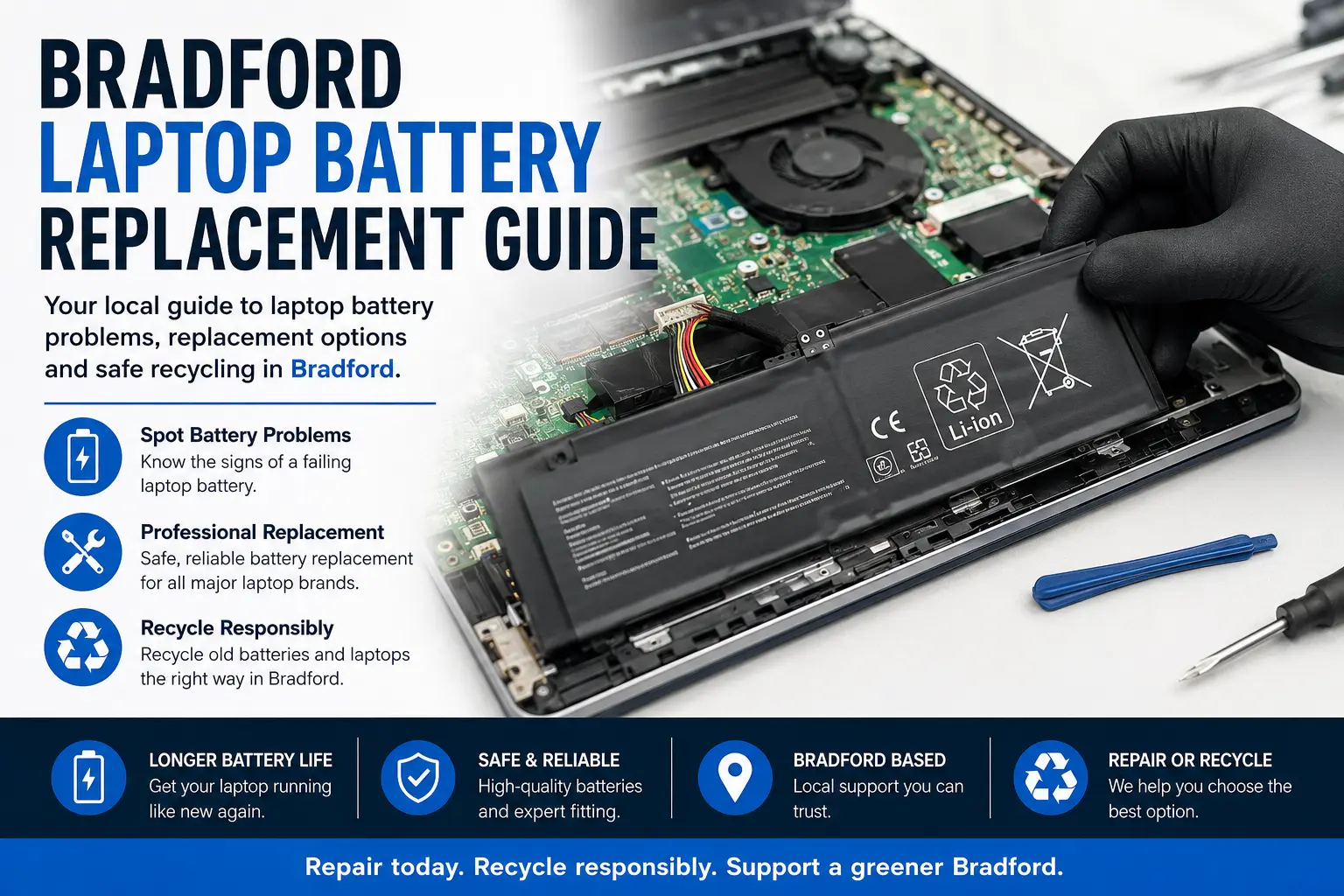
Bradford Laptop Battery Replacement Guide
Is your laptop only lasting a few minutes after charging, switching off without warning, or refusing to power on unless the charger is connected? A weak or failing laptop battery is one of the most common problems for students, home users, office workers and local businesses across Bradford.
Arrange Laptop Battery Recycling Collection in Bradford via WhatsApp
This guide explains the signs of battery failure, when a replacement is worthwhile, how laptop battery repairs are handled, and what to do with the old battery safely. If your laptop is still performing well apart from poor battery life, replacing the battery can often be more cost-effective than buying a new device.
Common Signs Your Laptop Battery Needs Replacing
A laptop battery does not usually fail overnight. In most cases, the warning signs build up gradually. You may notice the battery percentage dropping faster than normal, the laptop shutting down at 20% or 30%, or the device becoming unreliable when unplugged from the charger.
Another common sign is a laptop that only works while connected to mains power. This usually means the battery is no longer holding charge properly. Some laptops may also display messages such as “service battery”, “consider replacing your battery”, or “plugged in, not charging”.
Physical symptoms should also be taken seriously. A swollen battery can push up the keyboard, trackpad or laptop casing. If your laptop base looks raised or the touchpad feels harder to click, stop using the device and get it checked. Swollen batteries can be dangerous and should not be pierced, pressed or thrown into general waste.
Why Laptop Batteries Wear Out
Laptop batteries are designed with a limited number of charge cycles. A charge cycle is used when the battery is charged and discharged over time. After many cycles, the battery naturally loses capacity, meaning it cannot store as much power as it did when new.
Heat is another major reason laptop batteries wear out. Using a laptop on beds, carpets or soft surfaces can block vents and increase internal temperature. Gaming, video editing, heavy browsing and long charging periods can also increase battery stress.
Leaving a laptop plugged in constantly can also affect long-term battery health, especially on older models. Modern laptops often include battery protection features, but batteries still degrade with age and use.
Should You Replace the Battery or Buy a New Laptop?
Replacing the battery is usually worth considering if the laptop still works well, starts quickly, runs your usual software and has no major screen, keyboard or motherboard faults. For many Bradford users, a battery replacement can extend the life of the laptop without the cost of replacing the whole device.
If the laptop is very old, very slow, has liquid damage or needs several repairs at once, replacement may be the better choice. However, even then, the device should be recycled responsibly rather than left in a drawer or placed in household rubbish.
Before deciding, it is helpful to compare the repair cost against the value and usefulness of the laptop. A working laptop with a poor battery may only need one part to become reliable again.
Bradford Laptop Battery Replacement Services
Laptop battery replacement can vary depending on the brand and model. Some laptops have external removable batteries, while many newer models have internal batteries fitted inside the casing. Internal battery replacement should be handled carefully because the laptop may need to be opened without damaging clips, cables or the casing.
Popular laptop brands that may need battery replacement include HP, Dell, Lenovo, Acer, Asus, Apple MacBook, Microsoft Surface, Samsung, Huawei and many others. Each model can use a different battery type, so matching the correct replacement is important.
For local laptop repair support, you can visit Bradford laptop repair quote options for battery and charging problems. This helps users compare repair help for battery issues, charging faults, screen damage, keyboard problems and other laptop repairs.
Get a Bradford Laptop Battery Repair Quote
Battery Fault or Charging Port Problem?
Not every power issue is caused by the battery. Sometimes the laptop battery is fine, but the charger, charging port or internal power circuit is faulty. A damaged charging socket can stop the laptop receiving power correctly, while a faulty charger may cause slow charging or no charging at all.
Common signs of a charging port issue include having to hold the charger at an angle, charging only when the cable is moved, or the laptop randomly switching between charging and battery mode. If the laptop does not respond to a known working charger, further diagnosis may be needed.
This is why it is useful to have the laptop checked before ordering a battery. Replacing the wrong part can waste money and delay the repair.
Can a Swollen Laptop Battery Be Repaired?
A swollen laptop battery should not be repaired, reused or compressed back into shape. Once a battery has swollen, it needs to be removed safely and replaced. Continuing to use a swollen battery can damage the laptop casing, trackpad, keyboard and internal components.
If you suspect swelling, switch the laptop off, unplug it and avoid charging it. Do not place pressure on the casing and do not attempt to puncture the battery. A safe inspection is the best next step.
What Happens to the Old Laptop Battery?
Old laptop batteries should be handled as electronic waste. Batteries can contain materials that should not enter general waste streams. Responsible recycling helps reduce landfill waste and supports the recovery of reusable materials from unwanted electronics.
If the laptop is beyond repair, the full device can also be recycled. This may include the battery, motherboard, memory, screen, hard drive, charger and other electronic parts. Businesses, schools and households in Bradford may have old laptops stored away that can be collected or recycled safely.
For responsible disposal, see Bradford IT recycling for old laptops, batteries and computer equipment. This is useful if the laptop is too damaged to repair, if you are clearing old office equipment, or if you want to recycle multiple devices.
Repair First, Recycle When Repair Is Not Worth It
The best option is often to repair a laptop when it is practical and affordable. Battery replacement can reduce waste by keeping a working device in use for longer. This is especially helpful when the laptop still meets your needs for work, study, browsing, emails or business tasks.
Recycling becomes the better option when the laptop has multiple faults, is too outdated, has severe liquid damage, or costs more to repair than it is worth. In those cases, recycling keeps the device out of landfill and allows useful materials to be processed responsibly.
A simple decision process can help: check whether the laptop is fast enough, whether the screen and keyboard are in good condition, whether the charger works, and whether the only major issue is poor battery life. If the answer is yes, battery replacement may be a sensible choice.
How to Improve Laptop Battery Life After Replacement
Once a new battery is fitted, good usage habits can help extend its lifespan. Keep the laptop on a hard, flat surface so air can flow properly. Avoid leaving it in hot cars, near radiators or under direct sunlight for long periods.
Try not to let the battery drain to 0% every time. Keeping the battery between moderate charge levels can help reduce stress. Also, close unused apps, reduce screen brightness when possible and keep the laptop updated to improve power management.
If your laptop has manufacturer battery settings, such as conservation mode or battery health charging, these can help if you use the laptop plugged in for long periods.
Why Local Bradford Repair Support Can Help
Using a local Bradford laptop repair route can make the process easier. Instead of guessing the fault or ordering the wrong battery online, you can request a quote and get guidance based on the model and symptoms.
Local repair support is useful for students at home, small businesses, remote workers and families who rely on laptops daily. A working battery makes the device portable again, reduces charger dependency and helps avoid sudden shutdowns during important tasks.
Frequently Asked Questions
How do I know if my laptop battery is dead?
Your laptop battery may be dead if the device only works while plugged in, does not charge, shuts down suddenly, or shows a battery warning message. A diagnostic check can confirm whether the battery or charging system is at fault.
Is laptop battery replacement worth it?
Yes, it can be worth it if the laptop is otherwise working well. A replacement battery can extend the life of the device and may cost much less than buying a new laptop.
Can I replace a laptop battery myself?
Some older laptops have removable batteries that are easy to replace. Many modern laptops have internal batteries, which require the casing to be opened carefully. If you are unsure, professional help is safer.
What should I do with an old laptop battery?
Do not place old laptop batteries in general household waste. They should be recycled through a suitable electronic waste or battery recycling route.
Can a swollen laptop battery damage my laptop?
Yes. A swollen battery can push against the trackpad, keyboard, casing and internal parts. Stop using the laptop and arrange safe removal as soon as possible.
Final Advice for Bradford Laptop Battery Problems
If your laptop battery no longer lasts, will not charge properly or has started to swell, do not ignore the issue. A battery replacement may bring the laptop back into reliable daily use, while unsafe or unwanted batteries should be recycled correctly.
For many Bradford users, the right route is simple: check the fault, compare repair options, replace the battery if the laptop is still useful, and recycle the device responsibly if repair is no longer worthwhile.