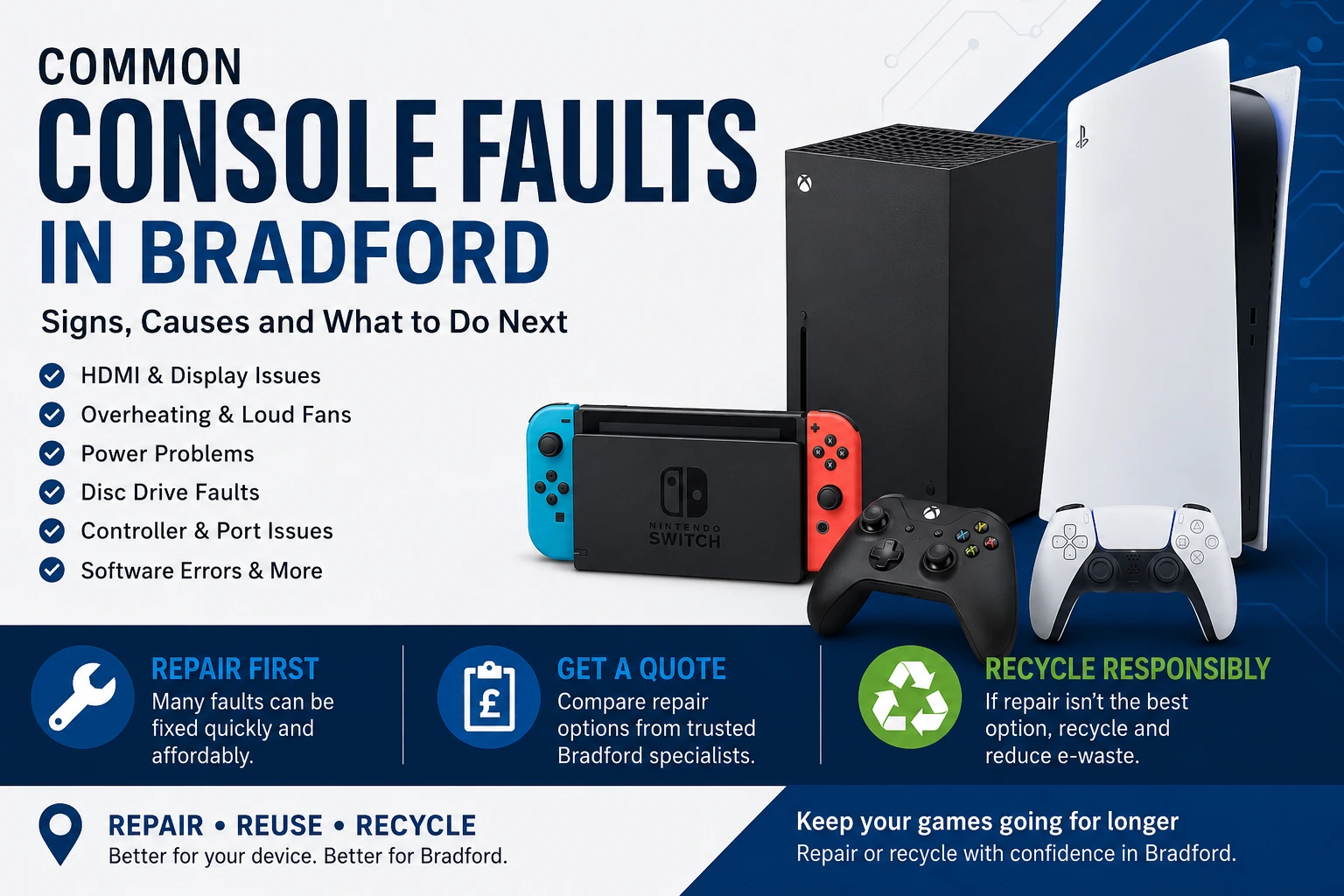
Game consoles are used daily in many Bradford homes, so when a PlayStation, Xbox or Nintendo console stops working, it can quickly become frustrating. The problem may be a faulty HDMI port, overheating, power failure, disc drive fault, noisy fan, damaged charging port, software corruption or a console that simply will not turn on. This guide explains the most common console faults in Bradford, what signs to look for, when repair is the better option, and when recycling may be the most responsible choice.
If your console is still repairable, it is usually worth getting it checked before replacing it. Many faults that look serious can be fixed with the right diagnosis. If the console is beyond economical repair, damaged beyond recovery or not worth keeping, recycling helps keep electronic waste out of general rubbish and may allow useful parts or materials to be recovered responsibly.
Modern consoles are powerful devices. They generate heat, use delicate ports, rely on clean airflow and often run for long gaming sessions. Over time, dust, wear, accidental knocks, liquid exposure and heavy use can create faults. In busy households, consoles may be moved between rooms, connected to different TVs, used by children, placed in tight cabinets or left running for many hours. These everyday habits can increase the risk of damage.
Bradford customers often search for console repairs when the fault appears suddenly. A console may work one evening and then show no display the next day. In other cases, the warning signs build up slowly, such as louder fan noise, random shutdowns, freezing games or slower loading times. Acting early can often prevent a small issue from becoming a more expensive repair.
One of the most common console problems is HDMI port damage. This usually happens when the HDMI cable is pulled, bent, forced in at an angle or knocked while plugged in. A faulty HDMI port can cause a blank screen, flickering image, “no signal” message, distorted display or a console that powers on but does not show anything on the TV.
HDMI faults are common on PlayStation and Xbox consoles because the port is used every time the device is connected to a television or monitor. If the port feels loose, looks bent or only works when the cable is held in a certain position, it should be checked professionally. Forcing the cable can make the damage worse and may affect the circuit board around the port.
For Bradford gamers, a no-display fault does not always mean the console is dead. It may be a repairable port issue, a damaged HDMI retimer chip, a display setting problem or a cable fault. A proper inspection can separate simple connection problems from board-level repairs.
Overheating is another regular issue with consoles. If a console becomes very hot, shuts down during games, shows temperature warnings or sounds much louder than normal, airflow may be restricted. Dust can collect inside the fan, vents and heatsink, reducing cooling performance. Consoles placed inside closed TV units or on carpeted surfaces may also struggle to release heat properly.
A loud fan is often a sign that the console is working harder to stay cool. Ignoring this can lead to random shutdowns, performance issues and possible long-term damage. Cleaning the outside vents may help slightly, but internal dust usually needs careful removal. Opening a console without experience can damage clips, cables, connectors or thermal components, so it is safer to use a repair service.
If your console overheats regularly in Bradford, compare local repair support through the main service page for Bradford games console fault diagnosis and repair options.
A console that does not power on can have several possible causes. It may be a faulty power supply, damaged power socket, internal short circuit, failed motherboard component, power surge damage or liquid-related corrosion. Before assuming the worst, it is worth checking the wall socket, power cable and plug fuse where applicable.
If another working cable does not solve the issue, the console may need inspection. Some power faults are straightforward, while others require board-level testing. A console that shows no lights, no fan movement and no sound should not be repeatedly plugged in and unplugged if there is a chance of internal damage.
Repair can often be cheaper than replacement, especially for newer consoles. However, if the repair cost is close to the value of the device, recycling may be a better route. This is where a repair-first approach helps: diagnose the fault, compare the likely cost, then decide whether repair or recycling makes more sense.
Disc drive issues are still common for users with physical games and Blu-ray discs. Signs include discs not being accepted, discs getting stuck, grinding noises, games not reading, installation errors or the console ejecting discs unexpectedly. Dust, worn drive parts, damaged rollers, failed lasers and mechanical faults can all cause these symptoms.
Some disc problems are caused by scratched or dirty discs, so testing more than one disc is useful. If every disc fails, the console drive is more likely to be the issue. Avoid pushing discs in by force, shaking the console or trying to remove stuck discs with sharp tools, as this can make the repair more difficult.
Digital-only gaming has reduced the need for disc drives for some users, but a faulty drive can still affect resale value and usability. If you use discs regularly, repairing the drive may be worthwhile.
Console problems are not always inside the main unit. Sometimes the issue is linked to controllers, USB ports or charging connections. A console may fail to recognise controllers, stop charging accessories or disconnect randomly. Damaged USB ports can happen when cables are pulled or inserted roughly.
Before booking a repair, test another cable and controller if available. If the same problem happens across multiple accessories, the console port or internal board may need attention. If only one controller fails, the controller itself may be faulty instead.
Bradford customers often repair phones, tablets and consoles at the same time, especially when charging ports or screen damage affect multiple devices in the household. For mobile devices, see Bradford phone repair services for damaged screens, batteries and charging problems.
Not every console fault is physical. Software corruption, failed updates, storage errors and system crashes can stop a console from working properly. Symptoms may include freezing on startup, games crashing, update loops, error codes, slow menus or the console restarting unexpectedly.
Software issues may sometimes be fixed with safe mode tools, system updates or storage checks. However, if the console has important saved data, it is important not to rush into full resets without understanding the risk. Some repair checks can help identify whether the issue is software-based or linked to a failing internal drive.
If a console repeatedly fails updates or cannot install games, the storage drive may be faulty. This is especially common in older consoles that have seen years of use. Replacing storage can improve reliability, but the correct repair depends on the console model and the symptoms.
Liquid damage can be serious because moisture can spread inside the console and create corrosion. Drinks, water, cleaning sprays and damp storage areas can all cause damage. A console affected by liquid may turn off suddenly, fail to power on, show display issues or work briefly before failing again.
If liquid has entered the console, switch it off, unplug it and avoid testing it repeatedly. Powering the device while moisture is present can increase damage. A repair technician can inspect the board, clean affected areas and assess whether repair is possible.
Some liquid-damaged consoles can be repaired, but others become uneconomical depending on the level of corrosion. If repair is not sensible, recycling is the responsible next step.
Repair is usually worth considering when the console is fairly new, the fault is common, the device has valuable saved data, replacement cost is high or the repair cost is clearly lower than buying another console. HDMI ports, overheating faults, disc drive problems, power issues and software errors are all worth checking before replacing the unit.
A repair quote also helps you make a practical decision. Without diagnosis, it is easy to assume a console is beyond repair when the problem may be a replaceable part. For families in Bradford, repair can reduce cost and extend the life of gaming equipment that is still useful.
Quote from Bradford Repair shops
Recycling becomes the better option when the console is badly damaged, too old to justify repair, missing key parts, affected by major board failure or no longer needed. Broken consoles should not be placed in normal household waste because they contain electronic components, metals, plastics and circuit boards that should be handled correctly.
Console recycling can also be useful when clearing old devices from homes, shops, offices, gaming rooms or storage areas. If you have multiple consoles, controllers, cables, phones, tablets or laptops to dispose of, arranging collection can save time and support better e-waste handling.
The best route is not always repair and not always recycling. The right choice depends on the fault, value, age and condition of the console. A repair-first approach gives you the chance to save the device. A recycling option gives you a responsible backup if repair is not worthwhile.
This is especially useful for Bradford customers with several damaged devices. A faulty console may be repaired, while an older broken phone or unusable tablet may be recycled. By linking repair services and recycling options together, customers can make one clear decision instead of leaving unwanted electronics in drawers or cupboards.
Before you request a quote, make a note of the console model, the fault symptoms, when the issue started and whether anything happened before the fault appeared. For example, mention if the console was dropped, moved, exposed to liquid, overheated, updated or connected to a different TV. This helps repair shops understand the likely cause more quickly.
You should also remove any loose discs, back up data where possible and avoid further testing if there are signs of burning smell, liquid damage or power failure. For no-display faults, test another HDMI cable and TV port first. For power faults, test another socket and cable if safe. For overheating, check that the vents are not blocked.
Common console faults can feel stressful, but many issues are repairable with the right inspection. HDMI damage, overheating, disc drive faults, power problems, software errors and USB port failures are all common reasons Bradford customers look for console repair help. Getting a quote before replacing the console can save money and reduce waste.
If the device cannot be repaired economically, recycling is the next best option. It keeps unwanted electronics moving through a more responsible route and helps clear space at home. Whether you need a console repair, phone repair or recycling collection in Bradford, the most practical approach is to compare the fault, the repair value and the recycling option before deciding.

