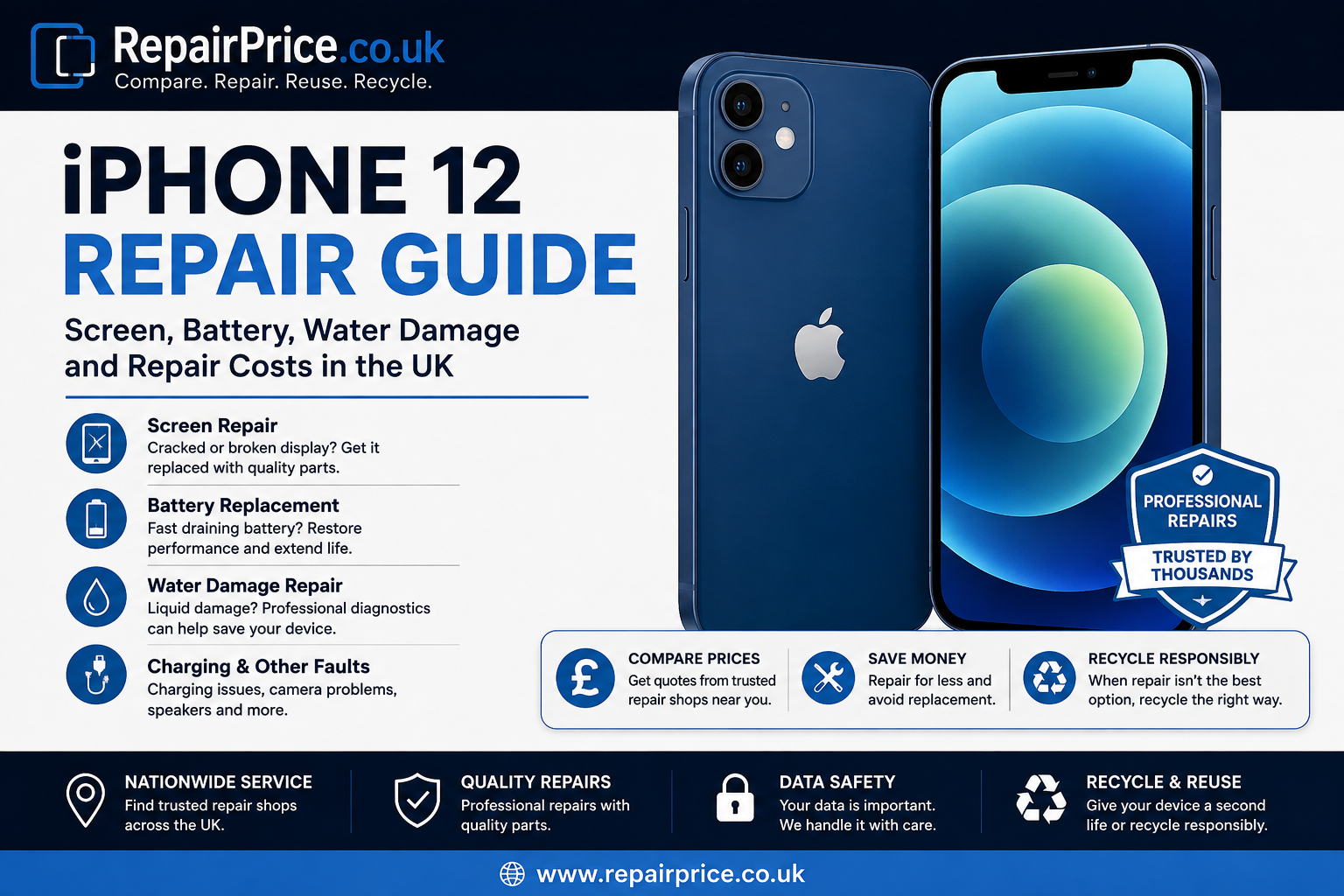
The iPhone 12 remains a popular Apple handset thanks to its OLED display, capable cameras, 5G connectivity and compact design. However, cracked screens, ageing batteries, charging problems, water exposure and accidental damage can make an otherwise useful iPhone frustrating to use. This iPhone 12 repair guide explains the most common faults, what can usually be repaired, when professional diagnostics are worthwhile and when recycling or replacing the phone may make more financial sense.
If your handset has developed a fault, start by checking the dedicated iPhone 12 repair and price comparison page. Comparing repair options before committing to a replacement can help you understand whether fixing your current device offers better value.
RepairPrice.co.uk helps you compare repair options rather than automatically replacing a damaged handset. Describe the problem with your iPhone 12 and request a quote from repair businesses that may be able to diagnose and repair the fault.
Whether an iPhone 12 is worth repairing depends on the fault, the condition of the rest of the handset and the repair cost compared with the value of replacing it. A single damaged component such as a screen or battery does not necessarily mean the entire phone has reached the end of its useful life.
For many owners, repairing an iPhone 12 can be particularly attractive when the handset is otherwise working correctly. If the cameras, motherboard, Face ID, speakers and charging system remain functional, repairing one defective component can extend the useful life of the device and delay the cost of buying another phone.
Before deciding, compare the estimated repair price against the condition and value of your handset through the iPhone 12 service page. This gives you a clearer starting point for deciding between repair, replacement and recycling.
The modular construction of modern smartphones means many common iPhone 12 problems can potentially be repaired without replacing the whole device. The correct repair depends on accurate fault diagnosis because similar symptoms can sometimes have very different causes.
For example, an iPhone that will not charge could have debris inside the charging port, a damaged charging connector, battery failure, liquid-related corrosion or a board-level fault. Likewise, a black screen does not always mean the display itself is broken. A technician may need to test the device before recommending replacement parts.
For a broader overview of available repair options, visit the UK iPhone repair comparison service, where you can explore repair support for different Apple models and common faults.
Screen damage is one of the most common reasons an iPhone 12 needs attention. Damage can range from light cracks in the front glass to severe OLED failure that causes black patches, coloured lines, flickering, touch problems or a completely blank display.
An iPhone 12 may still respond to notifications and sounds even when the display cannot show an image. If the screen has failed after a drop, professional testing can determine whether the problem is limited to the display assembly or whether additional components have been damaged.
Continuing to use badly cracked glass can allow the damage to worsen and may expose internal components to moisture or dirt. Sharp glass edges can also make the phone uncomfortable or unsafe to handle. You can compare typical options through our UK iPhone screen repair cost guide before arranging a repair.
Visible cracking is the most obvious symptom, but display problems are not always physical. You may notice unresponsive sections of the touchscreen, intermittent touch input, green or white lines, flashing, reduced brightness or dark areas spreading underneath the glass.
If the phone has recently been dropped and the screen begins behaving unusually, backing up important information as soon as possible is sensible. Display faults can deteriorate unexpectedly, particularly when the internal OLED panel has been damaged even though the outer glass initially appears usable.
Battery performance naturally declines as an iPhone is repeatedly charged and discharged. An ageing iPhone 12 battery may provide considerably less daily runtime than it did when new, but reduced battery life alone does not necessarily mean the phone needs replacing.
Typical symptoms include rapid battery drain, unexpected shutdowns, inconsistent battery percentage readings, reduced performance or a handset that needs charging several times throughout the day. If your iPhone remains suitable for your needs in every other respect, replacing the battery can be a practical way to extend its lifespan.
Check our iPhone battery replacement price guide to learn more about battery repair considerations before requesting a quotation.
A swollen lithium-ion battery requires more urgent attention. Signs can include the display lifting away from the frame, unusual pressure underneath the screen or the phone no longer sitting flat. Do not intentionally press the display back into position or puncture the battery.
If you suspect swelling, stop unnecessary charging and arrange appropriate professional assessment. Damaged lithium batteries require careful handling and should not be placed into ordinary household waste.
Water resistance should never be treated as a guarantee that an iPhone cannot suffer liquid damage. Age, previous impacts, worn seals and earlier repairs can all affect the handset's resistance to moisture. Liquid can also enter through damaged areas of the device.
Symptoms after water exposure can include charging problems, speaker distortion, camera faults, unexpected restarts, touch problems, overheating or complete loss of power. Corrosion may continue developing internally even when the phone appears to recover immediately after becoming wet.
If your handset has been exposed to liquid and is behaving abnormally, investigate the available options through our iPhone water damage repair cost information.
Avoid repeatedly connecting a charger simply to see whether the device still works. Introducing electrical power while moisture remains inside the handset can increase the risk of additional component damage. If the phone is operating, backing up important information can be useful, provided it can be done safely.
Household techniques such as burying the phone in rice are not substitutes for proper inspection. A professional technician can determine whether moisture has entered the device and whether corrosion or component damage is present.
If your iPhone 12 only charges at a certain angle, charges intermittently or refuses to recognise a cable, the charging connector may require inspection. However, a damaged port is only one possible cause. Cables, adapters, battery problems, accumulated debris and internal circuitry can produce similar symptoms.
Testing known-working accessories before arranging a repair can eliminate simple external causes. Avoid pushing metal objects into the charging port because this can damage delicate contacts or create an electrical short.
An iPhone 12 with a damaged camera may show a black preview, struggle to focus, produce blurred photographs or suffer from excessive vibration. Physical impacts can damage camera modules even when there is little visible external damage to the phone.
Speaker and microphone faults can result in quiet calls, distorted sound or difficulty being heard by other callers. Before assuming a hardware failure, check that protective cases, screen protectors or accumulated dirt are not blocking the relevant openings.
The best decision depends on how much value you still receive from the handset. If the iPhone 12 performs well enough for your everyday needs and only has one repairable fault, keeping it in service can avoid unnecessary replacement costs.
If you are comparing your current device with similar models, review the smaller iPhone 12 mini repair options, the higher-specification iPhone 12 Pro repair page or the newer iPhone 13 repair comparison page. These pages can help if you own more than one Apple device or are deciding whether maintaining an existing phone is worthwhile.
Repair needs are not limited to one region, which is why RepairPrice.co.uk connects repair-related searches across multiple UK locations. Availability, turnaround time and repair pricing can vary between businesses, so comparing local options can be worthwhile.
Customers in central London can explore iPhone repair services around Westminster, while Hampshire users can check Winchester iPhone repair options.
In the West Midlands, our Wolverhampton iPhone repair comparison and Worcester iPhone repair services provide location-specific routes for people looking for nearby repair support.
Further north, users can view iPhone repair options in York. Customers in Somerset can instead explore local iPhone repair services around Bath. Using a location-specific page can make it easier to move from troubleshooting a fault to finding a repair business that serves your area.
Whenever possible, create a current backup before handing a phone over for diagnosis or repair. Many hardware repairs can be performed without altering stored information, but there is always a possibility that a severe hardware fault, software issue or additional damage may affect accessibility.
Important photographs, contacts, documents and account information should therefore be backed up whenever the handset remains operational. You should also ensure you know the credentials needed to access your Apple account before beginning any process that could require device reactivation.
Not every handset should be repaired indefinitely. An iPhone 12 with extensive frame damage, serious motherboard problems, multiple failed components and a damaged display may require enough work that replacement becomes the more practical financial choice.
Before discarding the device, remember that damaged electronics contain materials and components that can potentially be recovered. A non-working iPhone should not automatically be treated as ordinary rubbish.
If repair is no longer economical, the next stage should be responsible reuse or recycling. Start with the device recycling service if you have an unwanted handset that you would like to move out of storage and into an appropriate recovery route.
You can also visit the wider electronics recycling information hub to explore options for other phones, tablets, computers and electronic equipment. Recycling becomes especially relevant when devices are damaged beyond practical repair or are being cleared in larger quantities.
Smartphones contain printed circuit boards populated with processors, connectors and numerous electronic components. These assemblies should be processed through suitable recycling channels rather than disposed of with general household waste.
Businesses and individuals dealing with separated electronic boards can learn more through our circuit board recycling service. This is particularly relevant for repair businesses, dismantlers and organisations that accumulate damaged electronic components.
For anyone researching the recoverable value of phone boards specifically, our scrap mobile phone board recycling price guide explains more about mobile circuit boards and their recycling category.
Extending the working life of an iPhone 12 can make financial and practical sense when the device has a repairable fault. A broken screen, worn battery or charging problem does not automatically mean the entire phone must be replaced.
The sensible process is to identify the fault, compare repair options, consider the overall condition of the device and decide whether the estimated repair represents reasonable value. If it does, repairing the handset can keep a familiar device in use for longer.
If extensive damage makes repair uneconomical, move the device into a responsible recycling route instead. This creates a clear journey from diagnosis to repair and, eventually, material recovery when the handset genuinely reaches the end of its usable life.
Yes, screen damage is commonly repairable. The exact repair required depends on whether the problem affects only the outer glass or whether the OLED display and touchscreen functions have also been damaged.
It can be worthwhile when the phone is otherwise in good condition. Battery replacement may restore practical daily runtime and extend the period before you need to purchase another handset.
Potentially, but successful repair depends on where the liquid entered, how long the device remained exposed and which components have been affected. Internal inspection is often required because corrosion can exist even when external damage is not visible.
Compare the repair quotation with the overall condition and remaining value of the handset. If several expensive components have failed, recycling may provide a more sensible end-of-life route than investing heavily in a device with extensive damage.
Start with the dedicated iPhone 12 page and compare the relevant screen, battery or water-damage service information. You can then request quotations from repair businesses before deciding which repair route provides the most suitable combination of price and service.
A faulty iPhone 12 does not automatically need replacing. Screen damage, deteriorating battery life, charging faults, liquid exposure and many other problems can potentially be diagnosed and repaired. Comparing your options first gives you a better basis for deciding how much to spend on the handset.
Use the iPhone 12 repair comparison page to continue your search, explore the appropriate repair service for your fault and request quotes where suitable. If the device has reached the point where repair no longer represents good value, move it into one of RepairPrice.co.uk's recycling routes rather than leaving it unused or disposing of it incorrectly.

