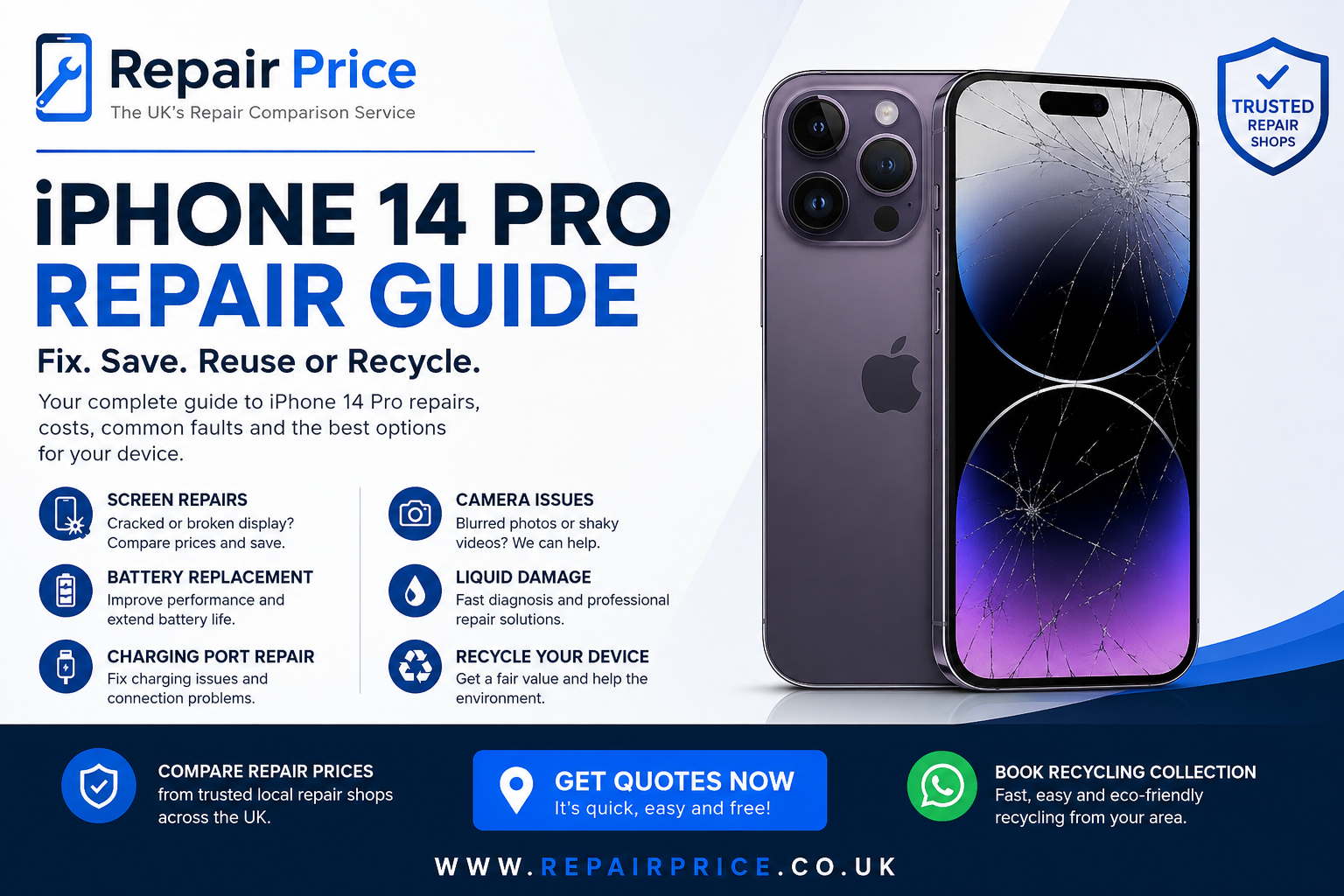
The iPhone 14 Pro remains a powerful premium smartphone, but cracked screens, ageing batteries, charging problems, damaged cameras and accidental liquid exposure can quickly make an otherwise capable device frustrating to use. This iPhone 14 Pro repair guide explains the most common faults, what to check before arranging a repair, how different repair options compare and when recycling or replacing the handset may make better financial sense.
If your phone is already damaged and you want to compare repair options, visit our dedicated iPhone 14 Pro repair comparison page. Repair Price helps you compare repair services rather than assuming that replacing the entire phone is the only option. Getting several repair options can be especially useful for premium devices because screen, battery, charging and camera repair prices can vary considerably between repair businesses.
For many owners, yes. The iPhone 14 Pro is still a high-specification device, so a single damaged component does not automatically mean that the handset should be replaced. If the phone works normally apart from a cracked display, weak battery, faulty charging connection or damaged camera, repairing the individual component can be significantly more economical than purchasing another premium smartphone.
The decision becomes more complicated when several faults are present simultaneously. A phone with a smashed display, degraded battery, damaged rear housing and intermittent charging problem could require multiple repairs. In that situation, compare the combined cost of restoration with the current value of the device. Our wider iPhone repair service comparison can help you explore available repair routes before deciding whether to keep, sell or recycle the handset.
You should also consider the condition of nearby models when making the decision. Owners considering an upgrade can compare repair information for the larger iPhone 14 Pro Max repair options, the standard iPhone 14 repair services, or a newer-generation iPhone 15 Pro repair comparison.
Display damage is one of the most common reasons an iPhone 14 Pro needs professional attention. A hard impact can crack the outer glass, damage the OLED display underneath or affect touch responsiveness. Some phones continue functioning despite extensive cracking, while others develop black sections, coloured lines, flickering or complete display failure.
A screen that still displays an image should not automatically be considered safe to continue using. Cracked glass can worsen over time, allow moisture or debris into the handset and create sharp edges around the damaged area. If touch input becomes unreliable, backing up important data before the display fails completely is sensible whenever the phone is still usable.
Repair prices depend on the type and quality of replacement display, labour involved and whether additional components were damaged during the impact. Our UK iPhone screen replacement cost guide explains the factors that influence screen repair pricing across different iPhone models.
Battery degradation is gradual, which means many users adapt to reduced battery life without immediately realising how much capacity has been lost. Warning signs can include needing to charge several times per day, unexpected shutdowns, unusually rapid percentage drops, excessive heat during normal use or performance issues associated with an ageing battery.
You can check battery information through the iPhone settings, but battery health percentages should be considered alongside real-world behaviour. A handset may become inconvenient before the displayed health figure looks particularly alarming, especially if it is used heavily for navigation, photography, streaming, gaming or business applications.
A battery replacement can extend the useful life of an otherwise healthy handset. Before replacing the entire device because it no longer lasts through the day, review our iPhone battery replacement pricing guide and compare the cost with upgrading.
If your iPhone 14 Pro only charges when the cable is positioned at a particular angle, frequently disconnects, refuses to recognise accessories or does not charge at all, the charging connection requires investigation. However, the port itself is not always the cause.
Compact charging ports can accumulate lint and debris through normal use. Before assuming that a hardware replacement is required, check the cable and power adapter with another compatible device and inspect the port for obvious contamination. Avoid aggressively inserting metal objects into the connector because this can damage internal contacts.
If known-good chargers fail and the port is clean, a technician can determine whether the charging assembly, internal connection, battery or another component is responsible. You can learn more about typical faults and repair pricing through our iPhone charging port repair cost resource.
The iPhone 14 Pro camera system is one of the reasons many owners continue using the handset, but its exposed rear camera area can be vulnerable to impact damage. Symptoms can include blurred photographs, focus problems, shaking images, black camera previews, damaged lens glass or a camera application that behaves inconsistently.
External lens damage does not always mean that the camera module itself needs replacing. Conversely, a camera can appear visually intact while internal stabilisation or focusing components have been damaged by an impact. A proper diagnosis is therefore preferable to replacing parts based purely on appearance.
Liquid damage should be treated differently from ordinary component failure because corrosion can continue developing after the initial incident. A handset may appear to recover and then develop charging, display, microphone, camera or motherboard problems days later.
If your iPhone has been significantly exposed to liquid, avoid repeatedly connecting it to a charger simply to test whether it still works. If possible, power it down and arrange an assessment. The eventual repair decision should depend on which components have been affected and whether corrosion has reached important board-level circuitry.
Repair Price also provides location-specific routes for customers who prefer comparing nearby businesses. Customers in Hampshire can begin with our Winchester iPhone repair comparison, while users in the West Midlands can explore iPhone repair options around Wolverhampton.
If you are closer to Worcestershire, our Worcester iPhone repair listings provide another local route. Comparing nearby businesses can help you evaluate turnaround times, repair methods and pricing before committing your handset to a repair.
Customers in northern England can use our York iPhone repair comparison page to look for suitable services. If you are based in the South West, our Bath iPhone repair directory provides a location-focused starting point.
For customers in one of the UK's largest cities, the Birmingham iPhone repair comparison service can help identify repair options for screen damage, battery deterioration, charging issues and other common faults. Wherever you are located, comparing the full repair requirement is normally more useful than choosing a service purely from a single advertised price.
Before handing your phone to a repair business, back up important information whenever possible. Photos, contacts, authentication details and business data may be difficult or impossible to recover if the handset develops additional problems during diagnosis. You should also understand whether the repairer requires access to the device and whether Find My iPhone needs to be disabled for the particular service.
Ask what type of replacement component will be used, what warranty applies to the repair and whether the quoted price includes labour. Extremely cheap repair prices can look attractive initially, but component quality and warranty support matter if you intend to keep the phone for another year or more.
A useful way to make the repair-versus-replacement decision is to separate the handset's problems into essential and cosmetic faults. A failed display or charging connection prevents normal use and normally deserves immediate attention. Scratches around the frame or minor marks on the housing may not justify additional repair expenditure unless you are restoring the handset for resale.
Next, consider the combined repair cost rather than evaluating each fault separately. A screen replacement might make financial sense on its own. A screen, battery, rear housing and board repair together could change the calculation substantially. Comparing those costs against another handset helps prevent spending more than the phone's realistic remaining value.
Not every damaged iPhone should be repaired. Devices with extensive physical damage, serious motherboard faults, repeated repair history or several expensive failures may be better suited to recycling. Recycling can also be useful when a damaged handset has been sitting unused in a drawer because the owner has already upgraded.
Our device recycling comparison service provides a route for unwanted phones and other electronics. You can also explore the wider electronics recycling information centre for guidance covering devices beyond smartphones.
Before recycling a working or partially working iPhone, remove personal accounts where possible, back up any information you want to retain and follow appropriate data-removal procedures. Devices should not simply be placed in household waste because phones contain electronics, batteries and recoverable materials that require suitable handling.
A phone that cannot be economically restored can still contain useful materials. Printed circuit boards contain a mixture of metals, electronic components and substrates that can be processed through specialist recycling routes rather than discarded.
Businesses, repair companies and organisations handling larger quantities of damaged electronics can learn more from our circuit board recycling service guide. Proper PCB processing is particularly relevant when dealing with batches of non-working phones, stripped electronics or devices that are unsuitable for normal reuse.
For information specifically focused on the potential recycling market for smartphone boards, visit our scrap mobile phone circuit board price guide. The value of electronic scrap varies according to board type, quantity, grading and the materials recoverable from the batch.
Potentially. A broken phone does not necessarily have zero value. A handset with a damaged screen but functioning motherboard may still be suitable for repair, refurbishment, parts recovery or recycling. Even heavily damaged devices can contain reusable components or recyclable electronic material.
This is why it is worth comparing multiple routes before throwing a damaged phone away. First determine whether repair is commercially sensible. If it is not, assess whether the handset can be sold for parts, refurbished professionally or routed into responsible recycling.
Extending the useful life of a phone through a sensible repair can reduce the need to replace a functioning device prematurely. Screen and battery replacements are particularly important because these are faults that can make a phone feel unusable even though most of its internal hardware remains operational.
Repair is not always the environmentally or financially correct answer, however. Continuing to spend money on a device with major structural or electronic failure may simply delay the inevitable. The better approach is to repair devices that have a realistic second life and recycle those that have reached the end of economically practical use.
If your iPhone 14 Pro has one identifiable fault and is otherwise in good condition, comparing repair quotes should normally be the first step. Screen damage, battery degradation and charging faults are common problems that may be resolved without replacing the entire handset.
If the phone has multiple serious faults, request a complete diagnosis before approving individual repairs. Knowing the full cost at the beginning makes it easier to compare restoration against replacement or recycling.
Start with the dedicated iPhone 14 Pro repair page to compare options for your model. If the repair no longer makes financial sense, move the device into an appropriate recycling route instead of leaving it unused or placing it in general waste.
The best solution for a damaged iPhone 14 Pro depends on the type of fault, the overall condition of the handset and the combined cost of restoring it. A cracked display or weak battery may justify repair, while extensive damage involving the display, housing, charging system and motherboard could make recycling or replacement more practical.
Compare repair prices, understand exactly which parts require attention and consider how long you expect to keep the phone afterwards. Repair Price gives you routes into local repair comparisons, model-specific services and responsible recycling so you can choose an option based on the actual condition and value of your iPhone rather than automatically replacing it.

