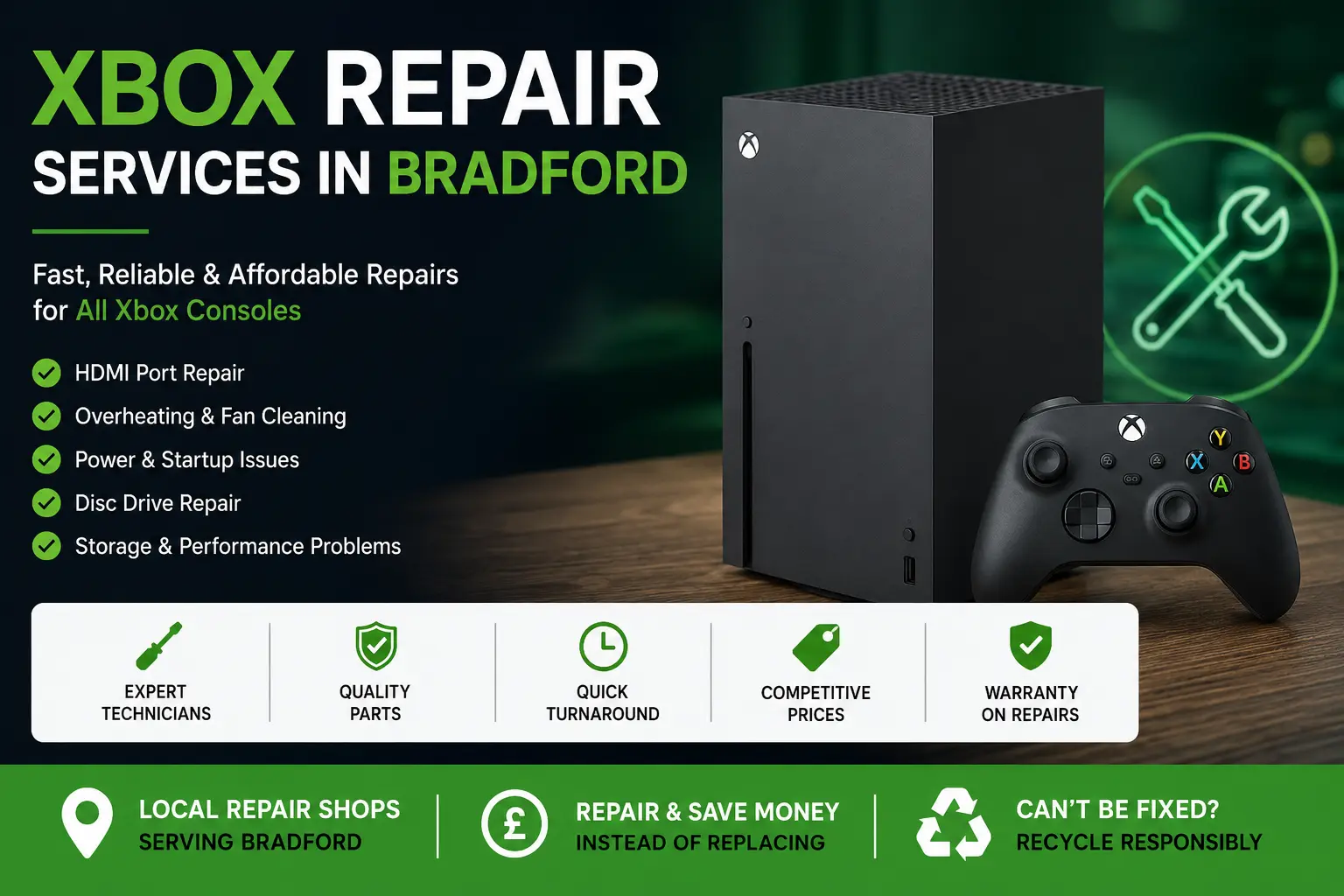
If your Xbox has stopped turning on, keeps overheating, will not display on your TV, or refuses to read games, it can quickly interrupt your gaming, streaming, and entertainment setup. This guide explains the most common Xbox repair issues in Bradford, when repair is usually worth considering, and how RepairPrice helps you request quotes from local repair shops without visiting multiple stores yourself.
Whether you own an Xbox Series X, Xbox Series S, Xbox One, Xbox One S, or Xbox One X, faults can happen through normal use, dust build-up, power issues, liquid exposure, HDMI damage, storage failure, or general wear. Before replacing your console, it is often worth checking whether a Bradford repair shop can inspect it and confirm whether the problem is repairable.
Xbox consoles are built for long gaming sessions, but they still rely on sensitive parts such as HDMI ports, cooling fans, internal power circuits, hard drives, SSD storage, disc drives, WiFi modules, and motherboard components. If one part fails, the whole console may appear completely broken even when the issue is limited to a repairable component.
Many Bradford customers search for Xbox repair services after noticing sudden problems such as no signal on screen, random shutdowns, grinding fan noise, update errors, slow loading, disc reading faults, or a console that powers on briefly and then turns off. These issues can be frustrating, but they do not always mean you need a replacement console.
One of the most common Xbox faults is HDMI port damage. This usually happens when the HDMI cable is pulled, bent, knocked, or repeatedly removed. Signs include a black screen, flickering display, no signal message, distorted picture, or a loose HDMI connection at the back of the console.
Another frequent issue is overheating. Dust can build up inside the console and restrict airflow, especially if the Xbox is kept on carpet, inside a tight TV unit, or close to other warm electronics. Overheating can cause loud fan noise, sudden shutdowns, warning messages, performance drops, or long-term motherboard stress.
Power faults are also common. A console may not turn on, may beep without starting, or may shut down shortly after pressing the power button. This can be linked to the power supply, internal board faults, damaged ports, or previous liquid exposure.
Disc drive problems affect users who still play physical games or Blu-ray discs. If your Xbox refuses to accept discs, makes clicking sounds, ejects discs randomly, or fails to read games, a local repair shop may be able to inspect the drive mechanism and confirm the best option.
Storage problems can cause slow menus, failed updates, corrupted data, game crashes, or consoles stuck on troubleshooting screens. On some models, replacing or repairing storage components may help restore normal use, depending on the condition of the console.
Repair can be a sensible option when the console is otherwise in good condition, the fault is specific, and the repair cost is lower than buying a replacement. For example, HDMI repair, fan cleaning, disc drive repair, and some power-related repairs may be more affordable than purchasing another console.
Replacement may be more suitable if the console has severe motherboard damage, repeated failed repairs, heavy liquid corrosion, or multiple faults at the same time. A repair quote helps you make a clearer decision because you can compare the likely repair cost against the price of a replacement Xbox.
RepairPrice is designed to make that step easier. Instead of guessing the issue or calling several shops individually, you can send your repair request and receive guidance from repair services that handle console faults in and around Bradford.
Compare Bradford console repair options for Xbox, PlayStation, Nintendo and other gaming devices if you want a wider repair page covering more console types.
RepairPrice connects customers with repair shops by helping them submit repair details online. This is useful when you are unsure whether your Xbox needs HDMI repair, internal cleaning, disc drive work, power testing, or a deeper board-level inspection.
You can describe the fault, mention the Xbox model, explain when the problem started, and include any useful details such as error codes, lights, sounds, or previous damage. The more accurate your description, the easier it is for a repair shop to understand the likely issue before inspection.
For Bradford customers, this saves time because you do not need to visit several shops just to ask whether they handle Xbox faults. You can start with one online request and then decide which repair option suits your needs.
Before arranging a repair, try simple checks first. Test a different HDMI cable, try another HDMI port on your TV, restart the console, check the power cable, and make sure the console has enough ventilation. If the problem continues, it is more likely that the fault is inside the console or with one of its main ports.
If your Xbox has liquid damage, avoid repeatedly switching it on. Powering a wet or corroded console can increase the risk of short circuits. It is better to stop using the device and ask for inspection as soon as possible.
If the console is overheating, avoid placing it in enclosed spaces or covering the vents. Continued overheating can cause further damage, especially during long gaming sessions or large game updates.
HDMI faults are one of the main reasons customers look for Xbox repair services. The HDMI port is small but important because it sends video and audio from the console to your TV or monitor. If the port is cracked, loose, bent, or separated from the board, the console may still power on but show no image.
HDMI repair usually requires specialist tools because the port is soldered to the board. This is not a simple cable replacement. A repair shop may need to remove the damaged port, clean the area, check the board pads, and fit a replacement port carefully.
Dust build-up can make an Xbox run hotter than normal. Over time, dust can block vents, coat the fan, and reduce cooling performance. This may cause loud fan noise, shutdowns, or poor performance during demanding games.
A repair shop can inspect the cooling system and clean the internal parts properly. This is different from wiping the outside vents because internal dust can sit deep inside the console. Keeping the console clean and well-ventilated can also help extend its life.
If your Xbox does not start, turns off quickly, or only makes a sound without powering up fully, the issue could be linked to the power supply, internal board, damaged socket, or overheating protection. A proper inspection is important because different power faults can look very similar from the outside.
When describing a power fault, mention whether the console shows any light, makes any sound, displays an error message, or turns off after a few seconds. These details help narrow down the likely cause.
Disc drive faults can affect Xbox One and other disc-based models. You may notice that discs are not pulled in, are not recognised, make unusual sounds, or take a long time to load. In some cases, the issue may be mechanical. In others, it may be linked to the laser, drive board, or internal alignment.
If your console no longer reads discs but digital games still work, it is worth asking whether disc drive repair is possible before replacing the whole console.
Not every console is economical to repair. If your Xbox has serious liquid damage, heavy corrosion, missing components, or a motherboard fault that costs too much to fix, recycling may be the better route. Recycling keeps unwanted electronics away from general waste and helps recover useful materials from circuit boards, cables, metals, and other parts.
RepairPrice also supports recycling routes for unwanted electronics. If your Xbox cannot be repaired, you can still use the recycling option near the top of this page to arrange a Bradford collection enquiry by WhatsApp.
If you also have a broken phone alongside your console, you can review local Bradford phone repair help for screens, batteries, charging ports and mobile faults so multiple device issues can be handled more efficiently.
Local repair quotes are useful because prices can vary depending on the fault, model, part availability, repair complexity, and warranty offered by the repairer. A simple HDMI port issue is different from a motherboard fault, and an overheating clean is different from liquid damage repair.
By requesting a quote first, you can make a more informed choice. You can ask about expected timescales, whether diagnostics are needed, whether parts are available, and whether the repair includes any warranty after completion.
Keep your Xbox on a flat surface with space around the vents. Avoid placing it directly on carpet or inside a closed cabinet during use. Make sure cables are not pulled tightly behind the console, especially the HDMI cable, because strain on the port can lead to damage.
Clean the outside vents regularly, but avoid pushing dust deeper into the console with excessive force. Keep drinks away from your gaming setup, and switch the console off properly before moving it. Small habits can reduce the risk of repeat repairs.
An Xbox fault does not always mean your console is finished. Many common problems, including HDMI damage, overheating, power faults, disc drive issues, and storage errors, may be repairable after inspection. For Bradford customers, RepairPrice helps make the process easier by giving you a route to request repair quotes and compare your options.
If the console is repairable, you may save money compared with buying a replacement. If it is not worth repairing, recycling gives the device a responsible next step instead of leaving it unused at home. Either way, you can make a clearer decision once the fault has been checked by a suitable repair service.

