

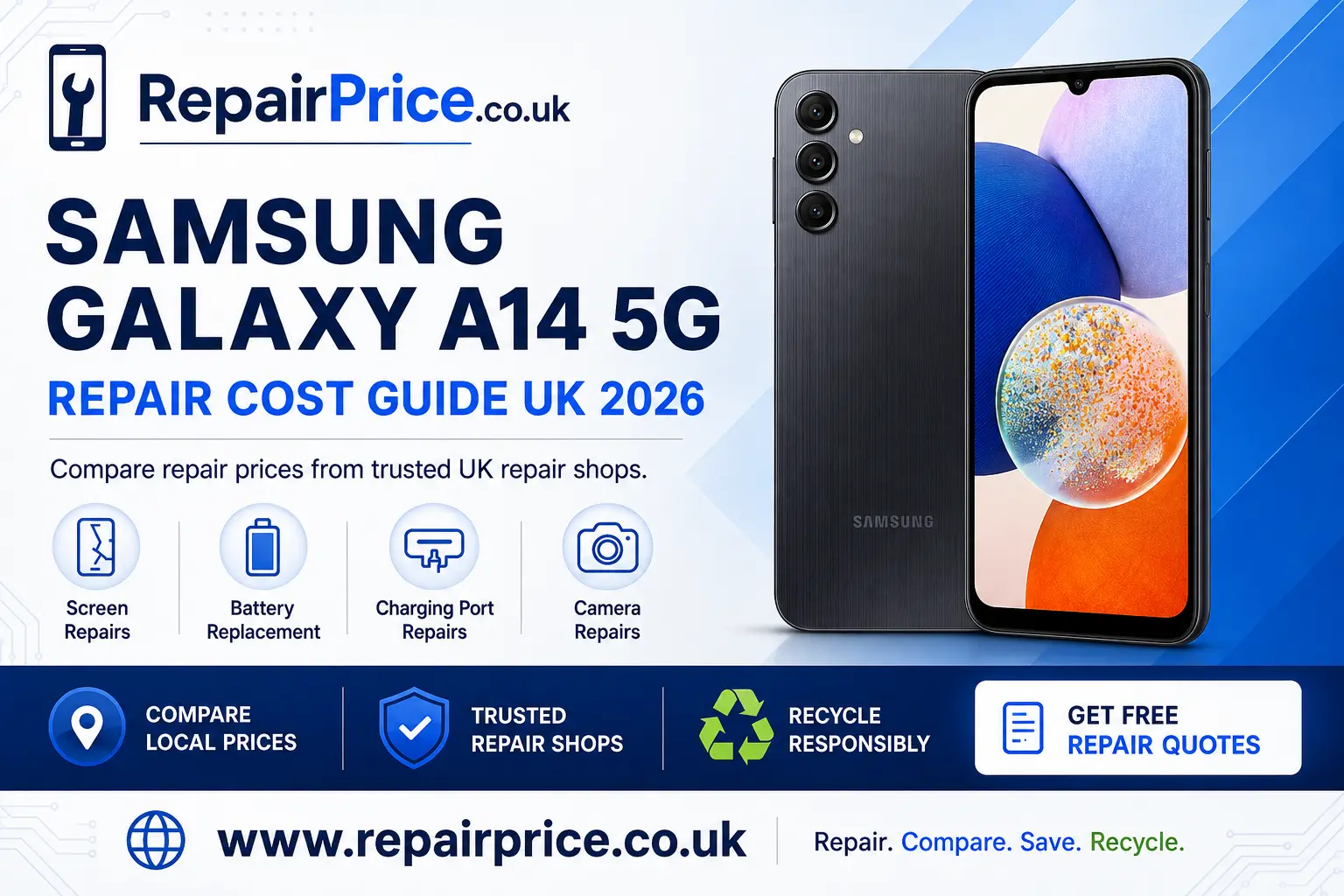
Samsung Galaxy A14 5G Repair Guide: Faults, Repair Options and Recycling
A damaged Samsung Galaxy A14 5G does not necessarily need to be replaced. Problems such as a cracked display, weak battery, unreliable charging connection or faulty camera can often be resolved by replacing the affected component. This guide explains how to identify common faults, compare repair choices and decide whether repairing or recycling your phone offers better value.
Before booking any work, you can compare Samsung Galaxy A14 5G repair prices and available services. Comparing options helps you understand what the repair may involve and prevents you from choosing a replacement phone before checking whether your existing device can be restored.
Book Your Samsung Phone Recycling Collection by WhatsApp
Should You Repair a Samsung Galaxy A14 5G?
Repair is usually worth considering when the phone still meets your everyday needs and the problem is limited to one replaceable part. A broken screen, deteriorated battery, damaged charging port or faulty camera does not automatically mean the entire handset has reached the end of its usable life. Repairing a single fault may allow you to keep your applications, settings and familiar device while avoiding the immediate cost of another phone.
Start by checking the overall condition of the handset. Look for signs of frame damage, liquid exposure, severe overheating or several faults occurring together. A phone with one clearly identified problem is generally easier to assess than a device with extensive physical damage. If the fault is uncertain, describe every symptom when requesting a quotation so the repairer can distinguish between a damaged component, a software problem and a board-level fault.
The decision should also take account of the phone’s condition, expected repair cost and how long you intend to keep it. A sensibly priced repair can be an economical choice when the device is otherwise reliable. If the estimated cost approaches the value of a suitable replacement, recycling may be the more practical route.
Common Samsung Galaxy A14 5G Faults
Galaxy A14 5G owners commonly seek help for damaged screens, declining battery performance, charging difficulties and camera problems. Although these symptoms can appear straightforward, correct diagnosis matters. For example, a phone that does not charge may have compacted debris in the connector, a worn cable, a failed battery or damage to the charging assembly.
A reliable repair quotation should identify the likely cause of the problem, the component that may need replacing and whether further inspection is required. Avoid assuming that the most visible symptom always reveals the underlying fault. A proper assessment can reduce unnecessary component replacements and help you make a better repair-or-recycle decision.
Cracked, Flickering or Unresponsive Display
Screen damage can range from surface cracks to display lines, dark areas, flickering or loss of touch response. Even when the picture remains visible, broken glass can become uncomfortable to use and may allow dust or moisture to enter the handset. If the display is damaged, explore screen repair solutions for the Galaxy A14 5G before deciding to replace the complete phone.
Before handing the device over, ask whether the quoted service covers the complete display assembly and whether the repairer will test brightness, touch sensitivity and screen alignment after installation. If the frame has been bent by an impact, mention this in advance because frame distortion can affect how a replacement display fits.
Rapid Battery Drain or Unexpected Shutdowns
Rechargeable batteries gradually lose performance. Warning signs include a charge that falls unusually quickly, shutdowns at a remaining percentage, excessive heat or a phone that needs charging several times during normal use. Background applications, weak mobile reception and software activity can also increase power consumption, so review battery usage before assuming the component has failed.
If performance remains poor after basic checks, consider a replacement battery service for this Samsung handset. Stop using the phone and seek professional advice if the battery appears swollen, the rear cover begins lifting or the device becomes abnormally hot. A swollen battery should not be pressed, punctured or placed in household waste.
Loose or Intermittent Charging Connection
A charging plug that feels loose, only works at an angle or repeatedly disconnects may indicate contamination or connector damage. Test a compatible cable and power adaptor before booking a repair. The charging opening can also collect compacted pocket debris, but avoid inserting metal tools because they may damage the internal contacts.
When simple checks do not resolve the problem, use a service that can diagnose the Galaxy A14 5G charging fault. Explain whether the phone charges slowly, fails to connect to a computer or does not recognise any cable. These details can help the technician separate a connector problem from a battery, cable or circuit-board issue.
Camera Focus, Lens or Image Problems
Camera faults may produce blurred photographs, focus hunting, dark previews, vibration or an application that closes unexpectedly. Begin by cleaning the outer lens carefully, restarting the phone and checking whether the problem affects every camera mode. If only one camera produces poor results, a particular module may require attention.
For persistent faults, review camera repair options for the Samsung Galaxy A14 5G. Tell the repairer whether the damage followed a drop or liquid exposure and whether the front camera, rear camera or both are affected. Clear information supports a more accurate initial quotation.
Samsung Galaxy A14 5G Repair Price Guide UK 2026
The following estimated prices show what UK customers may pay for common Samsung Galaxy A14 5G repairs. The final cost will depend on the replacement part, severity of the damage, repair provider, location and whether additional faults are discovered. Always request a confirmed quotation before authorising a repair.
| Repair service | Estimated UK price | Common symptoms | Repair option |
|---|---|---|---|
| Screen replacement | £50–£110 | Cracked glass, display lines, black areas or failed touch response | Compare A14 5G display repair options |
| Battery replacement | £39–£69 | Rapid power loss, overheating, swelling or unexpected shutdowns | Find a suitable Galaxy A14 battery service |
| Charging-port repair | £40–£69 | Loose connection, intermittent charging or no cable recognition | Arrange an A14 5G charging-fault assessment |
| Camera repair | £40–£60 | Blurred photographs, failed focus, vibration or a black camera preview | Check Galaxy A14 5G camera repair choices |
| Diagnostic inspection | £0–£30 | Uncertain fault, no power, liquid exposure or several related problems | Request an inspection before approving replacement parts |
Price notice: These are estimated UK guide prices for 2026 and are not fixed offers. Genuine Samsung parts, compatible components, postal services and authorised repairs may have different prices. Confirm parts, labour, VAT, delivery charges and warranty terms with the repair provider.
Galaxy A14 5G Fault-Checking Guide
Use this fault-checking table to identify the most appropriate next step. These checks may help rule out simple accessory or software problems, but the handset should be inspected professionally if it is overheating, swollen, liquid-damaged or physically distorted.
| Phone symptom | Safe initial check | Possible cause | Recommended next step |
|---|---|---|---|
| Cracked glass or failed touch response | Check whether the image and touch controls work across the complete display | Damaged glass, LCD panel, touch layer or display connection | Request a complete screen assessment |
| Battery drains unusually quickly | Review battery usage and close unnecessary background applications | Battery deterioration, software activity or weak mobile reception | Arrange battery testing or replacement |
| Phone does not charge consistently | Test a known compatible cable and power adaptor | Connector debris, damaged cable, failed battery or charging-port fault | Book charging-system diagnostics |
| Camera cannot focus properly | Clean the external lens, restart the phone and test different camera modes | Dirty lens, software error, damaged lens glass or failed camera module | Ask for front or rear camera diagnosis |
| Phone remains completely unresponsive | Connect a compatible charger and note any sound, vibration or display activity | Empty or failed battery, damaged display, charging fault or board-level damage | Request full device diagnostics |
| Phone becomes unusually hot | Disconnect the charger, stop intensive applications and allow the device to cool | Battery damage, charging problem, software activity or internal component fault | Stop using the phone and obtain professional advice |
| Phone was exposed to liquid | Switch it off if safe and avoid charging, heating or repeatedly testing it | Moisture inside connectors, components or the circuit board | Arrange an internal inspection promptly |
What to Check Before Booking a Repair
Back up important photographs, contacts and documents whenever the phone remains usable. Use the handset’s available backup options and confirm that essential information can be accessed from another device. A repair may not normally erase data, but a backup protects you if additional damage is discovered or a reset becomes necessary.
Record the exact model, colour and storage capacity, then describe the fault in plain language. Include when it started, whether it followed an impact or liquid exposure and which troubleshooting steps you have already attempted. Remove the SIM card if requested and make sure you understand any access requirements needed for testing.
Ask the repair provider what is included in the quotation. Useful questions cover parts, labour, diagnostic charges, expected turnaround, post-repair testing and the terms attached to the completed work. If the repairer finds another fault after opening the handset, they should explain the additional work before proceeding.
Do not choose solely on the lowest displayed figure. Compare the scope of the service and the information supplied about the repair. A clear quotation makes it easier to judge value and reduces the likelihood of misunderstandings after the device has been inspected.
Quote from UK Repair Shops
Find Samsung Galaxy A14 5G Repair Services by Location
Local availability can influence turnaround time and whether you can deliver the handset in person. Users in Kent can explore Galaxy A14 5G repair choices serving Canterbury, while customers farther north can check Samsung A14 5G technicians available around Carlisle.
For repair enquiries in Essex, compare Chelmsford services for a damaged Galaxy A14 5G or review local Galaxy A14 5G repair support in Colchester. Explain the fault when making contact so the provider can advise whether inspection is required before confirming a price.
Customers near Cheshire can find repair assistance for the Galaxy A14 5G in Chester. Those on the south coast can consider Chichester repair options for this Samsung model. Location pages can help narrow the search, but you should still confirm current availability, repair scope and turnaround directly with the selected provider.
When Recycling May Be Better Than Repairing
Repair is not always the best outcome. Recycling may be more appropriate when the handset has extensive liquid damage, a severely distorted frame, several failed components or a repair estimate that no longer represents sensible value. A phone that cannot be economically restored may still contain metals, plastics, circuit boards and reusable components that should be handled through an appropriate recycling route.
If the phone is complete but beyond economical repair, learn how to recycle an unwanted or unrepairable Samsung phone. For a broader range of redundant electrical items, visit the UK electronics reuse and recycling service. Keeping old devices out of general household waste helps direct recoverable materials into suitable processing channels.
Before recycling, back up any accessible information, sign out of personal accounts and complete a factory reset when it is safe and possible to do so. Remove the SIM card and any memory card. If the device has a damaged or swollen battery, tell the collection or recycling provider before transporting it because special handling may be necessary.
Mobile Phone Circuit Boards and Material Recovery
A smartphone circuit board contains connectors, chips and recoverable materials, but it should not be dismantled casually. Damaged boards may have sharp edges, attached batteries or components that require specialist handling. Businesses, repair shops and organisations holding quantities of failed devices can use a dedicated route for responsible mobile phone circuit-board recycling.
The potential value of electronic boards varies according to board type, condition, preparation and quantity. Anyone comparing recovery options can consult the mobile phone circuit-board price information before arranging collection or processing. Published information should be treated as guidance until the material has been identified and assessed.
More Samsung Repair Advice
If you are comparing similar budget Samsung devices, you can also read the Galaxy A06 5G repair and recycling guide. Owners of the next A-series model can review the Samsung Galaxy A15 5G fault and repair guide. Linking related guides makes it easier to identify the correct model before requesting a service.
Samsung Galaxy A14 5G Repair Questions
Is a cracked Galaxy A14 5G screen worth repairing?
It may be worth repairing when the phone is otherwise dependable and the quotation is reasonable compared with replacing the handset. Check whether the frame, touch controls and display have also been affected before making the decision.
Will a repair erase the data on my phone?
A component repair does not necessarily require data deletion, but no repair should be treated as risk-free. Back up important information before submitting the device and ask the repair provider about its testing and data-handling procedures.
How can I tell whether the battery needs replacing?
Common warning signs include rapid discharge, unexpected shutdowns, overheating or physical swelling. Software activity can produce similar symptoms, so review battery usage first. Stop using the phone and seek advice promptly if the battery or casing appears swollen.
What should I do if the phone cannot be repaired?
Remove accessible personal data, the SIM card and any memory card, then use a suitable phone or electronics recycling service. Do not place a smartphone or lithium battery in ordinary household waste.