

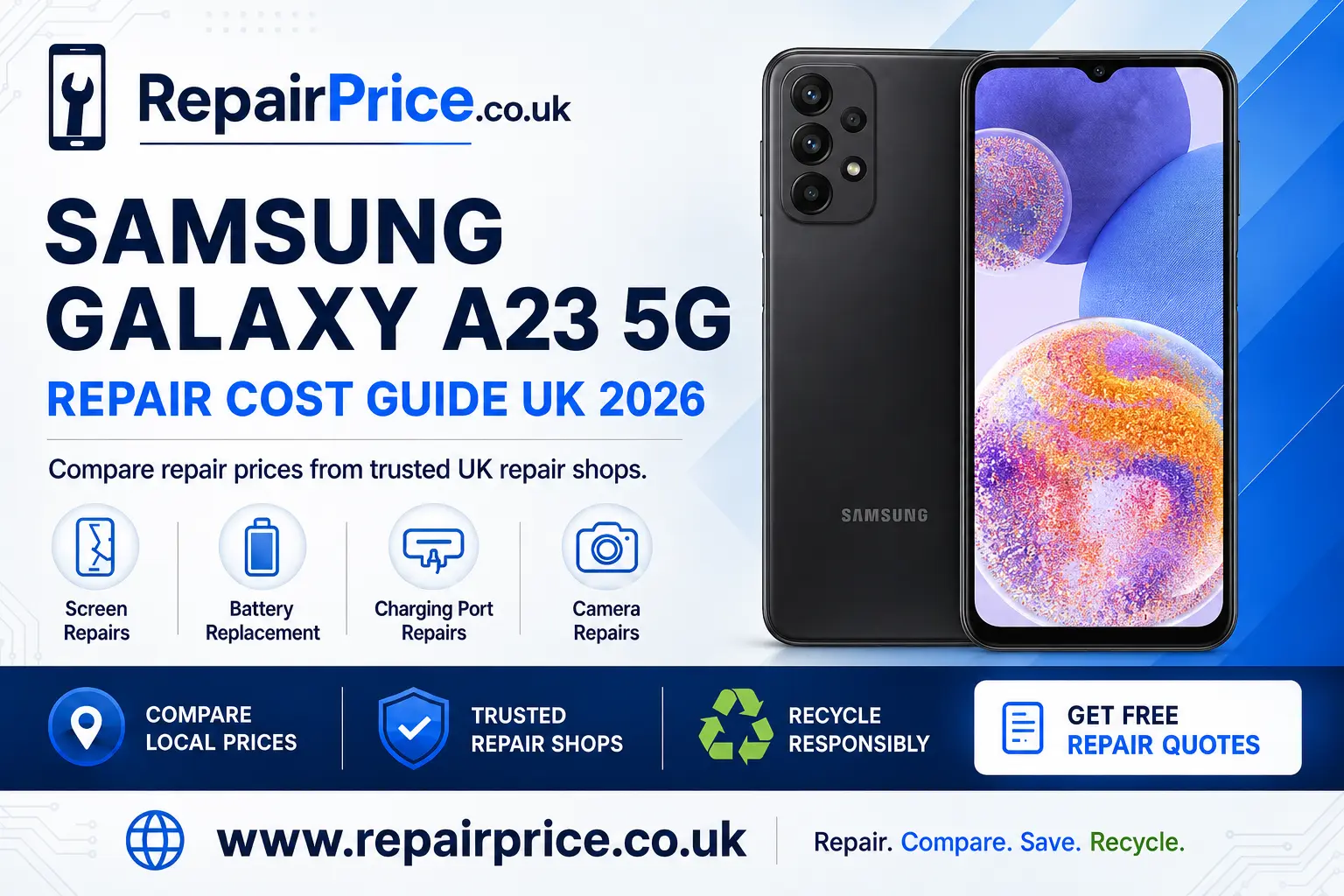
Samsung Galaxy A23 5G Repair Guide: Faults, Repair Options and Recycling
A damaged Samsung Galaxy A23 5G does not necessarily need to be replaced. Problems such as a cracked display, weak battery, unreliable charging port or faulty camera can often be repaired for considerably less than the cost of buying another phone. This guide explains the most common Galaxy A23 5G faults, what to check before arranging a repair and when recycling may be the more practical option.
Before choosing a repair shop, compare the fault, expected repair price, replacement-part quality and warranty offered. You can start by visiting the Samsung Galaxy A23 5G repair price comparison page to review the main repair categories and find an appropriate service for your device.
Book Your UK Phone Recycling Collection on WhatsApp
Is Your Samsung Galaxy A23 5G Worth Repairing?
Repair is often worthwhile when the phone still meets your everyday needs and only one main component has failed. If the handset powers on, connects to a mobile network and has no serious liquid or motherboard damage, replacing the screen, battery, charging connector or camera may extend its useful life without the expense of changing devices.
Consider the overall condition of the phone before approving work. A handset with a broken screen but a healthy battery may be a strong repair candidate. A device with display damage, charging problems, a swollen battery and signs of liquid exposure may require several repairs, making the total cost less attractive. A repair technician should inspect the complete device rather than focusing only on the most visible fault.
Your personal data and setup also have value. Keeping the same phone can avoid the time needed to transfer photographs, authentication applications, messages, contacts and account settings. However, you should still back up important information before handing the phone to a repair shop because some faults can worsen during testing or disassembly.
Samsung Galaxy A23 5G Screen Damage
A cracked screen is one of the most common reasons owners seek help. Damage can range from a small crack in the outer surface to a completely unusable display. Warning signs include black areas, coloured lines, screen flickering, an unresponsive touch layer, random touches or a display that remains dark even though the phone vibrates or makes sounds.
A minor crack should not be ignored. Pressure, moisture and dust can enter through the damaged area, potentially affecting the display assembly or internal components. Continuing to use a severely fractured screen can also result in loose glass and make touch response less dependable.
Visit the dedicated page for Galaxy A23 5G display and touchscreen repair options if the glass, picture or touch controls are damaged. When comparing quotes, ask whether the price covers the complete display assembly, fitting, testing, VAT and the repair warranty.
Checks to Make Before Booking a Screen Repair
Restart the phone if the screen is intact but the touch controls have stopped responding. Remove a damaged or unusually thick screen protector and check whether a case is pressing against the display edges. If the picture appears only intermittently, do not repeatedly bend or press the phone because this may worsen a loose connection or damaged panel.
If you can still operate the device, create a backup and record the screen-lock details required by the technician for post-repair testing. A repair shop may need to test brightness, touch accuracy, proximity sensing, calls and cameras before returning the handset.
Battery Problems and Unexpected Shutdowns
Battery performance gradually declines through regular charging and use. A Galaxy A23 5G battery may need attention if the phone loses power much faster than expected, turns off with charge remaining, becomes unusually warm during simple tasks or only works reliably while connected to a charger.
Not every short battery life problem requires a replacement. High screen brightness, poor mobile signal, background applications, navigation, gaming and software activity can all increase power consumption. Check battery usage in the phone settings and install legitimate system updates before concluding that the battery itself has failed.
If performance remains poor, compare a professional battery replacement for the Samsung A23 5G. Ask whether the replacement battery is new, whether it has been quality tested and what warranty applies to both the component and the fitting work.
Stop using the phone if the back cover begins to lift, the battery appears swollen, a chemical smell is present or the device becomes excessively hot. Do not press the cover back into place, puncture the battery or leave the phone charging unattended. A damaged lithium battery needs careful handling by a suitable repairer or recycler.
Charging-Port and Power Connection Faults
An unreliable charging connection can have several causes. The cable may be damaged, the adapter may be unsuitable, compacted pocket debris may be blocking the connector or the internal port may have become worn. Symptoms include slow charging, charging only at a particular angle, repeated connection sounds or no response when a known working cable is inserted.
Test a different compatible cable and power adapter before booking a repair. Inspect the connector opening under good lighting, but do not push metal tools into it. Pins inside the charging port are delicate, and an attempted home cleaning can turn a simple obstruction into physical connector damage.
If the fault continues, use the specialist page to arrange diagnosis of an A23 5G charging fault. A technician can determine whether the problem is caused by the port, charging-board assembly, battery, cable or another internal circuit.
Camera Faults, Blurred Photographs and Lens Damage
Camera problems can affect the rear cameras, front camera, flash, focusing system or protective lens covering. Common symptoms include permanent blur, shaking while focusing, dark marks in every photograph, an unavailable-camera warning or a camera application that closes unexpectedly.
Begin by cleaning the outer lens carefully with a soft cloth. Restart the handset, test the standard camera application and check whether the problem affects every camera mode. If only one application fails, its permissions or stored data may be responsible. If every application produces the same defect, physical damage is more likely.
For cracked lens glass, focus failure or a camera module that no longer opens, explore repair solutions for Galaxy A23 5G camera problems. Tell the repair shop whether the fault began after an impact, liquid contact or software update because that information can shorten the diagnostic process.
What to Expect From a Professional Repair
A responsible repair process normally starts with fault confirmation and a visual inspection. The shop should explain the likely repair, expected price and any diagnostic charge before beginning chargeable work. After fitting the part, the technician should test the repaired function and any related features that may have been affected during disassembly.
Ask whether the quotation is fixed or subject to inspection. Also check the type of replacement part, the expected turnaround time and the written warranty. The cheapest quote may not represent the best value if it excludes fitting, uses an unsuitable component or provides little support when a problem returns.
Back up your data, remove payment cards from the case and record the device condition before leaving it with a business. You should also remove the SIM card if the repairer does not need it for network testing. Never disclose passwords for unrelated accounts. If an unlock code is required for testing, ask how it will be protected.
Find Galaxy A23 5G Repair Services by Location
Local availability, prices and turnaround times can differ, so comparing services in your area is worthwhile. Owners near Staffordshire can review Galaxy A23 5G technicians serving Lichfield, while customers in Lincolnshire can check Samsung A23 5G repair choices around Lincoln.
If you are based in Merseyside, use the Liverpool comparison page for this Samsung model. Customers in the capital can explore local Galaxy A23 5G repair support across London.
Repair options are also available through the Manchester Samsung A23 5G service listings and the Milton Keynes repair page for A23 5G owners. Compare the complete service rather than choosing solely by distance.
Request a Galaxy A23 5G Quote from Local Repair Shops
Protecting the Phone After Repair
A repaired handset still needs sensible protection. Fit a case with raised edges around the display and camera area, use a correctly fitted screen protector and avoid storing the phone with keys or tools. Keep charging cables away from positions where they may be pulled sideways because repeated strain can damage the connector.
Avoid exposing the phone to steam, rain or cleaning liquids. Previous opening or accidental damage can affect the original seals, so you should not assume that a repaired device retains the same resistance to moisture. If liquid reaches the phone, disconnect it from power and arrange an assessment instead of trying to dry it with heat.
Battery life can be supported by avoiding extreme temperatures and damaged charging accessories. Excessive heat is particularly harmful to lithium batteries. If the phone becomes unusually hot after a repair, disconnect it from the charger and contact the repair provider for advice.
When Recycling Is Better Than Repairing
Repair is not always economical. Recycling may be more appropriate when several major components have failed, the frame is seriously bent, the phone has extensive corrosion or the total quotation approaches the cost of a suitable replacement handset. A recycler may still recover metals, circuit boards and other materials even when the device has no resale value.
Do not place an unwanted phone or loose battery in ordinary household waste. Electronic devices contain materials that should enter an appropriate recovery stream, and damaged batteries can create a fire risk if crushed or punctured during waste processing.
Owners with an end-of-life handset can review the Samsung and other branded phone recycling routes. For a wider range of unwanted electrical equipment, visit the UK electronics recycling collection service.
Before recycling, back up any information you wish to keep, sign out of important accounts and perform a factory reset when the phone remains operational. Remove the SIM card and any memory card. If the screen is unusable or the device will not power on, tell the recycling provider that personal data may still be stored on it and ask about its data-handling process.
Why Mobile Phone Circuit Boards Are Recovered
The printed circuit board is one of the most significant components inside a mobile phone. It connects processors, memory, communications hardware and power-management components. When a device cannot be repaired or reused, specialist treatment can help recover useful materials while keeping electronic waste out of general rubbish.
Businesses, repair shops and organisations handling unusable devices can learn about responsible recycling for mobile phone circuit boards. Anyone comparing different board grades can also consult the mobile PCB price and classification information.
Do not attempt to burn, chemically treat or dismantle circuit boards to recover metals at home. Proper recovery requires controlled equipment, safe processes and suitable waste handling. Keeping complete devices and boards dry, separated and accurately described can make assessment easier for a specialist recycler.
Frequently Asked Questions
How do I decide whether to repair or replace my Galaxy A23 5G?
Compare the complete repair quotation with the phone’s current condition and the cost of a suitable replacement. Repair is usually more attractive when one main component has failed and the rest of the handset remains dependable. Recycling may be better when several costly faults are present.
Should I back up my phone before a repair?
Yes. Most component repairs should not remove your files, but no repair process is entirely risk free. Back up photographs, contacts, documents and authentication information before the appointment whenever the phone is still accessible.
Can a cracked screen continue to work?
It may continue operating, but cracks can spread and allow contaminants to reach the display assembly. Touch response can also fail without warning. Arrange an assessment before the damage becomes more severe.
Does slow charging always mean the port is broken?
No. Slow charging may result from the cable, adapter, debris, battery condition, software activity or temperature. Test compatible accessories first, then seek professional diagnosis if the problem continues.
Can a badly damaged Galaxy A23 5G still be recycled?
In many cases, yes. A non-working phone can still contain reusable parts and recoverable materials. Inform the recycler if the battery is swollen, leaking, hot or physically damaged so it can be handled safely.
Compare Repair Options Before Making a Decision
A prompt diagnosis can prevent a manageable Galaxy A23 5G fault from developing into more expensive damage. Start by identifying the affected component, protect your data and compare quotes that clearly explain parts, labour, testing and warranty terms. If repair remains practical, choosing a suitable specialist may give the phone a useful second life.
If the handset is unsafe, extensively damaged or no longer economical to fix, responsible recycling provides a better route than storing it indefinitely or placing it in household waste. Whether you repair, reuse or recycle, making an informed decision helps you control costs and manage the device more responsibly.