

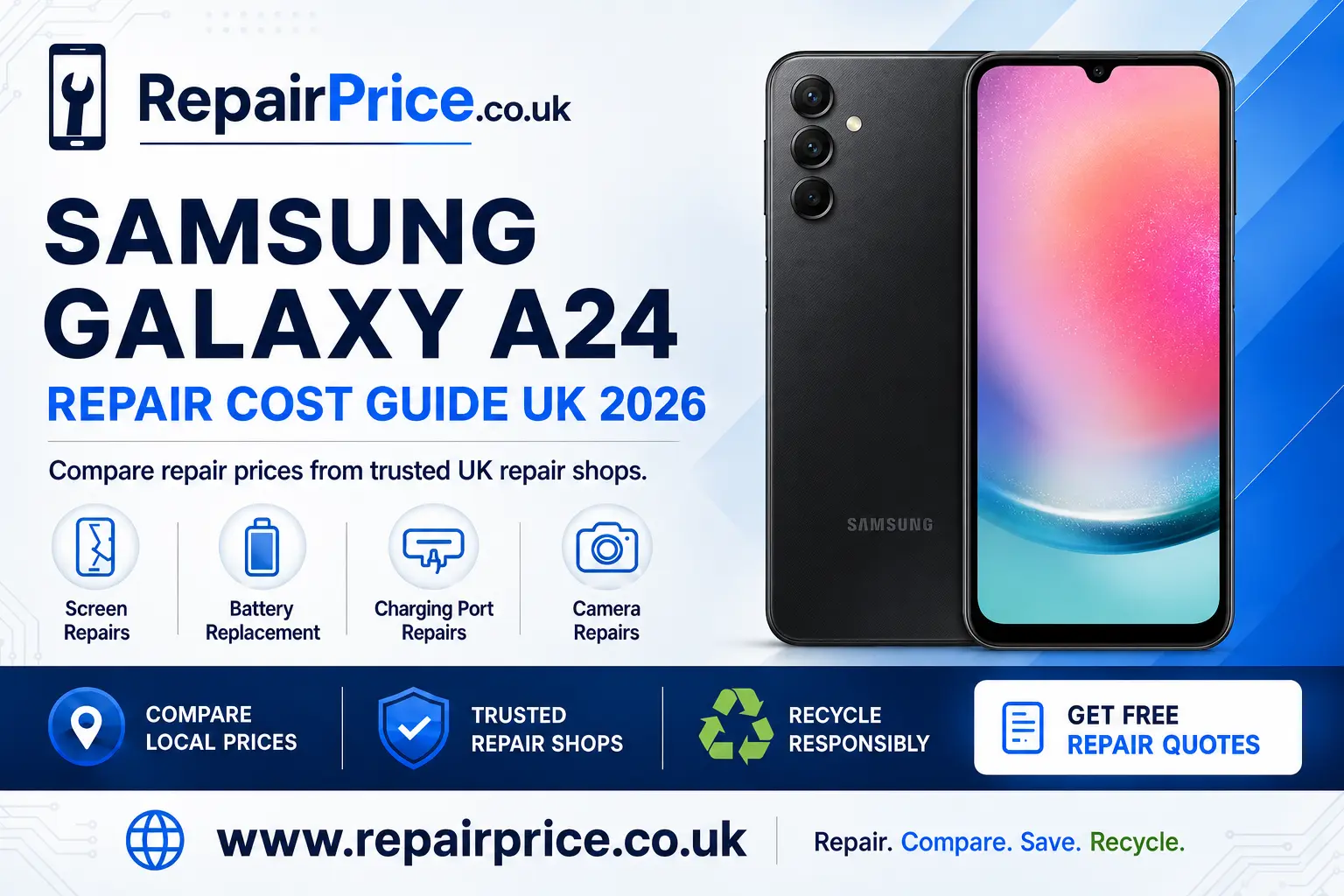
Samsung Galaxy A24 Repair Guide: Faults, Repair Options and Recycling
A damaged Samsung Galaxy A24 does not automatically need to be replaced. Problems such as a cracked display, weak battery, unreliable charging port or faulty camera can often be resolved with a targeted repair. This guide explains the main Galaxy A24 faults, what to check before booking a technician and when recycling may be the more practical choice.
RepairPrice helps you explore suitable services before making a decision. You can start by visiting the page to compare Samsung Galaxy A24 repair prices and options. Comparing the likely repair cost with the phone’s condition and expected remaining life can help you avoid spending money on the wrong solution.
Discuss Your Galaxy A24 Repair or Recycling by WhatsApp
Is Your Samsung Galaxy A24 Worth Repairing?
Whether a repair is worthwhile depends on more than the age of the phone. Consider how well the Galaxy A24 worked before the fault appeared, whether it has suffered liquid damage, the number of parts affected and whether it still meets your everyday needs. A phone that only needs one replacement component can be a much better repair candidate than a handset with extensive frame, screen and circuit-board damage.
Repair is often worth investigating when the phone still powers on, stores important data or has a single identifiable problem. A screen replacement, battery service or charging-port repair may extend its useful life and reduce the need to transfer accounts, photographs and applications to another device.
Before authorising any work, request a clear quotation and ask what the price includes. Check whether labour, replacement parts, diagnostic work and return delivery are included. It is also sensible to ask about the repair warranty and what happens if the technician discovers another fault after opening the phone.
Request a Quote from Local Galaxy A24 Repair Shops
Samsung Galaxy A24 Screen Problems
A cracked screen is one of the most visible Galaxy A24 faults, but impact damage can affect more than the outer glass. You may notice black patches, coloured lines, flickering, reduced brightness or areas that no longer respond to touch. A display can also fail internally while the outer surface appears relatively undamaged.
If the screen is cracked but still usable, back up your data promptly. Damage can spread with pressure, heat or another small impact. Avoid pressing on dark spots or lifting loose glass because this can worsen the display fault and may expose sharp edges.
Users experiencing display damage can review screen repair options for the Samsung Galaxy A24. When comparing quotations, establish whether the proposed work covers the complete display assembly and ask whether fingerprint, touch and brightness functions will be tested after installation.
When Does the Galaxy A24 Battery Need Replacing?
Rechargeable batteries lose capacity through normal use. Warning signs include rapid power loss, unexpected shutdowns, excessive warmth, slow charging or a battery percentage that changes suddenly. Reduced runtime does not always prove that the battery is defective, however. Background applications, poor mobile reception, display brightness and software activity can also increase power consumption.
Restart the handset, install appropriate software updates and check which applications are consuming the most power. If battery performance remains poor during ordinary use, a professional assessment may be appropriate. You can explore a dedicated Galaxy A24 battery replacement service to compare the next steps.
Stop using the phone if the battery appears swollen, the rear cover begins lifting or the handset becomes unusually hot. Do not squeeze, bend or puncture a swollen battery. Keep the device away from heat and arrange professional handling because damaged lithium-ion batteries require careful treatment.
Diagnosing a Charging-Port Fault
A Galaxy A24 that will not charge may have a damaged port, but the cable, power adapter, electrical socket or accumulated debris can produce similar symptoms. Test the phone with a known working compatible charger before assuming that an internal component has failed.
Inspect the port under good lighting. Pocket lint can prevent the connector from seating correctly, but inserting metal objects into the opening can damage the contacts or cause an electrical short. If the plug feels loose, charging repeatedly disconnects or the phone only charges when the cable is held at an angle, it may be time to arrange diagnosis of the Galaxy A24 charging fault.
A technician should distinguish between contamination, a worn connector, damage to the charging assembly and a deeper board-level problem. Accurate diagnosis matters because replacing the port will not resolve a fault caused by the battery, charging circuitry or liquid corrosion.
Galaxy A24 Camera Faults
Camera problems can include blurred photographs, failed focusing, shaking images, a black preview, damaged lens glass or an application that closes unexpectedly. Begin by restarting the phone, cleaning the external lens carefully and testing both the front and rear cameras in more than one application.
If only one camera fails, the problem may be isolated to a particular module. Impact damage can affect focusing hardware even when the lens glass looks intact. Cracked external glass should be addressed promptly because dust and moisture may reach the camera beneath it. For persistent problems, compare Samsung Galaxy A24 camera repair solutions.
What to Do Before Sending Your Phone for Repair
Back up photographs, contacts, messages and other important files whenever the phone remains operational. A routine component repair may not require data removal, but no repair process can guarantee that stored information will remain accessible if the handset has serious hardware or software damage.
Remove the SIM card and memory card unless the repair provider specifically needs them for testing. Record the phone’s condition and note the fault symptoms, when the issue began and whether it followed a drop, liquid exposure or software update. Clear information can shorten diagnosis time and reduce the chance of an intermittent problem being missed.
Protect your privacy by following the technician’s instructions for maintenance mode, account access or screen-lock testing. Do not send unnecessary accessories such as cases, chargers or cables unless they are directly related to the fault. If posting the device, use secure packaging and a tracked service suitable for electronics.
Choosing a Galaxy A24 Repair Service Near You
RepairPrice provides location-focused routes for users who want to compare nearby options. Customers in the North East can investigate Galaxy A24 repair services serving Newcastle upon Tyne.
In East Anglia, users can explore Norwich technicians for Samsung Galaxy A24 faults. Those in the East Midlands can instead review Samsung Galaxy A24 repair choices around Nottingham.
Customers searching in Oxfordshire can visit the guide to local Galaxy A24 repair support in Oxford. Further east, the Peterborough Galaxy A24 repair comparison page can help users consider relevant services.
For customers in Devon, RepairPrice also provides a route to find Samsung Galaxy A24 repair options in Plymouth. Availability, turnaround times and service terms can differ between providers, so request current information before travelling or posting the handset.
Questions to Ask Before Approving a Repair
A lower quotation is not always the best overall value. Ask the repairer to describe the proposed part, the warranty supplied and the tests completed before the handset is returned. The technician should be able to explain the difference between confirmed damage and faults that still require diagnosis.
- Does the quotation include parts, labour and VAT where applicable?
- Will I be contacted before any additional work is completed?
- What warranty applies to the replacement component?
- Will the repaired function be tested before collection or dispatch?
- Is diagnostic or return postage charged if I decline the repair?
- How will my phone and personal data be protected?
Repair, Replace or Recycle?
Repair is usually the first option to investigate when one component has failed and the rest of the phone remains in usable condition. Replacement may be more practical if several expensive parts are damaged, the handset has extensive liquid corrosion or it no longer supports the applications and features you require.
Recycling becomes important when repair is unsafe, technically impractical or poor value. Phones contain batteries, circuit boards, metals, plastics and other materials that should not be placed in household rubbish. Responsible processing helps recover useful materials and reduces the risk associated with incorrect battery disposal.
If your Galaxy A24 cannot be economically restored, learn how to recycle an unrepairable Samsung phone responsibly. You can also use the wider electronics recycling and collection service when you have multiple devices or other unwanted electrical equipment.
What Happens to the Phone’s Circuit Board?
The circuit board is one of the most complex parts of a smartphone. It connects the processor, storage, charging circuitry and other electronic components. A board may become unusable because of liquid corrosion, physical damage, electrical failure or an unsuccessful previous repair.
Even when a damaged board cannot be reused, it should enter an appropriate recovery route. Repair businesses and organisations handling separated components can read about responsible recycling for mobile-phone circuit boards.
The value of circuit-board material depends on factors such as board type, condition, quantity and the processor’s current buying criteria. Businesses should avoid assuming that every board has the same value. Review the latest mobile-phone circuit-board price information before preparing a commercial recycling enquiry.
Protecting Your Galaxy A24 After Repair
A suitable protective case and screen protector can reduce the risk of damage from minor drops and scratches, although no accessory can guarantee complete protection. Avoid placing the phone in a pocket with keys or other hard objects, and do not leave it in direct sunlight or a hot vehicle.
Use compatible charging equipment and replace damaged cables promptly. Repeatedly forcing an incorrectly aligned plug into the charging port can wear the connector. Keep the phone away from liquids and remember that previous damage, ageing seals or repair work may affect its resistance to moisture.
Battery life can be supported by avoiding excessive heat and unnecessary deep discharges. If the phone begins behaving differently after a repair, contact the provider promptly and describe the symptoms rather than continuing to use a device that is overheating, swelling or charging unpredictably.
Frequently Asked Questions
How much does a Samsung Galaxy A24 repair cost?
The cost depends on the failed component, part choice, labour, location and whether additional damage is discovered. A diagnosis and written quotation provide a more reliable answer than a general estimate.
Can a cracked Galaxy A24 screen be repaired?
In many cases, yes. The appropriate repair depends on whether the damage affects only the outer surface or the complete display and touch assembly. A technician should inspect symptoms such as lines, black areas and lost touch response.
Will a repair erase my data?
Many component repairs do not require data deletion, but data cannot be guaranteed when hardware is unstable. Back up important information before handing over the phone whenever possible.
Can a Galaxy A24 with liquid damage be repaired?
It may be repairable, but the result depends on the liquid involved, how far it travelled and how quickly the device was disconnected from power. Do not charge a wet phone. Arrange an assessment because corrosion can continue after the exterior appears dry.
What should I do if the repair costs too much?
Compare the quotation with the phone’s condition, likely remaining life and replacement cost. If repair is not sensible, use a responsible phone or electronics recycling route instead of placing the device in household waste.
Make an Informed Decision About Your Galaxy A24
The best outcome begins with identifying the real fault. Test simple causes safely, protect your data and compare a focused repair with the cost of replacing the handset. A suitable screen, battery, charging-port or camera repair could keep the Galaxy A24 working for longer and reduce avoidable electronic waste.
If the handset has several major faults or cannot be safely restored, move it into an appropriate recycling stream. RepairPrice gives you routes to compare model-specific services, locate relevant repair options and explore responsible recycling when continued use is no longer practical.