

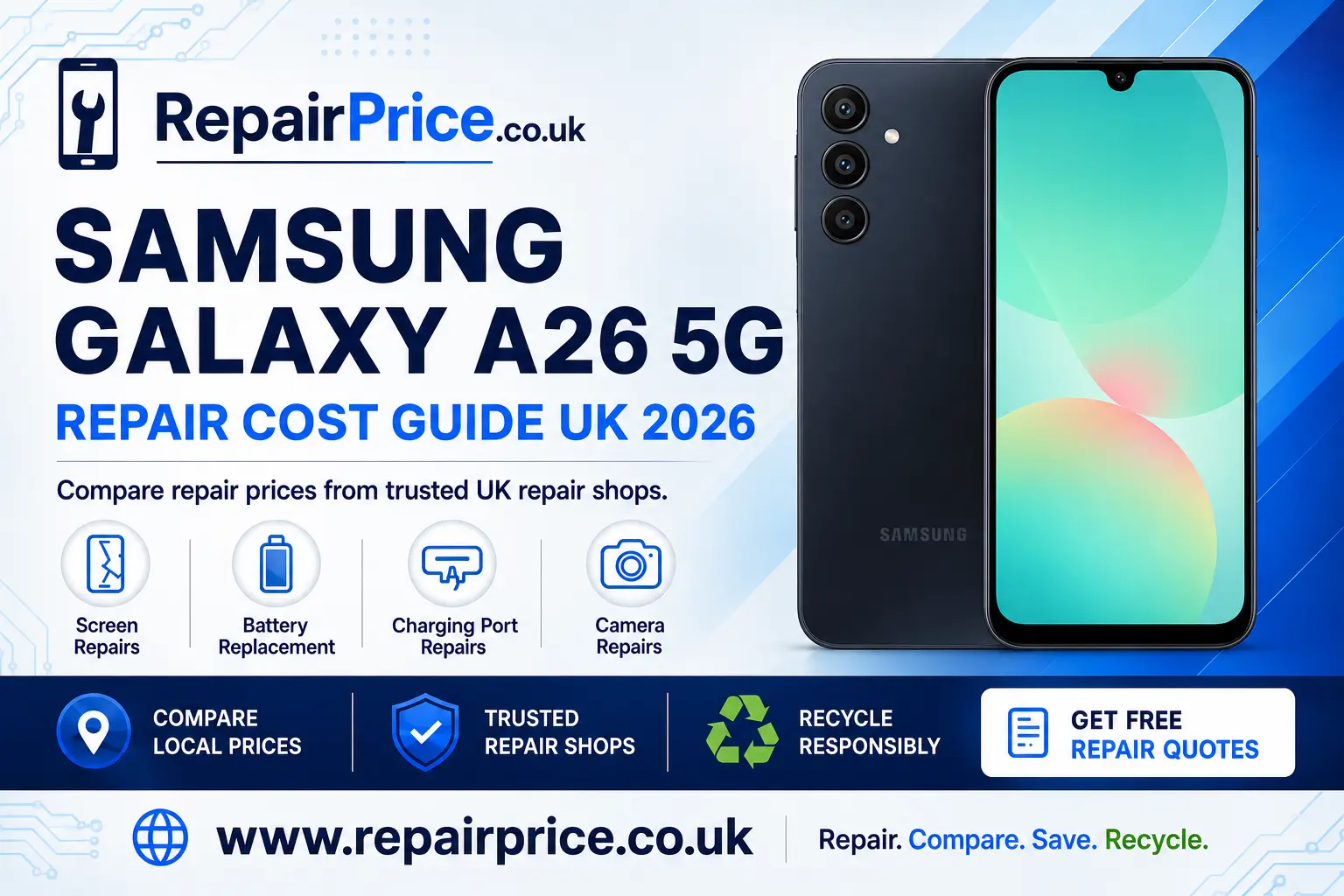
Samsung Galaxy A26 5G Repair Guide: Faults, Costs and Repair Options
A damaged Samsung Galaxy A26 5G does not automatically need to be replaced. Problems such as a cracked display, weak battery, unreliable charging port or faulty camera can often be resolved by an experienced mobile phone technician. Repairing the device may cost considerably less than buying another handset, while also allowing you to keep your existing photographs, applications, contacts and settings.
This guide explains the most common Samsung Galaxy A26 5G faults, what to check before booking a repair and when recycling may be the more practical choice. You can also compare Samsung Galaxy A26 5G repair prices from repair businesses and choose a service suited to the condition of your phone.
Book Your Samsung Phone Recycling Collection by WhatsApp
Is the Samsung Galaxy A26 5G worth repairing?
Whether your Galaxy A26 5G is worth repairing depends on the type of damage, the overall condition of the handset and the quoted repair cost. A single fault on an otherwise dependable phone will often make repair the sensible option. A broken screen, worn battery or obstructed charging port does not necessarily mean the rest of the handset has reached the end of its useful life.
Start by checking whether the phone still powers on, connects to a network and responds normally. Look for additional damage around the frame, rear panel, buttons and camera lenses. If the device has suffered a heavy impact or liquid exposure, ask the repair shop to assess it before authorising a component replacement. This can uncover internal damage that may affect the value of proceeding.
You should also compare the complete repair quote with the price of a suitable replacement phone. A clear quotation should identify the affected component, labour charge, expected turnaround and any warranty supplied with the work. If several expensive components have failed at the same time, recycling the handset may provide a better outcome.
Samsung Galaxy A26 5G screen damage
Screen damage is one of the most visible and disruptive phone faults. A cracked outer surface may initially appear cosmetic, but fractures can spread and make the handset uncomfortable to use. More serious damage can cause unresponsive areas, flickering, discoloured lines, black patches or a completely blank display.
Before booking a replacement, remove any screen protector carefully and check whether the crack is limited to that accessory. Restart the phone if the display remains visible but touch controls have stopped responding. You should not press repeatedly on a damaged panel, because pressure can worsen the fault or expose sharp glass.
If the image, touch layer or glass is damaged, compare display replacement options for the Galaxy A26 5G. Ask whether the quoted service includes the complete display assembly, fitting, testing and a repair warranty. It is also worth confirming whether the replacement part is appropriate for the display quality and functionality you expect.
Battery draining quickly or shutting down
Battery performance naturally declines with charging cycles and everyday use. Signs of a deteriorating battery can include rapid percentage loss, unexpected shutdowns, excessive heat, slow charging or a phone that only works reliably while connected to power. Background applications, poor network reception and high screen brightness can produce similar symptoms, so basic checks should come first.
Review the battery usage information in the phone settings and identify applications consuming unusual amounts of power. Install available system updates, restart the handset and test it with a known compatible charger. If one application is responsible for most of the drain, updating or removing it may solve the problem without a physical repair.
When the battery continues to perform poorly, consider a fresh battery fitting service for your A26 5G. A technician can inspect the device, replace the worn component and check charging behaviour afterwards. Stop using the phone and seek professional advice promptly if the rear cover begins lifting or the battery appears swollen.
Charging-port and connection problems
A Galaxy A26 5G that will not charge may have a damaged port, but the connector is not always responsible. The charging cable, power adapter, wall socket or compacted debris inside the port can all interrupt the connection. Testing these possibilities can help you avoid paying for an unnecessary repair.
Try a compatible cable and adapter that are known to work correctly. Examine the port under good lighting and look for lint or visible damage. Do not push metal tools into the connector, apply liquids or force the plug at an angle. These actions can damage the contacts or create an electrical risk.
If the cable feels loose, charging repeatedly disconnects or the phone is not recognised by a computer, arrange an assessment to diagnose the Galaxy A26 5G charging fault. The technician should establish whether the problem comes from the port, battery, charging circuit or accessory before replacing parts.
Camera faults and damaged lenses
Camera problems can include blurred photographs, failed focusing, shaking images, a black preview or an application that closes unexpectedly. A cracked external lens may allow dust and moisture to reach the camera area, so it should not be ignored even when photographs still appear acceptable.
Clean the lens gently with a suitable microfibre cloth, restart the phone and test more than one camera mode. You can also check that the camera application has the necessary permissions and enough available storage. If only one application is affected, the problem may be software-related rather than a failed camera module.
Persistent focusing problems, impact damage and cracked lens glass normally require professional inspection. You can explore camera repair solutions for the Samsung A26 5G and ask the repairer to test image quality, focus, flash and video recording before returning the handset.
What to do before handing over your phone
Backing up your information is an important precaution before any mobile phone repair. Save photographs, contacts, documents and other essential files to a secure location. Check that the backup has completed successfully rather than assuming everything has transferred.
Remove the SIM card and memory card unless the repairer specifically needs them for testing. Record the handset condition and note its identifying details for your records. If access to the operating system is required, ask the repair business how it protects customer information and whether a temporary access method can be used.
Explain the symptoms clearly, including when the fault started and whether the device was dropped, exposed to liquid or repaired previously. Accurate information can shorten the diagnostic process. Request approval before additional work is performed if the technician discovers another fault during the repair.
How to choose a Samsung phone repair service
Price matters, but it should not be the only factor behind your decision. Compare what is included in each quotation, the experience of the technician, the expected completion time and the warranty terms. An unusually low quote may exclude fitting, use a different part grade or provide limited aftercare.
Ask whether diagnostic work carries a charge and what happens if the phone cannot be repaired. The business should explain the proposed work in understandable language and provide a total price before starting. Keep your receipt and any written warranty information after collecting the device.
RepairPrice helps users review relevant options without assuming every handset needs the same solution. Describe the fault accurately and include details such as touch failure, battery behaviour, charging interruptions or camera symptoms when requesting a quote.
Request Quotes from Local Samsung Repair Shops
Galaxy A26 5G repair options by location
Availability, turnaround times and quoted prices can vary between local repair businesses. Users in Hampshire can review Galaxy A26 5G technicians serving Southampton, while customers in Essex can find Samsung A26 5G repair support around Southend-on-Sea.
People in Hertfordshire can compare local Galaxy A26 5G repair choices in St Albans. In Staffordshire, the dedicated Stoke-on-Trent Samsung A26 5G service page provides a route to relevant repair information.
Customers in the North East can browse Samsung Galaxy A26 5G repair services covering Sunderland. Those in Cornwall can use the Truro Galaxy A26 5G repair comparison page to investigate suitable local options.
When recycling is better than another repair
Repair can extend the useful life of a phone, but it will not be the right answer in every situation. Recycling may be preferable when the handset has extensive liquid damage, a seriously bent frame, repeated circuit faults or several failed components. It may also make sense when the repair cost is close to the price of a dependable replacement.
Do not place an unwanted phone in general household waste. Mobile devices contain metals, electronic components and a lithium-based battery that require controlled handling. Responsible processing can recover useful materials and reduce the amount of electronic waste sent to unsuitable disposal routes.
If your handset is beyond economical repair, learn how to recycle an unrepairable Samsung mobile responsibly. You can also visit the electronics recycling collection service when you have additional phones, computers or other unwanted electrical equipment.
What happens to a recycled mobile phone circuit board?
The printed circuit board is one of the most material-rich parts of a mobile phone. It carries processors, connectors and many smaller electronic components. Specialist recycling processes can separate recoverable materials from parts that require controlled treatment.
Businesses and individuals handling larger quantities of devices can read about responsible recycling for mobile phone circuit boards. If you are assessing separated boards rather than complete handsets, consult the mobile phone PCB price information to understand factors that may influence recycling values.
Before recycling any device, remove account access, complete a secure data backup and perform an appropriate factory reset where possible. Remove SIM and memory cards separately. If the phone cannot be switched on, tell the recycling provider and ask how data-bearing devices are handled.
Repairing versus replacing your Galaxy A26 5G
A successful repair can preserve a familiar handset and avoid the financial and environmental cost of premature replacement. Screen, battery, charging and camera faults are often isolated problems, so obtaining a professional diagnosis is usually worthwhile before making a final decision.
Replacement may be more practical when the phone has several serious faults or cannot meet your ongoing needs. Compare the complete cost of each option, including accessories, data transfer and setup. If you replace the handset, ensure the previous device is reused or recycled through a suitable channel instead of being stored indefinitely.
Samsung Galaxy A26 5G repair questions
How much does a Samsung Galaxy A26 5G repair cost?
The cost depends on the failed component, part quality, labour requirements and the repair provider. A screen replacement will normally be priced differently from battery, charging-port or camera work. Obtain an itemised quotation and confirm what the warranty covers before proceeding.
Can data be recovered from a phone with a broken screen?
Data may still be accessible when the handset powers on and the internal storage remains functional. Recovery becomes more complicated if the phone cannot unlock, has board damage or was exposed to liquid. Avoid repeated power attempts after serious liquid damage and seek specialist advice.
How long should a Galaxy A26 5G repair take?
Turnaround depends on diagnosis, part availability and the repair shop’s workload. Straightforward component replacements may be completed relatively quickly, while liquid damage and circuit-level faults can require additional inspection and testing. Ask for an estimated timeframe when accepting the quotation.
Should I repair a cracked screen if touch still works?
Repair should still be considered because cracks can spread, expose sharp edges and reduce protection against dust or moisture. Continuing to use the phone may turn manageable damage into a more serious display failure.
What should I do if the repair is too expensive?
Compare another detailed quote and consider the phone’s remaining value. If repair is not economical, erase your data where possible and use a responsible phone recycling service. Do not dispose of the handset or its battery with ordinary household rubbish.
Make the right decision for your Samsung Galaxy A26 5G
Begin with a clear diagnosis and compare the total repair cost rather than replacing the handset immediately. A targeted screen, battery, charging-port or camera repair could return an otherwise useful Galaxy A26 5G to reliable service. Review warranty terms, protect your data and choose a repair business that explains the work clearly.
If the damage is too extensive, move from repair to responsible recycling. This ensures the handset, battery and circuit board enter an appropriate recovery route. By comparing both repair and recycling options, you can make a practical decision based on cost, condition and environmental impact.