

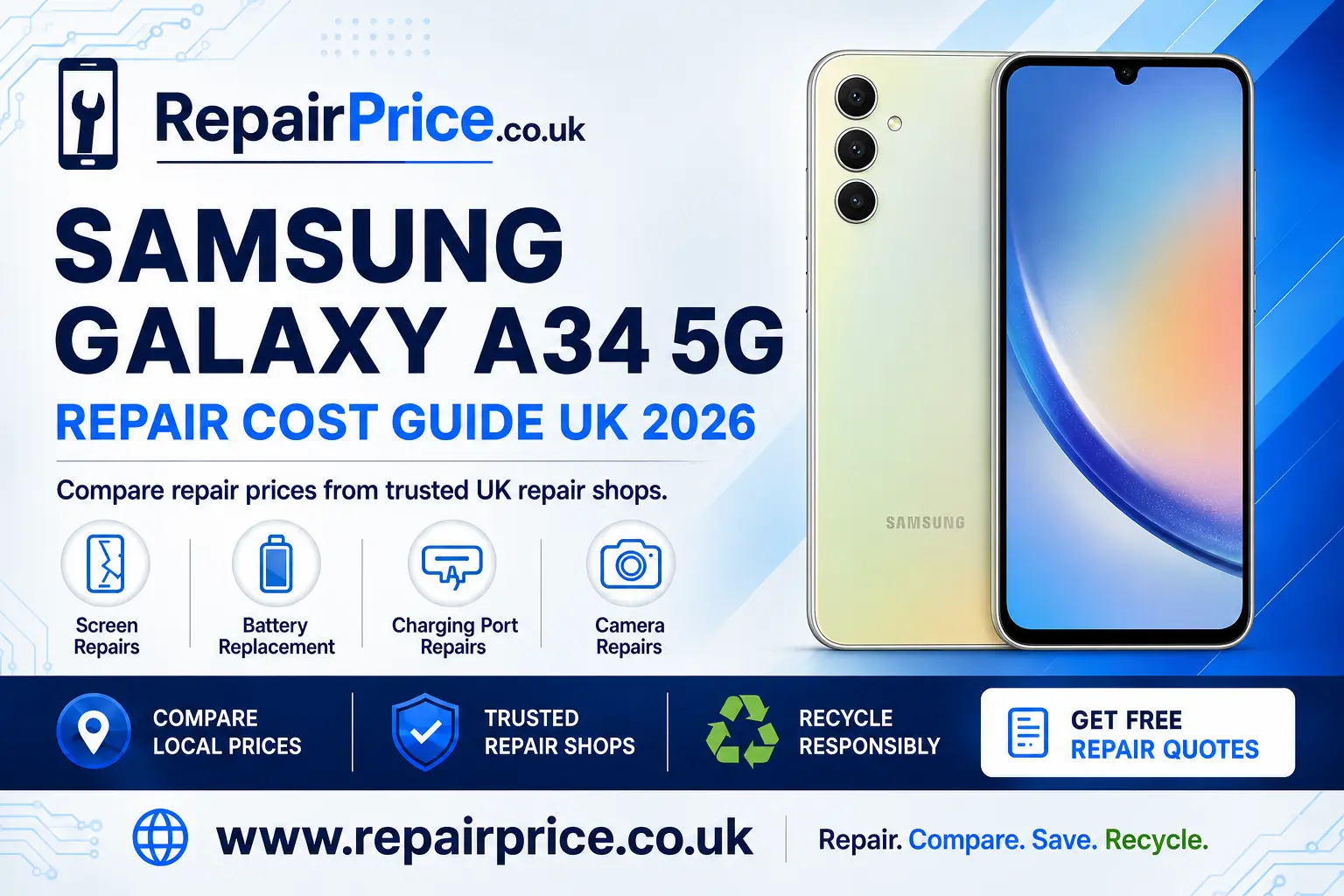
Samsung Galaxy A34 5G Repair Guide: Costs, Faults and Repair Options
A damaged Samsung Galaxy A34 5G does not automatically need replacing. A cracked display, weak battery, unreliable charging connection or faulty camera can often be repaired for considerably less than the cost of buying another phone. The key is to identify the fault accurately, compare the available repair options and decide whether the likely cost makes sense for the condition and value of your handset.
This guide explains the most common Galaxy A34 5G problems, what to check before booking a repair, how professional repair services normally approach each fault and when recycling may be the more practical choice. For a quick starting point, you can compare Samsung Galaxy A34 5G repair prices and services before choosing a repair shop.
Book Your Recycling Collection from UK WhatsApp
Is Your Samsung Galaxy A34 5G Worth Repairing?
For many owners, repairing the Galaxy A34 5G is worthwhile when the handset still meets their daily needs and has only one significant fault. A working phone with a damaged screen or tired battery may have years of useful life left. Repairing it can preserve your photographs, messages, applications and familiar settings while avoiding the time and expense involved in moving to another device.
Consider the overall condition before making a decision. Check whether the phone powers on, connects to Wi-Fi and mobile networks, accepts a charge and operates without random restarts. Look for a bent frame, swelling around the back cover, signs of liquid entry or damage to several components. One isolated problem is generally easier to justify repairing than a combination of display, board and housing damage.
A quotation should make the decision clearer. Ask what part will be fitted, whether labour and VAT are included, how long the repair is expected to take and what warranty applies. A low advertised price is less useful if it excludes fitting or uses a part that does not provide the quality you expect.
Quote from UK Repair Shops
Samsung Galaxy A34 5G Screen Damage
Screen damage is one of the most visible faults. The glass may be cracked while the image still appears normal, or the phone may show coloured lines, black patches, flickering, a blank display or areas that no longer respond to touch. Because the display and touch layer form an integrated assembly, a complete screen unit is commonly replaced even when only the outer glass appears damaged.
Before booking a repair, remove the case and screen protector to make sure neither is interfering with touch response. Restart the phone if the display remains usable, then back up important data. Do not press on dark patches or continue using badly broken glass, as pressure and moisture can worsen the fault. You can review display replacement options for a cracked Galaxy A34 5G and compare what each service includes.
When collecting the repaired handset, inspect brightness and colour consistency, test touch response across the entire screen and confirm that the front camera, earpiece and fingerprint functions behave correctly. Ask the repairer whether any water-resistance testing has been performed. Opening a phone can affect its original seals, so it is sensible to keep a repaired device away from water even when new adhesive has been installed.
Battery Drain, Shutdowns and Power Problems
A battery naturally loses capacity through charge cycles and age. Common warning signs include a much shorter runtime, sudden percentage drops, shutdowns while charge remains, excessive heat during ordinary use or a phone that only stays on when connected to power. Software, mobile signal strength, background applications and high screen brightness can also increase energy consumption, so poor runtime does not always prove that the battery itself has failed.
Check battery usage in the phone settings, install available software updates and remove any recently installed application that appears to consume unusual power. Try a known-good compatible charger and cable. If the back cover is lifting, the phone looks swollen or there is a chemical smell, stop charging and using it. A swollen lithium-ion battery requires prompt professional attention and should not be punctured, pressed flat or placed in household waste.
If troubleshooting does not restore normal runtime, explore a fresh battery fitting service for the Galaxy A34 5G. Confirm that the quote includes the battery, installation, replacement adhesive and post-repair testing. After replacement, normal battery management is more useful than repeatedly draining the phone to zero: avoid unnecessary heat, use a suitable charger and keep software updated.
Charging Port Faults and Slow Charging
An intermittent charging connection can be caused by compacted pocket lint, a worn cable, a damaged plug, moisture, corrosion or a faulty USB-C port. Symptoms include charging only when the cable is held at an angle, slow charging, repeated connection sounds or failure to connect to a computer. Testing another compatible cable and power adapter is an important first step because accessories fail more frequently than many users expect.
Switch the phone off and inspect the port under a bright light. Do not use a metal pin, force the plug or pour cleaning liquid into the connector. If debris cannot be removed safely, a technician can inspect and clean the port without damaging its internal contacts. Persistent problems may require a replacement component or further diagnosis of the charging circuit. Use the dedicated service page to investigate a Galaxy A34 5G USB-C charging fault.
Charging problems accompanied by overheating, a burning smell or visible corrosion should be assessed promptly. Disconnect the charger and avoid repeated testing. These signs can indicate more than ordinary debris and may require board-level inspection before the phone is safe to use again.
Camera Problems, Blurred Images and Broken Lens Glass
Camera faults may appear as blurred photographs, failure to focus, shaking images, a black preview, error messages or visible cracks in the lens cover. Start by cleaning the exterior glass with a soft lint-free cloth and removing any case or accessory that overlaps the camera area. Restart the handset, check for software updates and test both the front and rear cameras in more than one application.
If the glass is cracked, keep the phone away from dust and moisture because contamination can reach the camera beneath it. A camera module, lens cover or related component may need replacement depending on the diagnosis. Compare camera repair solutions for blurred or damaged Galaxy A34 5G photos and describe the exact symptom when requesting a quote. Sample images and a short video can help a technician distinguish a focusing fault from cosmetic lens damage.
How to Prepare the Phone for a Repair
Back up your personal data before handing over the device whenever the screen and controls allow it. Record the phone's condition, remove the SIM card and memory card, and take off accessories unless the repairer asks you to bring them for testing. Make a note of the fault, when it began and any impact or liquid exposure. Honest details can shorten diagnosis and reduce the risk of an incorrect repair.
Ask the shop how it protects customer data and whether it needs the screen lock code. Some functional tests may require access after the repair, but you should understand exactly why access is requested. Use Samsung's available maintenance or repair privacy features where appropriate, and never disclose banking passwords or account credentials. After collection, test calls, speakers, microphones, cameras, charging, Wi-Fi, mobile data and the repaired component before leaving if possible.
Find Galaxy A34 5G Repair Help by City
Choosing a nearby repairer can make inspection, collection and warranty support simpler. Customers in North Yorkshire can search for Galaxy A34 5G technicians serving York, while Somerset owners can view Samsung A34 5G repair choices around Bath. These local pages help narrow a national search to relevant repair services.
In the West Midlands, compare Birmingham repair shops for Samsung Galaxy A34 5G faults. West Yorkshire customers can look for trusted Galaxy A34 5G repair support in Bradford. Always compare the complete quotation, expected turnaround and warranty rather than choosing on headline price alone.
Owners on the south coast can explore local Samsung A34 5G services in Brighton and Hove. In the South West, use the Bristol Galaxy A34 5G repair comparison page to find suitable options. Wherever you are based, provide the full model name and a clear fault description so shops can respond with a more useful estimate.
Repair Quality Questions to Ask Before Booking
A good quotation should identify the repair, the expected part quality and the total charge. Ask whether diagnostic fees apply if you decide not to proceed, whether the quoted price could change after inspection and how the shop handles additional faults. Find out whether your data normally remains on the phone and whether the repair has any effect on water resistance.
The cheapest offer may not provide the best long-term value. Consider the clarity of the warranty, availability of aftercare, quality of communication and the shop's ability to test the device properly. Keep your receipt and written warranty details. If a problem appears after collection, contact the repairer promptly and avoid allowing another shop to open the device before the original provider has had an opportunity to assess it.
When Recycling Is Better Than Repair
Repair should usually be considered first because extending the life of an existing phone reduces demand for another device. Recycling becomes more practical when the handset has extensive liquid damage, a severely bent frame, several failed components or a repair cost that is difficult to justify. A phone that cannot be repaired should still not go into a general household bin.
Before recycling, back up any accessible files, sign out of accounts, remove the SIM and memory cards and perform a factory reset when the phone can be operated safely. If it will not turn on, tell the recycling provider and ask how stored data is handled. You can arrange responsible recycling for an unrepairable Samsung handset or visit the UK device recycling and collection hub to consider wider reuse and disposal routes.
Do not attempt to remove or flatten a swollen battery yourself. Store the phone away from heat and combustible materials while arranging professional guidance. Responsible processing helps keep batteries and electronic components out of unsuitable waste streams and gives recoverable materials a route back into use.
What Happens to the Circuit Board?
A mobile phone circuit board contains connectors, chips and small quantities of recoverable materials. When a device reaches the end of its useful life, specialist processing is needed; boards should not be burned, dismantled without appropriate controls or mixed with ordinary rubbish. Businesses, repair shops and individuals with end-of-life devices can learn about responsible mobile phone circuit-board recycling routes.
Values can vary according to board type, condition, quantity and the processor's grading requirements. Anyone comparing potential returns should consult the latest guide to mobile phone circuit-board price categories rather than assuming every board has the same value. Never dismantle a usable Galaxy A34 5G solely for parts without first comparing the benefits of repair, reuse or resale.
Final Samsung Galaxy A34 5G Repair Checklist
Begin with simple, safe checks and back up the phone. Compare written quotations that explain parts, labour, turnaround and warranty. Select a nearby service that can diagnose the actual fault and test the device after the work. When the repair is complete, check every major function and retain the paperwork.
If repair is not viable, remove personal data where possible and choose a responsible recycling route. This repair-first, recycle-when-necessary approach can save money, extend the handset's useful life and prevent valuable electronic materials from being discarded incorrectly.