

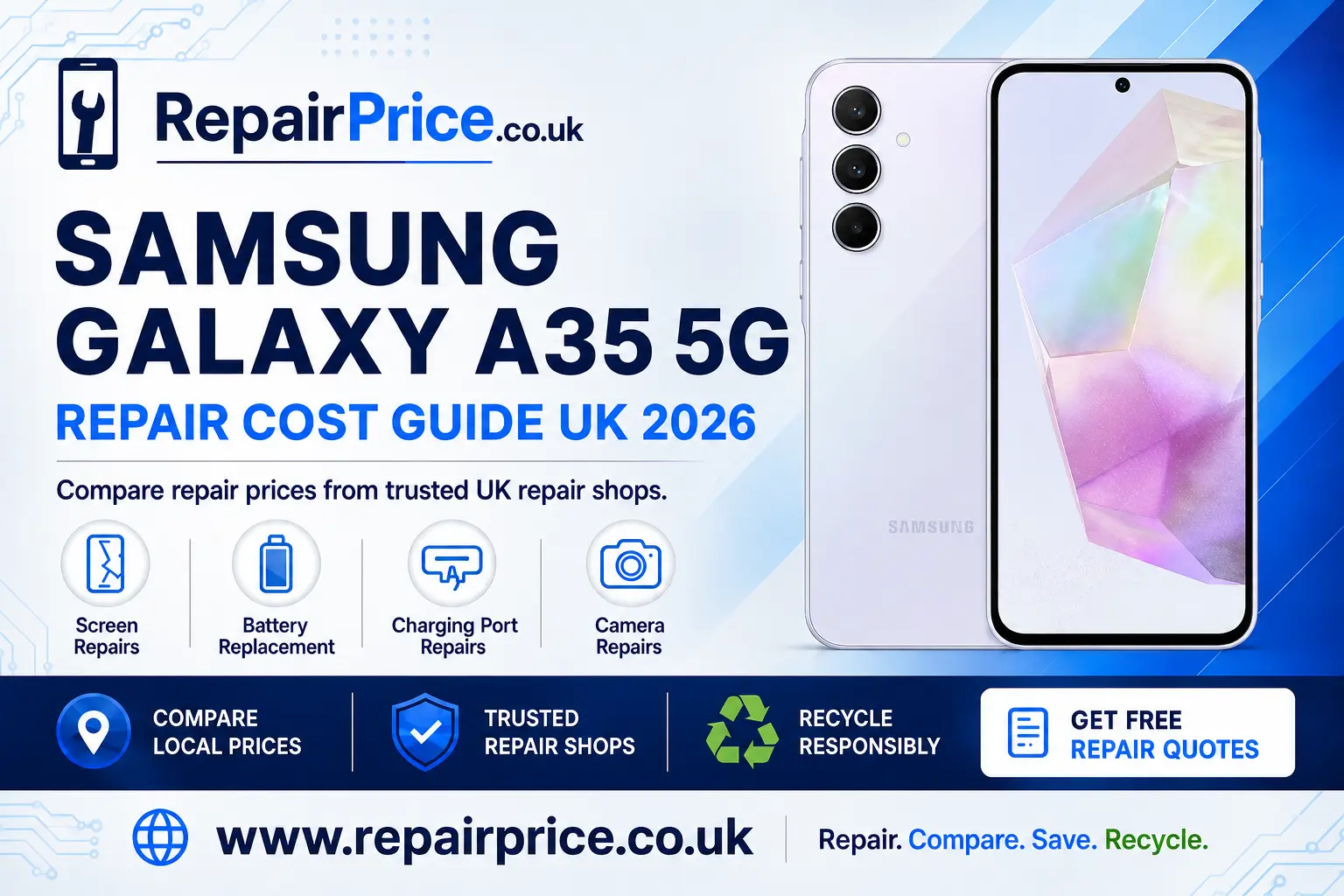
Samsung Galaxy A35 5G Repair Guide: Faults, Repair Options and Recycling
A damaged Samsung Galaxy A35 5G does not always need to be replaced. Problems such as a cracked display, short battery life, an unreliable charging connection or a faulty camera can often be resolved by choosing the correct repair service. This guide explains the most common Galaxy A35 5G faults, how to identify them and when repairing the phone may offer better value than buying another handset.
Before booking any work, you can compare Samsung Galaxy A35 5G repair prices and available solutions. Comparing services can help you understand the likely cost, select an appropriate repair option and avoid replacing a phone that may still have years of useful life remaining.
If you already know that your phone needs professional attention, request a quote from participating repair businesses.
Quote from UK Repair Shops
Is a Samsung Galaxy A35 5G Worth Repairing?
Whether your Galaxy A35 5G is worth repairing depends on the type of damage, the condition of the rest of the handset and the quoted repair price. A phone with a damaged screen but a reliable battery, working cameras and no liquid damage may be an excellent repair candidate. The same applies to a handset that works normally except for a worn battery or blocked charging port.
Repairing can be particularly sensible when your existing phone still meets your everyday needs. Keeping the handset means you do not have to transfer every account immediately, learn a different device or pay the full cost of an upgrade. A successful repair can also protect the value of a phone that you may later sell, trade in or pass to another person.
However, extensive liquid damage, serious motherboard failure or several faults occurring together may make replacement more economical. Ask the repairer for a complete assessment rather than authorising one visible repair without checking the rest of the phone. If the handset cannot be restored economically, responsible recycling is usually preferable to leaving it unused in a drawer or placing it in household waste.
Samsung Galaxy A35 5G Screen Damage
A cracked screen is one of the most obvious Galaxy A35 5G problems. Damage can range from a small fracture in the outer glass to a display that has stopped producing a usable image. Warning signs include black patches, coloured lines, flickering, reduced brightness, ghost touches or areas that no longer respond to your finger.
A protective case or screen protector may help prevent further deterioration temporarily, but it will not repair existing damage. Continuing to press a badly fractured display can make the phone uncomfortable to use and may allow moisture or dirt to enter damaged areas. Back up important information as soon as possible if the touchscreen remains operational.
For a cracked panel, failed touchscreen or damaged image, review the Galaxy A35 5G display replacement options for damaged screens. Ask whether the quoted service includes the complete display assembly, labour, testing and any applicable repair warranty.
Checks to Make Before Booking a Screen Repair
Restart the phone and remove any case or screen protector that may be pressing against the display. If the picture is visible but touch control is unreliable, test different sections of the screen carefully. Where possible, record the symptoms so the repairer understands whether the fault is intermittent or permanent.
If the phone was dropped into water or exposed to significant moisture, mention this before the repair begins. Replacing the display alone may not solve corrosion or internal damage. A technician may need to inspect the device before confirming the final repair.
Battery Drain, Overheating and Unexpected Shutdowns
Battery performance naturally changes as a phone is repeatedly charged and discharged. A Galaxy A35 5G battery fault may appear as rapid percentage loss, unexpected shutdowns, slow charging or a handset that only remains switched on while connected to power. Poor signal strength, high screen brightness, background applications and intensive gaming can also increase power use, so battery drain does not automatically prove that the battery is defective.
Start by checking battery usage in the phone settings. Look for applications consuming an unusually high percentage of power and install available software updates. Restart the device and observe whether it continues to lose charge quickly during light use. If performance remains poor after software and usage checks, a professional battery assessment may be appropriate.
You can explore a replacement battery service for a tired Galaxy A35 5G. A fresh battery can be a cost-effective way to improve everyday reliability when the display, cameras and internal electronics are still in good condition.
Stop using the phone if the battery appears swollen, the rear cover begins lifting or the handset becomes abnormally hot without a clear reason. Do not press the casing back into position or attempt to puncture the battery. Switch the device off, disconnect it from charging and seek professional advice.
Galaxy A35 5G Not Charging Correctly
Charging problems can be caused by more than a damaged port. The cable, power adapter, electrical socket, compacted dust, moisture detection or software can all affect charging. Testing these possibilities first may prevent an unnecessary repair.
Try a compatible cable and charger that are known to work with another device. Inspect the charging opening under good light, but avoid inserting metal tools or forcing objects into it. Restart the handset and check whether the connection remains stable when the cable is left untouched. If charging repeatedly starts and stops, the connector may be loose, contaminated or internally damaged.
When basic checks do not solve the problem, use the dedicated service page to diagnose an unreliable Galaxy A35 5G charging connection. A repairer can determine whether the fault involves the port, charging components or another internal issue.
Camera Focus, Lens and Image Problems
Camera faults may produce blurred photographs, focus errors, shaking images, a black preview or an application that closes unexpectedly. A scratched or broken external lens can also reduce image quality, particularly in bright light. Before arranging a repair, clean the camera glass with a soft cloth, restart the phone and test both the front and rear cameras in more than one application.
Remove magnetic accessories or cases that may interfere with normal camera operation. Install available updates and check that the camera application has the permissions it needs. If the problem began immediately after an impact, physical damage is more likely and professional inspection may be required.
For persistent focusing faults, damaged lens glass or a camera that will not start, compare camera repair solutions for the Samsung Galaxy A35 5G. Explain which camera is affected and whether the fault appeared after a drop, moisture exposure or software update.
Repair Services for the Galaxy A35 5G in Your Area
Repair availability, turnaround times and prices can vary between locations. A nearby technician may offer a convenient appointment, while another repair business may provide a postal option or a different warranty. Compare the complete service rather than selecting a repair solely because it has the lowest advertised price.
Customers in Cambridgeshire can discover Samsung Galaxy A35 5G repair choices available around Cambridge. Before travelling, confirm the required part is available and ask whether advance booking is needed.
For customers in Kent, the Canterbury guide to local Galaxy A35 5G repairs can help connect the handset fault with a suitable service.
If you are based in Cumbria, compare Galaxy A35 5G repair support from Carlisle businesses. Give the repairer an accurate description of the fault so that the initial quote is based on the correct service.
Owners in Essex can review Chelmsford repair services for a faulty Samsung A35 5G. Ask whether diagnostic testing is included when the source of the problem is unclear.
Customers in Cheshire can search for Samsung A35 5G technicians serving Chester. If a fast turnaround matters, confirm the estimated completion time before leaving or posting the device.
For repairs in West Sussex, explore Chichester options for restoring a Galaxy A35 5G. Comparing several providers can help you evaluate price, convenience, parts and warranty cover together.
Questions to Ask a Repair Business
A clear quote should explain what work is proposed and what is included in the price. Ask whether the replacement part, fitting, testing and VAT are included. You should also find out how long the repair is expected to take and what happens if testing uncovers an additional fault.
Useful questions include whether your data will normally remain on the phone, whether you should remove the SIM card and whether the repair comes with written warranty terms. Ask the technician to contact you before carrying out work that would increase the agreed cost.
Water resistance should not be assumed after a device has been opened or physically damaged. Ask the provider what sealing process is used and what protection, if any, can be guaranteed following the repair.
Prepare Your Phone Before It Is Repaired
Back up photographs, contacts, messages and other important files whenever the phone remains usable. Repairs do not always erase data, but a backup protects you if the handset has a more serious fault than expected. Follow the repairer’s instructions about removing security locks or enabling a maintenance mode for testing.
Remove the SIM card, memory card and case unless the business asks you to leave them with the device. Take photographs showing the handset’s condition and keep a copy of the quotation or booking confirmation. For a postal repair, use protective packaging and a tracked delivery service.
Repair or Recycle: How to Decide
Repair is generally worth considering when one main component has failed and the rest of the handset works properly. Recycling becomes more relevant when the phone has extensive internal damage, several expensive faults or no realistic path back to dependable use.
If the phone is beyond economical repair, you can recycle an unusable Samsung handset through a phone-focused route. Recycling helps direct batteries, metals, circuit boards and other components into appropriate recovery or processing channels.
For additional device categories and collection information, visit the Repair Price electronics recycling service. Do not place a phone or lithium battery in general household waste, where it may create safety and environmental risks.
What Happens to a Mobile Phone Circuit Board?
The circuit board is one of the most complex parts of a smartphone. It carries processors, connectors and many small electronic components. When a Galaxy A35 5G cannot be repaired or reused, specialist treatment may allow useful materials from its electronics to be recovered.
Businesses, repair shops and organisations dealing with damaged handsets can learn about responsible recycling for mobile phone circuit boards. Complete devices should not be dismantled by inexperienced users because batteries, broken glass and delicate components can present hazards.
Organisations assessing separated boards can also consult the mobile phone circuit-board price and grading information. Values may vary according to board type, condition, quantity and the recycler’s current acceptance criteria.
Book Your Samsung Recycling Collection by WhatsApp
Frequently Asked Questions
Can a cracked Samsung Galaxy A35 5G screen be repaired?
In many cases, yes. The correct repair depends on whether only the outer surface is marked or the display and touchscreen are also damaged. A technician can inspect the phone and identify the appropriate replacement.
Will a repair erase my photographs and files?
Many component repairs do not require data to be erased, but this cannot be guaranteed for every fault or service. Back up your important information before handing over the handset whenever possible.
Why does my Galaxy A35 5G charge slowly?
Slow charging may be caused by the cable, adapter, electrical supply, debris in the connector, software activity, temperature or a hardware fault. Test compatible accessories before arranging a charging-port inspection.
Should I repair an older phone or buy a replacement?
Compare the complete repair quote with the handset’s condition and expected future use. A single affordable repair may extend its working life considerably, while multiple major faults may make recycling and replacement more practical.
Can a Galaxy A35 5G with liquid damage be repaired?
It may be possible, but the outcome depends on the liquid involved, how far it travelled and whether corrosion has developed. Switch the phone off, avoid charging it and arrange an assessment promptly.
Choose the Next Step for Your Galaxy A35 5G
Begin with the fault that most affects your use of the phone. Compare the relevant screen, battery, charging or camera service, describe the symptoms clearly and request a complete quotation. If the device can be repaired at a sensible cost, restoring it may extend its useful life and delay the expense of replacement.
If repair is unsafe, technically impractical or poor value, move the handset into an appropriate recycling route. Whether you repair or recycle, taking action is better than allowing a damaged Galaxy A35 5G to deteriorate unused. Repair Price helps you compare the available pathways so that you can make a more informed decision for your phone, budget and circumstances.