

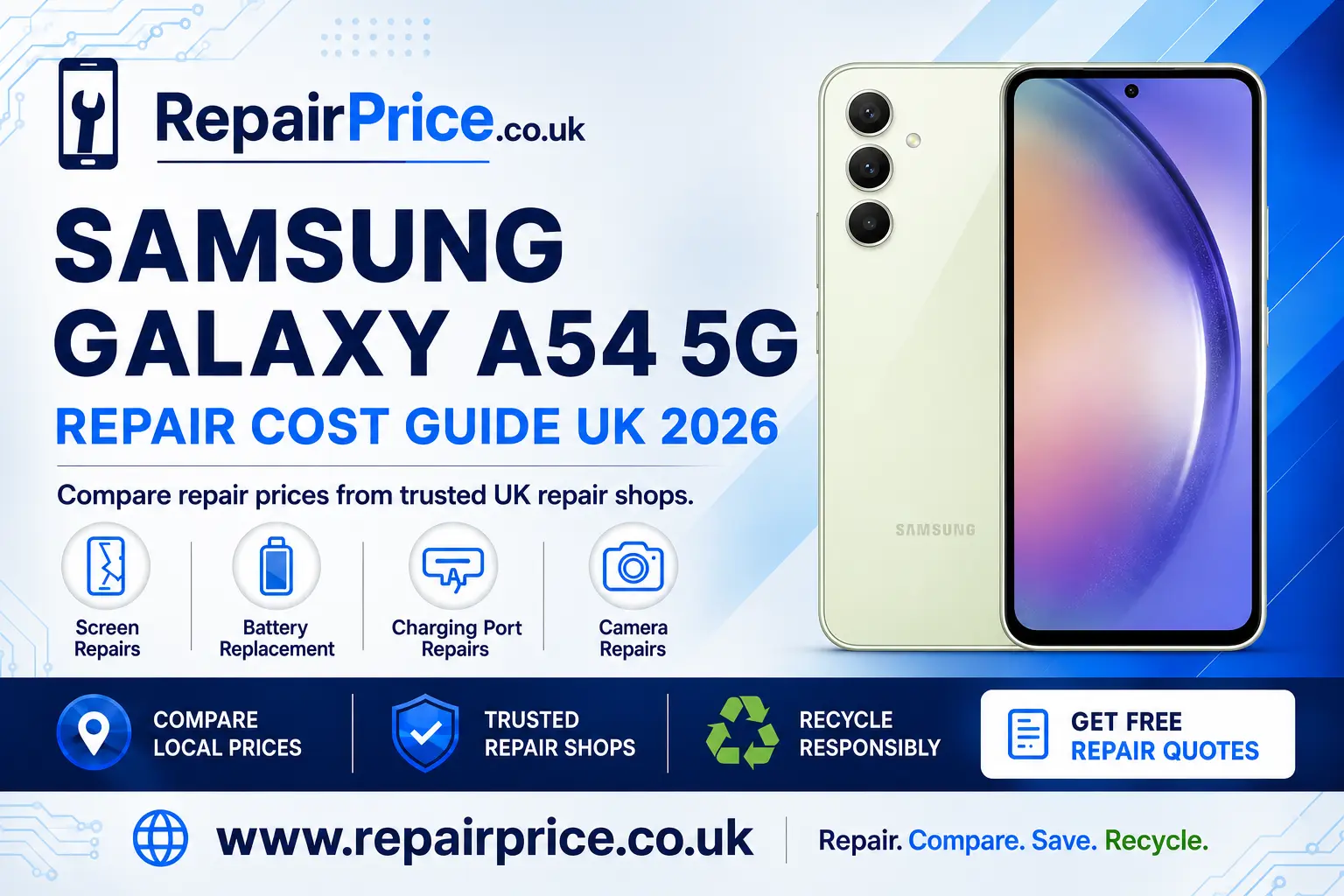
Samsung Galaxy A54 5G Repair Guide: Faults, Repair Options and Recycling
A damaged Samsung Galaxy A54 5G does not always need to be replaced. Problems such as a cracked display, weak battery, unreliable charging port or faulty camera can often be repaired, allowing you to keep the phone and avoid the cost of buying another device. This guide explains the most common Galaxy A54 5G faults, how to identify them and when a professional repair is the sensible next step.
Before booking work, you can compare Samsung Galaxy A54 5G repair prices and available solutions. Comparing services helps you understand your options before choosing between repair, replacement and responsible recycling.
Book Your Samsung Galaxy A54 5G Repair or Recycling Collection on WhatsApp
Is the Samsung Galaxy A54 5G Worth Repairing?
In many cases, repairing a Galaxy A54 5G is more economical than replacing it. The phone includes a 6.4-inch Super AMOLED display, 5G connectivity, a 5,000mAh battery and a versatile camera system. If the handset still meets your everyday needs, correcting one isolated fault can extend its usable life considerably.
The decision depends on the type of damage, the general condition of the phone and whether it has suffered internal liquid or impact damage. A handset with a cracked screen but no other faults is usually a stronger repair candidate than one with extensive corrosion, a bent frame and motherboard problems.
You should also consider the information stored on the device. Repairing an existing phone can be more convenient than transferring applications, photographs, authentication tools and account settings to a replacement. Back up accessible data before any repair whenever possible, because no repair process can guarantee the preservation of locally stored information.
Common Samsung Galaxy A54 5G Problems
The Galaxy A54 5G can develop faults through accidental drops, repeated charging, battery ageing, exposure to moisture or ordinary wear. Some symptoms have more than one possible cause, so an accurate diagnosis matters. For example, a phone that does not charge could have a contaminated connector, damaged cable, worn charging port, defective battery or board-level power fault.
A repair specialist can inspect the device and separate a straightforward component failure from a more complicated internal problem. This reduces the risk of paying for an unnecessary part or attempting a home repair that causes additional damage.
Samsung Galaxy A54 5G Screen Damage
A cracked display is one of the most visible Galaxy A54 5G faults. The phone may continue working after a minor crack, but damaged glass can become sharp and allow dust or moisture to reach vulnerable areas. Cracks can also spread when the handset is carried in a pocket or exposed to temperature changes.
Screen damage is not limited to broken glass. Other symptoms include green or white lines, black patches, flickering, reduced brightness, ghost touches and areas that no longer respond. If the phone rings or vibrates but displays no usable picture, the display assembly or its connection may have failed.
Explore display replacement options for a damaged Galaxy A54 5G if the image, glass or touchscreen has been affected. Before handing over the phone, ask whether the quoted service covers the full display assembly, labour, testing and any applicable repair warranty.
Battery Drain, Overheating and Unexpected Shutdowns
Rechargeable batteries lose capacity as they age. A Galaxy A54 5G battery may need attention if the percentage falls rapidly, the phone shuts down before reaching zero, charging takes much longer than expected or the device needs to be recharged several times per day.
Heavy applications, weak mobile signal, high screen brightness and background activity can also increase power consumption. Before assuming the battery is defective, restart the phone, install available software updates, review battery usage and remove applications that are consuming unusual amounts of power.
Physical swelling requires immediate caution. Stop using and charging the phone if the back cover is lifting, the screen is separating from the frame or the handset has developed an unusual bulge. Do not press a swollen battery back into place or puncture it. Instead, arrange a safe Galaxy A54 5G battery replacement assessment.
Charging Port and USB-C Faults
A Galaxy A54 5G that charges intermittently, only works at a certain cable angle or repeatedly disconnects from a computer may have a USB-C port problem. Pocket lint and compacted debris can prevent the cable from seating correctly, while moisture, worn contacts and repeated sideways pressure can damage the connector.
Test the phone with a compatible cable and power adaptor that are known to work. Inspect the port under good lighting, but avoid metal tools, liquids and excessive force. If the connection remains loose or the phone shows no charging response, use a professional service to diagnose the Galaxy A54 5G charging fault.
A technician should establish whether the port itself has failed or whether the issue involves the battery, charging circuitry or motherboard. Correct diagnosis is especially important when the handset has previously been exposed to liquid.
Camera Focus, Lens and Image Problems
Camera faults can include blurred photographs, shaking previews, focus failure, a black camera screen or visible damage to the rear lens covering. First clean the external lens gently, restart the phone and test the front and rear cameras in more than one application. This can help distinguish a software problem from a failed camera module.
If photographs remain unclear or the camera application continues to fail, consider a dedicated Samsung A54 5G camera inspection and repair. Prompt attention to broken lens glass can help reduce the amount of dust and moisture reaching the internal camera components.
What to Do After Liquid Exposure
Although the Galaxy A54 5G was manufactured with water-resistance features, that protection can diminish through age, impacts, previous repairs and deterioration of seals. Water resistance should not be treated as a permanent guarantee against liquid damage.
If the phone becomes wet, disconnect the charging cable, switch it off if this can be done safely and remove the case. Do not charge the handset, heat it with a hairdryer or place it in rice. Rice does not remove internal contamination and particles can enter the charging port.
Professional inspection is advisable when liquid may have entered the device. Corrosion can continue after the exterior appears dry, so a phone that initially works may develop charging, display, audio or motherboard problems later.
How to Prepare the Phone for Repair
Back up photographs, contacts, messages and important files before the appointment whenever the device remains usable. Record the handset’s condition, remove the SIM card if requested and make sure you know the relevant account credentials. The repair provider may also ask you to disable security features temporarily so the completed repair can be tested.
Describe the fault precisely, including when it began, whether the phone was dropped or exposed to moisture and which troubleshooting steps have already been attempted. Ask for a written quotation showing the expected work, parts, labour and warranty terms. If an additional fault is found during inspection, request approval before extra work begins.
Quote from Local Samsung Galaxy A54 5G Repair Shops
Find Galaxy A54 5G Repair Services Near You
RepairPrice helps users explore relevant repair routes in different parts of the UK. Availability, turnaround time and collection arrangements can vary between repair businesses, so check the details of the selected provider before booking.
Customers in the East Midlands can investigate Galaxy A54 5G repair services available around Leicester. This location page provides a focused route for users looking for local help with display, battery, charging and camera faults.
If you are based in Staffordshire, review Samsung A54 5G repair choices serving Lichfield. Explain the symptoms clearly when requesting a quotation so the repairer can assess whether preliminary diagnostic work may be required.
For customers in Lincolnshire, compare local Galaxy A54 5G repair support in Lincoln. Ask whether appointments, postal repairs or collection services are available and confirm the expected turnaround before sending the phone.
Merseyside users can search for Samsung Galaxy A54 5G technicians serving Liverpool. Comparing the full service rather than selecting on price alone can help you account for parts, testing, communication and warranty cover.
Customers in the capital can explore Galaxy A54 5G repair options across London. Because travel and collection arrangements differ across the city, confirm the repair location and booking process in advance.
In Greater Manchester, use the dedicated page for Samsung A54 5G repair services around Manchester. Provide the model name and exact fault when making an enquiry, particularly if the device has multiple symptoms.
Questions to Ask Before Booking a Repair
Ask whether diagnostic work is included in the quoted amount and whether any inspection charge applies if you decide not to continue. Confirm what type of replacement part will be fitted, whether the repair includes functional testing and how long the repair warranty lasts.
You should also ask how unexpected faults are handled. A good approval process means the repairer contacts you before completing work outside the agreed quotation. Keep the receipt and any written warranty information after collecting the device.
Following a screen or frame repair, do not assume the original level of water resistance has been retained unless the provider gives a specific written assurance. Treat the repaired handset carefully and protect it with a suitable case and screen protector.
Repair or Recycle: How to Decide
Repair is generally worth considering when the fault is isolated, the phone is otherwise reliable and the estimated cost is reasonable compared with replacement. Recycling may be the more practical route when the handset has extensive motherboard damage, severe corrosion, a badly distorted frame or several expensive faults.
If repair is not viable, do not place the Galaxy A54 5G in household rubbish. Phones contain batteries, metals, plastics and electronic components that require controlled processing. Use the Samsung and other branded phone recycling service to explore a responsible route for unwanted devices.
You can also visit the electronics recycling and collection hub when you have additional devices or mixed electronic items to clear. Businesses and households should remove accessible personal information, sign out of accounts and perform an appropriate factory reset before collection or transfer.
Why Mobile Phone Circuit Boards Matter
The circuit board is one of the most important parts of a smartphone. It connects processors, memory, power-management components and communications hardware. When a Galaxy A54 5G cannot be repaired or reused, specialist processing can recover value from components and materials while keeping electronic waste away from unsuitable disposal routes.
Organisations, repair shops and recyclers handling damaged handsets can learn about responsible recycling for mobile phone circuit boards. Batteries should be handled separately and safely, particularly when they are swollen, punctured or heat damaged.
Material condition, board type, quantity and market conditions can affect recycling values. Review the mobile phone circuit-board price information before arranging a larger commercial load. Any displayed values should be treated as guidance until the material has been assessed by the relevant buyer or recycler.
How to Extend the Life of a Repaired Galaxy A54 5G
Use a protective case with raised edges and fit a suitable screen protector. Avoid bending or twisting the charging cable while it is connected, and keep the USB-C port free from dust. Charge the device in a ventilated area using compatible equipment, and stop using accessories that become unusually hot or fail to connect securely.
Install security and system updates when available, remove applications you no longer use and maintain a regular backup routine. Avoid leaving the phone in direct sunlight, inside a hot vehicle or exposed to freezing conditions. Excessive heat can accelerate battery wear and affect other internal components.
Check the device after a significant drop even if the outer glass looks intact. New lines, touch problems, camera vibration, rapid battery drain or charging interruptions can indicate concealed damage. Early diagnosis may prevent a minor fault from becoming more disruptive.
Get the Right Outcome for Your Samsung Galaxy A54 5G
A cracked screen, tired battery, defective charging port or failed camera does not automatically mean the end of your Galaxy A54 5G. Start with a clear diagnosis, compare appropriate repair services and ask what the quotation includes. A well-chosen repair can retain the phone’s usefulness, reduce disruption and delay the environmental impact of replacing it.
When the handset is too badly damaged to repair economically, choose a responsible recycling route instead of storing it indefinitely or placing it in household waste. Repair, reuse and specialist material recovery each have a role; the best option depends on the condition of the device and the practicality of returning it to reliable use.