

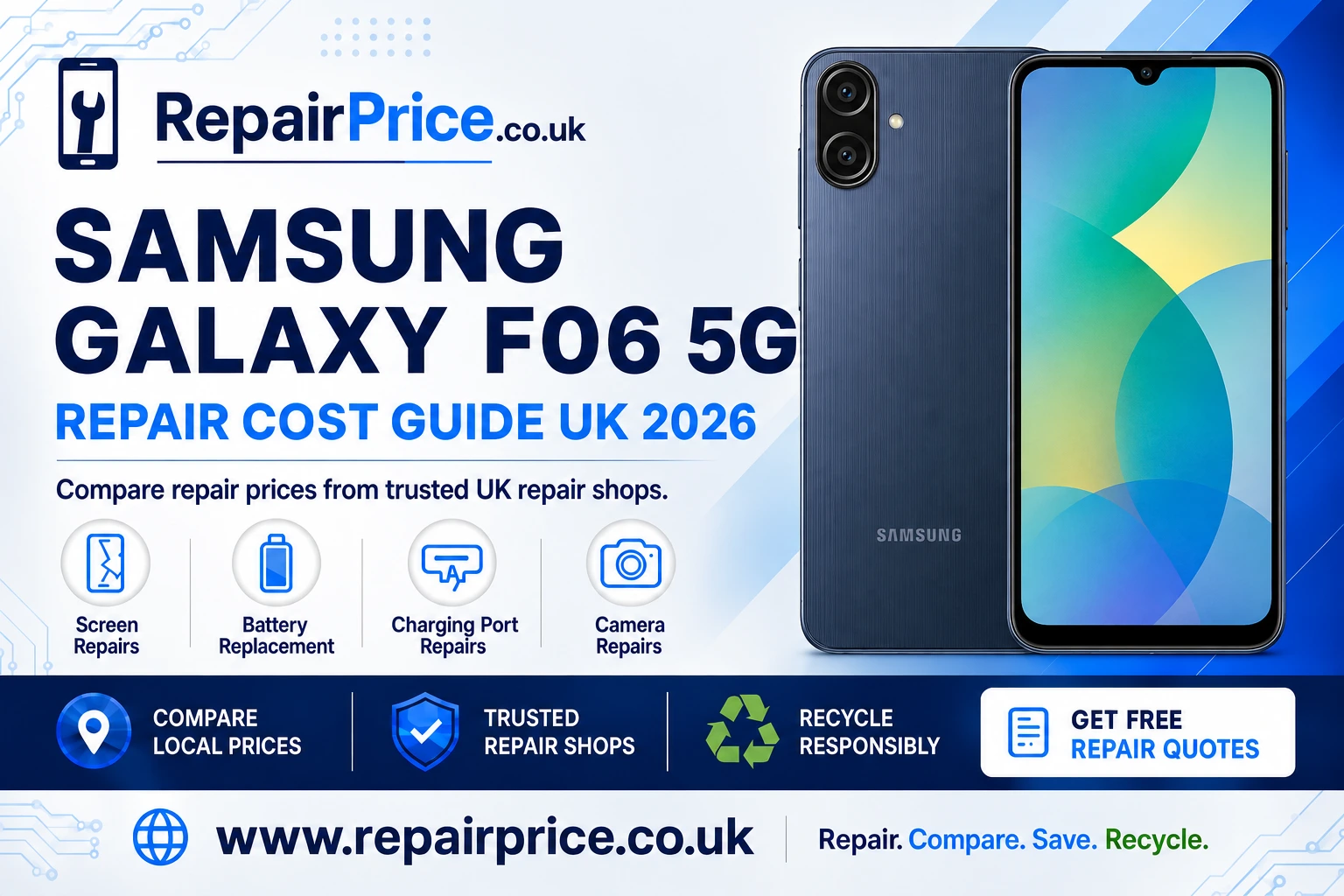
Samsung Galaxy F06 5G Repair Guide: Faults, Costs and Repair Options
A damaged Samsung Galaxy F06 5G does not necessarily need to be replaced. Problems such as a cracked display, weak battery, unreliable charging port or faulty camera can often be repaired for considerably less than the cost of buying another phone. This guide explains the most common Galaxy F06 5G faults, how to decide whether a repair is worthwhile and what to do when a handset is no longer economical to restore.
Before choosing a repair provider, check the likely price, the quality of the replacement part, the warranty offered and the estimated turnaround time. You can compare Samsung Galaxy F06 5G repair prices and available services through RepairPrice. Comparing options helps you make an informed decision without contacting multiple businesses separately.
Discuss Your Galaxy F06 5G Repair or Recycling on WhatsApp
Is Your Samsung Galaxy F06 5G Worth Repairing?
Repairing the Galaxy F06 5G will usually make sense when the phone still meets your everyday needs and has only one significant fault. A screen replacement, new battery or charging-port repair can extend the useful life of the handset while preserving your applications, photographs, contacts and familiar settings.
Consider the overall condition of the device before approving any work. A handset with a damaged display but a healthy battery and intact frame may be a strong repair candidate. If the phone has extensive liquid damage, a bent chassis, several failing components and serious motherboard problems, recycling may be the more responsible and economical option.
A useful approach is to compare the total repair quotation with the cost of obtaining a suitable replacement handset. The cheapest quote is not always the best value. Ask whether the quoted price includes labour, parts, testing, VAT and a written warranty. A slightly higher price may offer better protection when it includes a reliable replacement component and clear aftercare.
Common Samsung Galaxy F06 5G Problems
The Galaxy F06 5G can develop faults after accidental drops, everyday wear, exposure to moisture or repeated cable use. Some symptoms are immediately visible, while others develop gradually. Identifying the likely source of the problem helps you select the correct repair and avoid paying for unnecessary work.
Cracked, Flickering or Unresponsive Screen
A cracked screen is one of the most common reasons for arranging a smartphone repair. The display may continue working after a minor impact, but damaged glass can become less stable over time. Cracks can spread, sharp edges may become exposed and dust or moisture may reach the components underneath.
Other display symptoms include coloured lines, dark patches, flickering, ghost touches, delayed responses or a completely black screen. If the phone still vibrates, rings or produces notification sounds while the screen remains blank, the display assembly may be faulty. Explore display replacement options for the Samsung Galaxy F06 5G before deciding whether to replace the entire handset.
A screen repair may involve more than changing the outer glass. Depending on the damage and the construction of the replacement part, the repairer may need to replace the complete screen assembly. Ask what grade of part will be fitted and whether touch sensitivity, brightness and display quality will be checked before collection.
Fast Battery Drain or Unexpected Shutdowns
Rechargeable batteries naturally lose capacity through age, charging cycles and heat exposure. A deteriorating Galaxy F06 5G battery may drain quickly, shut the phone down while charge remains, become unusually warm or take much longer to recharge. The battery percentage may also rise or fall unpredictably.
Before arranging a replacement, check battery usage in the phone settings and look for applications consuming excessive power in the background. Restart the handset, install trusted software updates and reduce unnecessary location or background activity. If performance remains poor during ordinary use, compare a Galaxy F06 5G battery renewal service.
Stop using the handset if its battery appears swollen, the back cover begins lifting or the device becomes excessively hot. Do not press the casing back into place or puncture the battery. Keep the phone away from heat and arrange professional inspection as soon as possible.
Charging Port and Power Connection Faults
A Galaxy F06 5G that charges intermittently may have a worn cable, damaged adapter, compacted debris in the port or an internal connection fault. Test the phone with a compatible cable and power adapter that are known to work. Examine the port under good lighting, but do not insert pins, metal tools or liquids because these can damage the contacts.
If the connector feels loose, charging only works at a particular angle or the handset repeatedly connects and disconnects, it may need professional attention. Use the dedicated service page to investigate an unreliable Galaxy F06 5G charging connection.
A technician should determine whether the fault comes from the port itself, the charging assembly, the battery or the main circuit board. Correct diagnosis is important because replacing a charging port will not solve a power-management or motherboard failure.
Camera, Focus and Lens Problems
Camera damage can produce blurred photographs, focus problems, black previews, shaking images or error messages when the camera application opens. First clean the external lens gently with a dry microfibre cloth, restart the handset and test both the front and rear cameras. Removing recently installed camera applications may also help identify a software conflict.
Visible cracks over a camera lens should be addressed promptly because openings can allow dirt and moisture into the camera housing. If cleaning and software checks do not correct the problem, review camera repair choices for the Galaxy F06 5G.
What to Do Before Giving Your Phone to a Repairer
Back up important photographs, contacts, documents and messages before handing over the device. Although a routine hardware repair should not normally remove stored information, no repair involving a damaged electronic device is completely risk-free. Confirm that your cloud or computer backup has finished successfully before proceeding.
Remove the SIM card and any removable storage unless the repairer specifically needs them for testing. Make a note of the handset’s existing cosmetic condition and describe every known fault. If the problem occurs intermittently, explain what triggers it and how often it happens.
Ask whether the technician needs access to the operating system for post-repair testing. Do not share banking passwords, email passwords or unrelated account credentials. If a screen lock must be temporarily removed, restore it immediately after checking the completed repair.
You should also request a written quotation explaining the proposed repair, total cost, likely completion time, replacement-part type and warranty. Make sure the business will contact you before undertaking additional chargeable work if another fault is discovered.
Request a Quote from UK Galaxy F06 5G Repair Shops
Finding Galaxy F06 5G Repair Services Near You
Repair options, turnaround times and available parts can vary between locations. Local comparison pages can help you find relevant services without relying on a single national estimate. Customers in West Sussex can explore Samsung Galaxy F06 5G technicians serving Chichester.
Phone owners in Essex can review Galaxy F06 5G repair choices around Colchester, while customers in the West Midlands can search for Samsung F06 5G repair support in Coventry.
If you are based in the East Midlands, compare local Galaxy F06 5G services available in Derby. Customers in South Yorkshire can investigate repair providers for the Galaxy F06 5G in Doncaster. Those in North East England can use the dedicated page for Samsung Galaxy F06 5G repair assistance near Durham.
When comparing local businesses, look beyond travel distance. Consider recent customer feedback, warranty terms, part availability, diagnostic charges and whether the repair is completed on-site or sent to another workshop. Ask for confirmation when the phone is ready rather than relying solely on an initial completion estimate.
How Long Can a Galaxy F06 5G Repair Take?
Repair time depends on the fault, part availability and the technician’s workload. Straightforward screen, battery or charging repairs may be completed relatively quickly when the required component is in stock. Diagnostic work, liquid-damage assessment and board-level repairs can take longer because the device must be inspected and tested carefully.
Do not treat a fast turnaround as the only sign of a good service. Proper testing after reassembly is important. The repairer should check the repaired component as well as relevant functions such as charging, touch response, microphones, speakers, buttons and cameras where appropriate.
Protecting the Phone After Repair
A strong case and suitable screen protector can reduce the risk of repeat impact damage. Keep the handset away from extreme heat, avoid pulling the charging cable sideways and replace damaged cables promptly. Charging the phone on a stable, ventilated surface can also help reduce unnecessary stress on the battery.
If the handset has been repaired after liquid exposure, remember that its original resistance to moisture may no longer be dependable. Even after careful reassembly, a repaired device should not be assumed to have the same water resistance it had when it left the factory.
Test the phone soon after collection. Check the screen across its full area, make a test call, connect to Wi-Fi, charge the device and try the cameras. Report any concern within the repairer’s stated warranty period and retain the receipt or confirmation email.
When Recycling Is Better Than Repairing
Repair should usually be considered first because extending a phone’s life can reduce demand for another device. However, recycling may be the better route when structural damage is extensive, essential components are unavailable or the total repair cost is disproportionate to the handset’s remaining value.
Do not place an unwanted smartphone in ordinary household waste. Phones contain metals, plastics, glass, a lithium-based battery and electronic components that require controlled handling. Use a dedicated service to recycle a Samsung phone that is beyond economical repair.
If you have several unwanted devices or mixed electrical equipment, visit the UK electronics recycling and collection service to explore a broader disposal route. Recycling can recover useful materials and keep electronic equipment away from general waste streams.
Preparing Your Galaxy F06 5G for Recycling
Back up anything you want to retain, sign out of personal accounts and perform a factory reset when the device remains operational. Remove the SIM card and memory card before collection. If the screen is unusable or the phone will not start, tell the recycling provider that personal data may still be stored on it and ask how data-bearing devices are handled.
Never post or transport a swollen or visibly damaged battery without specialist guidance. Describe the battery condition honestly when arranging collection so the provider can give appropriate packing and handling instructions.
Why the Phone’s Circuit Board Matters
The main circuit board contains valuable and technically important materials, even when the complete phone no longer works. Specialist processing helps separate recoverable metals and components from waste that needs controlled treatment. Businesses, repair shops and organisations with accumulated damaged handsets can learn about responsible recycling for mobile phone circuit boards.
The value of electronic boards can vary according to their type, condition, quantity and current material markets. For an overview of board categories and indicative information, consult the mobile phone circuit-board price guide. An inspection may still be required before a final value or collection arrangement can be confirmed.
Repair or Recycle: A Simple Decision Checklist
Choose repair when the handset performs well enough for your needs, the damage is limited, replacement parts are available and the quotation represents sensible value. Repair is especially attractive when it preserves your existing data setup and avoids the immediate expense of another phone.
Consider recycling when the frame is seriously distorted, liquid damage affects several systems, the battery presents a safety concern, essential components cannot be sourced or multiple repairs would exceed the practical value of the device. A reputable technician can help identify whether there is a realistic path to restoration.
If you are uncertain, obtain a diagnosis before making the final decision. Compare the full quotation, warranty and likely lifespan of the repaired phone with the price and environmental impact of replacement. This provides a more useful comparison than looking at the repair price alone.
Get the Right Outcome for Your Samsung Galaxy F06 5G
A cracked screen, exhausted battery, damaged charging connection or unreliable camera does not automatically mean the end of your Galaxy F06 5G. Begin by identifying the symptoms, protect your data and compare suitable repair services. Ask clear questions about parts, labour, warranty coverage and testing before accepting a quotation.
If repair remains practical, a professional service can extend the handset’s working life and delay the need for replacement. If the device cannot be restored safely or economically, use an appropriate phone, electronics or circuit-board recycling route. Whether you repair or recycle, taking action promptly can protect your data, reduce further damage and produce a better environmental outcome.