

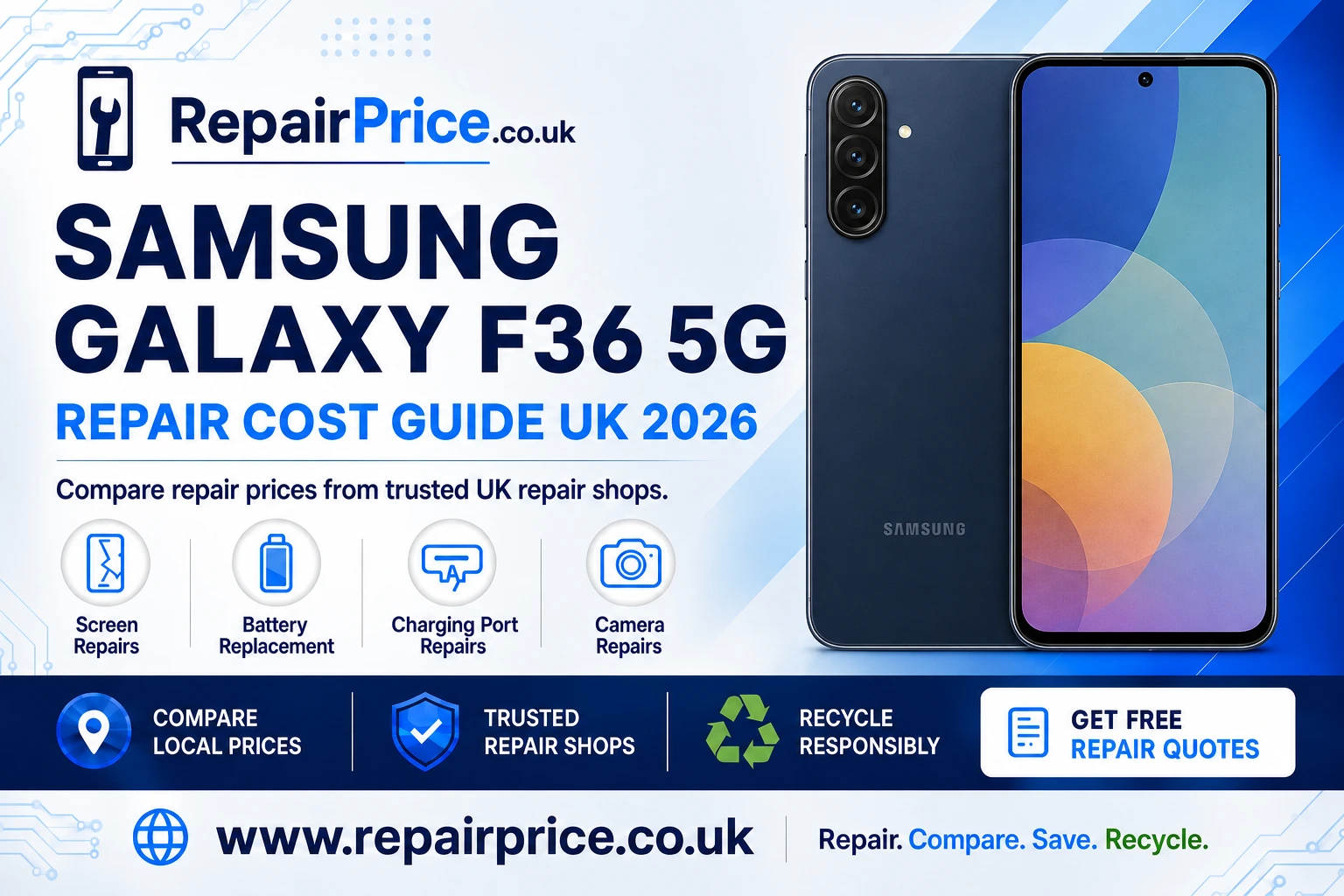
Samsung Galaxy F36 5G Repair Guide: Faults, Repair Options and Recycling Advice
A damaged Samsung Galaxy F36 5G does not automatically need replacing. Problems such as cracked glass, reduced battery life, unreliable charging and camera faults can often be repaired, helping you retain your phone, settings and stored data. This guide explains how to recognise common faults, compare suitable repair options and decide when recycling may be more practical.
The Galaxy F36 5G features a Super AMOLED display, a 5,000mAh battery and a multi-camera system led by a 50-megapixel main camera. These components support everyday use but may require specialist attention after impact damage, liquid exposure or gradual wear. Before authorising any work, compare the likely repair cost with the phone’s condition and expected remaining value.
Book Your Samsung Phone Recycling Collection by WhatsApp
Start by Comparing Samsung Galaxy F36 5G Repair Options
The right repair begins with an accurate diagnosis. A phone with a black display may have a damaged screen, but similar symptoms can also result from a depleted battery, a faulty charging connection or internal board damage. Paying for the wrong component to be replaced can increase the final cost without resolving the original problem.
Use the Samsung Galaxy F36 5G repair price comparison page to review available repair categories and assess the likely cost of restoring your device. When comparing quotations, check whether diagnostic work, replacement parts, labour, VAT and return delivery are included.
A useful quotation should identify the suspected fault, explain which component will be replaced and state whether the repair includes a warranty. Ask whether the replacement part is original, manufacturer-refurbished or compatible. The cheapest quotation is not always the best value if it excludes labour, uses an unsuitable component or offers no meaningful protection after the repair.
Request a Quote from Local Samsung Repair Shops
Common Samsung Galaxy F36 5G Problems
Some faults appear immediately after a drop, while others develop slowly. Physical damage, repeated charging cycles, dust, moisture, pressure and ordinary component wear can all affect a smartphone. Identifying the symptoms early may prevent a minor issue from becoming a more expensive repair.
Cracked, Unresponsive or Flickering Display
A cracked screen is one of the most visible reasons to arrange a repair. Damage may be limited to the outer glass, or it may affect the display and touch-sensitive layers underneath. Warning signs include coloured lines, dark patches, flickering, ghost touches, delayed input and a display that remains black even though the phone still vibrates or produces sounds.
A small crack can spread when the phone is placed under pressure or exposed to temperature changes. It can also allow moisture and dirt to reach internal components. Explore display replacement options for the Galaxy F36 5G when the glass, image quality or touch response has been affected.
Before submitting the phone, ask whether the quoted work covers the complete display assembly and whether the technician will test touch response, brightness, colour consistency and proximity-sensor operation. A properly completed screen repair should restore usability without leaving loose edges, trapped dust or unexplained touch problems.
Rapid Battery Drain or Unexpected Shutdowns
Rechargeable batteries naturally lose capacity through repeated use. You may notice that the phone requires more frequent charging, switches off before reaching zero per cent, becomes unusually warm or performs poorly under heavier demand. Software activity can also increase power consumption, so first review battery usage, remove unnecessary background applications and install relevant updates.
If battery performance remains poor after basic checks, compare a fresh battery fitting service for the Samsung F36 5G. A replacement may be more economical than purchasing another phone, particularly when the screen, cameras and internal storage continue to work correctly.
Stop using the device if the battery appears swollen, the back panel begins lifting or excessive heat develops during ordinary use. Do not press a raised cover back into place or puncture the battery. Keep the phone away from flammable materials and seek professional advice promptly.
Charging Cable Feels Loose or Power Cuts In and Out
Charging problems do not always mean the port must be replaced. The cable, plug, power source, software or compacted debris inside the connector can produce similar symptoms. Test a known-compatible cable and adapter, restart the phone and inspect the port under good lighting. Never insert metal objects into the connector because this may damage the contacts or cause a short circuit.
If charging continues to disconnect, the connector feels physically loose or the phone is not recognised by a computer, arrange a professional assessment. The dedicated page for diagnosing a Galaxy F36 5G charging connection fault can help you compare the next available repair route.
A technician should establish whether the issue involves the charging port, an associated flex cable, the battery or board-level circuitry. This distinction is important because replacing the connector will not correct a power-management or motherboard fault.
Blurred Pictures, Focus Failure or Damaged Camera Glass
Camera faults may appear as blurred photographs, slow focus, shaking images, a black preview, error messages or visible marks beneath the lens cover. Begin by cleaning the exterior glass with a dry microfibre cloth, removing any case that overlaps the camera area and testing more than one camera mode.
If the problem remains, review specialist camera repair choices for this Samsung model. Depending on the damage, the technician may need to replace the exterior lens cover, an individual camera module or another connected component.
Camera glass should be repaired promptly when it is cracked or missing. An exposed module can collect dust and moisture, turning a relatively limited repair into a more complicated camera or internal cleaning job.
Checks to Complete Before Booking a Repair
Back up important photographs, contacts, documents and account information whenever the phone remains operational. A routine component replacement should not normally erase data, but no repair involving electronic hardware can guarantee that stored information will remain accessible.
Record the phone’s current condition before handing it over. Photograph the front, back, frame and camera area, and make a note of any existing marks. Remove the SIM card and memory card unless the repair provider specifically needs them for testing. Do not disclose account passwords unless they are genuinely required, and ask whether a restricted maintenance mode can be used.
Provide a clear fault history. Explain when the problem started, whether the phone was dropped, whether liquid exposure occurred and which troubleshooting steps have already been attempted. Accurate information can shorten diagnostic time and help the repairer avoid unnecessary component replacements.
Finding Galaxy F36 5G Repair Support by Location
Availability, turnaround time and collection arrangements can differ between areas. The following location pages provide more focused routes for customers seeking nearby Galaxy F36 5G repair support. Each link opens in a new browser tab so you can retain this guide while comparing local choices.
- Find Galaxy F36 5G repair assistance serving Ely.
- Compare Samsung phone repair options around Exeter.
- Review Gloucester services for a damaged Galaxy F36 5G.
- Explore Hereford Galaxy F36 5G repair availability.
- Search for Samsung F36 5G technicians covering Hull.
- Check Lancaster repair routes for this Galaxy handset.
How to Decide Whether the Phone Is Worth Repairing
Consider the complete condition of the phone rather than looking at a single fault in isolation. Repair is often sensible when the device meets your needs, its important functions remain reliable and the quotation is proportionate to its usable value. A battery or charging-port repair may provide substantial additional service life for a phone that is otherwise in good condition.
The decision becomes less straightforward when the handset has several major faults. A broken display combined with frame distortion, liquid damage and an internal board problem may cost more to resolve than the phone is worth. Ask for a diagnosis before authorising multiple repairs and request approval before the technician performs work beyond the original quotation.
Also consider the value of retaining your data and avoiding the time required to configure another device. Repairing an existing phone can preserve familiar settings and reduce demand for newly manufactured electronics. However, safety must come first where there is serious battery damage, corrosion or unstable power behaviour.
What to Look for in a Repair Quotation
A clear quotation should state the repair type, part classification, total price and estimated completion time. It should also explain the warranty period and any exclusions. Ask whether you will be charged if diagnostics show that the device is beyond economical repair, and confirm whether return postage or collection fees apply.
Where possible, obtain a written description rather than relying only on a verbal estimate. This makes it easier to compare like-for-like services. A low headline figure may become less attractive once diagnostics, labour, VAT and delivery are added.
After the work is completed, test the repaired function before leaving the shop or confirming a postal repair. For a display replacement, check brightness and touch input across the entire panel. For a battery service, confirm stable charging. For camera work, test focusing, video and each available lens. Retain the invoice and warranty details in case the original symptom returns.
When Recycling Is the Better Choice
Recycling may be appropriate when repair costs exceed the phone’s practical value, essential components are unavailable or extensive liquid and board damage makes restoration unreliable. Do not place an unwanted smartphone in household rubbish. Phones contain batteries, metals, circuit boards and other materials that should be handled through a suitable collection or recycling route.
Visit the Samsung and other branded phone recycling service to explore responsible options for a handset that is no longer economical to repair. For a wider range of unwanted electrical equipment, use the UK electronics reuse and recycling collection route.
Before releasing the phone, back up anything you need, sign out of personal accounts and perform a factory reset where the device remains usable. Remove the SIM and memory cards. If the screen does not work, ask the chosen provider how inaccessible data and storage components are managed.
Mobile Phone Circuit Board Recycling
A severely damaged handset may still contain recoverable material even when it cannot be refurbished as a complete device. Printed circuit boards can contain copper and small quantities of other valuable metals. They require specialist processing because they should not enter general waste streams.
Businesses, repair shops and organisations handling damaged devices can learn about responsible recycling for mobile phone circuit boards. Separating suitable boards for specialist recovery can divert electronic material from disposal and support more effective resource recovery.
For information about material categories and indicative valuations, consult the mobile phone PCB price and grading guide. Values can depend on board type, quantity, condition and current recovery markets, so the guide should be used as a starting point rather than a guaranteed final quotation.
Frequently Asked Questions
Can a cracked Galaxy F36 5G screen still be used?
The phone may continue working with minor damage, but cracks can spread and may expose the display to moisture or dirt. Arrange an assessment if touch response, image quality or safe handling has been affected.
Will a repair erase the information stored on my phone?
Many component repairs do not require data deletion, but data preservation cannot be guaranteed. Create a backup before submitting the device and confirm the repairer’s privacy and data-handling procedure.
Why does the battery drain quickly?
Possible causes include battery ageing, background applications, weak network reception, intensive display use and software activity. Review battery usage and available updates before arranging hardware replacement.
Should I replace the charging port immediately?
Not until the cable, adapter, power supply and safe cleaning options have been checked. A proper diagnosis can distinguish connector damage from a battery or internal power fault.
Can a water-damaged Galaxy F36 5G be repaired?
Sometimes, but the outcome depends on the liquid involved, exposure duration and extent of corrosion. Switch the phone off, avoid charging it and seek professional assessment. Do not use direct heat or place the device in rice.
Is repairing a phone better than replacing it?
Repair is often worthwhile when one replaceable component has failed and the rest of the handset remains dependable. Recycling may be more suitable when several expensive faults make restoration uneconomical or unreliable.
Take the Next Step
Begin with an accurate assessment, compare the full cost of suitable repair services and check what each quotation includes. Prompt action can prevent a cracked screen, loose charging connection or exposed camera from causing additional damage.
If the Galaxy F36 5G can be restored safely at a reasonable cost, repair may extend its useful life and delay replacement. If it is beyond economical repair, remove personal information where possible and use an appropriate phone, electronics or circuit-board recycling service. Either route is better than leaving the handset unused in a drawer or placing it in general waste.