

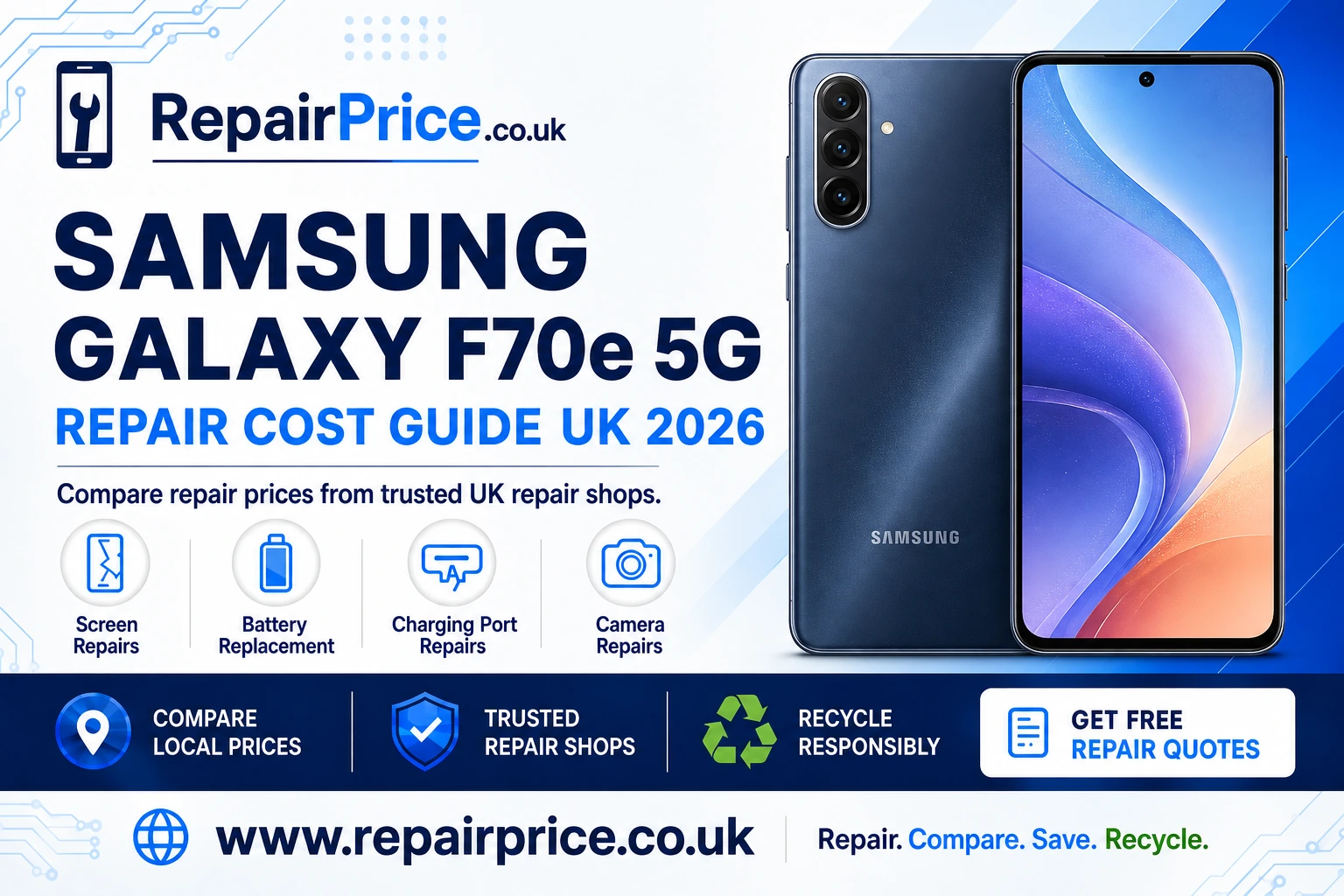
Samsung Galaxy F70e 5G Repair Guide: Fault Diagnosis, Repair Options and Recycling
A damaged Samsung Galaxy F70e 5G does not necessarily need to be replaced. Problems such as a cracked display, weak battery, unreliable charging port or faulty camera can often be repaired, allowing you to keep the phone and avoid the cost of buying another device. The key is identifying the likely fault, comparing suitable repair services and deciding whether repair remains financially sensible.
This Samsung Galaxy F70e 5G repair guide explains the warning signs to look for, what a technician may inspect and how to prepare your phone before handing it over. You can also compare Samsung Galaxy F70e 5G repair prices and available services before choosing a local repair provider.
RepairPrice helps customers find relevant repair options without relying on the first quotation they receive. Comparing prices is especially useful because the final cost can vary according to the damaged component, the replacement part selected, the condition of the phone and the repair shop completing the work.
Book Your UK Recycling Collection on WhatsApp
Should You Repair Your Samsung Galaxy F70e 5G?
Repair is usually worth considering when the phone still meets your everyday needs and the problem is limited to one replaceable component. A broken screen, ageing battery or damaged charging connector does not automatically mean the entire handset has reached the end of its useful life. A professional diagnosis can help distinguish a straightforward repair from a deeper motherboard or liquid-damage problem.
Before approving any work, compare the estimated repair cost with the phone’s current value and the price of a suitable replacement. You should also consider the condition of the frame, rear housing, cameras and internal components. Repairing a single fault on an otherwise dependable phone can provide better value than replacing it, while a handset with several expensive faults may be more suitable for responsible recycling.
Ask the repair provider what type of replacement part will be fitted, whether labour is included in the price and what warranty applies. The cheapest quotation is not always the strongest option if it uses a lower-grade component or provides little protection if the same problem returns.
Common Samsung Galaxy F70e 5G Problems
Smartphone faults can develop through accidental drops, pressure damage, moisture, worn components, blocked openings or ordinary long-term use. Some symptoms appear to identify a particular part, but several different faults can produce similar behaviour. For example, a phone that refuses to charge may have a contaminated port, damaged cable, exhausted battery or internal power fault.
A technician should inspect the phone before confirming the required repair. Explain when the problem began, whether the device was dropped or exposed to liquid and whether it has been repaired previously. These details can reduce diagnosis time and help the repairer identify connected damage that might otherwise be missed.
Cracked or Unresponsive Display
Screen damage is one of the most visible Samsung Galaxy F70e 5G problems. The outer glass may crack while the display continues to work, but deeper impact damage can cause dark areas, coloured lines, flickering, ink-like patches or complete picture loss. Touch response may also become inaccurate or stop working in part of the screen.
Continuing to use severely broken glass can make the phone uncomfortable to handle and may allow dust or moisture to enter the device. If the display is lifting away from the frame, stop pressing it back into place. A swollen battery can sometimes push a screen outward and should be assessed promptly rather than treated as an ordinary display fault.
Visit the dedicated page for Samsung Galaxy F70e 5G display and touchscreen repair options. When comparing quotations, confirm whether the stated price includes the complete display assembly, fitting, testing and any applicable warranty.
Battery Draining Quickly or Shutting Down
A battery naturally loses capacity over time. Signs of deterioration can include rapid percentage drops, unexpected shutdowns, slow charging, overheating or a phone that only remains on while connected to power. Background applications, poor mobile reception and software activity can also increase power consumption, so unusually short battery life does not always prove that the battery itself is defective.
Check battery usage information, install trusted software updates and restart the phone before arranging a replacement. If performance remains poor during normal use, compare options for a replacement battery for the Galaxy F70e 5G. A repair technician can also inspect the handset for swelling or evidence of another component drawing excessive power.
Do not puncture, compress or continue charging a visibly swollen battery. If the rear cover or screen has started separating from the frame, switch the phone off when it is safe to do so and seek professional assistance.
Charging Port and Connection Faults
A Samsung Galaxy F70e 5G that charges intermittently may not immediately need a new port. Pocket lint can become tightly packed inside the connector, preventing the plug from seating correctly. Damaged cables, unsuitable adapters and contaminated contacts can create similar symptoms.
Test the phone with a compatible cable and power adapter that are known to work. Examine the connector opening in good light, but do not insert metal tools or force debris further inside. If the plug feels loose, only works at a particular angle or the phone repeatedly disconnects from a computer, it may be time to arrange diagnosis of the Galaxy F70e 5G charging connection.
A charging problem can also originate from the battery, charging circuit or motherboard. A careful inspection is important because replacing the port will not resolve a separate internal power fault.
Camera Not Focusing or Producing Poor Images
Camera problems may include blurred photographs, failed focusing, shaking previews, black screens or an application that closes unexpectedly. Begin by cleaning the camera glass with a clean microfibre cloth, restarting the device and checking whether the problem affects every camera mode.
If only one lens is affected, the corresponding camera module may have been damaged. Cracked outer camera glass can also reduce image quality and expose the internal lens to dirt. Compare Galaxy F70e 5G camera inspection and repair services if basic troubleshooting does not restore normal performance.
Tell the technician whether the camera fault appeared after a drop, software update or liquid exposure. This can help determine whether the issue is associated with the camera module, protective glass, connector or software.
What to Do Before Sending Your Phone for Repair
Back up important photographs, contacts, messages and documents whenever the phone remains usable. Although routine component replacement should not normally remove personal files, damage or unexpected failure can make data inaccessible. A current backup provides protection if the handset needs to be reset during testing.
Remove your SIM card, memory card and protective case unless the repair provider asks you to include them. Record the phone’s condition and note any existing marks. If the repairer needs to test cameras, speakers, sensors or network functions, ask how device access and personal information will be handled.
Disable relevant device-tracking or security features only when requested by the chosen repair shop. Never send passwords through an unsecured message. Reputable providers should explain what access is necessary and how the handset will be protected while it is in their care.
Compare Local Samsung Galaxy F70e 5G Repair Services
Using a nearby repairer can make drop-off, collection and follow-up support more convenient. Availability and prices may differ between towns, so compare the complete service rather than relying on distance alone. Ask about diagnosis fees, turnaround estimates, replacement-part choices and warranty terms before booking.
- Explore Galaxy F70e 5G repair services available in Leeds
- Compare Leicester technicians for Samsung Galaxy F70e 5G faults
- Find Galaxy F70e 5G repair assistance around Lichfield
- View Samsung Galaxy F70e 5G repair choices in Lincoln
- Request help from Galaxy F70e 5G repairers serving Liverpool
- Search for Samsung Galaxy F70e 5G repair options across London
Quote from Local Repair Shops
Questions to Ask a Repair Shop
Ask whether the quotation is fixed or subject to inspection. A shop may need to open the phone before it can identify hidden frame, connector or liquid damage. You should also confirm whether the quotation includes labour, replacement parts, taxes and return delivery where applicable.
Find out whether the provider uses genuine, original-equipment, refurbished or compatible replacement components. Each option can affect cost, appearance and performance. The repairer should describe the available choices clearly enough for you to make an informed decision.
Request written warranty information and ask what it covers. Repair warranties commonly apply to the replacement component and fitting rather than accidental damage, liquid exposure or unrelated faults. Keep your invoice and any diagnostic report in case you need follow-up support.
When Recycling Is Better Than Repairing
Repair is not always the practical outcome. Recycling may be appropriate when the handset has extensive liquid damage, a badly distorted frame, several failed components or a repair estimate close to the cost of replacement. A phone that cannot be restored may still contain recoverable metals, circuit boards and other materials.
Do not place an unwanted smartphone in an ordinary household rubbish bin. Instead, explore how to recycle an unusable Samsung mobile responsibly. If you have several phones, computers or other unwanted electronics, the broader electronics recycling and collection service can help you find an appropriate route.
Before recycling the device, back up anything you need, sign out of personal accounts and perform a secure factory reset whenever the phone remains operational. Remove the SIM and memory cards. If the handset will not switch on, tell the recycling provider that personal data may still be stored inside and ask about its data-handling process.
What Happens to the Phone’s Circuit Board?
The main circuit board contains small quantities of metals and electronic components that may be recoverable through specialist processing. These materials should be handled by an appropriate recycling route rather than mixed with general waste.
Businesses, repair shops and individuals dealing with stripped or damaged devices can learn about specialist recycling for mobile phone circuit boards. If you are assessing separated boards, consult the mobile phone PCB price information and grading guide to understand why board condition, contamination and quantity can influence valuation.
A complete phone should not be dismantled simply to obtain its circuit board unless the work is carried out safely by someone with the necessary knowledge. Batteries can be damaged during disassembly, and internal components may contain sharp edges or retained electrical energy.
Repair, Replace or Recycle: Making the Final Decision
Choose repair when the fault is clear, the quotation is proportionate and the phone is otherwise suitable for continued use. Consider replacement when several costly parts have failed or the device no longer meets your needs. Choose responsible recycling when the handset cannot be repaired economically, cannot be reused safely or has reached the end of its practical life.
Start by comparing repair categories and local options through the Samsung Galaxy F70e 5G repair comparison page. A clear diagnosis and itemised quotation will help you avoid replacing a repairable phone or spending money on a handset with more extensive damage than expected.
Samsung Galaxy F70e 5G Repair FAQs
Can a cracked Samsung Galaxy F70e 5G screen be repaired?
In many cases, yes. The required work depends on whether the damage is limited to the outer surface or also affects the display and touchscreen. A technician should inspect the complete screen assembly and frame before confirming the repair.
Will a phone repair erase my data?
Many component repairs do not require data deletion, but no repair is entirely risk-free when a device is already damaged. Create a backup before handing over the phone whenever possible and ask the provider whether a reset may be required.
How do I know whether the battery needs replacing?
Common warning signs include rapid discharge, unexpected shutdowns, excessive heat and physical swelling. Software activity can also reduce battery life, so basic checks and professional testing may be needed before replacement is approved.
Why does my Galaxy F70e 5G only charge at an angle?
The port may contain compacted debris or have worn internal contacts. The cable can also be responsible. Test a compatible working cable and seek professional diagnosis if the connection remains loose or intermittent.
Can a water-damaged Galaxy F70e 5G be repaired?
It may be possible, but the result depends on the liquid involved, the areas affected and how quickly the phone is assessed. Switch it off, avoid charging it and do not use heat to dry it. Internal corrosion can continue even when the exterior appears dry.
What should I do if repair is too expensive?
Ask whether a different replacement-part option is available and compare more than one complete quotation. If repair is not economical, remove your accounts and personal data where possible before using a responsible phone or electronics recycling service.