

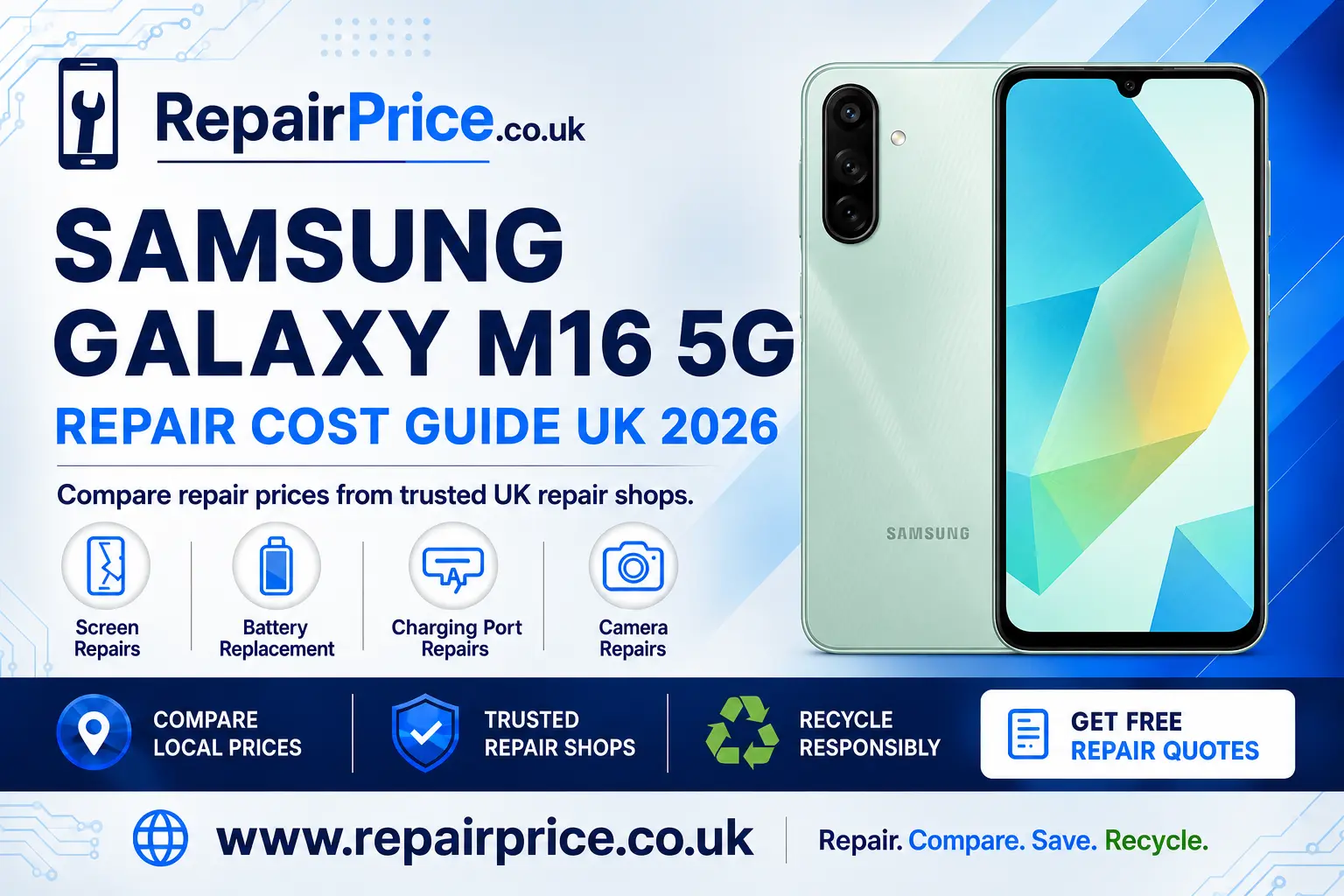
Samsung Galaxy M16 5G Repair Guide: Screen, Battery, Charging and Camera Help
A damaged Samsung Galaxy M16 5G does not necessarily need to be replaced. Cracked displays, weak batteries, unreliable charging ports and camera faults can often be repaired, helping you keep your phone for longer and avoid the cost of buying another device. This guide explains the most common Galaxy M16 5G problems, the signs to look for and how to compare suitable repair services in the UK.
RepairPrice helps you explore repair options without contacting multiple businesses individually. Start by visiting the Samsung Galaxy M16 5G repair price comparison page to review available services and find an option appropriate for your phone’s condition.
Book Your UK Samsung Phone Recycling Collection on WhatsApp
Is Your Samsung Galaxy M16 5G Worth Repairing?
Whether your Galaxy M16 5G is worth repairing depends on the type of fault, the overall condition of the handset and how well the phone still meets your needs. A single damaged component, such as a cracked screen or worn battery, will not usually mean the entire device has reached the end of its useful life. A professional diagnosis can help separate a repairable component problem from more serious internal damage.
Consider the age of the phone, its storage capacity, cosmetic condition and whether it has suffered liquid or impact damage. Repair is often the practical choice when the handset works well apart from one identifiable fault. It may also preserve your photographs, contacts, applications and familiar settings, although you should always back up important information before handing a device to a repairer.
Before approving work, ask what replacement part will be fitted, whether labour is included in the quoted price and what repair warranty is offered. You should also confirm whether diagnostic charges apply if you decide not to continue. Comparing these details gives you a clearer picture than choosing a service based on the lowest advertised figure alone.
Samsung Galaxy M16 5G Screen Problems
The display is one of the most exposed and frequently damaged parts of a smartphone. A fall onto concrete, pressure inside a bag or an impact against a hard object can crack the front glass or damage the display and touch-sensitive layers underneath it. Even a small fracture can spread across the panel after further pressure or temperature changes.
Common warning signs include coloured lines, black patches, flickering, unresponsive areas, random touch inputs or a screen that remains dark while the phone continues to vibrate or make sounds. If the picture is visible but the touch response has failed, the complete display assembly may still require replacement. A technician should inspect the device before the correct part is ordered.
Explore display replacement options for the Samsung Galaxy M16 5G if the front glass, picture or touch controls are damaged. Avoid pressing firmly on a cracked panel, as additional pressure can worsen the fault or expose sharp glass. If safe to do so, back up the phone and keep it dry until it can be assessed.
When Does the Galaxy M16 5G Battery Need Replacing?
Rechargeable batteries lose capacity gradually through ordinary use. Charging habits, heat, demanding applications and the number of completed charging cycles can all affect how quickly this happens. A battery problem may first appear as shorter daily runtime, but more serious symptoms can develop as the cell deteriorates.
Your Galaxy M16 5G may need battery attention if it loses power rapidly, shuts down unexpectedly, becomes unusually warm during light use or struggles to charge beyond a particular percentage. A swollen battery is more urgent. If the back cover begins lifting or the handset changes shape, stop charging and using it. Do not press the cover back into place or puncture the battery.
You can review a dedicated Galaxy M16 5G battery replacement service when troubleshooting and software changes have not improved the problem. Ask whether the replacement battery, installation and post-repair testing are all covered by the quotation.
Charging Port Faults and Charging Problems
A phone that does not charge is not always suffering from a failed battery. The charging cable, power adapter, wall socket, software or USB charging port could be responsible. Begin with simple checks using a compatible cable and power source that you know work correctly. Restarting the handset may also clear a temporary software issue.
Pocket lint can become compressed inside the port and prevent the cable from seating correctly. Never insert pins, blades or other metal objects into the connector because they may damage the contacts or cause an electrical short. If the plug feels loose, charging only works at an angle or the computer no longer recognises the phone, a technician should examine the port.
Use the service page for help to diagnose an unreliable Galaxy M16 5G charging connection. A proper inspection can establish whether the port needs cleaning, resoldering or replacement, or whether the fault lies elsewhere on the charging circuit.
Galaxy M16 5G Camera Repair
Camera problems can affect the rear camera system, front-facing camera, lens cover, focusing mechanism or related software. Symptoms may include blurry photographs, shaking images, failed focusing, dark marks, error messages or a camera application that closes unexpectedly. A scratched or shattered outer lens can also reduce image quality even when the camera module is functioning.
Restart the phone, clean the exterior lens carefully and check for available software updates before arranging hardware work. If only one application has a problem, test the standard camera application to help determine whether the issue is software-related. Persistent focusing problems after an impact are more likely to require physical inspection.
Compare support for repairing a faulty Samsung Galaxy M16 5G camera when basic troubleshooting has not restored normal operation. Explain whether the front or rear camera is affected and describe any recent drops or moisture exposure so the repairer can prepare an accurate assessment.
How to Prepare Your Phone for Repair
Back up important photographs, documents, contacts and authentication information before submitting the device. A routine component replacement should not normally erase your data, but no repair process can guarantee that information will remain accessible if the phone has hidden storage, motherboard or liquid damage.
Remove the SIM card and memory card unless the repairer specifically needs them for testing. Record the handset’s existing cosmetic condition and note its IMEI or serial number. Disable any security feature that would prevent agreed testing, but only provide the minimum access required and restore your normal security settings afterwards.
Describe every symptom clearly, including when the problem started and whether it occurs continuously or intermittently. Mention previous repairs, water contact and recent impacts. Accurate information can reduce diagnostic time and prevent an intermittent fault from being missed.
Finding Galaxy M16 5G Repair Services Near You
Repair availability, turnaround times and replacement-part choices can vary between areas. Local comparison pages can help you explore relevant options while keeping your search focused on the correct model. Always confirm the final quotation, parts specification, expected completion time and warranty directly with the repair business before proceeding.
Customers in South Yorkshire can investigate Galaxy M16 5G repair specialists serving Sheffield. This is useful when you want to compare nearby help for screen, battery, charging or camera problems.
On the South Coast, visit the page covering Samsung M16 5G repair choices around Southampton to find model-relevant services and request further information.
Essex users can browse local Galaxy M16 5G repair support in Southend-on-Sea before deciding whether to repair, replace or recycle their handset.
If you are based in Hertfordshire, compare Samsung Galaxy M16 5G technicians near St Albans. Ask each provider about testing, replacement components and warranty coverage.
People in Staffordshire can explore repair services for the Galaxy M16 5G in Stoke-on-Trent, including assistance with accidental damage and performance-related faults.
For customers in the North East, the Sunderland Galaxy M16 5G repair comparison page provides a starting point for finding an appropriate local service.
Get Quotes from UK Samsung Galaxy M16 5G Repair Shops
Questions to Ask Before Approving a Repair
Ask for a written quotation that identifies the suspected fault, replacement part, labour charge and any diagnostic fee. Find out whether the amount may change if additional damage is discovered. A reputable provider should explain what happens before carrying out work beyond the original agreement.
Confirm what type of replacement component will be installed and whether the repair may affect features such as display appearance, fingerprint recognition, camera performance or resistance to dust and moisture. A phone opened for repair should not automatically be assumed to retain its original factory water-resistance rating.
You should also establish how long the warranty lasts, what it covers and which circumstances are excluded. Accidental damage, liquid ingress and faults in unrelated components are commonly outside a repair warranty. Keep your receipt and any written repair report in case you need follow-up support.
Repair or Recycle: Making the Responsible Choice
Repair is usually worth considering when the fault is isolated and the rest of the handset remains dependable. Extending the useful life of an existing device can reduce demand for new materials and delay the phone from entering the waste stream. It can also be more economical than replacing a phone that still meets your everyday requirements.
Recycling may be more appropriate when the phone has extensive liquid damage, multiple major faults, severe structural damage or a repair cost that is difficult to justify. It may also suit a device that is no longer safe to store or use. Do not place a phone or lithium battery in household rubbish because damaged batteries can create fire and environmental risks.
If repair is no longer sensible, learn how to recycle an unrepairable Samsung mobile responsibly. Before surrendering a working or partially working handset, back up your information, sign out of personal accounts, remove SIM and memory cards and perform an appropriate factory reset where possible.
You can also visit the UK electronics recycling collection service for broader recycling information. Be honest about damaged or swollen batteries when arranging collection so the device can be handled and transported using an appropriate process.
What Happens to the Phone’s Circuit Board?
A mobile phone circuit board contains processors, connectors and small quantities of recoverable metals. These assemblies require specialist handling and should not be mixed with general household waste. Proper processing helps separate useful materials while controlling components that may be hazardous if treated incorrectly.
Repair businesses, recyclers and organisations dealing with dismantled devices can read about responsible recycling for mobile phone circuit boards. The page explains the appropriate route for boards removed from damaged or uneconomical devices.
Material value can vary according to board type, condition, quantity and current recycling-market conditions. For indicative information, review the latest mobile phone PCB price guidance. Any displayed price should be checked against the recycler’s current grading and acceptance requirements before material is sent.
Frequently Asked Samsung Galaxy M16 5G Repair Questions
Can a cracked Galaxy M16 5G screen still be used?
A lightly cracked screen may continue to display an image and respond to touch, but the damage can spread and may expose sharp glass. Stop using the handset if the display develops black patches, flickering, heat or unreliable touch behaviour. Arrange an assessment before the damage becomes more extensive.
Will replacing the battery delete my data?
A standard battery replacement should not erase stored information. However, existing device damage or an unexpected repair complication can make data inaccessible, so create a current backup before any work begins.
Why does my phone only charge when the cable is held at an angle?
This can indicate compacted debris, damaged internal contacts, a worn cable or a loose charging-port assembly. Try a compatible cable known to work correctly, but do not force the connector or insert metal tools into the port.
Can a water-damaged Galaxy M16 5G be repaired?
It may be possible, but the outcome depends on the liquid involved, the duration of exposure and the extent of corrosion. Switch the phone off, do not charge it and seek professional inspection promptly. Rice does not remove internal contamination or corrosion.
How long will a Galaxy M16 5G repair take?
Turnaround time depends on diagnosis, replacement-part availability, the complexity of the fault and the repairer’s workload. Ask for an estimated completion time before booking and confirm whether additional testing time may be required.
Should I repair a phone with several faults?
Request a complete diagnostic assessment and compare the combined repair quotation with the handset’s condition and replacement value. Repair can still make sense, but recycling may be more responsible when structural, battery and motherboard faults are present together.
Compare Your Galaxy M16 5G Options
The right decision starts with identifying the actual fault. Screen damage, battery deterioration, charging problems and camera failures can produce overlapping symptoms, so avoid purchasing components before the device has been diagnosed. Comparing repair details, parts, turnaround time and warranty coverage will help you choose on overall value rather than price alone.
If the handset is repairable, arranging professional work can extend its life and reduce unnecessary electronic waste. If restoration is unsafe or uneconomical, use an established recycling route that accepts phones and lithium batteries. RepairPrice provides a practical path from diagnosis and service comparison through to responsible recycling when a device has reached the end of its useful life.