

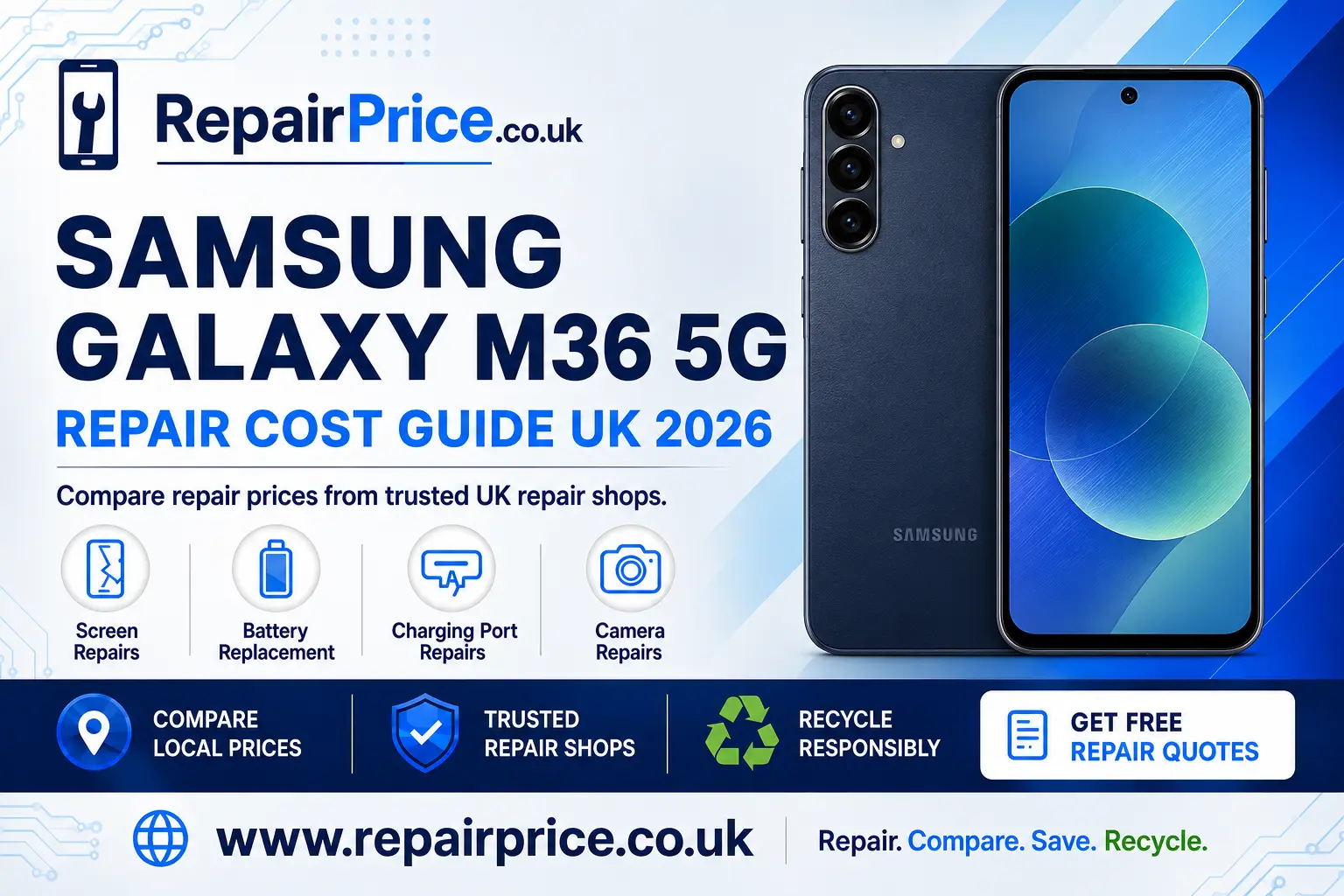
Samsung Galaxy M36 5G Repair Guide: Faults, Repair Options and Recycling Advice
A damaged Samsung Galaxy M36 5G does not automatically need to be replaced. Problems such as a cracked display, weak battery, unreliable charging port or faulty camera can often be repaired, allowing you to keep the phone for longer and avoid the cost of buying another device. This guide explains how to identify common faults, what to consider before arranging a repair and when responsible recycling may be the more practical option.
Repair prices can differ depending on the affected component, the quality of the replacement part and the repair provider you choose. Before booking, it is sensible to compare Samsung Galaxy M36 5G repair prices and available services. Comparing providers gives you a clearer idea of likely costs and helps you find an option suited to your location, budget and timescale.
Book Your UK Phone Recycling Collection on WhatsApp
Should You Repair Your Samsung Galaxy M36 5G?
Repair is usually worth considering when the phone still performs well and the problem is limited to one replaceable component. A broken screen, tired battery, obstructed charging socket or damaged camera module does not necessarily affect the rest of the handset. Fixing the individual fault can restore normal use while preserving your applications, settings and familiarity with the device.
Start by comparing the estimated repair cost with the phone’s current replacement value. You should also consider its overall condition. A handset with one clear defect is normally a stronger repair candidate than one suffering from several unrelated problems, severe frame damage or liquid contamination. Ask whether diagnostic work is included, what replacement part will be fitted, whether the quoted price includes labour and whether the completed repair is protected by a warranty.
Back up important photographs, contacts, messages and documents before handing the phone to a repair provider. Although many repairs do not require the device to be reset, a current backup protects your information if further damage is discovered or software restoration becomes necessary.
Quote from UK Repair Shops
Samsung Galaxy M36 5G Screen Damage
Screen damage is one of the most visible phone problems. A small crack may initially appear cosmetic, but continued pressure can cause it to spread. A damaged surface can also leave the display more vulnerable to moisture and dust. Warning signs include coloured lines, dark patches, flickering, unresponsive areas, false touches or a screen that remains black even though the phone still produces sounds or vibrations.
Different symptoms can point to different layers of the display assembly. The outer glass may be cracked while the image and touch response remain normal, or the internal display panel may be damaged as well. Because the correct repair depends on the exact fault, a proper inspection is preferable to choosing a service based only on the appearance of the crack.
You can review display replacement options for the Samsung Galaxy M36 5G if the glass, image or touch controls have been affected. Before booking, ask whether the replacement includes the complete display assembly and whether the repairer will test touch response, brightness and screen alignment afterwards.
Battery Problems and Unexpected Shutdowns
Rechargeable batteries gradually lose capacity through normal use. Common signs of deterioration include rapid power loss, unexpected shutdowns, overheating during ordinary tasks, unreliable battery percentages or the need to recharge several times each day. Some battery drain, however, can be caused by background applications, high screen brightness, weak mobile reception or recent software activity.
Check the phone’s battery usage information before assuming that the cell has failed. Restart the handset, install trusted software updates and remove applications that are consuming unusual amounts of power. If the phone remains stable when plugged in but shuts down quickly after disconnection, or if the casing begins to separate, the battery should be professionally assessed.
A swollen battery must not be pressed, punctured or charged unnecessarily. Stop using the phone and seek specialist help. For persistent capacity or power problems, explore a dedicated Galaxy M36 5G battery replacement service. Confirm that the old battery will be removed and processed through an appropriate recycling route.
Charging Port Faults and Safe Troubleshooting
A phone that charges slowly or disconnects when the cable moves does not always have a failed charging port. The cable, adapter or electrical socket may be responsible. Test the handset with a compatible cable and charger that you know work correctly. Examine the port under good lighting and look for visible lint or debris, but do not insert metal objects or force tools into the connector.
Repeated cable movement can wear the socket, while moisture, compacted dust or impact damage can interfere with the internal contacts. If more than one suitable charger produces the same result, or if the connector only works at a particular angle, it is time to arrange diagnosis of the Galaxy M36 5G charging connection.
A technician should check both the external connector and the internal charging system. This distinction matters because replacing the port will not solve a fault elsewhere on the circuit board. Accurate diagnosis can prevent unnecessary work and provide a more dependable estimate.
Camera Faults, Blurred Images and Focus Problems
Camera trouble can appear as blurred photographs, shaking images, failed focus, a black preview, spots in every picture or an application that closes unexpectedly. Begin by cleaning the external lens gently with a soft cloth. Restart the phone, check available storage space and test more than one camera mode. Removing a poorly fitted case or lens protector may also resolve glare or focus interference.
If the fault began after a drop, the lens cover, internal module or stabilisation mechanism may have been damaged. Persistent marks in the same position can indicate contamination or damage beneath the outer glass. When basic checks do not restore normal operation, compare Samsung Galaxy M36 5G camera repair solutions for front-camera, rear-camera and lens-related faults.
Finding Samsung Galaxy M36 5G Repair Services Near You
Using a local repair provider can make it easier to discuss the fault, understand the proposed work and collect the handset when it is ready. Availability and turnaround times vary, so contact the provider before travelling. Describe the symptoms accurately and mention any drop, liquid exposure, previous repair or intermittent behaviour that may help with diagnosis.
Customers in Worcestershire can investigate Galaxy M36 5G repair choices available around Worcester. Ask whether an appointment is required and whether the part needed for your repair is currently available.
If you are based in North Yorkshire, browse Samsung Galaxy M36 5G technicians serving York. Comparing more than one service can help you assess price, warranty terms and estimated completion time.
For repairs in Somerset, view local Galaxy M36 5G repair support in Bath. Give the repairer a clear description of the damage so that the initial estimate reflects the likely work.
West Midlands customers can compare Birmingham services for damaged Samsung Galaxy M36 5G phones. Confirm whether testing, labour and replacement parts are all included in the quoted amount.
People in West Yorkshire can explore Bradford-based Galaxy M36 5G repair providers. If the phone has more than one problem, request a combined assessment before authorising separate repairs.
Customers on the south coast can find Samsung Galaxy M36 5G repair help across Brighton and Hove. Check collection arrangements and warranty coverage before leaving your device.
Questions to Ask Before Authorising a Repair
A low headline price does not always represent the best overall value. Ask the repair provider to explain which part will be installed, whether diagnostic charges apply and what happens if the inspection reveals additional damage. You should also establish whether the quote is fixed or subject to change after the phone is opened.
Request a written description of the warranty and find out what it covers. A repair warranty may protect the fitted component and labour but exclude accidental damage, liquid exposure or unrelated faults. Keep the receipt and test the repaired feature promptly after collection. For a screen repair, inspect brightness and touch response. After battery work, monitor charging and temperature. Following camera repair, test focus, video and each available lens.
Repair, Replace or Recycle?
Repair is often the preferred choice when the device is otherwise dependable and the cost is proportionate. Replacement may be more sensible when several major components are damaged, the frame is severely distorted or the handset no longer meets your needs. Recycling becomes important when the phone is beyond economical repair or cannot be reused safely.
Do not place an unwanted phone in general household waste. Handsets contain batteries, metals, circuit boards and other materials that require controlled processing. If the device is no longer usable, learn how to recycle an unrepairable Samsung mobile responsibly. For additional device categories and collection information, visit the RepairPrice electronics recycling service.
Before recycling, back up anything you want to retain, sign out of personal accounts, remove the SIM card and memory card, and perform a factory reset where the phone remains operational. If the screen is unusable or the handset will not switch on, tell the recycling provider that personal data may still be stored on it and ask about secure handling procedures.
What Happens to the Phone’s Circuit Board?
The internal circuit board contains many of the components responsible for processing, storage, connectivity and power management. When a phone cannot be refurbished, specialist recycling can recover useful material from these boards while reducing the amount of electronic waste sent to unsuitable disposal routes.
Businesses, repair shops and individuals with damaged handsets or separated components can read about responsible recycling for mobile phone circuit boards. Boards should not be burned, dismantled without suitable equipment or disposed of with ordinary rubbish.
The value of electronic components varies according to their type, condition, quantity and market demand. If you are researching potential material values, consult the mobile phone circuit board price information. Any displayed figures should be treated as guidance until the items have been identified, graded and assessed.
How to Reduce the Risk of Future Damage
A well-fitted protective case and compatible screen protector can reduce the chance of damage from everyday knocks. Keep the charging port dry, avoid pulling the cable sideways and replace damaged charging accessories. Excessive heat can accelerate battery ageing, so do not leave the phone in direct sunlight, inside a hot vehicle or beneath bedding while it charges.
Install trusted updates, maintain adequate free storage and review applications that run continuously in the background. Regular backups are equally important. They will not prevent physical damage, but they can make recovery much easier if the phone later develops a serious fault.
Final Advice for Galaxy M36 5G Owners
The best decision starts with an accurate diagnosis. A single damaged component may be repairable for considerably less than the cost and inconvenience of replacing the entire handset. Compare repair options, check what is included, ask about warranty protection and back up your information before work begins.
If a safe and proportionate repair is available, keeping the Samsung Galaxy M36 5G in use can extend its working life and reduce unnecessary electronic waste. When repair is no longer practical, choose a responsible recycling route so that the battery, circuit board and reusable materials are handled correctly.