

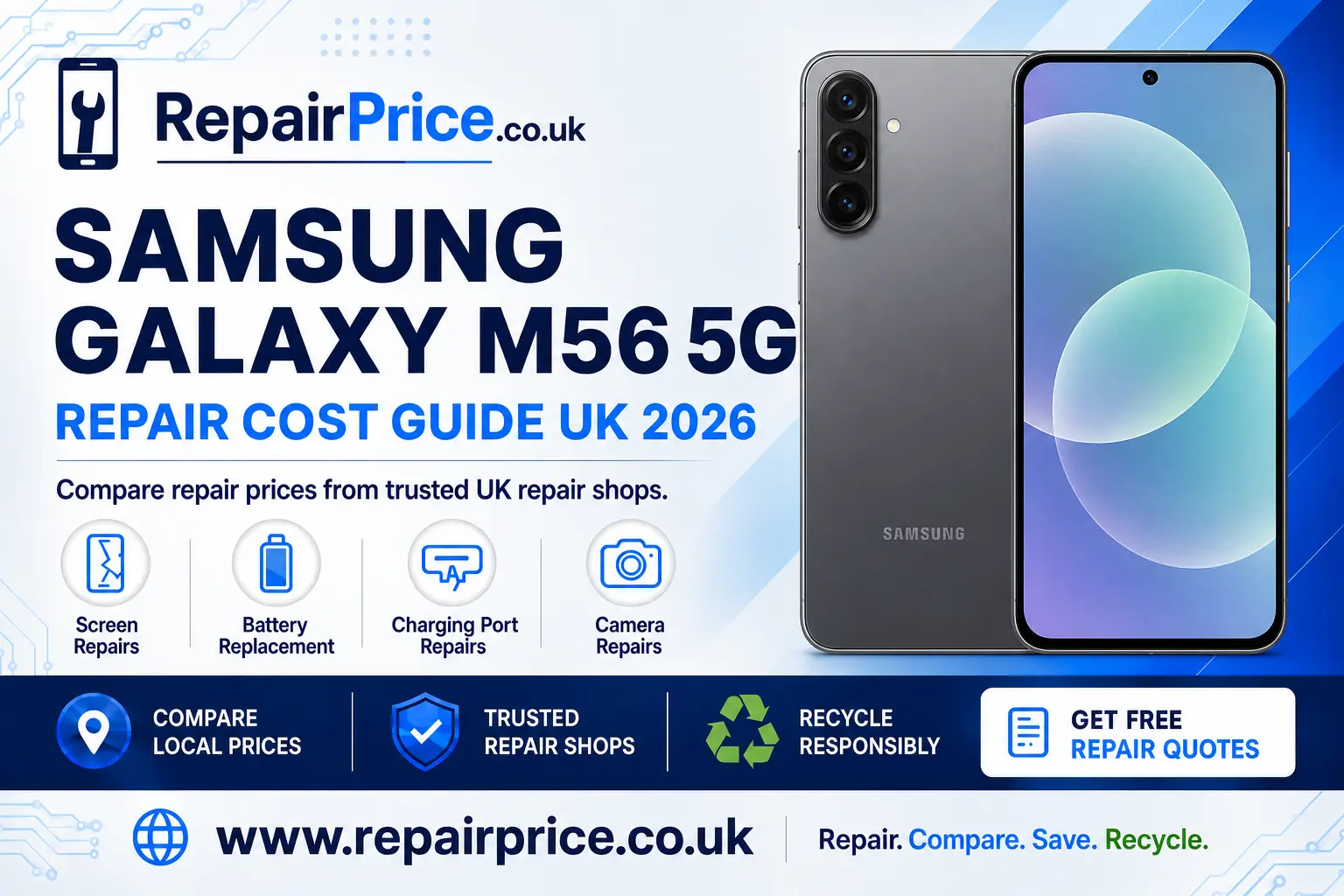
Samsung Galaxy M56 5G Repair Guide: Faults, Repair Options and Recycling
A damaged Samsung Galaxy M56 5G does not necessarily need to be replaced. Cracked displays, weak batteries, unreliable charging ports and camera faults can often be repaired for considerably less than the cost of buying another phone. This guide explains the most common Galaxy M56 5G problems, what may be causing them and how to decide whether repair or responsible recycling offers better value.
Before booking any work, you can compare Samsung Galaxy M56 5G repair prices and available services. Comparing suitable repair options helps you evaluate likely costs without automatically accepting the first quotation you receive.
Book Your Samsung Phone Recycling Collection by WhatsApp
Is Your Samsung Galaxy M56 5G Worth Repairing?
The right decision depends on the type of damage, the condition of the rest of the handset and the repair quotation. A Galaxy M56 5G that still performs well and has only one damaged component will often be a sensible repair candidate. Fixing a cracked screen, worn battery or obstructed charging port can extend the phone’s useful life and prevent the unnecessary cost of replacing a device that remains functional.
Start by checking whether the phone switches on, connects to a mobile network, recognises Wi-Fi and retains your data. Inspect the frame for severe bending, look for signs of liquid damage and test the display, cameras, speakers, microphones and charging connection. Several simultaneous faults may make the repair more expensive, but a proper diagnosis is still worthwhile before making a final decision.
Because replacement-part prices and workshop services can differ, compare the complete quotation rather than focusing only on the lowest advertised figure. Ask whether labour, testing, parts and any repair warranty are included. You should also confirm whether your data is expected to remain on the device and whether the technician requires the phone’s passcode for post-repair checks.
Quote from UK Repair Shops
Samsung Galaxy M56 5G Screen Damage
A cracked display is one of the most visible Galaxy M56 5G faults. Damage can range from a small fracture in the outer surface to a completely unusable screen. Warning signs include black patches, vertical lines, flashing, discoloured areas, ghost touches or sections that no longer respond. If the display remains visible but touch control is unreliable, back up the phone as soon as possible because the fault can deteriorate.
Continuing to use a badly cracked screen can expose the display assembly to moisture and dust. Loose glass can also be uncomfortable or unsafe to handle. A screen protector may temporarily contain minor damage, but it cannot restore damaged pixels, fix touch sensitivity or protect a compromised display from every impact.
Visit the dedicated page for Galaxy M56 5G display replacement and cracked-screen repair options. When requesting a quotation, describe whether the picture is visible, whether touch works across the entire panel and whether the frame was damaged during the impact. These details can help a repair provider assess the likely work more accurately.
Battery Drain, Overheating and Unexpected Shutdowns
All rechargeable batteries lose capacity through normal use. A Galaxy M56 5G battery may need attention if the percentage falls rapidly, the handset shuts down before reaching zero, charging becomes unusually slow or the device needs to be connected several times each day. Heat, demanding applications, poor mobile reception and background activity can also increase power consumption, so rapid drain does not always prove that the battery itself is defective.
Before arranging a replacement, restart the phone, install appropriate software updates and review battery usage in the device settings. Remove or restrict any application consuming an unusually large amount of power. You can also test the handset with a reliable charger and cable. If the battery still performs poorly after these checks, professional testing may be the next practical step.
A swollen battery requires more urgent attention. Stop charging or pressing the handset if the rear cover or screen begins lifting, the phone changes shape or unusual heat develops. Do not puncture, bend or attempt to flatten the battery. Use the Samsung M56 5G battery replacement service page to explore repair options for reduced runtime, shutdowns or suspected battery damage.
Charging Port and Power Connection Problems
If your Galaxy M56 5G will not charge consistently, the charging port is only one possible cause. A damaged cable, unsuitable adapter, packed lint, moisture warning or software fault can produce similar symptoms. Test another compatible cable and power source before assuming the phone requires a replacement component.
Examine the port under good lighting. Pocket debris can prevent the connector from sitting securely, but sharp metal tools may bend contacts or cause an electrical short. Avoid forcing the plug into the phone. If the connection feels loose, works only at an angle or repeatedly disconnects, a technician can inspect the port and surrounding circuitry.
You can arrange help to diagnose a Galaxy M56 5G charging or USB connection fault. Explain whether the phone recognises a computer, whether charging starts when the cable moves and whether the problem began after an impact or contact with liquid. Accurate fault information can prevent unnecessary component replacement.
Camera Faults and Poor Image Quality
Camera problems may appear as blurred photographs, failed focusing, shaking previews, dark images or an application that closes unexpectedly. Begin by cleaning the external lens glass with a clean microfibre cloth. Remove any case or accessory that could obstruct the camera, restart the handset and test more than one camera mode.
If only one lens produces poor results, that camera module or its lens cover may have been damaged. A cracked external camera window can allow dust to enter and reduce image quality even when the camera still opens normally. Problems following a fall may also involve connectors or stabilisation hardware rather than the camera application.
For persistent faults, explore repair solutions for a faulty Galaxy M56 5G camera. Tell the repair provider which lens is affected, whether video recording works and whether the phone displays an error message. This information helps distinguish physical camera damage from a software-related issue.
How to Prepare the Phone for Repair
Back up important photographs, contacts, messages and authentication information before handing over the handset. A routine repair may not erase your data, but a backup protects you if additional damage is discovered or a reset becomes necessary. Confirm that you can access essential accounts from another device, especially if the phone is used for banking or two-factor authentication.
Remove the SIM card and memory card unless the repair provider specifically needs them for testing. Take photographs showing the phone’s condition, record the serial or IMEI number privately and remove unnecessary accessories. Do not publish the IMEI number online. Ask the repairer how personal data is protected and whether the device will be tested in maintenance mode or with a temporary passcode.
Describe every known symptom instead of reporting only the most obvious one. For example, a phone with a cracked screen may also have poor call audio or intermittent charging after the same impact. A complete description gives the technician a better opportunity to inspect related damage and provide an informed quotation.
Find Galaxy M56 5G Repair Options by Location
Repair availability, turnaround times and replacement-part choices can vary between cities. Local comparison pages make it easier to explore relevant options while keeping each search connected to the exact Samsung model.
Bristol Samsung Repair Services
Owners in the South West can review Samsung Galaxy M56 5G repair services available around Bristol for support with damaged displays, batteries, charging faults and camera problems.
Cambridge Galaxy M56 5G Repairs
If you are based in Cambridgeshire, compare local Galaxy M56 5G repair choices in Cambridge and request details about parts, expected turnaround and repair warranties.
Canterbury Phone Repair Options
Customers in Kent can find Canterbury repair support for the Samsung Galaxy M56 5G when the handset needs professional assessment.
Carlisle Samsung Galaxy Repairs
For services in Cumbria, visit the page covering Galaxy M56 5G repair providers serving Carlisle and compare appropriate solutions for the reported fault.
Chelmsford Galaxy M56 5G Services
Phone owners in Essex can explore Samsung M56 5G repair options near Chelmsford before choosing a workshop or submitting an enquiry.
Chester Samsung Phone Repairs
Users in Cheshire can view Chester services for repairing a Galaxy M56 5G and ask local providers about diagnostic checks and component availability.
When Recycling May Be Better Than Repair
Repair is often the preferred option when one component has failed and the rest of the handset remains usable. Recycling may be more appropriate when the phone has extensive liquid damage, a badly distorted frame, multiple costly faults or a repair quotation that is difficult to justify. A professional assessment can help you avoid discarding a device that needs only a straightforward fix.
If the phone cannot be restored economically, do not place it in general household rubbish. Smartphones contain rechargeable batteries, circuit boards, metals, glass and plastics that require suitable handling. Responsible recycling helps keep electronic equipment out of landfill and allows recoverable materials to re-enter specialist processing streams.
Use the guide to recycle an unrepairable Samsung mobile phone responsibly, or visit the wider electronics recycling collection and enquiry service if you also have tablets, computers or other unwanted devices.
Why Mobile Phone Circuit Boards Should Be Recycled
The circuit board inside a smartphone supports many of its essential electronic functions. When a severely damaged phone cannot be reused, specialist processing can separate circuit boards from batteries, screens and other components. This is safer and more useful than allowing the complete handset to remain forgotten in storage or enter an unsuitable waste stream.
Businesses, repair shops and individuals with damaged handset boards can read about responsible recycling for mobile phone circuit boards. Boards should be handled carefully and kept separate from swollen, leaking or damaged lithium batteries.
Material value can depend on board type, condition, quantity and current recycling requirements. Consult the mobile phone circuit-board price information page for relevant guidance. Any displayed value should be treated as an indication until the material has been identified, weighed and assessed.
Repair, Reuse or Recycle: Making the Final Decision
Choose repair when the likely cost is reasonable, replacement parts are available and the handset still meets your needs. Reuse may be possible when the phone works but is no longer required; after backing up your information and securely erasing personal data, it could be sold, traded in or passed to another user.
Choose responsible recycling when the device is unsafe, uneconomical to fix or beyond practical restoration. Never continue charging a swollen or severely damaged phone simply to retrieve data without professional advice. Battery damage can present a fire risk and should be handled by an appropriate repair or recycling service.
The best first step is to identify the fault and compare realistic repair choices. A Galaxy M56 5G with a damaged screen, tired battery, faulty charging connection or defective camera may still have years of useful service ahead. When repair is no longer sensible, specialist recycling provides a responsible route for the handset, battery and circuit-board materials.
Frequently Asked Questions
How much does a Samsung Galaxy M56 5G repair cost?
The cost depends on the damaged component, the replacement-part option, labour and whether related faults are discovered. Compare itemised quotations and confirm what testing and warranty coverage are included before booking.
Will a repair erase the data on my phone?
Many component repairs do not require data removal, but this cannot be guaranteed. Back up everything important before the appointment and ask the repair provider about its testing and privacy procedures.
Can a Galaxy M56 5G with liquid damage be repaired?
Sometimes, but the outcome depends on the liquid involved, the time since exposure and the extent of corrosion. Switch the handset off, avoid charging it and seek professional assessment promptly. Rice does not remove internal contamination or repair corroded electronics.
Should I repair a cracked screen if the display still works?
Repair should still be considered because cracks can spread, reduce touch reliability and allow moisture or debris to reach the display assembly. Back up the phone and compare screen-repair quotations before the damage becomes worse.
Can an unwanted Samsung phone be recycled?
Yes. A handset that cannot be repaired or reused should be sent through an appropriate electronics recycling route. Remove personal data where possible, take out removable cards and tell the recycler if the battery is swollen or damaged.