

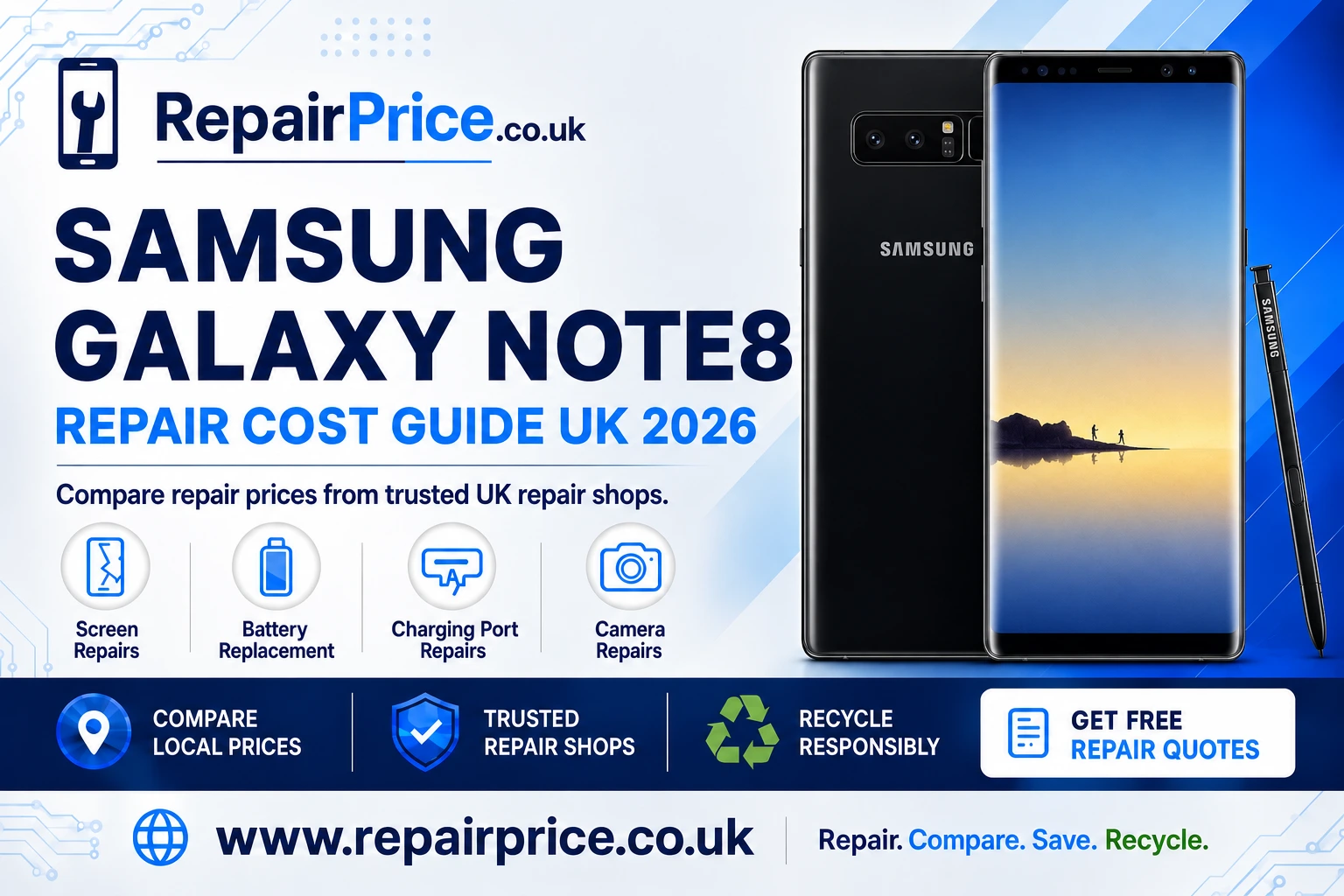
Samsung Galaxy Note8 Repair Guide: Faults, Costs and Repair Options
The Samsung Galaxy Note8 remains a capable smartphone, but age, accidental damage and everyday wear can eventually cause problems with its screen, battery, charging port or cameras. This guide explains the most common Galaxy Note8 faults, what you can check safely at home and when professional diagnosis is the better choice. You can also compare Samsung Galaxy Note8 repair prices and available services before deciding whether to repair, replace or recycle your device.
Repairing an older phone can still make financial and environmental sense. A targeted repair may restore a device that already contains your applications, photographs, contacts and preferred settings. However, the correct decision depends on the fault, the condition of the rest of the handset and the total quoted cost. RepairPrice helps you explore these options without assuming that every damaged Note8 needs the same solution.
Book Your Samsung Galaxy Note8 Recycling Collection by WhatsApp
Is a Samsung Galaxy Note8 Still Worth Repairing?
A Galaxy Note8 may be worth repairing when it still meets your everyday needs and has only one significant fault. For example, replacing a worn battery or repairing a damaged charging connection can be more economical than buying another phone. A repair can also be worthwhile when the handset contains important information that has not yet been backed up.
Before approving work, consider the phone’s general condition. Check whether the frame is badly bent, the back cover is lifting, the screen has extensive impact damage or the handset has previously suffered liquid exposure. Multiple unrelated faults can make the total repair less attractive. Comparing the estimated repair price with the cost of a suitable replacement will help you make a practical decision.
The Note8 is also an older model, so parts availability, part quality and warranty terms may differ between repair businesses. Ask whether the quotation includes labour, VAT, replacement seals and diagnostic work. You should also confirm whether the repairer offers a warranty and whether your data is expected to remain on the device during the procedure.
Quote from UK Samsung Galaxy Note8 Repair Shops
Samsung Galaxy Note8 Screen Damage
The Note8 uses a curved display, so screen damage can affect more than the outer glass. Common warning signs include black patches, coloured lines, flashing, reduced brightness, unresponsive areas and touch inputs that occur without contact. A handset can have an intact-looking surface while the display panel underneath has failed after an impact or pressure damage.
If the display is still visible, back up important information before the fault becomes worse. Avoid pressing cracked glass, peeling damaged layers or applying liquid adhesives. These actions may make professional removal more difficult and can expose your fingers to sharp fragments. If the display is lifting from the frame, stop using the phone until a technician checks whether the battery has swollen.
Screen work on a curved Samsung device requires suitable tools, careful heat control and correct alignment. A poorly fitted replacement can cause touch problems, uneven gaps or weak sealing around the frame. Visit the dedicated page for Galaxy Note8 display and broken-screen repair options when the glass, touchscreen or image panel needs professional attention.
Battery Drain, Overheating and Unexpected Shutdowns
Rechargeable batteries lose capacity through age and repeated charging cycles. An ageing Note8 battery may discharge quickly, shut down before reaching zero percent or struggle during navigation, video calls and other demanding tasks. Heat, poor mobile signal, background applications and high screen brightness can also shorten daily battery life, so rapid drain does not automatically prove that the battery is defective.
Start by reviewing battery usage in the phone’s settings. Restart the handset, install appropriate software updates and remove applications that consume unusual amounts of power. You can also test the device with power-saving settings enabled. If performance remains poor after normal software checks, a battery assessment may reveal whether the cell has deteriorated.
Stop charging or using the phone if the back cover begins to separate, the device develops a chemical smell or the handset becomes abnormally hot. These symptoms may indicate battery damage or swelling. Do not puncture, compress or attempt to flatten a swollen battery. Explore a professional Note8 battery replacement service so the battery can be removed and handled safely.
Charging Port and Power Problems
A Note8 that charges intermittently may have compacted debris in its USB-C port, a damaged cable, a weak power adapter or internal connector wear. Test with a compatible cable and adapter that are known to work correctly. Check the port under good lighting, but do not insert pins, knives or other metal objects. Metal tools can damage the contacts or create an electrical short.
Charging problems may also be connected to moisture alerts, battery failure or damage elsewhere on the charging circuit. If the cable must be held at a particular angle, the connector feels loose or the phone repeatedly connects and disconnects, further use could worsen the fault. A technician can inspect the port and determine whether cleaning, component replacement or board-level investigation is required.
Wireless charging can provide a temporary way to power a compatible Note8, but it does not repair a defective USB-C connection. The port is also used for data transfer and some accessories. Use the service page to diagnose a Galaxy Note8 charging-port fault and compare appropriate repair routes.
Rear Camera and Front Camera Faults
Camera problems can appear as blurred photographs, shaking previews, focus failure, dark images or an application that closes unexpectedly. Begin by cleaning the camera glass with a soft, dry microfibre cloth. Restart the handset and test both the front and rear cameras in more than one application. This can help distinguish an application issue from a hardware fault.
If the problem began after a drop, the camera module, lens covering or internal connection may have been damaged. Moisture can also leave condensation beneath the glass or corrode internal components. Avoid repeatedly opening the camera application when the phone is overheating, and do not apply heat directly to remove condensation.
A repairer can inspect the affected module and check whether the issue involves the camera itself, its connection or associated circuitry. For persistent focus, lens or image problems, review the available Samsung Note8 camera repair solutions.
What to Do Before Sending Your Note8 for Repair
Back up your photographs, contacts, messages and authentication information whenever the phone remains usable. Remove the SIM card and memory card unless the repair business specifically needs them for testing. Make a note of the handset’s existing cosmetic damage so its condition is documented before collection or drop-off.
Ask the repairer how access to the phone will be handled. Some faults can be tested without a passcode, while others require access to confirm that cameras, microphones, sensors and charging functions operate correctly. If access is necessary, consider creating a temporary backup and removing especially sensitive material before handing over the device.
You should also ask which type of replacement part will be fitted, what the warranty covers and whether the handset will be tested after repair. Water resistance should never be assumed after a device has been opened. Even when replacement adhesive is installed, the original factory resistance cannot always be guaranteed.
Find Galaxy Note8 Repair Services Near You
RepairPrice provides location-focused routes for customers who want to explore repair availability in different parts of the UK. Each local page can help users move from general fault information to services relevant to their area.
- Explore Samsung Galaxy Note8 repair choices in Peterborough.
- Find local Note8 technicians serving Plymouth.
- Compare Galaxy Note8 repair services around Portsmouth.
- Request help through Samsung Note8 repair providers in Preston.
- Review repair options for Note8 owners in Ripon.
- Discover Samsung Galaxy Note8 repair support in Salford.
How to Compare Samsung Galaxy Note8 Repair Quotes
The cheapest headline price is not always the best-value quotation. Compare the included labour, part specification, turnaround estimate and warranty. Ask whether the price could change after inspection and whether any diagnostic fee is payable if you decide not to proceed. Clear information at the start reduces the risk of unexpected costs later.
For screen repairs, confirm whether the quotation covers the complete display assembly and whether cosmetic frame damage could affect fitting. For battery work, ask whether the replacement includes suitable adhesive and post-repair testing. Charging and camera faults may require diagnosis before the final price can be confirmed because similar symptoms can have different underlying causes.
It is also useful to explain the phone’s history accurately. Tell the repairer about drops, liquid exposure, previous repairs and intermittent symptoms. A detailed description helps the technician investigate the likely cause and provide a more relevant estimate.
Repair or Replace: Making the Right Decision
Repair is usually easier to justify when the phone has one isolated fault, remains fast enough for your needs and receives an affordable quotation. Replacement may be more practical when there are several major issues, the frame is severely damaged or the cost approaches the value of a more suitable device.
Consider your requirements rather than judging the handset only by its age. If the Note8 still performs the tasks you need, extending its working life can avoid the cost and inconvenience of changing devices. If security support, application compatibility or storage limitations are important to you, include those factors in your decision.
Before replacing the phone, retrieve your data wherever possible and remove linked accounts. If the handset still has reuse value, responsible resale, refurbishment or donation may be preferable to material recycling. Recycling becomes the appropriate route when the device cannot be repaired or reused safely and economically.
Recycling an Unrepairable Samsung Galaxy Note8
A damaged phone should not be placed in general household waste. Smartphones contain metals, circuit boards, a rechargeable battery and other materials that require controlled handling. Even a Note8 that no longer switches on may contain recoverable components or materials.
If repair is unsuitable, you can learn how to recycle an unwanted Samsung handset responsibly. For a wider range of electrical items, visit the UK electronics recycling collection service and review the available disposal routes.
Before handing over a working or partially working phone, back up anything you want to keep, sign out of personal accounts and perform a factory reset when it is safe and possible to do so. Remove the SIM and memory card. If the device has a swollen or damaged battery, do not post or transport it without first asking the recycling provider for suitable handling instructions.
What Happens to the Note8 Circuit Board?
The main circuit board contains a mixture of components and valuable materials, but recovery requires specialist equipment and controlled processes. Burning boards, using household chemicals or dismantling damaged battery-powered devices at home can expose people and the environment to unnecessary risks.
Businesses, repair shops and individuals with damaged boards can read about specialist mobile-phone circuit-board recycling. Users who want to understand how board categories may be assessed can also consult the mobile phone PCB price information page.
Circuit-board values can vary according to grade, condition, quantity, contamination and current recovery markets. Any published price should therefore be treated as guidance until the material has been inspected and classified. Keeping batteries separate from loose boards and following the recycler’s packaging instructions can make collection and processing safer.
Frequently Asked Questions
Can only the cracked glass be replaced on a Galaxy Note8?
Glass-only refurbishment may be possible in specialist circumstances, but the curved glass, touch layer and display are closely integrated. If the image or touch response is damaged, a complete display assembly may be required. A technician should inspect the phone before confirming the correct repair.
Will a battery replacement delete my data?
A standard battery replacement should not normally erase stored information, but every repair carries some risk. Create a current backup before work begins whenever the handset remains accessible.
Why does my Note8 charge only when the cable is angled?
The port may contain compacted debris or have worn internal contacts. The cable itself could also be damaged. Stop forcing the connector and arrange an inspection if careful testing with another compatible cable does not solve the problem.
Can a water-damaged Note8 be repaired?
Sometimes, but the result depends on the liquid involved, the affected components and how quickly power was disconnected. Do not charge a wet phone. Switch it off if possible and seek professional assessment promptly. Rice does not remove internal corrosion or safely clean electronic components.
Should I repair or recycle my Galaxy Note8?
Repair may be worthwhile when the handset has one manageable fault and otherwise serves your needs. Recycling is more appropriate when damage is extensive, the battery is unsafe, important parts are unavailable or the total repair cost cannot be justified. A professional diagnosis and written quotation can help you compare the two routes.