

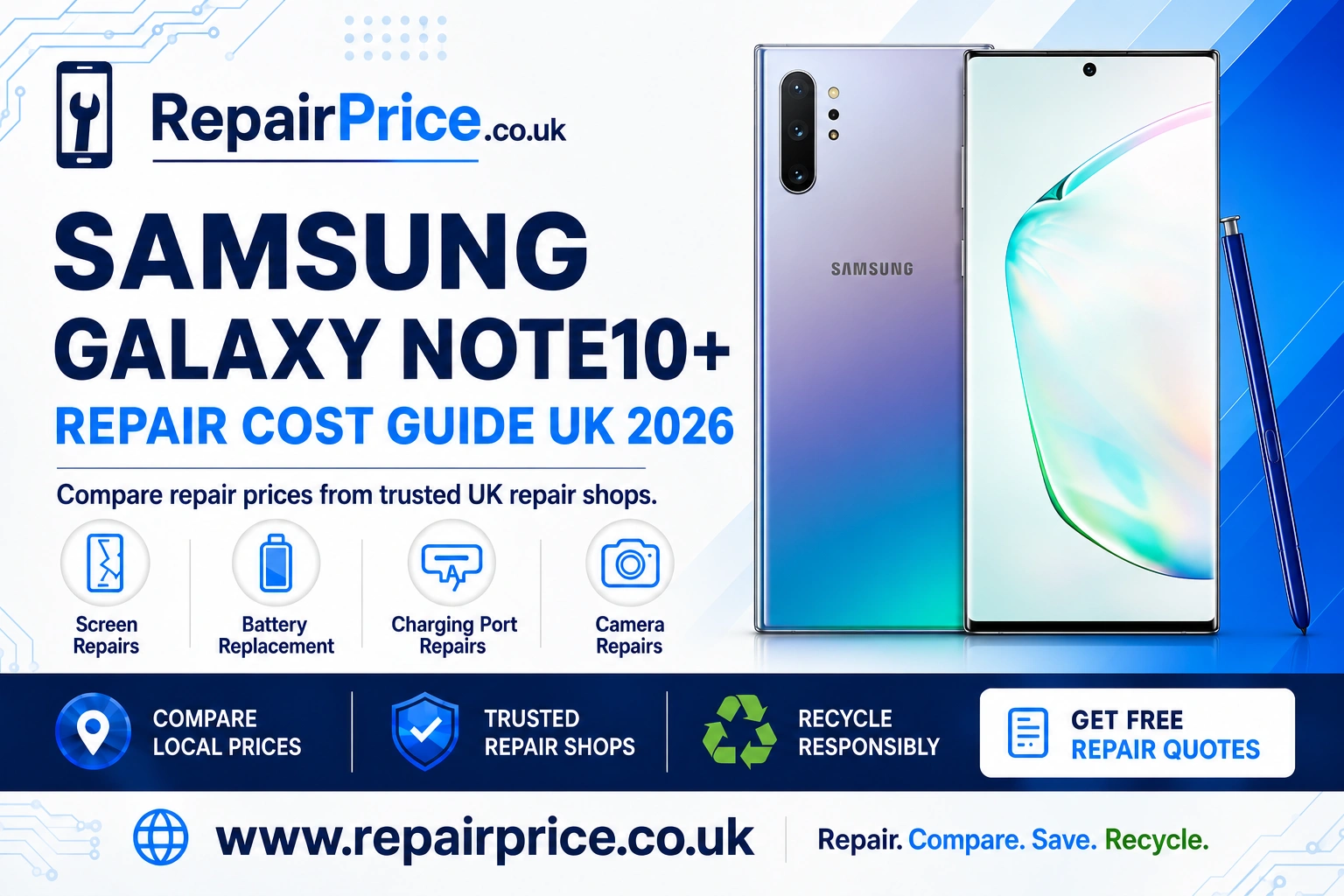
Samsung Galaxy Note10+ Repair Guide: Screen, Battery, Charging Port and Camera Fixes
The Samsung Galaxy Note10+ remains a capable premium phone, with its large Dynamic AMOLED display, built-in S Pen, versatile cameras and productivity-focused features. A cracked screen, weak battery or unreliable charging connection does not necessarily mean that the device needs replacing. This guide explains the most common Galaxy Note10+ faults, what to check before arranging a repair and how to compare suitable repair services across the UK.
If you already know what is wrong with your phone, visit the Samsung Galaxy Note10+ repair price comparison page to explore relevant services and make a more informed decision.
Need help choosing the correct service? Contact Repair Price through WhatsApp and explain the symptoms affecting your Galaxy Note10+.
Discuss Your Galaxy Note10+ Repair on WhatsApp
Is a Samsung Galaxy Note10+ Still Worth Repairing?
Repairing a Galaxy Note10+ can make financial and environmental sense when the phone otherwise meets your needs. Its large display, S Pen functionality, expandable storage support and premium design can still make it useful for work, communication, entertainment and everyday tasks. Replacing one damaged component may cost considerably less than buying another premium handset.
The best decision depends on the type of fault, the phone’s overall condition and the quoted repair price. A screen repair may be worthwhile when the battery, cameras and internal components remain dependable. A battery replacement can also extend the usable life of a phone that has become frustratingly short-lived between charges.
Before approving work, compare the estimated repair cost with the phone’s current value and the cost of a suitable replacement. Ask whether parts and labour are covered by a warranty, whether diagnostic charges apply and whether the quoted amount includes VAT. Comparing these details helps you assess value rather than choosing a service solely because it advertises the lowest headline price.
Common Samsung Galaxy Note10+ Problems
The most frequently requested Galaxy Note10+ repairs involve the display, battery, USB-C charging port and camera system. However, similar symptoms can have different causes. For example, a phone that does not charge could have a blocked connector, a damaged cable, a worn battery or an internal charging fault. A professional diagnosis can reduce the risk of paying for the wrong repair.
Cracked Screen, Display Lines or Touch Problems
The Galaxy Note10+ uses a large edge-to-edge AMOLED display. Impact damage may crack the outer glass, produce coloured lines, create black patches or stop sections of the touchscreen from responding. The display can also appear intact while suffering internal OLED damage underneath the glass.
Arrange an assessment promptly if the screen flickers, develops spreading ink-like marks or becomes difficult to control. Continuing to press a damaged panel can make the phone harder to use and may expose it to moisture or dirt. You can compare Galaxy Note10+ display and touchscreen repair options when physical or visual screen damage is present.
Before handing over the device, ask whether the quoted service replaces the complete display assembly and whether fingerprint recognition will be tested afterwards. It is also sensible to confirm the expected part type, repair warranty and turnaround time.
Battery Drain, Overheating or Unexpected Shutdowns
Lithium-ion batteries lose capacity as they age. A worn Galaxy Note10+ battery may fall rapidly from a high percentage, shut down before reaching zero, struggle through a normal day or become unusually warm during simple tasks. Software activity, poor signal strength and demanding applications can also increase power consumption, so battery drain does not always prove that the cell itself is defective.
Check battery usage in the phone’s settings, install available updates and remove applications that consume excessive background power. If performance remains poor after these checks, explore a replacement battery service for the Samsung Note10+.
Stop using the device and seek professional advice if its back panel begins lifting, the casing changes shape or the battery appears swollen. Do not press a raised panel back into position, puncture the battery or expose the phone to heat. A damaged lithium-ion cell requires careful handling.
Charging Port and USB-C Connection Faults
A Galaxy Note10+ that charges only at an angle, repeatedly disconnects from a computer or no longer recognises a cable may have debris or wear inside its USB-C connector. Begin by testing a known-working compatible cable and power adapter. Inspect the port under good lighting, but avoid inserting metal objects or forcing material deeper into the connector.
If multiple cables produce the same problem, use the dedicated service page to diagnose a Galaxy Note10+ charging connection fault. A technician can determine whether the port needs cleaning or replacement, or whether the fault involves the battery, charging circuitry or another internal component.
Wireless charging may provide temporary access to power when the USB-C port is faulty, but it does not resolve data-transfer problems or the underlying damage. Back up important files while the phone remains operational.
Blurred Photos, Focus Failure or Damaged Camera Glass
Camera faults may include persistent blur, shaking, failure to focus, black preview screens or visible damage to the lens covering. Start by cleaning the camera glass with a soft lint-free cloth, restarting the phone and checking whether the problem affects every camera mode. Removing a poorly fitted case or lens protector can also rule out an external obstruction.
If the problem continues in both the standard camera application and other applications, compare Samsung Note10+ camera fault repair services. Mention whether the issue affects the front camera, rear wide camera, telephoto camera or every lens, because that information can help the repair shop prepare an accurate quotation.
Checks to Complete Before Booking a Repair
Restart the phone and install available software updates before assuming that every fault is hardware-related. Test the affected feature in more than one application where possible. For charging problems, try another compatible cable and adapter. For sound, camera or connectivity issues, remove accessories that might interfere with normal operation.
Create a current backup of photographs, contacts, documents, messages and authentication information. Although a routine component replacement should not normally erase data, no repair involving an electronic device is entirely risk-free. Remove the SIM card if requested and record the phone’s existing cosmetic condition before sending or delivering it to a repair provider.
You should also ask how the shop handles device access and personal information. Some testing procedures may require the phone to be unlocked. If access is needed, use an appropriate temporary method where available and remove sensitive information that is not required for diagnosis.
How to Compare Galaxy Note10+ Repair Quotes
A useful quotation should identify the suspected fault, the repair being offered, the expected cost and any circumstances that could change that cost. Confirm whether diagnostics, replacement parts, labour, VAT and return delivery are included. If a technician discovers additional liquid or board damage, the provider should explain the revised price before continuing.
Ask what warranty applies to the completed repair and what exclusions it contains. Accidental damage, new liquid exposure and unrelated component faults are commonly excluded. Keep your receipt and any written repair report because these documents may be needed if the same repaired component develops a problem.
Part quality can influence display brightness, colour, touch response, battery performance and long-term reliability. Avoid relying on vague descriptions such as “premium quality” without asking what they mean. A clear explanation of the part, testing process and warranty is generally more valuable than an unexplained low price.
Request Quotes from Samsung Repair Shops
Find Samsung Galaxy Note10+ Repair Services by Location
Repair Price provides location-focused pages that can help users discover relevant options closer to home. Availability, turnaround times and collection arrangements vary between businesses, so contact the selected provider before travelling.
Customers in North East England can explore Galaxy Note10+ repair services available around Sunderland. Explain the symptoms clearly and ask whether an appointment or postal service is required.
For users in Cornwall, the Truro Samsung Note10+ repair comparison page provides a more locally relevant starting point.
West Yorkshire customers can search for Samsung Galaxy Note10+ technicians serving Wakefield and compare the services offered for common faults.
If you are based in Somerset, review the Galaxy Note10+ repair choices near Wells before deciding whether to repair, post or recycle the device.
People living or working in central London can investigate Westminster repair support for the Samsung Note10+, including options for its screen, battery, port and cameras.
Customers in Hampshire can use the Winchester Galaxy Note10+ repair services page to identify suitable local assistance.
When Repair May Not Be the Best Choice
Repair may be poor value when a phone has extensive liquid damage, several failed components, serious frame distortion or repeated motherboard problems. A combination of screen, battery and internal board faults can push the total cost closer to the price of a suitable replacement device.
Ask for a diagnosis before authorising expensive work if the phone has suffered major impact or liquid exposure. A repair shop may be able to identify whether the damage is isolated or affects several systems. If repair is technically possible but uneconomical, recycling can recover useful materials and prevent the handset from remaining unused in a drawer.
Recycle an Unrepairable Samsung Galaxy Note10+
A Galaxy Note10+ contains a battery, circuit boards, metals, glass and other materials that should not be placed in household rubbish. If the device cannot be repaired economically, use the Samsung and mobile phone recycling service to investigate a responsible next step.
You can also visit the electronics recycling quotation page when you have additional phones or other unwanted electronic equipment. Combining several devices may make it easier to arrange an appropriate recycling enquiry or collection.
Before recycling, back up any files you want to keep, sign out of important accounts and remove the SIM and memory cards. Perform a factory reset only when the phone can operate safely and you understand the consequences. If the device will not turn on, tell the recycling provider that personal data may remain on its storage.
Mobile Phone Circuit Board Recycling
Damaged phones and separated logic boards can still contain recoverable materials. Repair businesses, IT companies and organisations holding larger quantities of electronic components can learn about responsible recycling for mobile phone circuit boards.
The value and classification of boards can depend on their type, condition, quantity and the recycler’s current requirements. Review the mobile phone circuit board price information for guidance before requesting an assessment. Do not remove a circuit board from a complete phone unless you have suitable repair knowledge and safe tools, particularly where a damaged battery may be present.
Repair or Recycle: Making the Final Decision
Choose repair when one or two replaceable components are responsible for the problem, the phone remains suitable for your needs and the quotation represents reasonable value. A successful screen, battery, charging port or camera repair can extend the useful life of the Galaxy Note10+ and delay the cost of replacement.
Choose recycling when the device is unsafe, extensively damaged, repeatedly unreliable or more expensive to restore than it is worth to you. Whichever route you take, obtain clear information first. Comparing repair services and understanding recycling alternatives allows you to make a decision based on cost, practicality and environmental responsibility.
Samsung Galaxy Note10+ Repair Questions
Can a cracked Galaxy Note10+ screen be repaired?
Yes, many cracked or failed Galaxy Note10+ displays can be replaced. The correct service depends on whether the damage affects only the outer surface or the complete AMOLED and touchscreen assembly.
How do I know whether the battery needs replacing?
Common signs include rapid discharge, unexpected shutdowns, excessive heat and reduced operating time. Software activity can create similar symptoms, so basic checks or a professional diagnosis are recommended.
Why does my Note10+ charge only when the cable is moved?
The USB-C connector may contain compacted debris or have worn internal contacts. Test another compatible cable first and avoid using metal objects inside the port.
Will a repair erase my data?
Many component repairs do not require data deletion, but you should always create a backup beforehand. Ask the repair provider about its testing and data-handling procedures.
What should I do with a Galaxy Note10+ that cannot be repaired?
Use a responsible phone or electronics recycling service. Remove accessible account information, SIM cards and memory cards before surrendering the device whenever it is safe and practical to do so.
Compare Your Samsung Galaxy Note10+ Options
Start by identifying the main symptom and selecting the matching repair service. Compare what is included, ask about warranty coverage and back up your information before work begins. If repair is no longer economical, move the phone into a responsible recycling route so its materials can be handled appropriately.