

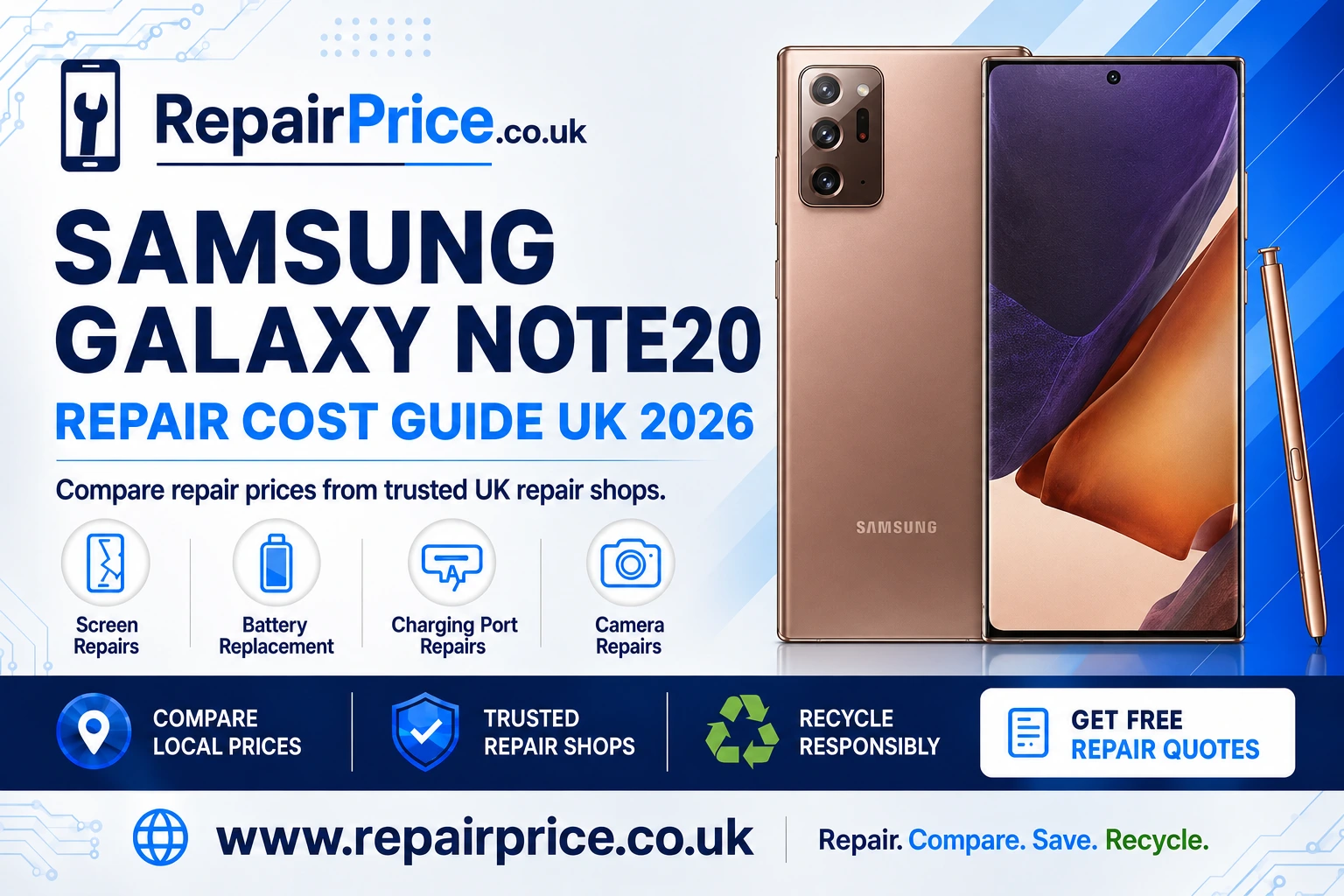
Samsung Galaxy Note20 Repair Guide: Faults, Repair Options and Recycling
A damaged Samsung Galaxy Note20 does not automatically need replacing. Screen faults, weak batteries, unreliable charging and camera problems can often be repaired, allowing you to keep using the phone while avoiding the cost and environmental impact of buying another device. This guide explains the most common Galaxy Note20 problems, what to check before arranging a repair and when recycling may be the more sensible option.
Repair prices can vary depending on the fault, the replacement part, the repairer and whether additional damage is discovered during inspection. Before committing to a service, you can compare Samsung Galaxy Note20 repair prices and available options from relevant repair providers.
Book Your Samsung Galaxy Note20 Recycling Collection by WhatsApp
Before sending your phone away or visiting a repair shop, describe the symptoms as accurately as possible. Explain whether the damage followed a drop, liquid exposure, overheating incident or software update. Clear information can help a technician identify the likely cause and provide a more relevant quotation.
Request a Quote from Local Galaxy Note20 Repair Shops
Is a Samsung Galaxy Note20 Still Worth Repairing?
The Galaxy Note20 remains a capable smartphone for everyday communication, productivity, photography and S Pen use. If the device still meets your needs and its main components are functioning, repairing one isolated fault can be more economical than replacing the entire handset.
The decision should be based on the phone’s overall condition rather than its age alone. A screen replacement may be worthwhile when the battery, cameras, charging system and internal board remain reliable. By contrast, a phone with extensive liquid damage, a failing display, a weak battery and intermittent charging may require several repairs. In that situation, compare the combined repair estimate with the cost of a suitable replacement.
You should also consider the value of the information stored on the phone. If important photographs, notes or documents have not been backed up, ask whether the repairer can preserve the data. No repair is completely risk-free, so create a backup whenever the phone remains accessible.
Samsung Galaxy Note20 Screen Problems
The Galaxy Note20 uses a large touchscreen display, making screen damage one of the most noticeable faults. A cracked outer surface may initially appear cosmetic, but the damage can spread and leave the display more vulnerable to moisture, dust and further impact.
Common warning signs include coloured lines, flickering, black patches, a completely blank display, inconsistent brightness and areas that no longer respond to touch. If the phone vibrates, rings or produces notification sounds while the screen stays black, the handset may still be operating behind a failed display assembly.
Remove any case or screen protector before testing the touchscreen because a damaged accessory can occasionally interfere with input. Restart the device if it is safe to do so, and check whether the problem occurs across multiple applications. Persistent display or touch faults normally require professional diagnosis.
If your Note20 has cracked glass, display discolouration or unreliable touch response, review the available Galaxy Note20 screen repair solutions for damaged displays. Ask whether the quotation covers the complete display assembly, labour, testing and any applicable warranty.
Battery Drain, Shutdowns and Overheating
Battery performance naturally changes over time. A worn Galaxy Note20 battery may lose charge quickly, shut the phone down before the indicator reaches zero or require several charging sessions during an ordinary day. Excessive heat, background applications and poor mobile signal can also increase power consumption, so rapid drain does not always prove that the battery itself has failed.
Begin by checking battery usage in the phone’s settings. Look for an application consuming an unusually high percentage of power, install trusted system updates and restart the device. Reducing screen brightness and disabling unnecessary background activity can help determine whether the problem is caused by usage or battery condition.
A swollen battery requires immediate attention. Warning signs can include a raised back panel, separation around the frame, unusual pressure marks on the display or a chemical smell. Stop using and charging the phone, do not press the casing back into position and keep it away from heat or flammable materials.
When reduced runtime continues after basic checks, compare a professional battery replacement service for an ageing Note20. A competent repairer should inspect the phone, fit a suitable replacement and test charging, temperature and power stability before returning it.
Charging Port and Power Connection Faults
A Galaxy Note20 that charges slowly or only at a particular cable angle may have a damaged accessory, debris inside the USB-C port or wear to the charging connection. Test a compatible cable and power adapter that are known to work correctly. You can also inspect the port under good lighting, but avoid inserting metal objects or forcing tools into it.
If the phone reports moisture, allow the connector to dry naturally in a ventilated place. Do not use excessive heat, and do not keep reconnecting a charger while moisture may still be present. Persistent moisture alerts can indicate contamination or damage that needs inspection.
Wireless charging may provide a temporary alternative when the cable connection fails, but it does not correct the underlying problem. A loose port can deteriorate, and repeated movement of the plug may place additional strain on the connector.
For intermittent charging, damaged pins or a port that no longer holds the cable securely, arrange a service to diagnose and repair the Note20 charging connection. Tell the repairer whether cable charging, data transfer and wireless charging are affected, as this can help distinguish a port fault from a board, battery or software issue.
Camera Focus, Lens and Image Problems
Camera problems may appear as blurry photographs, shaking previews, focus failure, dark spots, cracked lens glass or an application that closes unexpectedly. First clean the external lens gently with a soft microfibre cloth and remove any case or lens cover that could obstruct the camera.
Test the front and rear cameras separately, try different zoom levels and record a short video. If only one lens produces faulty images, the problem may be isolated to a particular camera module. When every camera fails, software or internal hardware may require further investigation.
A cracked outer lens should be dealt with promptly. Dust and moisture may enter through the damaged area and affect the camera beneath it. Avoid applying household adhesive because it can spread across the lens, complicate disassembly and reduce image quality.
If cleaning and restarting do not restore clear photographs, explore repair options for a faulty Galaxy Note20 camera. Provide sample symptoms such as focus hunting, vibration, black previews or visible lens damage when requesting a quote.
Other Galaxy Note20 Faults to Watch For
Not every Note20 fault falls into the four main repair categories. Users may also experience weak speakers, microphone failure, damaged buttons, inconsistent mobile signal, Wi-Fi problems, S Pen detection issues or a phone that repeatedly restarts.
Software troubleshooting may resolve some of these symptoms. Install available updates, remove recently added applications if a problem began immediately afterwards and confirm that sufficient storage space remains. A factory reset should be treated as a later step because it erases personal information. Back up the device and remove account locks only when appropriate.
Liquid exposure needs particular care. Water resistance can weaken through age, impact or previous repair, and it should not be treated as a permanent guarantee. Switch off a wet phone, disconnect accessories and avoid charging it. Rice does not remove corrosion from internal components. Prompt professional inspection offers a better chance of identifying affected parts before corrosion spreads.
How to Choose a Galaxy Note20 Repair Service
Do not compare quotations by price alone. Ask what type of replacement part will be used, whether labour is included and what warranty applies. A quotation should also explain whether the repairer will contact you before carrying out additional work if another fault is discovered.
Check the expected turnaround time and whether the phone will be tested after repair. Relevant checks may include touch sensitivity, display quality, charging, cameras, microphones, speakers, buttons, connectivity and S Pen operation. If the device has been opened, ask how the repair affects water-resistance expectations.
Remove sensitive information where practical, create a backup and record the phone’s condition before handing it over. You may also want to note the IMEI or serial number. Never share passwords unnecessarily; if a passcode is required for testing, discuss how it will be handled and change it after the repair.
Find Samsung Galaxy Note20 Repair Options by Location
Repair availability and pricing can vary between towns. Comparing local services may help you find a suitable combination of cost, convenience, turnaround time and warranty. Customers in Wiltshire can explore Samsung Galaxy Note20 repair services available around Salisbury.
For users in South Yorkshire, the Sheffield Note20 repair comparison page provides a route to relevant local options. Describe whether the phone needs a screen, battery, charging port or camera assessment when requesting prices.
Hampshire customers can review local Galaxy Note20 repair choices in Southampton, while customers in Essex can search for Note20 repair support serving Southend-on-Sea.
If you are closer to Hertfordshire, compare Samsung Note20 technicians and services in St Albans. Staffordshire users can instead view repair options for a Galaxy Note20 in Stoke-on-Trent.
Whichever location you choose, confirm the full price before work starts. Find out whether diagnostic charges, return postage, replacement parts and VAT are included, especially when comparing walk-in and mail-in services.
Repair or Replace: Making the Right Decision
A single repair is often easier to justify than several major repairs. Consider the quoted cost, the phone’s general condition, how well it meets your needs and whether you expect to keep it for long enough to benefit from the work.
Repair may be the stronger choice when the fault is clearly identified, the rest of the handset is reliable and the estimate is substantially lower than a suitable replacement. It also allows you to retain a familiar device and may reduce the demand for new electronics.
Replacement may make more sense when the phone has serious board damage, extensive corrosion or several failing components. Before buying another handset, ask whether the damaged Note20 has reuse, refurbishment or recycling value. Even a device that no longer switches on may contain recoverable components and materials.
Recycling an Unrepairable Samsung Galaxy Note20
If repair is uneconomical, do not place the phone in household rubbish. Smartphones contain batteries, circuit boards, metals, glass and plastics that require responsible handling. Improper disposal can waste reusable materials and create safety risks, particularly when a lithium-ion battery is damaged.
You can investigate ways to recycle an unwanted or unrepairable Samsung phone. If you have several devices or mixed electronics, use the broader electronics recycling and collection service to find an appropriate route.
Before recycling a working handset, back up any information you want to keep, sign out of personal accounts and perform a factory reset. Remove the SIM card and any accessories you intend to retain. If the phone is dead or the screen prevents access, tell the recycler that personal data may remain on the device and ask about its data-handling process.
Never post a swollen, punctured or overheating battery through an ordinary delivery service without specialist guidance. Describe the condition accurately so the recycler can recommend a safe collection or drop-off method.
Why the Note20 Circuit Board Matters
The main circuit board is one of the most technically complex parts inside a smartphone. It carries processors, memory, connectors and other components required for the device to function. When a handset cannot be repaired or reused, specialist processing can help recover materials from its electronic assemblies.
Businesses, repair shops and organisations handling dismantled phones can learn about responsible recycling for mobile phone circuit boards. This route is more appropriate for separated boards and repair-industry material than ordinary household waste disposal.
Anyone assessing batches of boards can also review current mobile phone circuit board price guidance. Values may depend on board type, grade, condition, contamination, quantity and the buyer’s assessment, so an indicative price should not be treated as a guaranteed quotation.
Preparing Your Note20 for Repair
Back up photographs, contacts, notes, messages and authentication information before the appointment whenever possible. Confirm that you can access important accounts from another device, particularly if the Note20 is used for banking, work or two-factor authentication.
Remove the SIM card unless the repairer needs it for an agreed network test. Take off removable accessories and photograph the handset from several angles. Make a short written list of the symptoms, including when they started and what troubleshooting has already been attempted.
If the phone will be posted, use protective packaging and follow the repair provider’s delivery instructions. Do not send a device with a visibly swollen or damaged battery until the provider has confirmed a safe transport method.
Questions to Ask Before Approving a Repair
Ask whether diagnosis is included, whether the quotation is fixed and what happens if the repair cannot be completed. Confirm the type of part being offered, the warranty period and whether the warranty covers both the installed component and the labour.
You should also ask how long the work is expected to take, whether your data should remain intact and what tests will be completed. Clear answers make it easier to compare services fairly and reduce the chance of unexpected charges.
Final Advice
A cracked display, worn battery, faulty charging port or damaged camera does not have to end the useful life of a Samsung Galaxy Note20. Begin with safe troubleshooting, compare relevant repair services and obtain a clear quotation that explains parts, labour, testing and warranty coverage.
If the phone remains dependable apart from one identifiable fault, repair can be a practical way to extend its life. If several major components have failed or the estimated cost no longer represents good value, move the device into a responsible recycling route instead of storing it indefinitely or placing it in household waste.
RepairPrice helps users move from diagnosis to comparison and, when repair is no longer worthwhile, towards recycling. Start by comparing the correct Note20 service, select a suitable local option and make a decision based on the phone’s complete condition rather than the visible fault alone.