

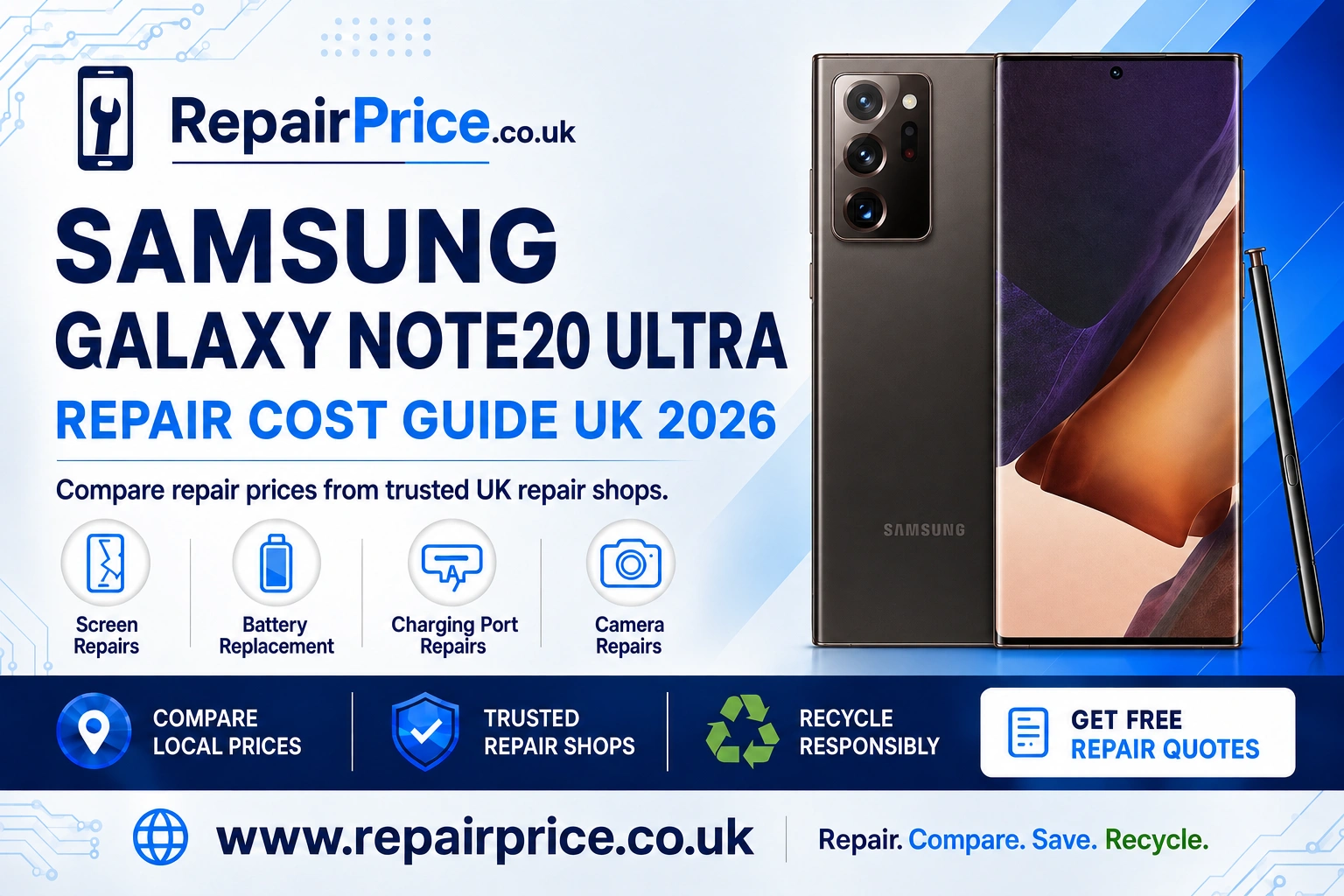
Samsung Galaxy Note20 Ultra Repair Guide: Faults, Repair Options and Recycling
The Samsung Galaxy Note20 Ultra remains a highly capable premium smartphone, with its large Dynamic AMOLED display, integrated S Pen, powerful cameras and productivity-focused features. A cracked screen, weak battery or unreliable charging port does not automatically mean that the phone needs replacing. In many cases, arranging a professional repair can restore everyday performance while costing considerably less than purchasing another flagship device.
This guide explains the most common Samsung Galaxy Note20 Ultra faults, the warning signs to look for and the factors that can affect repair prices. When you are ready to proceed, you can compare Samsung Galaxy Note20 Ultra repair prices from participating specialists before choosing a suitable service.
Book Your Samsung Recycling Collection via WhatsApp
Before paying for a repair, compare the available options and describe the fault accurately. Mention whether the phone has been dropped, exposed to moisture, repaired previously or affected by more than one problem. Clear information helps repair shops provide a more relevant quotation and reduces the possibility of unexpected work being required after inspection.
Quote from UK Repair Shops
Is a Samsung Galaxy Note20 Ultra Still Worth Repairing?
Repairing a Galaxy Note20 Ultra can make financial sense when its main functions are still working and the damage is limited to a replaceable component. The device offers a 6.9-inch display, S Pen support, wireless charging and a versatile camera system, so a correctly repaired handset may continue to meet the needs of users who do not require the newest Samsung model.
The decision should be based on the total repair cost, the phone’s condition and how long you intend to keep it. A single battery or charging problem will often present a stronger case for repair than extensive damage affecting the screen, frame, cameras and main circuit board simultaneously. Comparing quotations allows you to judge the repair against the cost of a suitable replacement.
You should also consider the condition of the S Pen, rear glass, camera lenses and frame. If these parts are intact and the handset has been dependable, extending its life through repair can preserve both your data and your familiarity with the device. If it is beyond economical repair, responsible recycling is normally preferable to leaving it unused in a drawer.
Samsung Galaxy Note20 Ultra Screen Damage
The edge-to-edge display is one of the Note20 Ultra’s most valuable components. It is also vulnerable to impact damage. A fall can cause cracked glass, coloured lines, black patches, flickering, touch failure or a completely blank screen. Even a small crack can spread as the phone experiences pressure and temperature changes.
If the display remains visible but touch input has become inconsistent, restart the phone and remove any damaged screen protector. This can help determine whether an accessory is interfering with touch response. Persistent dead areas, vertical lines or ink-like marks usually indicate physical display damage rather than a temporary software problem.
A damaged OLED panel generally requires a complete display assembly rather than a simple outer-glass replacement. Visit the dedicated page for Galaxy Note20 Ultra display and touchscreen repair options to compare an appropriate service.
Avoid pressing damaged glass back into position or continuing to use a screen with exposed sharp edges. Moisture and dust can enter through the broken area and create additional internal damage. Back up important photographs, documents and account information before handing the phone over whenever the display remains usable.
Battery Drain, Overheating and Unexpected Shutdowns
Lithium-ion batteries lose capacity as they age. A Note20 Ultra that once lasted throughout the day may begin requiring several charges, shutting down at a high percentage or becoming unusually warm during ordinary use. Heavy applications, poor mobile signal and high display brightness can also increase consumption, so it is sensible to check battery usage before assuming the component has failed.
Install pending software updates, review which applications are consuming power and test the phone using a known-good charger. If battery life remains poor after these checks, a replacement may restore practical daily use. You can review the available Note20 Ultra battery replacement service choices and compare quotations from repair providers.
Stop using the handset if the rear cover begins lifting, the battery appears swollen or the phone becomes dangerously hot. Do not puncture, compress or attempt to flatten a swollen battery. Keep it away from heat and arrange professional handling as soon as possible because a damaged lithium-ion cell can present a fire risk.
Charging Port and USB-C Problems
A charging fault can be caused by a worn USB-C socket, compacted lint, a defective cable, moisture contamination, battery failure or damage to charging circuitry. Common symptoms include intermittent charging, slow charging, a loose connection or a cable that only works when held at a particular angle.
Begin by testing another compatible cable and power adapter. Inspect the port under good lighting, but do not insert metal tools or apply liquid cleaner. Compact debris can be difficult to remove safely, and forcing an object into the socket may bend its internal contacts. Wireless charging can provide a temporary alternative, but it does not resolve the underlying USB-C fault.
If basic tests do not solve the problem, use the specialist page to diagnose a Note20 Ultra charging connection fault. A technician can determine whether the problem is limited to the socket or involves another internal component.
Camera Focus and Lens Faults
The Note20 Ultra uses a sophisticated rear camera system, so camera problems can have several causes. Users may notice blurred photographs, failed focus, shaking previews, dark images, warning messages or visible damage to the lens covering. First clean the exterior lens gently, restart the phone and test the standard Camera application without third-party filters.
If one camera mode works while another remains blurred or unavailable, a particular camera module may be faulty. Impact damage can affect optical stabilisation or autofocus even when the outside glass appears intact. Condensation beneath the lens is another indication that the phone should be inspected rather than repeatedly tested.
For persistent image or video problems, compare professional repairs for the Note20 Ultra camera system. Tell the repair provider which lens or shooting mode is affected and whether the fault began after a drop or contact with liquid.
What Affects the Cost of a Note20 Ultra Repair?
The final price depends on the failed component, the quality of the replacement part, labour requirements and whether additional damage is discovered. Display repairs are often more expensive than routine battery work because the OLED panel and touch layer form a complex assembly. Frame distortion, rear-glass damage and internal corrosion can also increase the work required.
Ask whether diagnostic charges, labour, parts, return postage and VAT are included in the quotation. You should also confirm the repair warranty and what it covers. The cheapest headline price is not necessarily the best overall value if it uses an unsuitable part or excludes essential labour.
Water resistance deserves particular attention. Opening a sealed smartphone can affect its original resistance, even when replacement adhesive is installed. Ask the repairer whether the device will be resealed and tested, but continue treating a repaired phone carefully around water rather than assuming its factory rating has been fully restored.
Preparing the Phone for a Repair
Create a current backup using an appropriate Samsung, Google or computer-based method. Remove the SIM card, microSD card and protective case unless the repair shop asks you to leave them installed for testing. Record the handset’s visible condition and note its IMEI or serial number for your records.
Disable security features only when required by the chosen repairer, and never share banking passwords or unrelated account credentials. Some faults can be tested without access to personal information. If a technician needs to unlock the phone to check cameras, speakers or sensors, ask how your data will be protected during the process.
After the repair, test the display, touch response, S Pen, microphones, speakers, cameras, buttons, Wi-Fi, mobile signal and charging functions. Report an issue promptly if the repaired component does not operate as expected.
Find Note20 Ultra Repair Services by Location
Availability, turnaround time and collection arrangements can vary by area. The following city pages help users find relevant repair information while keeping their searches specific to their location.
- Compare Galaxy Note20 Ultra repair services in Wolverhampton
- Explore Samsung Note20 Ultra repair choices across Worcester
- Find Note20 Ultra technicians serving customers in York
- Request a Samsung Galaxy Note20 Ultra repair in Bath
- Review local Note20 Ultra repair options in Birmingham
- Connect with Galaxy Note20 Ultra repair providers in Bradford
When Recycling Is Better Than Repairing
Repair is not always economical. Extensive liquid damage, a failed main board and multiple broken components can make the total cost difficult to justify. If a technician confirms that the phone is beyond economical repair, recycling helps recover useful materials and keeps electronic equipment out of general household waste.
Start with the guide to recycle an unrepairable Samsung mobile responsibly. For other unwanted devices, accessories and electrical equipment, visit the broader electronics recycling and collection information page.
Before recycling a working or partially working handset, back up the information you want to keep, sign out of personal accounts and perform a factory reset if the screen allows it. Remove the SIM and memory card. If the phone cannot be erased because it will not switch on, tell the recycling provider and ask about its data-handling process.
Recovering Value from Mobile Phone Circuit Boards
A damaged smartphone still contains a circuit board populated with metals and reusable materials. These boards require specialist processing and should not be placed in household rubbish. Repair businesses, recyclers and organisations handling quantities of damaged devices can learn about responsible mobile phone circuit-board recycling.
The possible value of a board depends on its grade, condition, quantity and the recycler’s current buying criteria. Anyone comparing material categories can consult the mobile phone circuit-board price information. Prices may change, so obtain a current assessment before sending or delivering material.
Repair, Replace or Recycle: Making the Final Decision
Choose repair when the Galaxy Note20 Ultra remains suitable for your needs and the quotation is reasonable compared with replacement. A new screen, battery, charging port or camera can extend the useful life of a premium handset and reduce the environmental impact associated with manufacturing another device.
Consider replacement when several high-cost faults occur together, when parts are difficult to source or when the phone no longer meets your security, storage or performance requirements. Even then, recycling should remain part of the plan so that the old handset enters an appropriate recovery stream.
RepairPrice helps you move from diagnosis to action. Compare the relevant service, review local availability and ask what is included before booking. If the phone cannot be restored safely or economically, use the recycling resources above to give its components the best opportunity for responsible recovery.