

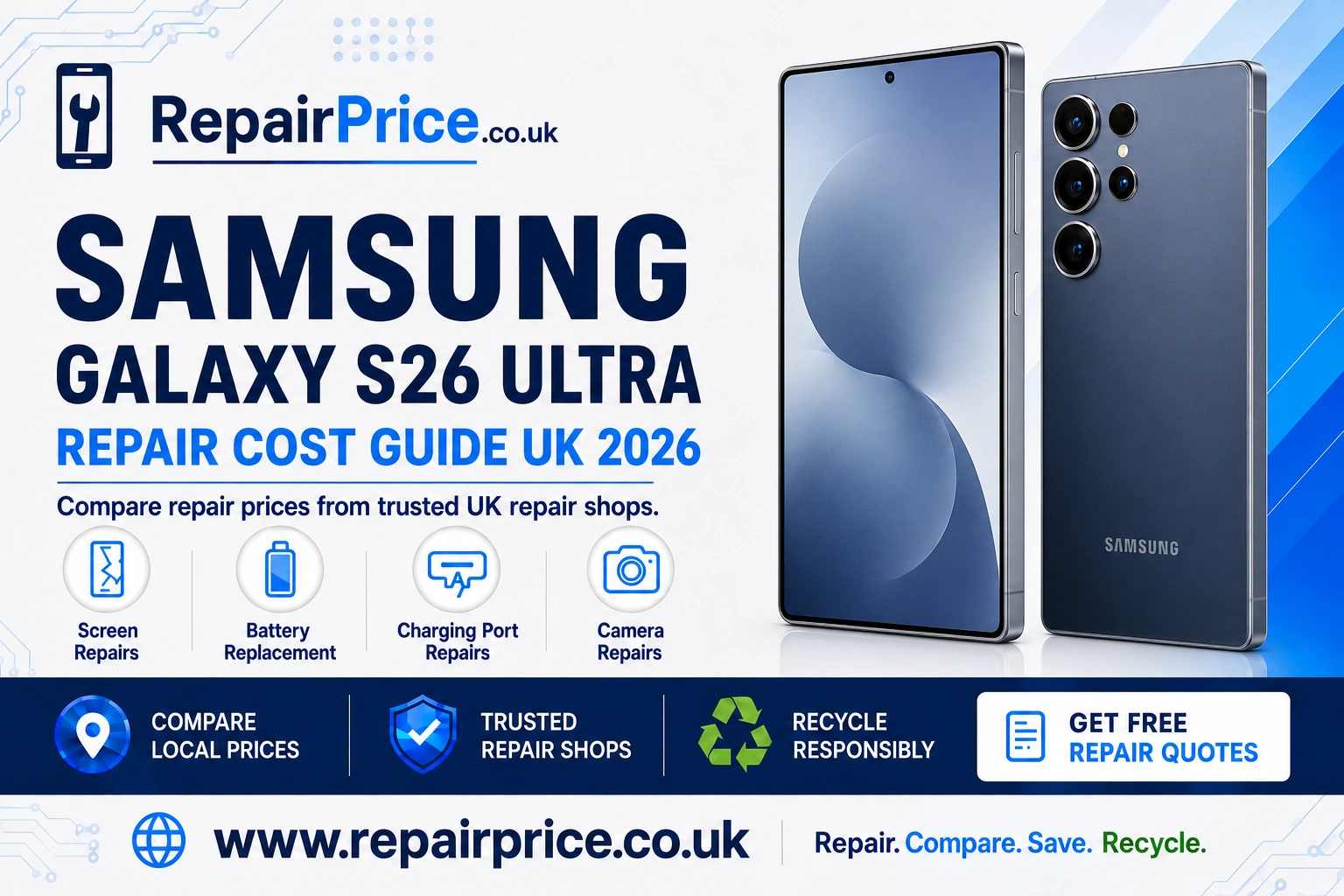
Samsung Galaxy S26 Ultra Repair Guide: Faults, Repair Options and Recycling
A damaged Samsung Galaxy S26 Ultra does not necessarily need to be replaced. Problems such as a cracked display, weak battery, unreliable USB-C connection or faulty camera can often be corrected by an experienced repair specialist. This guide explains the symptoms to look for, the checks you can safely complete at home and when it is sensible to request a professional assessment.
Before approving any work, visit the Samsung Galaxy S26 Ultra repair price comparison page. Comparing available services can help you understand the likely cost, assess different repair options and decide whether restoring the phone offers better value than replacing it.
Book Your Recycling Collection from Canterbury WhatsApp
Is Your Samsung Galaxy S26 Ultra Worth Repairing?
Repairing the Galaxy S26 Ultra will frequently make financial sense when the phone remains suitable for your needs and the damage is limited to one replaceable component. A screen, battery, charging port or camera repair may extend the useful life of the device without the expense and inconvenience of buying another premium smartphone.
The decision should be based on the overall condition of the handset rather than the visible fault alone. A phone with a damaged screen but a healthy frame, dependable motherboard and working cameras may be a strong repair candidate. A device with extensive liquid damage, a distorted chassis and several failed components may require a more detailed comparison between the total repair cost and its value after restoration.
You should also consider the information stored on the phone, the cost of transferring to another device and whether a replacement handset would provide a meaningful benefit. Keeping an otherwise capable phone in use can reduce electronic waste while avoiding the environmental cost associated with manufacturing a new device.
Common Samsung Galaxy S26 Ultra Problems
Several faults can produce similar symptoms. For example, a black display does not always mean the entire phone is dead, while intermittent charging does not automatically confirm that the USB-C port needs replacement. The following overview can help you describe the problem accurately when requesting a quotation.
| Symptom | Possible cause | Recommended next step |
|---|---|---|
| Cracks, display lines, black patches or failed touch | Damage to the screen assembly, impact pressure or an internal display connection | Avoid pressing the damaged area and arrange a professional screen assessment |
| Rapid battery drain or unexpected shutdowns | Battery deterioration, background activity, software problems or a power-related fault | Review battery usage, install available updates and request a battery health test |
| Loose cable or intermittent charging | Debris in the USB-C port, a damaged cable, connector wear or a board-level fault | Test a known-compatible cable and arrange safe charging diagnostics |
| Blurred photographs, shaking or failure to focus | Dirty exterior glass, cracked lens protection, stabilisation damage or camera module failure | Clean the exterior lens carefully and request a camera inspection if the fault remains |
| Phone becomes unusually hot | Heavy processing, battery trouble, charging problems or internal damage | Disconnect the charger, close demanding applications and seek advice if excessive heat continues |
| No sound or distorted audio | Blocked speaker openings, moisture, physical damage or an audio component fault | Check the sound settings and have the device assessed if calls and media remain affected |
Samsung Galaxy S26 Ultra Screen Damage
A cracked screen can be more than a cosmetic problem. Damage may spread across the glass, interfere with touch input or expose the display assembly to moisture and dirt. Coloured lines, flickering, ink-like patches and sections that no longer respond are common signs that the internal display has also been affected.
If the screen is damaged, avoid repeatedly testing it with firm pressure. Continued pressure can enlarge dark patches or make an unstable panel fail completely. Back up important photographs, contacts, authentication details and documents while the display remains usable. You can then explore display replacement options for the Galaxy S26 Ultra and compare an appropriate repair with the condition of the device.
A screen protector may hold loose fragments in place temporarily, but it will not repair the panel underneath. If the phone has sharp glass, severe flickering or exposed internal areas, stop using it until it can be inspected safely.
Battery Drain, Shutdowns and Charging Problems
Battery performance can be influenced by brightness, mobile signal strength, location services, background applications and demanding camera or gaming use. Before assuming that the battery is defective, restart the phone, review the battery usage information and install appropriate system and application updates.
A worn or damaged battery may cause more serious symptoms, including sudden shutdowns, rapid percentage drops, unreliable charging or excessive heat. Physical swelling requires urgent attention because it can place pressure on the screen and other internal components. Do not squeeze a swollen phone, puncture the battery or continue charging it.
When software checks do not improve performance, a Galaxy S26 Ultra battery replacement assessment can determine whether fitting another battery is the appropriate solution. A successful replacement can restore dependable daily use and delay the need to purchase another handset.
USB-C Port and Intermittent Charging Faults
If the charging cable feels loose or only works at a certain angle, begin by testing another compatible cable and power adapter. Pocket lint can become compressed inside the USB-C opening and prevent a connector from seating correctly. Do not insert needles, pins or metal tools because they can damage the contacts or create an electrical short.
Charging failures may also be caused by moisture detection, software behaviour, a worn port, a damaged charging assembly or a fault elsewhere on the board. This is why diagnosis should come before replacement. A specialist can inspect the connector and test the charging system without automatically assuming that the visible port is the only problem.
If basic cable and adapter checks do not solve the issue, use the dedicated service page to investigate an S26 Ultra charging connection fault. Stop charging immediately if the connector becomes very hot, smells unusual or shows signs of burning.
Camera, Lens and Focusing Problems
Camera trouble can appear as blurred images, focus pulsing, shaking, blank previews, warning messages or reduced image quality. First, clean the exterior camera glass with a soft lint-free cloth. Remove any case or lens accessory that could obstruct the camera, restart the device and test more than one camera mode.
External lens damage and internal camera failure are different repairs. A cracked protective cover may affect image clarity without damaging the camera module, while impact damage can affect focusing or stabilisation even when the outside glass appears intact. Accurate testing helps prevent unnecessary component replacement.
If cleaning and software checks do not resolve the problem, compare camera repair solutions for the Samsung S26 Ultra. Explain whether the fault affects every lens, only one zoom level, video recording or focusing, as these details can support a faster diagnosis.
What to Do After Liquid Exposure
If the phone has been exposed to liquid, disconnect any cable and switch it off when it is safe to do so. Do not repeatedly power it on to check whether it still works. Electricity passing through contaminated or wet internal components can increase corrosion and cause additional failures.
Avoid rice, ovens, hairdryers and direct heat. These methods do not remove conductive residue from inside the handset and excessive heat can damage the battery, seals and display. A repair specialist can inspect the device internally, look for corrosion and explain which components remain recoverable.
Water resistance should not be treated as a permanent guarantee against all liquid damage. Seals can be affected by age, impact, previous repairs and temperature changes. After any repair involving the opening of the device, ask the repair provider what sealing process is used and what protection can realistically be expected afterwards.
Preparing the Phone for a Repair Assessment
Back up your data before handing over the device whenever the phone remains operational. Record the model, colour, storage capacity and visible condition. Remove the SIM card and accessories unless the repair provider specifically needs them to reproduce the fault.
Describe the symptoms clearly, including when the fault began, whether the phone was dropped or exposed to liquid and which troubleshooting steps have already been attempted. Ask what type of replacement part is being offered, what the quotation includes, whether diagnostic charges apply and what repair warranty is provided.
Do not focus on the cheapest headline figure alone. Consider the quality of the replacement component, the experience of the repairer, expected turnaround time, warranty terms and whether additional faults will be reported before work continues.
Quote from Canterbury Repair shops
Find Samsung Galaxy S26 Ultra Repair Services Near You
RepairPrice provides dedicated local pages to help customers explore relevant repair choices in different parts of the UK. Customers in Kent can review Canterbury repair services for the Galaxy S26 Ultra, while users in Cumbria can search for S26 Ultra specialists serving Carlisle.
Essex customers can compare Samsung S26 Ultra repair choices around Chelmsford or investigate Galaxy Ultra repair support available in Colchester. Separate local information is also available for people seeking Samsung Galaxy S26 Ultra repairs in Chester and device repair options serving Chichester.
When comparing local providers, check whether the quotation covers labour and parts, whether an appointment is required and how long the assessment is expected to take. Supplying an accurate description of the fault can help the repair shop provide more useful initial guidance.
When Recycling Is Better Than Repairing
Not every damaged phone should be repaired. Recycling may be the more practical route if the device has severe board damage, extensive corrosion, a badly distorted frame or several expensive faults. It may also be appropriate when the repair cost is too close to the value of a reliable replacement device.
Do not place an unwanted smartphone in general household waste. Phones contain batteries, metals, circuit boards and other materials that require responsible handling. Start with the guidance on how to recycle an unwanted Samsung handset responsibly, or visit the broader electronics recycling collection service when you have several devices or different types of equipment to clear.
Before recycling the phone, back up any information you still require, sign out of important accounts, remove the SIM card and memory card, disable device-tracking features where possible and complete an appropriate data reset. If the handset will not power on, tell the recycling provider so that the device can be handled correctly.
Why Mobile Phone Circuit Boards Have Recycling Value
A smartphone circuit board contains a mixture of metals and specialised components. Recovering these materials through a suitable recycling process can reduce the demand for newly extracted resources and prevent reusable material from being lost through unsuitable disposal.
Businesses, repair shops and organisations holding separated boards can read about responsible recycling for mobile phone circuit boards. Because values can depend on board type, quantity, condition and market factors, the mobile phone PCB price information page provides a useful starting point before requesting a collection or valuation.
Complete phones and loose circuit boards may need to follow different recycling routes. Describe exactly what you have, avoid removing batteries without suitable knowledge and keep damaged lithium batteries separate from loose metal items.
Explore Related Samsung Repair Guides
If you are comparing several Samsung devices, continue with the Samsung Galaxy S26 fault and repair guide. Owners considering an earlier Ultra model can also read the practical Galaxy S25 Ultra repair guide. Linking between model guides makes it easier to compare common faults, repair routes and recycling decisions across the Samsung Galaxy range.
Repair, Replace or Recycle: Making the Final Decision
Repair is generally the strongest option when one identifiable component has failed and the rest of the phone remains in good condition. Replacement may be preferable when several major parts are damaged or when reliability is essential and a repair cannot provide sufficient confidence. Recycling is the responsible final route when the handset is no longer economical or technically practical to restore.
Begin with diagnosis rather than assumptions. Compare the expected repair price, ask what the service includes and consider the useful life the repair could add. If restoration is not viable, use an established recycling route so the battery, circuit board and other recoverable materials are managed appropriately.
RepairPrice helps Galaxy S26 Ultra owners move from identifying the fault to comparing repair services and, where necessary, arranging responsible recycling. Taking action early can prevent minor damage from becoming more expensive and can help you make a decision based on condition, cost and long-term value.