

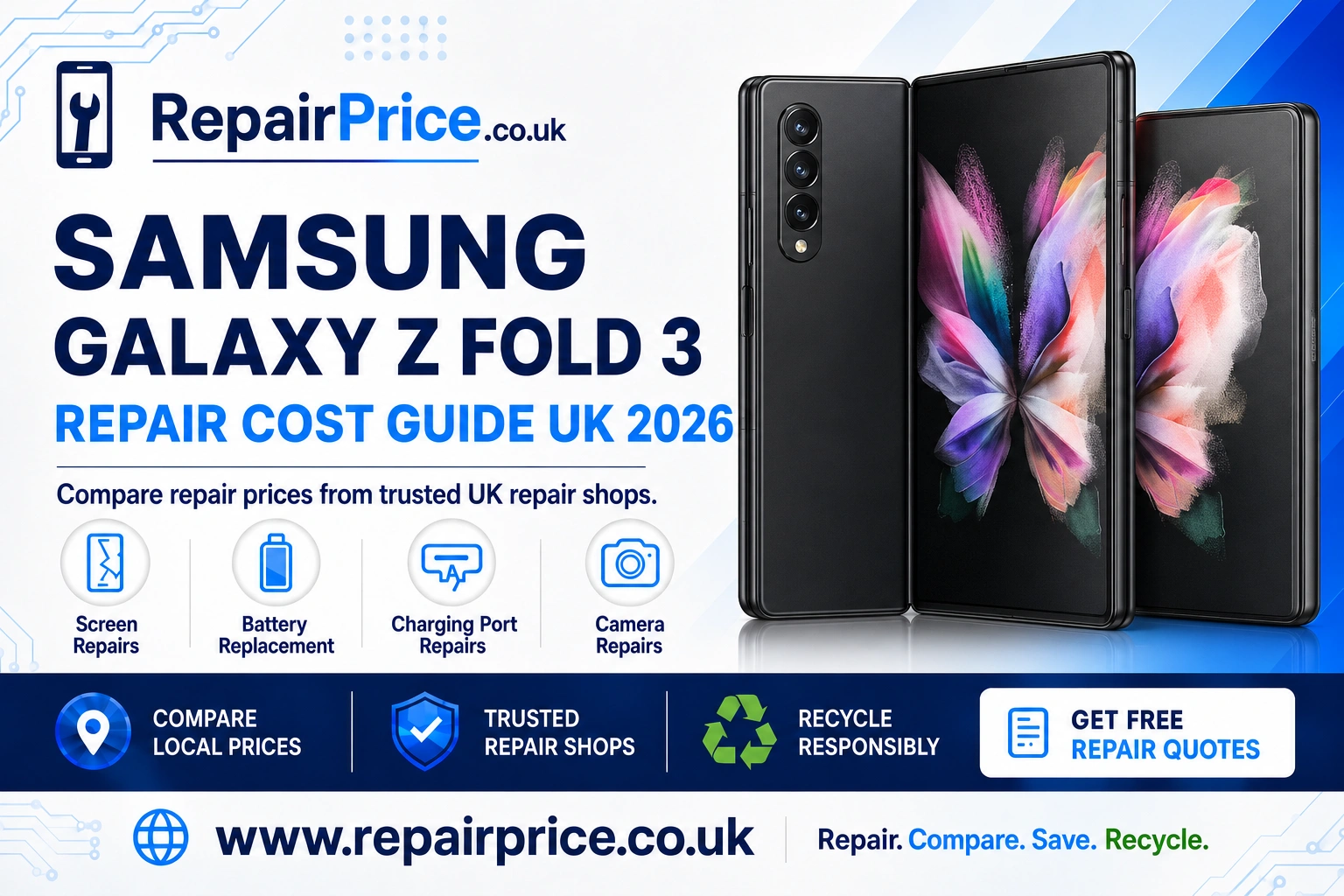
Samsung Galaxy Z Fold 3 Repair Guide: Faults, Repair Options and Recycling
The Samsung Galaxy Z Fold 3 remains an impressive foldable phone, combining a compact outer display with a large internal screen designed for multitasking, entertainment and productivity. Its folding construction, however, makes diagnosis and repair more specialised than it is for a conventional smartphone. Damage can involve the flexible inner display, protective screen layer, hinge, outer screen, frame or internal cables that connect the two halves of the device.
This guide explains the common Samsung Galaxy Z Fold 3 problems, what you can safely check at home and when professional attention is advisable. You can also compare Samsung Galaxy Z Fold 3 repair prices from UK specialists before choosing whether to repair, replace or recycle the phone.
Book Your Samsung Galaxy Z Fold 3 Recycling Collection via WhatsApp
Is Your Galaxy Z Fold 3 Worth Repairing?
A Galaxy Z Fold 3 may still be worth repairing when it works well apart from one identifiable fault. A tired battery, blocked charging socket, damaged external display or faulty camera can be less expensive to resolve than replacing the entire handset. Repairing the phone may also allow you to retain your photographs, applications, settings and accounts without moving immediately to another device.
The decision becomes more difficult when several expensive components are damaged together. For example, a cracked flexible display combined with hinge distortion and liquid damage may make recycling more economical. Compare the estimated repair cost with the phone’s current usable value, its overall condition and how long you expect to keep it. A quotation gives you better information than assuming that every folding-screen fault requires a replacement handset.
Before handing over the phone, back up important data whenever the display and controls still work. Remove the SIM card, record the device’s IMEI number and confirm whether the repairer needs your screen passcode for testing. Ask what part quality will be used, what testing is included and whether the repair comes with written warranty terms.
Common Samsung Galaxy Z Fold 3 Problems
The Fold 3 has two screens, multiple cameras, a hinge mechanism and internal flexible connections. This means similar symptoms can have different causes. A black internal display could indicate panel damage, a damaged connecting cable or a power problem. Charging trouble could be caused by the cable, adapter, socket, battery or charging circuitry. Accurate diagnosis is particularly important before an expensive component is ordered.
| Symptom | Possible cause | Recommended action |
|---|---|---|
| Lines, black patches or flickering on the inner screen | Flexible OLED damage, impact pressure or an internal connection fault | Stop folding the phone repeatedly and arrange a screen assessment |
| Phone shuts down when opened | Hinge-area cable, battery connection or internal hardware problem | Back up accessible data and request professional diagnosis |
| Battery drains unusually quickly | Battery wear, background activity, weak signal or software demand | Review battery usage before considering replacement |
| Charging cable feels loose | Compacted lint, damaged cable or worn USB-C port | Test another suitable cable and have the port inspected safely |
| Camera will not focus | Dirty lens glass, software issue, impact damage or failed camera module | Clean the lens, restart the phone and test each camera separately |
| Hinge feels stiff or makes an unusual sound | Debris, frame distortion or hinge wear | Do not force it open; seek a foldable-phone specialist |
Galaxy Z Fold 3 Inner and Outer Screen Damage
The flexible inner display is one of the most complex parts of the Galaxy Z Fold 3. Warning signs include coloured lines, spreading black areas, flashing, reduced touch response and a visible ridge or lifting layer near the fold. A mark that looks minor can worsen through repeated opening and closing, particularly when the panel has suffered pressure or impact damage.
Do not peel away the inner display’s protective layer. It forms part of the screen system and is different from an ordinary removable screen protector. Pulling it away without the correct process may damage the flexible panel. You should also avoid pressing on dead pixels or attempting to flatten bubbles with a card or sharp object.
The cover display can also crack or lose touch response. Because this outer panel is rigid, its repair process differs from work on the flexible display. A technician should establish which screen is affected and whether the frame or hinge has also moved. Review the available inner and cover screen repair choices for the Galaxy Z Fold 3 before booking the device in.
Battery Drain, Heat and Unexpected Shutdowns
The Galaxy Z Fold 3 uses a split-battery arrangement across its folding body. Battery life naturally changes with age, charging history, screen brightness, mobile signal strength and application use. The large internal display can consume substantial power, so increased drain does not automatically confirm that the battery has failed.
Start by opening the phone’s battery settings and checking which applications use the most energy. Install stable software updates, reduce unnecessary background activity and test the phone for a full day under normal conditions. If the percentage falls suddenly, the handset shuts down with charge remaining or the casing becomes abnormally hot during light use, a battery assessment is sensible.
Stop using the phone if its casing begins to separate, the display lifts or there are signs of swelling. Do not compress, puncture or continue charging a suspected swollen battery. A professional Galaxy Z Fold 3 dual-battery replacement assessment can determine whether one or more internal power components require attention.
Charging Port and Power Problems
A Fold 3 that will not charge may not necessarily need a new USB-C port. First, inspect the charging cable and adapter for visible wear. Test a compatible alternative and connect the phone directly to a reliable wall socket. Restart the device and check whether wireless charging works, because this can help distinguish a port-related problem from a wider power fault.
Pocket lint can become compacted inside the socket and prevent the connector from seating correctly. Avoid metal pins, needles and liquids because they can damage the contacts or create a short circuit. If the plug remains loose, charging works only at an angle or a computer cannot detect the handset, use a professional service to diagnose the Fold 3 charging connection safely.
Continued movement of a damaged connector can worsen the fault. If the handset still supports wireless charging, use it only as a temporary measure while arranging an inspection. Excessive heat, a burning smell or visible corrosion should be treated as reasons to stop charging the phone altogether.
Camera Faults and Blurred Photographs
The Galaxy Z Fold 3 includes multiple cameras, so it is useful to identify whether the problem affects one lens, every rear camera or only the front-facing unit. Carefully clean the external lens glass with a dry microfibre cloth, restart the phone and test the standard camera application. Remove magnetic cases or accessories temporarily because they may interfere with stabilisation or focusing.
If one view remains black, shakes continuously or cannot focus after an impact, the camera module or its connection may be damaged. Cracked lens glass should be addressed before dust or moisture reaches the camera assembly. Compare options for repairing a faulty Galaxy Z Fold 3 camera system rather than replacing working parts unnecessarily.
Hinge Noise, Resistance and Opening Problems
The hinge should move in a controlled manner. A slightly different feel over time does not always indicate failure, but grinding, catching, severe stiffness or an inability to open normally requires attention. Do not apply lubricant or insert tools around the hinge. Household oils can attract debris and migrate into areas containing sensitive display components.
After a drop, inspect the frame from several angles without forcing the device. A dent close to the hinge can place pressure on the flexible display. If opening the phone creates new lines, causes it to switch off or makes an existing black patch spread, leave it in the safest stable position and arrange an assessment.
What to Do After Liquid Exposure
The Galaxy Z Fold 3 has water-resistance engineering, but that does not make every handset immune to liquid damage. Protection can be reduced by age, previous impacts, earlier repairs and damaged seals. Salt water, sugary drinks and cleaning chemicals are especially harmful because residue can remain after visible moisture disappears.
Switch the phone off, disconnect accessories and remove the case. Do not use a hairdryer, oven, radiator or compressed air. Heat and pressure can push moisture deeper into the handset or damage adhesives. Rice does not remove conductive residue from internal components. Professional inspection is advisable if the phone was submerged, displays a moisture warning for an extended period or begins behaving unpredictably.
Finding Galaxy Z Fold 3 Repair Services Near You
RepairPrice helps users compare relevant repair options rather than contacting providers without an indication of the likely work involved. When requesting a quotation, explain whether the inner or outer display is affected, whether the phone opens fully, how the damage happened and whether it still powers on. Clear fault information helps repair shops respond more accurately.
Customers looking in Cheshire can explore foldable Samsung repair support available around Chester. In West Sussex, the dedicated Chichester Galaxy Z Fold 3 repair comparison page provides a more locally focused starting point.
For Essex enquiries, compare Colchester technicians handling Galaxy Z Fold 3 faults. Customers in the West Midlands can view Samsung foldable repair choices serving Coventry.
Further north, use the Derby Galaxy Z Fold 3 service search to investigate suitable repair options. Users in South Yorkshire can also find Doncaster repair services for damaged Fold 3 handsets.
Quote from UK Galaxy Z Fold 3 Repair Shops
Questions to Ask Before Approving a Repair
Ask whether the quotation includes the replacement part, labour, testing and applicable taxes. Confirm whether the technician regularly works on folding Samsung devices, because screen and hinge procedures require different experience from standard phone repairs. You should also establish whether the quote can change after inspection and whether you will be contacted before additional work begins.
Find out what warranty applies to the completed work and what it excludes. Damage caused by later drops, liquid exposure or unrelated component failure may not be covered. If water resistance matters to you, ask how the device will be resealed and tested, while recognising that a repairer may not be able to promise the original factory resistance level.
When Recycling Is the Better Choice
Repair is not always the most economical or environmentally appropriate route. Recycling may be preferable when the handset has extensive inner-screen and hinge damage, serious corrosion, a swollen battery or several failed components. A non-working phone still contains reusable materials and parts, so it should not be placed in household rubbish.
If repair quotations exceed the value the phone will provide to you, learn how to recycle a damaged Samsung foldable phone responsibly. For a broader collection route covering different devices and conditions, you can also request an electronics recycling option through RepairPrice.
Before recycling, back up anything you need, sign out of important accounts and perform a factory reset if the handset remains usable. Remove the SIM card and any accessories you plan to keep. If the display is dead and you cannot erase the phone, tell the recycling provider and ask how data-bearing devices are handled.
Recovering Value from Circuit Boards and Electronic Components
Mobile phone circuit boards contain metals and components that can be recovered through specialist processing. They must be handled differently from general household waste, particularly when devices are being recycled in commercial quantities. Repair businesses, IT teams and organisations managing batches of damaged phones can review specialist recycling routes for mobile phone circuit boards.
The potential value of electronic boards depends on their type, grade, condition, quantity and the buyer’s current terms. Anyone comparing commercial recycling options can consult the mobile phone PCB price and grading guide before arranging collection or delivery. Prices should always be confirmed directly because material markets and acceptance requirements can change.
Repair, Replace or Recycle: A Practical Decision
Choose repair when the Fold 3 has one manageable fault, remains suitable for your needs and can be restored at a reasonable price. Consider replacement when several major parts have failed or you require capabilities the handset no longer provides. Select responsible recycling when continued repair is uneconomical, unsafe or unlikely to return the phone to dependable use.
A diagnosis is valuable because symptoms alone do not reveal the complete cost. A charging issue may require only cleaning or a socket repair, while a display problem may involve the flexible panel, frame or hinge assembly. Compare written quotations, the quality of replacement parts and the warranty offered before deciding.
If you own an earlier generation or want to compare how foldable-phone faults differ, read the related Samsung Galaxy Z Fold 2 repair guide. Linking repair information across generations can help you recognise shared warning signs while still obtaining model-specific advice.
Samsung Galaxy Z Fold 3 Repair FAQs
Can a cracked Galaxy Z Fold 3 inner screen be repaired?
Yes, but the flexible inner display generally requires a specialist replacement process. The panel, protective layer, frame and hinge area should be inspected before the correct repair is confirmed.
Should I remove a bubbling inner screen protector?
Do not peel it away without model-appropriate advice. The factory-applied layer is part of the flexible display system, and incorrect removal can place stress on the screen underneath.
Why does my Fold 3 switch off when I open it?
This behaviour may be connected to an internal cable, battery connection or hinge-area hardware fault. Back up accessible data and avoid repeatedly folding the handset until it has been diagnosed.
Can a Galaxy Z Fold 3 charging port be cleaned?
Loose debris may sometimes be removed safely by a technician. Avoid metal tools and cleaning liquids because the USB-C contacts are delicate and can be permanently damaged.
Is recycling possible if the Fold 3 no longer turns on?
Yes. Non-working and damaged phones can still be accepted by suitable recycling services. Describe the condition accurately, especially if the battery is swollen, punctured or affected by liquid.
Get a Galaxy Z Fold 3 Repair Quote
Begin with the safest basic checks, avoid forcing the hinge and stop charging the phone if there are signs of swelling, overheating or liquid damage. When professional work is needed, provide a clear fault description and compare the complete repair offer rather than looking at price alone. If repair no longer makes financial sense, use an appropriate recycling service so that the handset and its components remain out of general waste.