

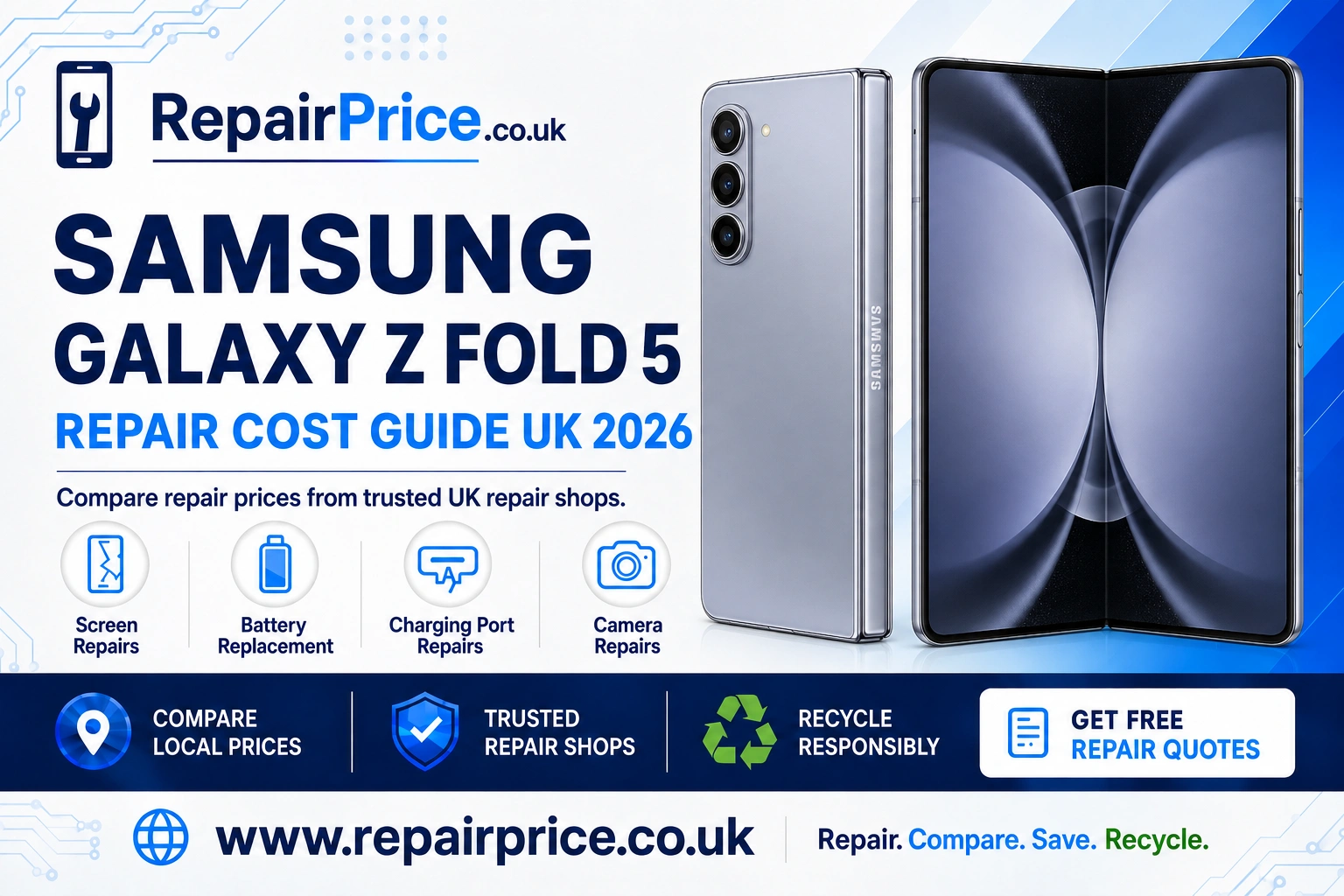
Samsung Galaxy Z Fold 5 Repair Guide: Faults, Repair Options and Recycling
The Samsung Galaxy Z Fold 5 is a premium foldable phone built around a large internal display, a compact cover screen and a precision hinge. Its unusual construction makes it highly capable, but it also means that damage should be assessed carefully. A cracked folding screen, lifting screen protector, weak battery or charging problem can become more serious if it is ignored. This guide explains the most common Galaxy Z Fold 5 faults, what you can check safely at home and when it is sensible to request a professional repair quote.
Repair prices can vary because the Galaxy Z Fold 5 contains two screens, multiple cameras, two battery cells and tightly arranged internal components. Before booking a repair, you can compare current Samsung Galaxy Z Fold 5 repair prices from suitable repair providers. Comparing quotes helps you consider the price, repair method, replacement-part quality, warranty and expected turnaround time together.
Book Your Galaxy Z Fold 5 Recycling Collection by WhatsApp
Is Your Samsung Galaxy Z Fold 5 Worth Repairing?
For many owners, repairing a Galaxy Z Fold 5 is worthwhile because replacing a premium foldable handset can be considerably more expensive. A focused repair may restore the phone without the cost and inconvenience of transferring everything to a replacement device. The decision should still be based on the phone’s overall condition rather than the visible fault alone.
Consider the age of the handset, its storage capacity, cosmetic condition, battery performance and whether the hinge still opens smoothly. A phone with one repairable fault and otherwise reliable performance is usually a stronger repair candidate than a device affected by liquid exposure, frame distortion, display damage and charging problems at the same time.
You should also compare the total quotation with the realistic value of the repaired phone. Ask whether labour, parts, diagnostic work and return delivery are included. A lower advertised price is not always the best value if it excludes important costs or provides no meaningful repair warranty.
Galaxy Z Fold 5 Inner-Screen and Cover-Screen Problems
The folding display is one of the most valuable and delicate parts of the Galaxy Z Fold 5. Warning signs include black patches, coloured lines, flickering, dead pixels, unreliable touch response or a display that no longer turns on. Damage can occur even when the outer surface does not show a conventional crack, because pressure or impact may affect the layers beneath the flexible panel.
A bubble or lifted edge around the crease may involve the factory-fitted screen protector rather than the OLED panel itself. Do not pull away a lifting protector without professional advice. Removing it incorrectly could place stress on the display, and fitting an unsuitable replacement may interfere with folding. Keep the phone partly open only if that is its comfortable position and avoid repeatedly flexing a damaged screen.
If the smaller cover display is cracked but the internal screen remains usable, the handset may still function temporarily. However, exposed glass can allow moisture or debris to enter and may cause cuts. Explore Galaxy Z Fold 5 inner and cover display repair options before the damage spreads or makes the device harder to use safely.
What to Do When the Hinge Feels Stiff
The Galaxy Z Fold 5 should open and close with controlled resistance. A hinge that suddenly becomes stiff, makes unusual noises or stops before reaching its normal open position may contain debris or have suffered impact damage. Never force the phone flat. Additional pressure can damage the display, frame or internal hinge mechanism.
You can inspect the outside of the hinge under good lighting, but do not insert pins, brushes, liquids or compressed air. The mechanism contains closely fitted parts, and forcing material into the gap can move contamination deeper into the phone. A repair provider should assess both the hinge and display because a fault in one area can affect the other.
Battery Drain, Overheating and Unexpected Shutdowns
The Galaxy Z Fold 5 uses a dual-cell battery arrangement. With age and repeated charging cycles, usable capacity can fall. Typical symptoms include rapid percentage drops, shorter screen-on time, shutdowns before the battery reaches zero or a device that needs charging several times per day. High brightness, poor mobile signal, background applications and heavy use of the large internal display can also increase power consumption, so basic testing is useful before assuming the battery has failed.
Restart the phone, install available system updates and check the battery-usage section in Settings for applications consuming unusual amounts of power. Test the handset for a day under normal use after limiting unnecessary background activity. If performance remains poor, obtain a quote for a professional dual-cell battery replacement assessment.
Stop using the handset if its casing begins to separate, the rear panel lifts, the phone becomes unusually hot while idle or there are signs of battery swelling. Do not press a raised panel back into position. Keep the device away from heat and arrange professional handling as soon as possible.
Charging Port and USB-C Faults
A Galaxy Z Fold 5 that will not charge does not automatically need a new charging port. The problem may be caused by a damaged cable, an unsuitable power adapter, compacted lint, moisture detection, battery failure or a software issue. Begin by testing a known-working compatible cable and charger. Inspect the USB-C opening under a bright light without inserting a metal object.
If the connection works only when the plug is held at an angle, disconnects when the phone moves or will not establish a reliable data connection, the port may be worn or physically damaged. You can request help to identify and repair a Galaxy Z Fold 5 charging fault. A proper diagnosis can prevent you from paying for a port replacement when the actual cause is the cable, battery or charging circuit.
Wireless charging may provide temporary access to power, but it does not solve a damaged USB-C port. If the phone displays a moisture warning, disconnect the charger and allow the device to dry naturally in a ventilated place. Avoid direct heat, rice and sharp cleaning tools.
Camera Focus, Lens and Image-Quality Problems
The rear camera system can develop cracked lens glass, unstable focusing, blurred images, spots in photographs or shaking during video capture. Start by cleaning the external lens gently with a clean microfibre cloth. Remove any case or lens cover that could obstruct the cameras, restart the phone and test several camera modes.
If only one zoom level produces blurred or distorted results, a particular camera module may be affected. If all cameras fail, the cause could involve software, impact damage or a connection inside the handset. Compare repair solutions for faulty Galaxy Z Fold 5 cameras when cleaning and software checks do not restore normal performance.
Liquid Exposure and Immediate Safety Steps
Water resistance is not a guarantee against liquid damage. Seals can weaken through age, previous repairs, impacts and repeated folding. Drinks, salt water and soapy water may also leave conductive or corrosive residue inside the phone.
If the handset becomes wet, disconnect charging accessories, switch it off if this can be done safely and remove the case. Do not keep pressing buttons to test whether the phone still works. Avoid hairdryers, radiators and ovens because concentrated heat can damage the battery, adhesive and display. Arrange an inspection quickly, especially if the cameras mist, the speakers become distorted or the phone begins restarting.
Prepare Your Phone Before a Repair
Back up important photographs, contacts, authentication information and documents whenever the phone remains usable. A repair may not normally erase data, but no provider can guarantee that a damaged device will remain accessible throughout the process. Use Samsung or Google backup tools where appropriate and verify that essential files can be recovered.
Record the phone’s current condition, remove the SIM card if requested and confirm whether the repairer needs a passcode for testing. If access is necessary, use Samsung Maintenance Mode when available to restrict access to personal information. Disable tracking or account locks only when the selected provider specifically requires it and you understand why.
Find Galaxy Z Fold 5 Repair Services Near You
Repair availability and turnaround times can differ by area. Local comparison is useful when you need an inspection quickly or prefer to deliver the handset in person. Galaxy Z Fold 5 owners can review foldable-phone repair services available in Lancaster and compare suitable options before travelling.
Customers in West Yorkshire can search for Samsung Galaxy Z Fold 5 specialists serving Leeds. Ask whether the provider has experience with flexible displays, hinge assemblies and dual-cell battery systems.
For repair choices in the East Midlands, explore Galaxy foldable repair quotations from Leicester shops. Confirm the expected diagnostic time and whether parts must be ordered before leaving the handset.
Owners closer to Staffordshire can compare local Z Fold 5 repair assistance around Lichfield. A detailed quotation should clearly identify the affected component and any warranty offered with the completed work.
If you are based in Lincolnshire, view Samsung foldable-phone technicians covering Lincoln. It is worth checking whether the quoted service addresses the inner display, cover display or complete screen assembly.
Merseyside customers can find Galaxy Z Fold 5 repair providers in Liverpool. Compare the full service rather than choosing on price alone, particularly when the repair involves the folding display or hinge.
Quote from Samsung Galaxy Z Fold 5 Repair Shops
Questions to Ask Before Approving a Repair
Ask whether the initial quote is fixed or subject to inspection, what type of replacement part will be used and how long the warranty lasts. You should also confirm whether the repair affects water-resistance claims, whether your data is expected to remain intact and what happens if the phone is found to have additional damage.
For screen work, establish whether the quote covers the inner folding display, the outer cover screen or a larger assembly. For battery work, ask whether both cells are assessed. For charging and camera repairs, request confirmation that the device will be tested after reassembly. Clear answers make quotations easier to compare and reduce the risk of unexpected costs.
When Recycling Is Better Than Repairing
Repair may not be economical when several expensive assemblies are damaged, the frame is severely bent, internal corrosion is extensive or the phone has already undergone unsuccessful repair attempts. In these circumstances, leaving the handset in a drawer wastes reusable materials and allows the battery to deteriorate further.
You can investigate how to recycle a damaged Samsung handset responsibly. A suitable recycling route can recover useful materials while reducing the risk associated with disposing of lithium batteries through ordinary household waste.
For other unwanted electronics as well as the phone itself, visit the UK electronics recycling collection service. Before handing over a working or partly working handset, back up anything you need, sign out where practical and perform a factory reset if the display and controls still allow it.
Why Circuit Boards Have Recycling Value
Mobile-phone circuit boards contain small quantities of recoverable metals and other reusable materials. Specialist processing is needed because boards combine metals, coatings, chips and substrates that should not enter normal household waste. Businesses, repair shops and organisations handling multiple devices can learn about responsible processing for mobile-phone circuit boards.
Material value varies according to board type, grade, quantity, contamination and current recycling-market conditions. If you are sorting dismantled devices or commercial e-waste, review the latest guide to mobile-phone circuit-board prices before arranging collection or delivery.
Repair First, Recycle When Repair No Longer Makes Sense
A prompt diagnosis can prevent a manageable Galaxy Z Fold 5 fault from becoming a larger problem. Protect a damaged screen from pressure, stop forcing a stiff hinge, keep liquid-exposed phones disconnected from power and back up accessible data. Then compare repair quotes using the complete cost, provider experience, part quality and warranty as your main decision points.
If the handset can be restored at a sensible cost, repair can extend its useful life and reduce demand for a replacement device. If extensive damage makes repair poor value, choose a responsible recycling service instead. Either route is better than continuing to use an unsafe device or storing a damaged lithium battery indefinitely.
Samsung Galaxy Z Fold 5 Repair FAQs
Can a cracked Galaxy Z Fold 5 inner screen be repaired?
Yes, but the repair may require replacement of the flexible display or a larger screen assembly. The correct solution depends on whether the damage affects only the screen protector, the OLED panel, the touch layer, the frame or the hinge.
Should I remove a bubbling inner-screen protector?
Do not peel it away without professional advice. Pulling an attached protector from a flexible display can place unnecessary stress on the panel. Ask a repair provider to determine whether the protector can be replaced safely.
Why does my Galaxy Z Fold 5 stop charging when the cable moves?
The cable plug may be worn, debris may be obstructing the connection or the USB-C port may be damaged. Test a compatible cable and adapter first. If the connection remains loose or intermittent, arrange a charging-system diagnosis.
Will a repair delete my photographs and files?
Many component repairs do not intentionally erase data, but damage or unexpected failure can make information inaccessible. Always create a verified backup before handing over the device whenever its condition allows.
Can I recycle a Galaxy Z Fold 5 that no longer turns on?
Yes. A non-working phone can still contain reusable parts and recoverable materials. Tell the recycling provider about swelling, liquid exposure or other battery damage so the handset can be stored and transported appropriately.