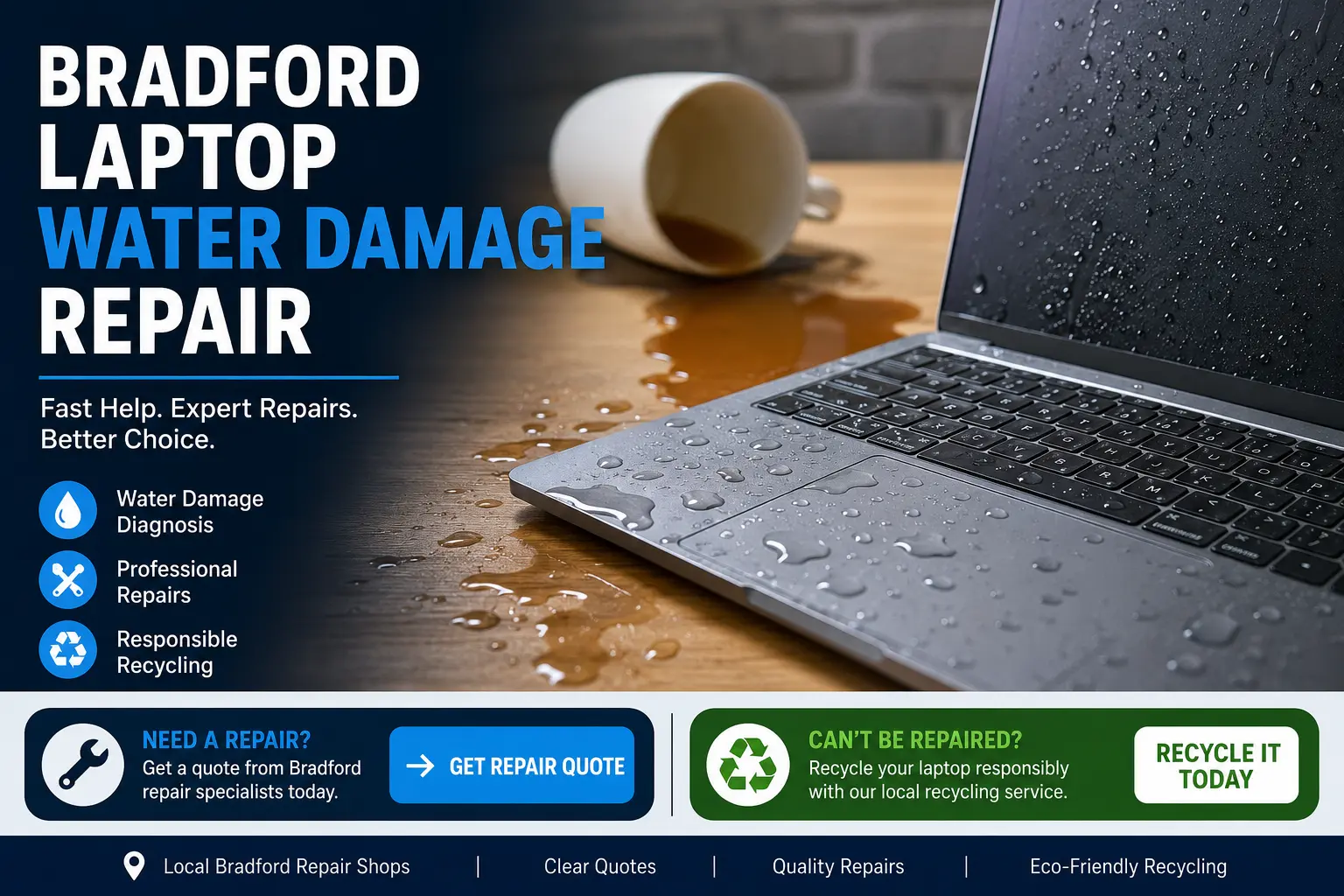
Laptop water damage can happen quickly, but the right action can improve the chance of saving the device, data and internal parts. This guide explains what to do after a spill, when repair is worth considering, and when recycling may be the better option for badly damaged laptops in Bradford.
Laptop water damage is not limited to a full cup of water being spilled over the keyboard. It can also include tea, coffee, fizzy drinks, rain exposure, condensation, leaking bottles inside bags, cleaning fluid, or moisture entering through vents. Even a small amount of liquid can reach the keyboard, trackpad, motherboard, battery, charging port, screen cable, speakers or internal storage.
The main issue is not always the liquid itself. The real damage often happens when electricity passes through wet components. This can cause short circuits, corrosion, sticky residue, power faults, charging failure and display problems. That is why switching the laptop back on too soon can turn a repairable issue into a more serious motherboard fault.
If liquid has entered your laptop, turn it off straight away. Unplug the charger, remove any connected devices, and avoid pressing more keys than necessary. If the battery is removable, take it out. If the battery is internal, do not try to open the laptop unless you are confident and have the correct tools.
Place the laptop in a safe position so liquid can drain away from the screen hinge and internal board. Do not use a hairdryer, oven, radiator or heat gun. Excess heat can warp plastics, damage screens and make liquid residue spread further inside the device.
Many people leave the laptop in rice, but this does not properly clean the board or remove corrosion. A professional inspection is usually safer because the technician can open the laptop, disconnect power, clean affected areas, test components and check whether the storage drive is still readable.
Some laptops stop working immediately after a spill, while others appear fine for a few hours or days before faults appear. Common signs include no power, random shutdowns, keyboard keys not working, sticky keys, charging problems, a black screen, flickering display, fan noise, overheating, USB ports not responding, distorted sound, trackpad failure, burning smell or slow performance.
If the laptop still turns on, back up important files as soon as possible if it is safe to do so. However, if the device is making unusual noises, heating quickly, smelling burnt, or showing signs of electrical failure, stop using it and get it checked before more damage occurs.
Yes, many water damaged laptops can be repaired, especially if they are switched off quickly and inspected early. The repair outcome depends on the liquid type, how much entered the laptop, how long it stayed inside, whether the device was powered on, and which components were affected.
Clean water may cause less residue than sugary drinks, tea or coffee, but even clean water can still create corrosion. Sticky drinks often affect keyboards and internal connectors more severely. In some cases, a keyboard replacement, battery replacement, charging port repair, cleaning service, screen cable repair or storage recovery may solve the issue. In more serious cases, motherboard repair or replacement may be needed.
For local help, you can compare Bradford laptop repair options through Bradford laptop repair specialists for spill-damaged devices.
Repair is usually worth considering when the laptop is fairly new, holds important data, has a high replacement value, or only has one or two affected parts. For example, if the laptop powers on but the keyboard is faulty, repair may be more cost-effective than buying a new device.
It may also be worth repairing business laptops, student laptops, gaming laptops, MacBooks, high-spec Windows laptops and devices with expensive software or saved work. A diagnostic check can help you decide whether the repair cost makes sense compared with replacement.
Before deciding, ask for a clear quote. A good repair process should explain the likely fault, the parts involved, the repair cost, whether data recovery is possible, and whether the laptop is safe to continue using.
Sometimes the laptop is too badly damaged to repair economically. This can happen when the motherboard is severely corroded, the battery is unsafe, multiple parts have failed, or the repair cost is close to the price of a replacement laptop. In these cases, recycling is often the better route.
Recycling keeps electronic waste away from general rubbish and allows useful materials to be recovered. Laptops contain circuit boards, metals, batteries, screens, plastics and other components that should be handled responsibly. If your laptop cannot be saved, you can use Bradford IT recycling for damaged laptops and computer equipment.
Water damage can get worse over time. Even if the laptop works after drying out, corrosion may continue underneath the keyboard, around connectors or across the motherboard. This can lead to future faults, intermittent power issues and sudden failure.
Early inspection gives the best chance of reducing repair costs. A technician may be able to clean affected areas before corrosion spreads. Waiting too long can make the fault harder to diagnose and may reduce the chance of recovering the laptop or saving data.
For many users, the files are more important than the laptop itself. Photos, college work, business documents, accounts, emails and software files may still be recoverable even if the laptop will not power on. The storage drive may be removed and tested separately, depending on the laptop model and damage level.
If data matters, avoid repeatedly trying to switch on the laptop. Each attempt can increase electrical risk. Ask the repair provider whether they can inspect the storage drive before carrying out major repairs. If the drive is damaged, specialist recovery may be needed.
RepairPrice helps users compare repair routes instead of guessing where to go. For water damaged laptops, this is useful because the fault is not always visible from the outside. A repair quote can help you understand whether the laptop needs cleaning, replacement parts, board-level inspection or recycling.
The aim is simple: repair the laptop when it is sensible, protect data where possible, and recycle responsibly when the device is beyond economical repair. This gives Bradford customers a practical route whether the laptop can be fixed or needs to be disposed of safely.
Choose repair if the laptop is valuable, the damage is recent, the device still shows signs of life, or only one component appears affected. Choose recycling if the laptop is old, heavily corroded, unsafe to charge, missing parts, or not worth the repair cost.
A sensible approach is to get the laptop checked first, especially if it contains important data. If repair is not recommended, recycling becomes the next best option. This avoids unnecessary spending while still keeping damaged IT equipment out of household waste.
No. It is safer to keep it switched off until it has been inspected. Turning it on while moisture is inside can cause a short circuit and make the damage worse.
No. Some laptops can be repaired with cleaning, drying, part replacement or board repair. The sooner the laptop is checked, the better the chance of a successful repair.
Yes. Drinks with sugar, milk or residue can leave sticky deposits and cause corrosion. These spills often affect keyboards, connectors and circuit boards more severely.
Rice is not a proper repair method. It may absorb some moisture around the outside, but it will not clean the internal board, remove sticky residue or stop corrosion.
If repair is not cost-effective, recycling is a responsible option. Damaged laptops can be processed through Bradford IT recycling so useful materials are recovered safely.
If your laptop has suffered water damage, act quickly. Switch it off, unplug it, avoid charging it, and arrange an inspection before trying to use it again. Repair may save the device and your files, while recycling is the right choice when the laptop is beyond economical repair.
Bradford customers can compare repair options first and then move to recycling if needed. This keeps the process simple, cost-aware and more environmentally responsible.