

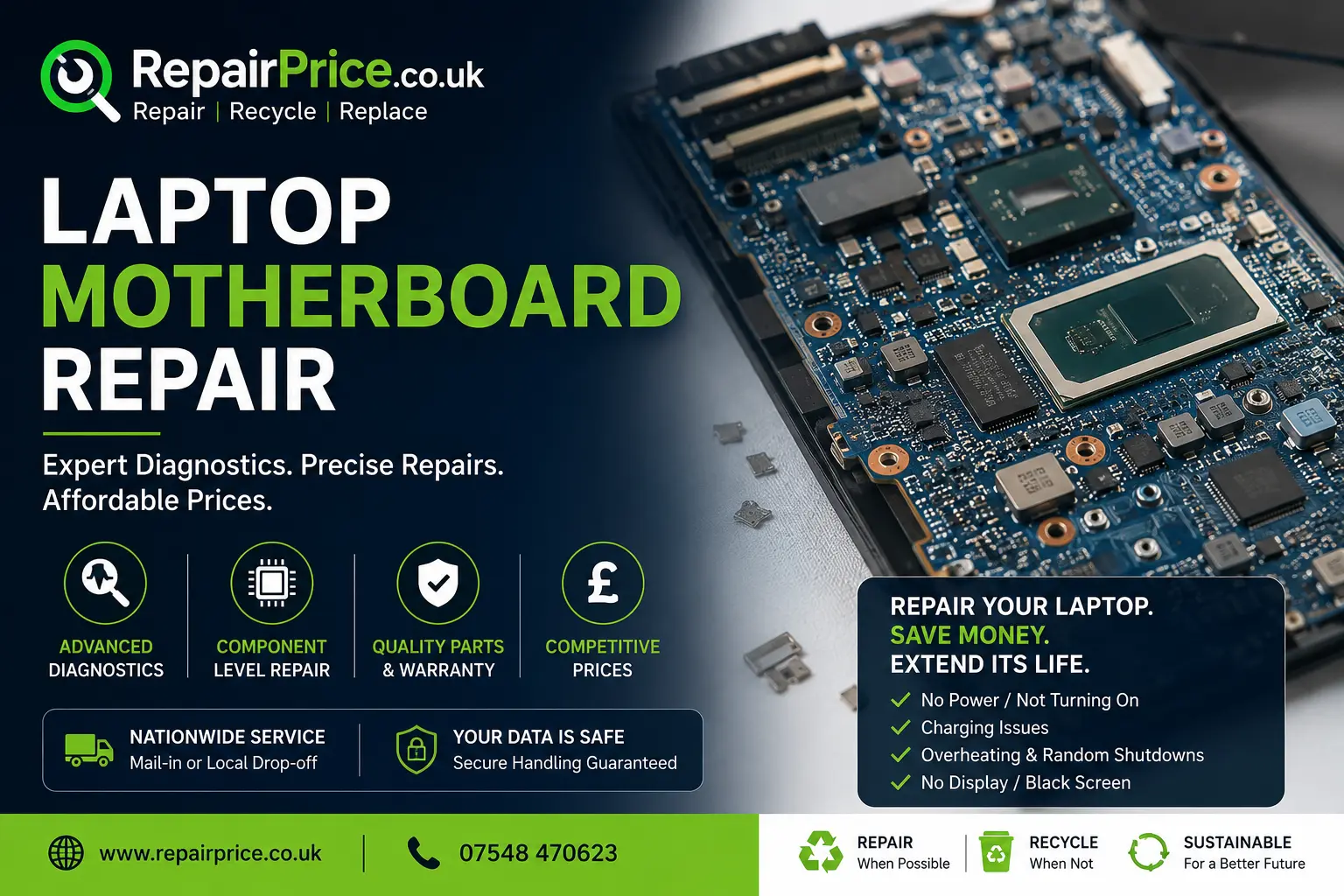
Laptop Motherboard Repair: Faults, Costs, Diagnosis and Repair Options
A faulty laptop motherboard can make an otherwise valuable computer appear completely beyond repair. The laptop may refuse to switch on, stop charging, restart without warning or display no image even though the power light is illuminated. Because the motherboard connects and controls most of the laptop’s internal components, a fault can affect several functions at the same time.
Before replacing your laptop, it is worth arranging a professional diagnosis. Many motherboard faults can be repaired at component level without replacing the entire board. Repairing damaged charging circuits, power-management components, connectors, BIOS chips and shorted capacitors can often restore the laptop while preserving your files, software and familiar setup.
RepairPrice.co.uk helps you request estimates from independent technicians through our nationwide laptop repair comparison service. Describe the symptoms, provide the laptop make and model, and allow suitable repair shops to assess the likely work required.
Discuss Your Laptop Motherboard Fault on WhatsApp
What Is a Laptop Motherboard?
The motherboard is the main printed circuit board inside a laptop. It allows the processor, memory, storage drive, battery, charging port, keyboard, screen, cooling system and external connections to communicate. It also distributes power to the components that need it.
Modern laptop motherboards contain thousands of tiny electronic parts. These may include power controllers, MOSFETs, capacitors, resistors, voltage regulators, charging chips, BIOS storage, graphics components and delicate data connections. A failure in one small area can prevent the entire laptop from operating correctly.
Unlike many desktop computers, laptop processors and graphics chips are frequently soldered directly to the motherboard. This makes diagnosis and repair more specialised. A technician may need board schematics, microscopes, thermal cameras, laboratory power supplies and micro-soldering equipment to locate and repair the problem safely.
Common Signs of a Laptop Motherboard Fault
A motherboard problem does not always result in a completely dead laptop. The symptoms depend on which circuit or component has failed. Some faults resemble battery, charger, screen, memory or storage problems, which is why an accurate diagnosis is essential before parts are ordered.
- The laptop does not respond when the power button is pressed.
- The charging light remains off when a working charger is connected.
- The laptop switches on briefly and then immediately shuts down.
- The fan spins, but the screen remains black.
- The laptop repeatedly restarts or freezes during use.
- USB ports, audio connections, Wi-Fi or other functions stop working.
- The battery is detected but does not charge correctly.
- The laptop works from the charger but not from the battery.
- A burning smell, unusual heat or visible corrosion is present.
- The device stopped working after liquid damage or a power surge.
These symptoms can also be caused by external components. A defective charger, damaged DC socket, loose display cable, failed memory module or corrupt operating system may create similar behaviour. A reputable technician should test the simpler possibilities before recommending motherboard work.
What Causes Laptop Motherboard Failure?
Liquid and Moisture Damage
Liquid spills are among the most common causes of board-level damage. Water, coffee, tea, fizzy drinks and cleaning products can reach the motherboard through the keyboard or ventilation openings. Even when the laptop continues working initially, moisture and residue can corrode connections over time.
Do not repeatedly attempt to switch on a wet laptop. Disconnect the charger, turn the device off and arrange an assessment. Our guide to repairing a water-damaged laptop explains the immediate steps that can reduce the risk of further electrical damage.
Overheating
Blocked vents, accumulated dust, failed fans and dried thermal compound can cause excessive heat. Prolonged overheating may damage power circuits, graphics components and solder connections. It can also cause the laptop to throttle, freeze or shut down unexpectedly.
Regular cleaning and cooling maintenance may prevent board damage. Read our laptop overheating prevention guide for practical advice on temperature warning signs, airflow and cooling-system maintenance.
Electrical Surges and Incorrect Chargers
A power surge, damaged adapter or unsuitable replacement charger can affect the laptop’s input circuit. Protection components may fail while preventing damage from reaching other areas of the board. In some cases, replacing a fuse, MOSFET, charging controller or damaged input component can restore operation.
Physical Damage
Drops and impacts can crack the motherboard, damage connectors or loosen soldered components. Repeated pressure near the charging port or USB connections may also separate a socket from the circuit board. Some connector damage can be repaired through micro-soldering, although severe board cracks may make replacement more practical.
Age and Component Wear
Electronic components can deteriorate after years of heat cycles and daily use. Capacitors may short, solder joints can weaken and power-management components may fail. An older laptop is not automatically unsuitable for repair, but its overall condition and replacement value should be considered.
Can a Laptop Motherboard Be Repaired?
Many laptop motherboards can be repaired, but the outcome depends on the location and extent of the fault. A repair technician may replace an individual damaged component rather than fitting a complete replacement motherboard. This is commonly known as component-level or board-level repair.
Potentially repairable faults include damaged charging circuits, shorted capacitors, failed MOSFETs, blown fuses, BIOS corruption, broken power connectors, damaged USB ports and localised corrosion. Repair may be less straightforward when the board has extensive liquid damage, multiple burnt layers, severe physical cracks or a failed processor that is permanently soldered in place.
A proper diagnosis should identify whether the problem is on the motherboard or another component. Technicians may inspect the board under magnification, test voltage rails, measure resistance, look for short circuits and use controlled power injection to locate a component that is overheating.
Motherboard Repair or Complete Board Replacement?
Component-level repair aims to fix the original motherboard. This can be beneficial when a replacement board is unavailable, expensive or tied to the laptop’s serialisation and security features. Retaining the original board may also reduce compatibility problems.
A complete motherboard replacement may be recommended when the original board is severely damaged or when a tested replacement is more economical than a complex repair. Replacement boards must match the laptop model, processor configuration, graphics type, connector layout and sometimes the exact manufacturer part number.
Used or refurbished boards can offer better value than new parts, but their history may be unknown. Ask whether the proposed board has been tested and whether the repair includes any warranty. A very low quotation may not include labour, programming, thermal servicing or associated components.
Laptop Motherboard Repair Costs
The cost of motherboard repair varies because the phrase covers many different faults. Replacing a small damaged connector is different from tracing an intermittent power fault across several circuits. The laptop brand, model, accessibility, parts availability and level of micro-soldering required all influence the final price.
A repair shop may charge an inspection or diagnostic fee before confirming the work. Ask whether this fee is deducted from the repair total when you proceed. It is also sensible to request a written quotation explaining the suspected fault, parts required, labour, turnaround time and warranty.
Do not judge the decision by repair price alone. Consider the laptop’s age, specification, condition, data value and the cost of purchasing a genuinely equivalent replacement. Our detailed laptop repair versus replacement guide can help you compare the financial and practical factors.
Request Laptop Motherboard Repair QuotesMotherboard Repairs for Popular Laptop Brands
Motherboard layouts, replacement parts and diagnostic procedures vary between manufacturers. Providing the complete model number helps technicians identify the correct schematics, board references and compatible components before preparing an estimate.
Apple laptops may require specialist knowledge of compact logic-board designs, soldered storage and model-specific power circuits. You can compare suitable options through our MacBook logic-board repair service.
Dell laptops can experience charging identification faults, damaged DC sockets, power-rail failures and BIOS-related problems. Submit the service tag or model information through our Dell laptop fault assessment page.
HP motherboard symptoms may include a black screen, blinking diagnostic lights, charging problems or repeated startup failures. Find relevant technicians through our HP laptop motherboard repair section.
Acer laptops may develop power-input faults, damaged charging connectors, display problems or overheating-related board issues. Explore repair choices using our Acer laptop repair comparison page.
What to Do Before Sending a Laptop for Diagnosis
Make a note of exactly what happened before the fault appeared. Tell the technician whether the laptop was dropped, became unusually hot, received a liquid spill or stopped working after a charger was connected. Intermittent symptoms are easier to investigate when you explain how frequently they occur.
Provide the laptop make, full model number and charger where requested. Remove unnecessary accessories, memory cards and USB devices. Where the laptop still operates, back up important files before repair. If it will not switch on, ask whether data recovery or storage-drive removal is possible.
Do not attempt uncontrolled heating, reflowing or online “oven repair” techniques. Heating a motherboard without proper diagnosis can damage plastic connectors, warp the board and make professional repair more difficult. A temporary improvement does not mean the underlying fault has been corrected.
Local Laptop Motherboard Repair in West Yorkshire
Customers in Bradford can request estimates from nearby specialists through our Bradford laptop motherboard repair network. Include your postcode and laptop model so suitable local shops can understand the enquiry.
For faults in Leeds and surrounding districts, visit our Leeds laptop diagnostics and repair page to compare potential repair options.
Laptop owners in Calderdale can use our Halifax motherboard repair request service for power, charging, liquid-damage and no-display problems.
Customers across Wakefield can describe their laptop symptoms through our Wakefield laptop fault quotation page.
For technicians serving Kirklees, use the Huddersfield laptop circuit-board repair directory to submit your requirements.
Related Electronic Repair Services
Electrical and circuit-board faults are not limited to laptops. A phone that no longer charges or switches on may require connector or board-level investigation. Visit our mobile phone repair quotation service to compare options for damaged smartphones.
Tablets can develop similar charging-port, liquid-damage, battery and logic-board faults. Use our tablet repair comparison platform when an iPad or Android tablet needs professional attention.
Televisions and monitors may experience power-board, main-board, backlight or display-control faults. Our TV and monitor repair service helps customers explore repair options before replacing larger electronic equipment.
When Laptop Motherboard Repair May Not Be Economical
A repair may not be suitable when the board has extensive corrosion, burnt internal layers, unavailable components or damage to several major systems. It may also be uneconomical when the laptop is very old, has a damaged screen and battery, or no longer meets the user’s performance requirements.
Ask the technician to separate essential work from optional improvements. A motherboard repair could restore operation, but an older laptop may also need a battery, storage upgrade or cooling service. Understanding the complete cost prevents unexpected spending after the initial fault has been repaired.
When repair is declined, protect your personal information before disposal. Remove the storage drive where possible or ask for certified data destruction. A failed motherboard does not necessarily mean that files stored on a separate SSD or hard drive are lost.
Recycle an Unrepairable Laptop Responsibly
Laptops should not be placed in household waste. They contain metals, plastics, batteries and electronic components that require appropriate treatment. When a laptop is beyond economical repair, responsible recycling can recover reusable materials and reduce unnecessary electronic waste.
Our dedicated laptop recycling and disposal service explains how unwanted, obsolete and damaged laptops can enter a suitable recycling route. For other electrical equipment, visit the main electronics recycling collection hub.
Before recycling, remove personal files and sign out of linked accounts where the laptop still works. If the device is dead, ask whether the storage drive can be removed, returned or securely destroyed. Batteries should remain protected from puncture, crushing and excessive heat.
Recycling Laptop Motherboards and Printed Circuit Boards
A laptop motherboard is a complex printed circuit board containing copper, solder, connectors and small quantities of other recoverable materials. It should be handled through an appropriate electronic recycling process rather than mixed with general metal waste.
Businesses, repair shops and organisations holding separated laptop boards can learn more through our specialist laptop circuit-board recycling page. The service is intended for redundant boards removed from laptops and related computer equipment.
Some boards may be assessed according to their component density, material composition and recycling grade. Visit our information page for Class 3 printed circuit board recycling to understand another available PCB recycling category.
Questions to Ask a Motherboard Repair Technician
Before approving work, ask whether the diagnosis points to a repairable component, a damaged connector or a complete board failure. Confirm whether the quotation covers diagnostics, parts, labour, BIOS programming, testing and return delivery where applicable.
Ask what warranty is provided and whether it applies to the repaired section or the entire motherboard. You should also establish what happens if the attempted repair is unsuccessful. Some complex board-level faults involve diagnostic labour even when the motherboard cannot ultimately be restored.
Where data is important, explain this before the laptop is opened. Do not assume that a motherboard replacement will preserve all security keys, encryption access or manufacturer-specific settings. The technician may need additional information to protect access to encrypted storage.
Get Help with a Faulty Laptop Motherboard
A laptop that will not power on, charge or produce an image is not automatically beyond repair. Professional testing can distinguish a motherboard fault from a failed charger, battery, screen, storage drive or memory module. When the problem is located early, component-level repair may provide a practical alternative to buying another computer.
Use RepairPrice.co.uk to describe the fault and request repair estimates. Include the brand, model, age, symptoms and any history of liquid, impact or overheating damage. Clear information helps repair shops assess the likely diagnosis and respond with more relevant options.
Where repair remains practical, restoring the existing laptop can preserve your setup and extend the device’s useful life. Where repair is not economical, move the laptop, battery and motherboard into a responsible recycling route so valuable materials can be recovered and hazardous components are handled correctly.