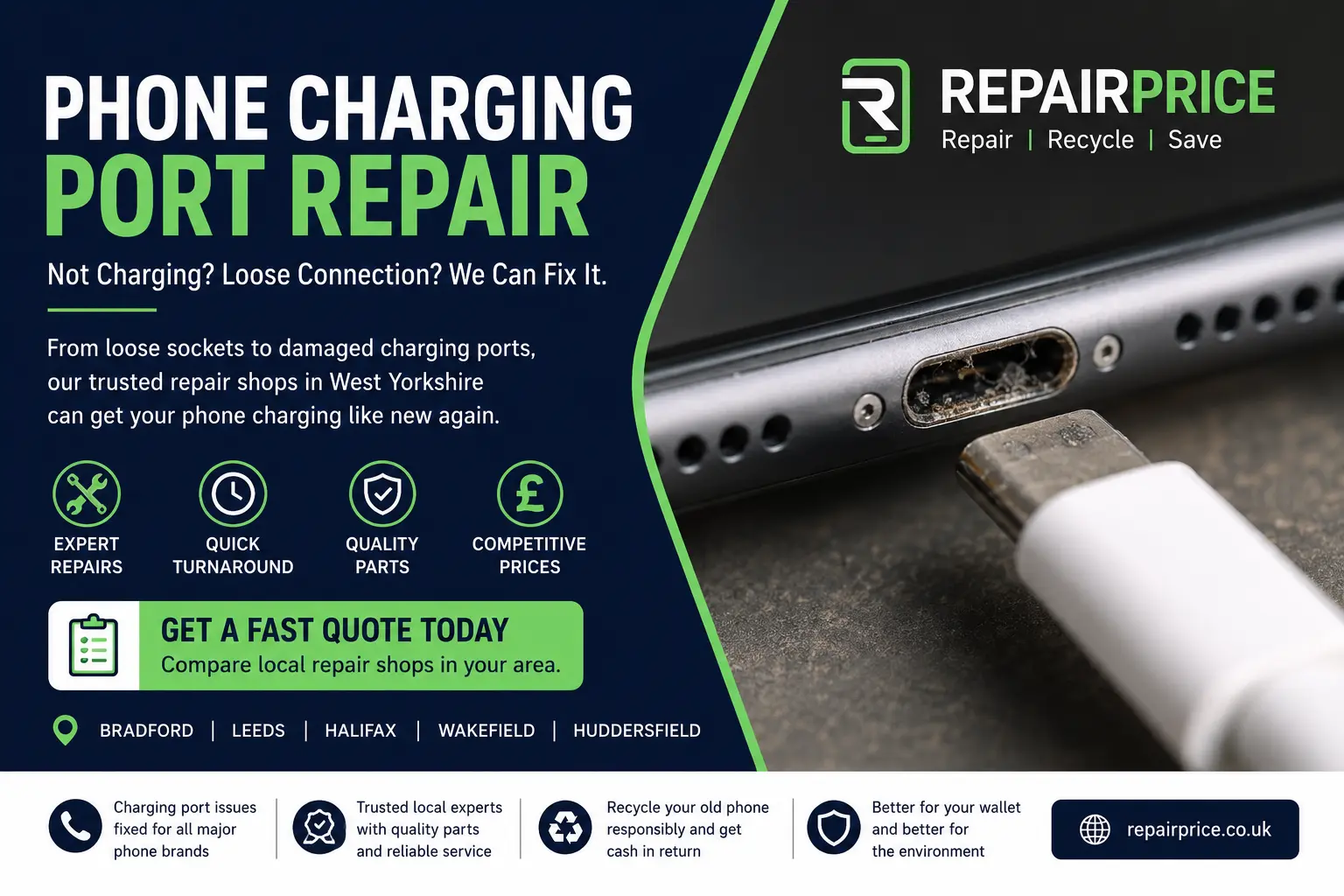
A faulty charging port can make a perfectly good phone feel unusable. If your cable only works at a certain angle, your phone charges slowly, the connector feels loose, or charging keeps stopping and starting, the problem may be inside the charging socket rather than the battery itself.
At RepairPrice, we help customers compare trusted local repair options for charging port faults, power issues and phone connection problems. Whether you need a quick inspection, a socket clean, a port replacement or advice on whether the device is worth repairing, you can start from our main phone repair service.
Charging port problems often start small. You may notice that your phone only charges when the cable is pushed in tightly, or the cable falls out more easily than before. In other cases, the phone may show the charging symbol but the battery percentage does not increase.
Other warning signs include slow charging, intermittent charging, overheating around the socket, visible dust inside the port, a bent connector, or a message saying moisture or accessory errors have been detected. iPhone users can compare repair support through our iPhone repair page, while Samsung owners can view options for Samsung phone repair.
Not always. A phone that will not charge can also have a damaged cable, faulty plug, worn battery, software issue, liquid damage or internal board fault. Before booking a repair, try a different genuine cable and wall plug. Also check whether wireless charging works if your phone supports it.
If the phone charges wirelessly but not through the cable, the charging port is a likely cause. If the phone drains quickly even after charging, the issue may be linked to the battery instead. You can read our phone battery replacement guide to understand the difference between port failure and battery wear.
Charging ports are used every day, so wear is normal. Dust, pocket lint and debris can build up inside the socket and stop the cable from making a clean connection. Forcing a cable into the phone can also bend or damage the internal pins.
Liquid exposure is another major cause. Even a small amount of moisture can create corrosion around the connector. If your phone has recently been dropped in water, used in heavy rain or exposed to steam, charging issues may be connected to internal moisture damage. Our water damaged phone repair guide explains what to do before the fault gets worse.
Sometimes, yes. If the port is blocked with dust or lint, a careful professional clean may restore normal charging. However, using sharp objects at home can damage the pins, push dirt deeper or break the socket completely.
If the port feels loose, the pins are damaged, the cable does not lock in correctly, or the phone has corrosion, cleaning alone may not be enough. In these cases, a replacement charging port or internal repair may be needed.
Different phones are built differently. Some charging ports are part of a smaller replaceable flex cable, while others are connected more closely to internal boards. That means repair cost and repair time can vary depending on the model.
For OPPO users, our OPPO phone repair service page can help with common charging and power issues. Huawei users can check local support for Huawei phone repairs, especially where charging faults may be linked to older batteries or previous water exposure.
If the rest of the phone works well, charging port repair is often worth considering. A working screen, good camera, strong performance and healthy storage can make repair the more practical option compared with buying a replacement phone.
However, if the phone has several problems at the same time, such as battery swelling, cracked screen, liquid damage and charging failure, replacement may be more realistic. Our repair vs replace your phone guide helps you compare cost, age, condition and long-term value.
RepairPrice helps customers find local repair options across West Yorkshire. If you are nearby, you can compare phone repair help in Bradford, Leeds, Halifax, Wakefield and Huddersfield.
Local repair shops can usually inspect the charging port, test the cable connection, check the battery health and confirm whether the fault is caused by the socket, battery, motherboard or software.
Charging socket problems are not limited to phones. Tablets can develop loose charging connectors, laptops may suffer from damaged DC jacks or USB-C power ports, and games consoles can have power input faults after drops or cable strain.
If another device has a similar issue, you can explore tablet charging repair options, laptop power socket repair support or console repair services.
Not every phone is economical to repair. If the charging port damage has spread to the internal board, or if liquid corrosion has affected several components, a repair shop may advise against spending more money on the device.
When that happens, recycling is the responsible next step. You can use our phone recycling service to keep unwanted devices out of landfill, or visit the main electronics recycling hub for wider recycling options.
Inside every phone are small circuit boards containing valuable metals and reusable materials. Even when a phone no longer powers on, parts of the device can still enter the recycling chain. This is why broken phones should not be thrown into household waste.
For phones that are beyond repair, our mobile phone circuit board recycling page explains how internal boards can be handled more responsibly.
To reduce future charging problems, avoid using damaged cables, do not force the connector into the phone, keep the socket away from moisture and remove the cable gently. If you work in dusty environments, a protective case with a port cover may help.
It is also worth avoiding cheap, poor-quality charging accessories. A low-quality cable can create poor contact, slow charging or additional heat around the port. Using reliable accessories can reduce strain on the charging socket and battery.
A charging fault does not always mean your phone is finished. In many cases, the issue can be cleaned, tested or repaired without replacing the whole device. The best next step is to get the phone checked by a local repair professional.
Use RepairPrice to compare options for phone charging port repair, battery issues, water damage checks and full device diagnostics. If repair is not worthwhile, we can also guide you towards responsible phone recycling.

