

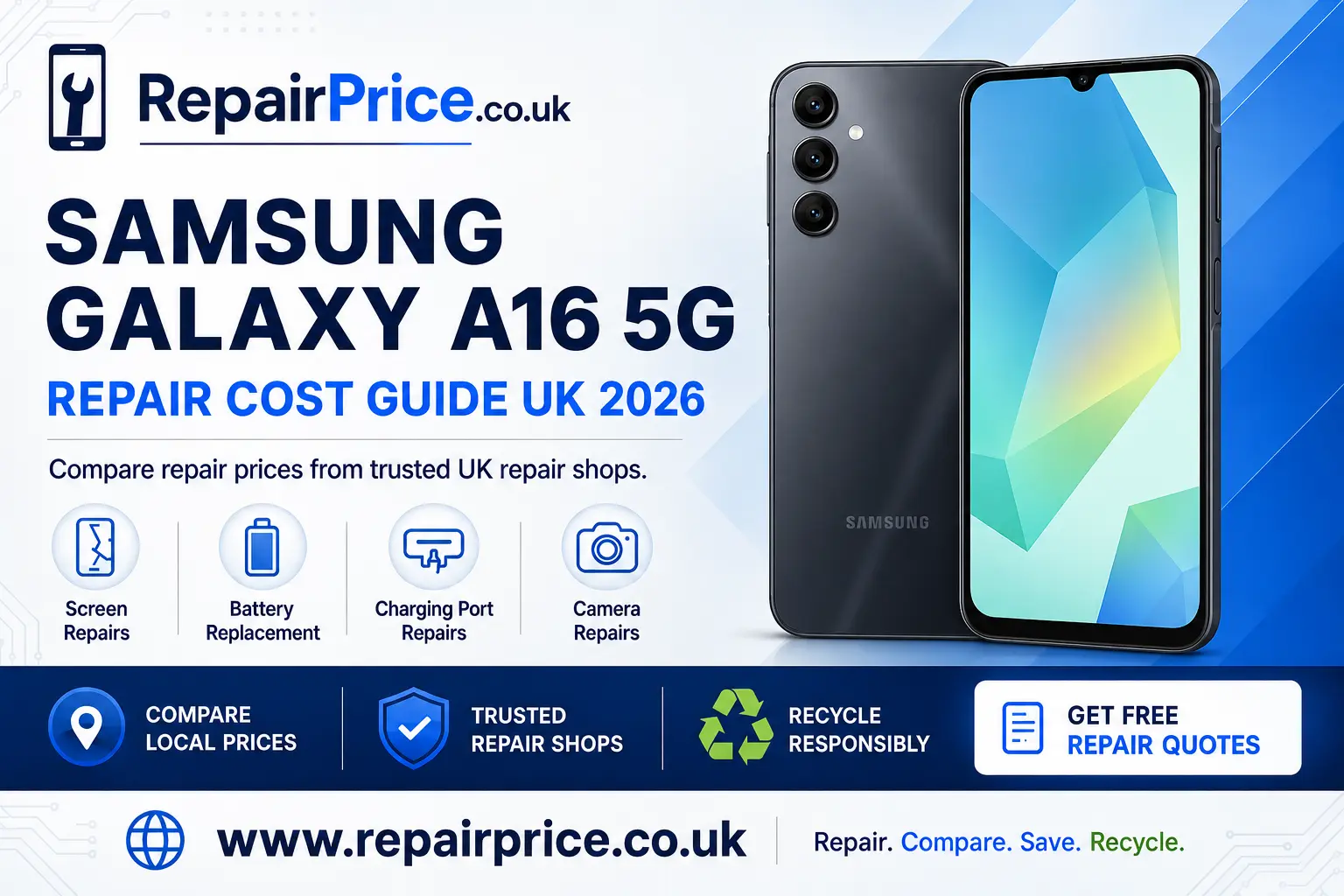
Samsung Galaxy A16 5G Repair Guide: Costs, Common Faults and Repair Options
A damaged Samsung Galaxy A16 5G does not necessarily need to be replaced. Screen damage, reduced battery life, charging problems and faulty cameras can often be repaired economically, allowing you to continue using your phone while avoiding the cost of buying a new device. This guide explains the most common Galaxy A16 5G faults, what affects repair prices and when recycling may be the more practical choice.
Before selecting a repairer, compare the likely cost, replacement-part quality, warranty terms and turnaround time. You can start by visiting the Samsung Galaxy A16 5G repair price comparison page to review relevant services and request quotations from participating repair businesses.
Book Your Samsung Phone Recycling Collection by WhatsApp
Is the Samsung Galaxy A16 5G Worth Repairing?
In many cases, repairing a Samsung Galaxy A16 5G is worthwhile because it can cost considerably less than replacing the handset. A repair may be particularly sensible when the phone still performs well, contains important data or has only one damaged component. Replacing a cracked display, worn battery or blocked charging port can extend the useful life of the device and reduce unnecessary electronic waste.
The decision should be based on the phone’s overall condition rather than a single fault. Check whether the frame is bent, the motherboard has suffered liquid damage or several components have failed simultaneously. If the estimated repair cost approaches the value of a replacement handset, recycling or selling the device for parts may offer better value.
A professional diagnosis is useful when the cause of the problem is unclear. For example, a phone that does not charge may have a damaged port, a failed cable, battery deterioration or a board-level fault. Accurate testing helps prevent money being spent on a component that does not solve the underlying problem.
Typical Samsung Galaxy A16 5G Repair Prices
The following figures are broad UK estimates rather than guaranteed quotations. The final amount can vary according to the replacement part, labour required, repair provider, local availability and whether additional damage is discovered during inspection.
| Galaxy A16 5G repair | Typical estimated price | Common turnaround |
|---|---|---|
| Screen replacement | £65–£120 | One to two hours |
| Battery replacement | £40–£75 | Approximately one hour |
| Charging-port repair | £45–£85 | One to two hours |
| Rear or front camera repair | £45–£95 | One to two hours |
| Liquid-damage assessment | Varies after inspection | One to three working days |
Ask whether the quotation includes parts, labour, VAT and a repair warranty. A very low advertised price may exclude fitting charges or refer to a lower-grade component. Comparing the complete service is more useful than choosing a repairer solely because it displays the cheapest initial figure.
Quote from UK Samsung Repair Shops
Samsung Galaxy A16 5G Screen Repair
A cracked screen is one of the most frequent reasons for repairing a Galaxy A16 5G. Damage can range from a superficial mark on the outer glass to a failed display or unresponsive touchscreen. Black areas, coloured lines, flickering, ink-like patches and intermittent touch response can indicate damage beneath the visible glass.
A severely cracked display should be dealt with promptly. Broken glass can become sharp, while gaps around the screen may allow moisture and dirt to reach internal components. Continuing to press a damaged panel can also make the display problem worse. Compare screen replacement choices for the Samsung Galaxy A16 5G before arranging the work.
Ask the repairer whether the replacement is a complete display assembly and what type of part will be fitted. Colour accuracy, brightness and touchscreen response can vary between replacement screens. You should also confirm whether the screen repair carries a written warranty and whether the device will be tested before collection.
Battery Problems and Rapid Power Loss
A Galaxy A16 5G battery will gradually lose capacity through normal charging cycles. Warning signs can include rapid power loss, unexpected shutdowns, overheating, slow charging or a battery percentage that changes suddenly. Background applications, poor mobile reception and demanding display settings can also reduce runtime, so software causes should be checked before the battery is replaced.
Restart the device, install available system updates and review battery usage in the Samsung settings menu. If one application consumes an unusually high percentage of power, updating or removing it may improve performance. When battery life remains poor after these checks, explore a replacement battery service for the Galaxy A16 5G.
A swollen battery requires immediate attention. Stop charging and using the handset if the back panel lifts, the screen separates from the frame or the device develops an unusual smell. Do not squeeze the casing or attempt to puncture the battery. A damaged lithium-ion cell should be handled by a trained repairer or an appropriate recycling service.
Charging-Port Faults
If your Samsung Galaxy A16 5G charges only at a certain angle, disconnects when the cable moves or is not recognised by a computer, the USB charging port may need cleaning or repair. Pocket lint can become compacted inside the connector and prevent the cable from fitting correctly. Damaged cables and power adapters can produce similar symptoms.
Test the phone with a compatible cable and charger that are known to work. Inspect the port in good light, but avoid inserting metal tools because these can damage the contacts or create an electrical short. If basic checks do not resolve the problem, arrange for a technician to investigate the Galaxy A16 5G charging connection.
A charging issue is not always caused by the port itself. Battery failure, moisture contamination and motherboard damage can all interrupt charging. A proper diagnostic assessment is especially important if the handset stopped charging after being dropped or exposed to liquid.
Front and Rear Camera Repairs
Camera problems may include blurred photographs, focus failure, shaking images, dark previews or an application that closes unexpectedly. Begin by cleaning the lens carefully and checking that a case or lens protector is not obstructing it. Restarting the handset, updating the camera application and clearing its temporary cache may resolve software-related faults.
Physical damage is more likely if the problem started immediately after an impact. Cracked lens glass can expose the camera module to dust, while internal stabilisation or autofocus mechanisms can also be damaged. Review camera repair solutions for this Samsung handset when cleaning and software troubleshooting do not restore normal operation.
What to Do After Liquid Exposure
Switch the phone off as soon as it is safe to do so and disconnect any charging cable. Do not repeatedly press the power button to see whether the device still works. Applying electricity to wet internal components can increase corrosion and short-circuit damage.
Avoid using a hairdryer, oven or direct heat source. High temperatures can damage the battery, adhesives and display. Placing the handset in uncooked rice is also unreliable and can introduce dust into the charging port. Professional internal inspection and cleaning provide a better opportunity to limit damage, although recovery cannot be guaranteed.
Even if the phone appears to function after drying, corrosion can continue developing inside it. Back up accessible data promptly and seek an assessment if the camera lenses show condensation, the speakers sound distorted or charging becomes unreliable.
Preparing the Phone for a Repair
Back up important photographs, contacts, messages and authentication information whenever the handset remains usable. Repair work does not normally require data deletion, but no electronic repair is entirely risk-free. Remove the SIM card if the provider does not need it for network testing and make a note of the phone’s existing cosmetic condition.
Samsung Maintenance Mode may allow a technician to test essential functions while limiting access to personal information. Availability depends on the device software. Ask the repair provider what access is required and whether they need the screen lock code. You should also record the handset’s IMEI number and retain the booking confirmation or receipt.
Finding Galaxy A16 5G Repair Services by Location
Repair availability and turnaround times can differ between areas, particularly when a replacement part must be ordered. Customers in Gloucestershire can explore Galaxy A16 5G repair providers serving Gloucester and compare suitable options before travelling to a shop.
For customers close to the Welsh border, the Hereford Samsung A16 5G repair information can help identify services for screen, battery, charging and camera faults.
Owners in East Yorkshire can review repair choices for the Galaxy A16 5G in Hull. Ask each provider whether the required component is currently in stock and whether an appointment is necessary.
If you are based in Lancashire, consult the Lancaster Galaxy A16 5G repair page for locally relevant options and quotation routes.
West Yorkshire customers can compare Samsung Galaxy A16 5G technicians around Leeds. Confirm the estimated completion time if you rely on the phone for work, travel or two-factor authentication.
Customers in the East Midlands can use the Leicester A16 5G repair service overview to find assistance with common hardware problems.
Questions to Ask Before Booking
Ask whether diagnosis is included, which replacement part will be used and how long the warranty lasts. Find out whether the quoted price can change after the phone is opened and whether you will be contacted before additional work is completed. A reputable provider should explain what is covered and provide an opportunity to decline unexpected repairs.
You should also ask how the device will be tested. Useful post-repair checks include touchscreen response, display brightness, charging, microphones, speakers, cameras, mobile connectivity and physical button operation. Water resistance should not be assumed after a device has been opened, even when new adhesive is fitted.
When Recycling Is Better Than Repairing
Recycling becomes a practical option when the motherboard is badly corroded, the frame is seriously distorted or several expensive components have failed. It may also be preferable when the handset has already been replaced and is unlikely to be used again. Leaving an unwanted phone in a drawer prevents reusable materials and parts from re-entering the supply chain.
Before handing over a working or partially working phone, back up the information you want to retain, sign out of important accounts and perform a factory reset where possible. Remove the SIM and memory cards. If the phone cannot be switched on, tell the recycling provider so that it can explain its data-handling procedure.
Owners of damaged Samsung devices can learn about responsible recycling routes for unwanted mobile phones. Businesses or households with several electrical items can also visit the electronics recycling and collection page to review broader recycling options.
Why Mobile Phone Circuit Boards Have Recycling Value
The printed circuit board inside a smartphone contains processors, connectors and small quantities of recoverable metals. These boards require specialist treatment and should not be placed in household rubbish. Correct processing helps recover useful material while reducing the risk associated with inappropriate disposal.
For more information about how these components are handled, read the guide to specialist recycling for mobile phone circuit boards. Organisations sorting larger quantities can also review mobile circuit board price information for UK e-waste. Actual values depend on board type, grade, condition, quantity and the recycler’s current terms.
Explore Related Samsung Repair Guides
If you are comparing more than one handset, the Samsung Galaxy A15 5G fault and repair guide explains similar screen, battery and charging considerations for the previous model.
You can also consult the Galaxy A14 5G repair and recycling guide when deciding whether an older Samsung phone should be repaired, reused or responsibly recycled.
Final Samsung Galaxy A16 5G Repair Advice
Start with a clear diagnosis and compare complete quotations rather than focusing only on the lowest advertised price. Check the replacement-part description, warranty, turnaround time and any diagnostic charge before authorising work. A well-chosen repair can restore everyday reliability and keep the phone in use for longer.
If repair is uneconomical, use an appropriate recycling route instead of placing the handset in general waste. Repairing viable devices and recycling those beyond recovery both help reduce avoidable electronic waste. For an overview of available options, return to the Galaxy A16 5G repair comparison hub and request a quotation suited to the fault.