

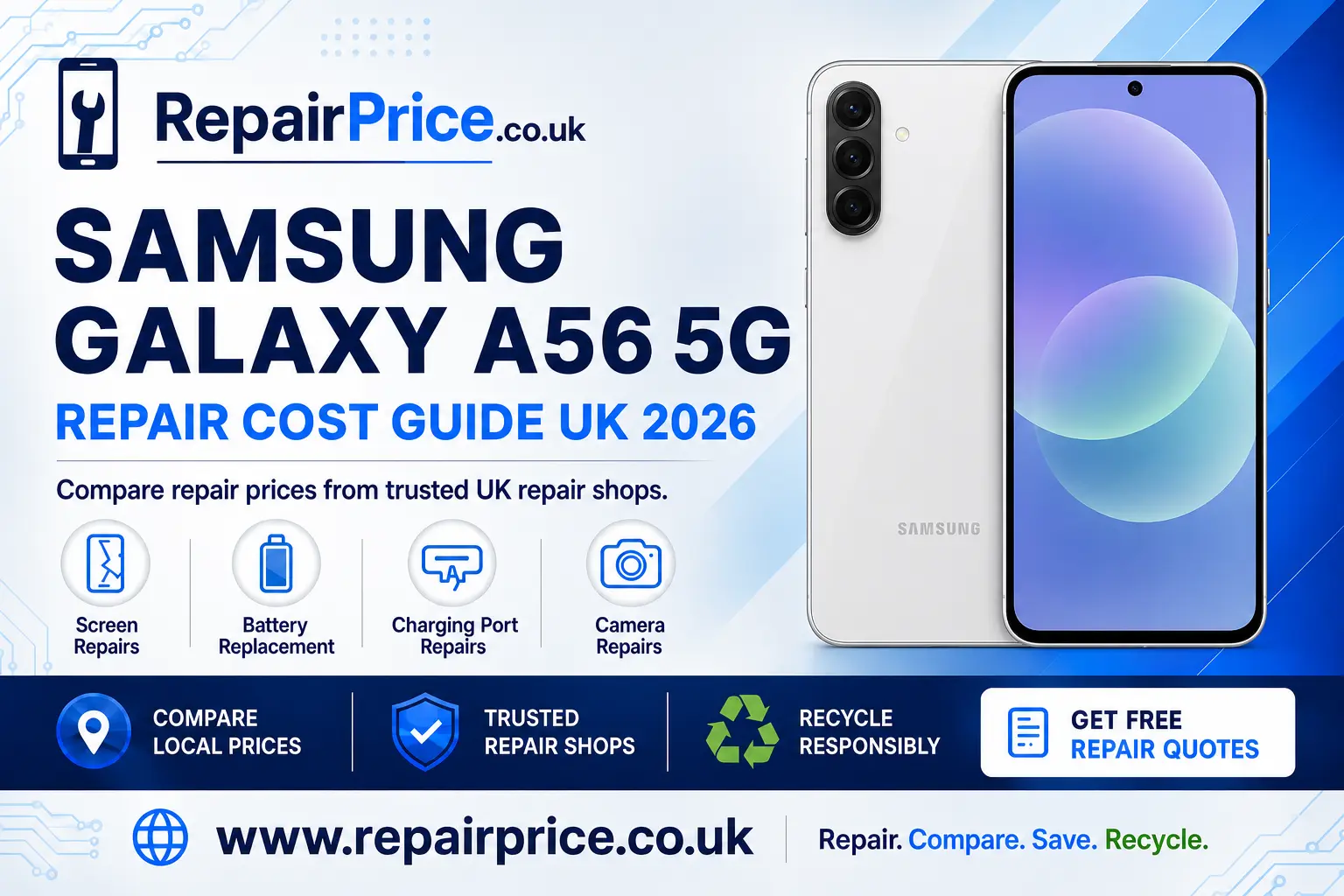
Samsung Galaxy A56 5G Repair Guide: Faults, Costs and Repair Options
A damaged Samsung Galaxy A56 5G does not always need to be replaced. Problems such as a cracked display, weak battery, unreliable charging port or faulty camera can often be repaired for considerably less than the cost of buying another phone. This guide explains the most common Galaxy A56 5G faults, what to check before booking a repair and when recycling may be the more sensible option.
Before choosing a repair shop, it is useful to compare the available services, part types, warranties and estimated turnaround times. You can start by visiting the Samsung Galaxy A56 5G repair price comparison page to explore suitable repair options for your device.
Book Your UK Recycling Collection on WhatsApp
Is the Samsung Galaxy A56 5G Worth Repairing?
Whether your Galaxy A56 5G is worth repairing depends on the type of damage, the general condition of the phone and the estimated repair price. A single fault, such as a broken screen or worn battery, will frequently justify a professional repair when the handset is otherwise working properly. Repairing the phone can preserve your photographs, applications and familiar settings while avoiding the expense and disruption of changing devices.
You should consider the phone’s overall condition before approving several repairs at once. If the display, battery, charging system and internal board have all been damaged, the combined cost may be harder to justify. Obtain an itemised quotation and compare it with the cost of a suitable replacement phone. You should also check whether the repair includes labour, parts, VAT and a warranty.
Repairing an existing device can also reduce electronic waste. Manufacturing a replacement handset requires raw materials, energy, packaging and transportation. Extending the useful life of your Galaxy A56 5G is therefore often a practical financial and environmental decision.
Samsung Galaxy A56 5G Screen Damage
A cracked screen is one of the most visible Galaxy A56 5G problems, but the damage may extend beyond the outer glass. Warning signs include coloured lines, black patches, flickering, an unresponsive touchscreen or a display that remains dark even though the phone still vibrates or makes sounds.
Applying heavy pressure to a damaged display can make the problem worse. Small glass fragments may also create a safety risk, while cracks can allow dust and moisture to enter the handset. If the phone remains usable, back up important data and protect the damaged surface until it can be inspected.
Visit the dedicated page for Galaxy A56 5G display repair choices to compare appropriate screen services. Ask the repairer what type of replacement part will be used, whether fingerprint functionality will be checked and what warranty is supplied after installation.
Battery Problems and Unexpected Shutdowns
Rechargeable phone batteries gradually lose capacity. Your Galaxy A56 5G may need attention if it drains unusually quickly, becomes warm during ordinary use, shuts down at a remaining percentage or requires charging several times per day. Software activity, high screen brightness, poor mobile signal and background applications can also increase power use, so battery drain does not automatically confirm a defective component.
Check battery usage in the phone settings, install current software updates and restart the handset before arranging a replacement. If one application is consuming an excessive amount of power, updating or removing it may solve the problem. When rapid drain continues during light use, a professional battery assessment is appropriate.
You can explore a replacement battery service for the Galaxy A56 5G when troubleshooting does not restore dependable performance. Stop using the handset and seek professional advice promptly if the rear cover begins lifting, the battery appears swollen or the device becomes abnormally hot.
Charging Port and Power Connection Faults
A Galaxy A56 5G that charges intermittently may have compacted pocket lint inside its USB port, a damaged cable, an unsuitable adapter or an internal connection fault. Test a known-working compatible cable and power adapter before assuming that the handset itself requires repair.
Inspect the port under good lighting without inserting metal objects. Sharp tools can bend the internal contacts, cause a short circuit or make an otherwise minor problem more expensive to repair. If the plug feels loose, charging only works at a particular angle or the phone repeatedly disconnects from a computer, the port should be professionally diagnosed.
The Galaxy A56 5G charging-fault diagnosis service can help you compare repair options for port and power-connection problems. A technician may also need to check the charging assembly, internal flex connections or board-level components before confirming the correct repair.
Camera Faults, Blurred Pictures and Damaged Lenses
Camera problems can appear as blurred photographs, failed focusing, vibration, dark spots, a scratched lens cover or an application that closes unexpectedly. Begin by cleaning the exterior lens gently with a suitable microfibre cloth. Restart the phone, check for updates and test both the front and rear cameras in more than one application.
If the image remains blurred after the lens has been cleaned, the camera module or its stabilisation and focusing hardware may be damaged. A cracked exterior lens should be repaired before dirt or moisture reaches the camera assembly. Compare professional Samsung A56 5G camera repair solutions when basic troubleshooting does not correct the fault.
What to Do Before Sending Your Phone for Repair
Back up important photographs, contacts, messages and documents whenever the phone remains operational. Remove the SIM card unless the repairer specifically requires it for network testing. Record the handset’s condition and make a note of the reported fault so that the technician receives a clear description.
Protect personal information by using Samsung’s available maintenance or repair security features where appropriate. Ask the repair business what access it requires before sharing a passcode. You should also keep a copy of the quotation, booking confirmation, serial details and warranty terms.
Tell the technician about previous repairs, liquid exposure, drops or intermittent symptoms. Accurate information helps the repairer diagnose the underlying problem and reduces the chance of treating only the most obvious symptom.
How to Compare Galaxy A56 5G Repair Quotes
The lowest advertised figure is not automatically the best value. Compare the quality of the replacement component, experience of the technician, expected completion time and length of the warranty. Confirm whether diagnostic charges apply if you decide not to proceed after inspection.
Ask whether the quotation is fixed or may change after the phone is opened. A clear repair estimate should explain the work being proposed and identify any circumstances that could increase the final cost. If the handset has suffered liquid or impact damage, additional internal faults may only become visible during inspection.
For a convenient starting point, request a quotation from participating repair businesses and compare the available approaches before committing to the work.
Quote from UK Repair Shops
Galaxy A56 5G Repair Services by Location
Repair availability, turnaround time and pricing may vary between local areas. Owners in Devon can explore Galaxy A56 5G technicians serving Plymouth, while customers on the south coast can compare Portsmouth repair options for the Samsung A56 5G.
Customers in Lancashire can search for Samsung Galaxy A56 5G assistance around Preston. In North Yorkshire, the dedicated Ripon Galaxy A56 5G repair comparison page provides a more locally relevant route to available services.
People in Greater Manchester can review Salford services for a damaged Galaxy A56 5G. Device owners in Wiltshire can instead use the Salisbury Samsung A56 5G repair listings to investigate nearby options.
When Recycling Is Better Than Repairing
Repair should normally be considered first, but it is not suitable for every handset. Recycling may be preferable when the frame and internal board are severely damaged, the phone has extensive corrosion or the combined repair quotation approaches the cost of a replacement device.
Do not place an unwanted smartphone in general household waste. Phones contain batteries, metals, circuit boards and other materials that should be processed through an appropriate collection route. If the device is no longer economical to restore, learn how to recycle a damaged or unwanted Samsung phone.
The wider UK electronics recycling service can also help with other unwanted equipment. Before handing over a working or partially working phone, back up anything you want to retain, sign out of personal accounts, remove the SIM card and perform a factory reset whenever it is safe and possible to do so.
Recycling the Phone’s Circuit Board
A smartphone circuit board contains a complex mixture of components and recoverable materials. Specialist processing is required because ordinary household recycling systems are not designed to dismantle or grade these boards safely.
Repair businesses, recyclers and organisations handling dismantled devices can read about responsible recycling for mobile phone circuit boards. If you need information about material categories and indicative values, consult the mobile phone PCB price information.
A complete handset should not normally be dismantled at home solely to remove its board. Batteries can be damaged by unsuitable tools, and internal components may retain value when the phone is assessed as a complete unit. Use an experienced repairer or recycling operator if the device requires disassembly.
Repair, Reuse or Recycle: Making the Final Decision
Choose repair when the fault is clearly identified, the price is proportionate and the handset should remain useful after the work. Consider reuse when the Galaxy A56 5G still functions but no longer suits your needs; passing it on or preparing it for resale can extend its working life. Choose responsible recycling when the phone is unsafe, extensively damaged or beyond economical repair.
A professional diagnosis can prevent a usable handset from entering the waste stream unnecessarily. It can also stop you from paying for a replacement component when the real cause is a cable, software setting or another connected part. Compare repair prices, ask direct questions and keep written details of the agreed work.
Frequently Asked Questions
Can a cracked Samsung Galaxy A56 5G screen be repaired?
Yes. Cracked glass, touch faults and display damage can usually be repaired by replacing the affected screen assembly. The exact service required depends on whether only the surface is marked or the underlying display and touch layers are also damaged.
How do I know if my Galaxy A56 5G battery needs replacing?
Common signs include rapid power loss, unexpected shutdowns, overheating or visible swelling. Software and application activity can produce similar symptoms, so basic troubleshooting or a battery assessment should be completed before replacement.
Why does my Galaxy A56 5G only charge at an angle?
This behaviour may indicate debris, a worn cable or physical damage inside the charging port. Test compatible accessories first and avoid forcing the plug. Persistent connection problems should be inspected by a technician.
Should I repair or recycle a water-damaged Galaxy A56 5G?
Arrange an assessment before deciding. Some liquid-damaged phones can be restored, but extensive corrosion or damage across several components may make responsible recycling more economical. Do not charge a wet handset or attempt to dry it using direct heat.
Where can I compare Samsung Galaxy A56 5G repair services?
Use RepairPrice to review the relevant model, fault and location pages. Compare the quoted work, replacement parts, turnaround time and warranty rather than selecting a repair based only on the headline price.
Continue Reading
If you are comparing nearby Galaxy models or helping someone with an earlier handset, you can also read the Samsung Galaxy A55 5G repair guide for model-specific troubleshooting, repair and recycling advice.
Compare Your Samsung Galaxy A56 5G Options
A broken display, declining battery, unreliable charging port or defective camera does not necessarily mean that your Galaxy A56 5G has reached the end of its useful life. Start with safe troubleshooting, back up your data and compare professional repair quotations. If restoration is not financially sensible, choose an appropriate reuse or recycling route so the phone and its materials are handled responsibly.