

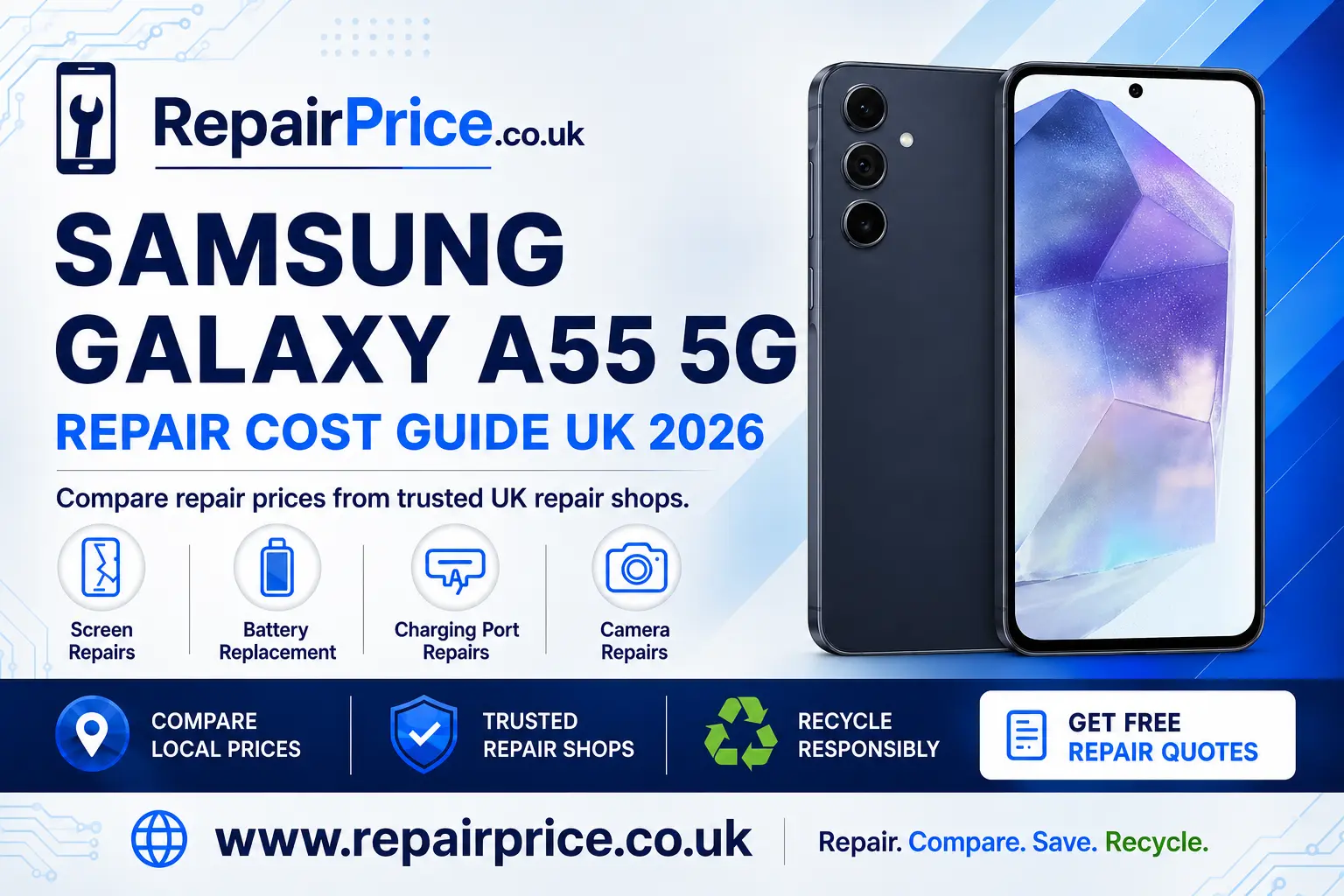
Samsung Galaxy A55 5G Repair Guide: Faults, Repair Options and Recycling
The Samsung Galaxy A55 5G is a capable mid-range smartphone with a bright Super AMOLED display, dependable cameras, 5G connectivity and a large battery. However, an accidental drop, worn battery or damaged charging port can make even a well-maintained handset difficult to use. This guide explains the most common Galaxy A55 5G faults, what you should check before arranging a repair and when recycling may be the more economical choice.
If your phone has been damaged, start by visiting the Samsung Galaxy A55 5G repair price comparison page. Comparing repair options can help you understand the likely work involved before you commit to a service.
Book Your Recycling Collection from UK Repair Shops on WhatsApp
Is the Samsung Galaxy A55 5G Worth Repairing?
In many cases, the Galaxy A55 5G is worth repairing. A cracked screen, weakening battery, obstructed charging port or faulty camera does not necessarily mean the entire phone has reached the end of its useful life. Repairing one damaged component can cost considerably less than buying a comparable replacement handset, while also allowing you to retain your applications, settings and familiar device.
The right decision depends on the condition of the phone, the number of faults and the expected repair price. A handset with a single damaged component is usually a stronger repair candidate than one with extensive liquid damage, a bent frame and several defective parts. Compare the estimated repair cost with the phone’s current replacement value and consider how long you expect to keep using it.
You should also check whether the device is covered by a manufacturer warranty, retailer protection plan or mobile phone insurance policy. Accidental damage is not always included in a standard warranty, but confirming your cover before paying privately could prevent unnecessary expense.
Samsung Galaxy A55 5G Screen Damage
The Galaxy A55 5G has a large display that provides sharp images and smooth scrolling, but the front glass can still crack after a fall or heavy impact. Screen damage may range from a small cosmetic fracture to complete display failure. Common warning signs include black areas, coloured lines, flashing, touch sensitivity problems and a screen that remains blank even though the phone continues to vibrate or produce sounds.
If the glass is broken but the display and touch layer still work, avoid pressing firmly on the damaged area. Small cracks can spread, while loose glass may cause injury or allow moisture and dirt to enter the handset. Review the available screen repair choices for the Galaxy A55 5G before the damage becomes more difficult to manage.
A screen assembly may contain more than the visible outer glass. Depending on the damage and the repair method, the replacement may involve the display panel and touch-sensitive layer as well. Ask the repair provider what type of part will be fitted, whether labour is included in the quotation and what warranty applies to the completed repair.
Battery Problems and Unexpected Shutdowns
Battery performance naturally declines as a phone completes more charging cycles. You may notice that the Galaxy A55 5G needs charging more frequently, loses power while idle, becomes unusually warm or switches off despite showing charge remaining. These symptoms can indicate a worn battery, although software activity, poor mobile signal and power-intensive applications can produce similar behaviour.
Before arranging a replacement, restart the device, install available software updates and review battery usage in the settings menu. Look for an application using an unexpectedly high percentage of power. Reducing background activity, screen brightness and unnecessary location access may improve runtime, but these steps cannot restore a battery that has physically deteriorated.
If the battery is swollen, the rear cover is lifting or the phone becomes excessively hot, stop charging and using it. Do not press the casing back into place or puncture the battery. A damaged lithium-ion cell requires careful handling. You can compare a suitable Galaxy A55 5G battery replacement service and ask the chosen technician about safe removal and disposal of the old component.
Charging Port Faults
A phone that will not charge does not always need a new charging port. Pocket lint can become compacted inside the USB-C socket and prevent the connector from sitting correctly. The cable, plug adapter or power outlet may also be responsible. Test a known working compatible cable and charger before concluding that the handset itself is faulty.
Turn the device off before inspecting the port under a bright light. Do not insert metal objects, apply liquids or force a connector into the socket. If the cable feels loose, charging repeatedly starts and stops, or the phone only charges when the lead is held at an angle, the socket may be worn or physically damaged.
A technician can determine whether the fault relates to debris, the connector, an internal charging component or the main circuit board. Use the dedicated page to investigate an intermittent Galaxy A55 charging fault and compare relevant repair options.
Camera and Lens Problems
The Galaxy A55 5G camera system can develop faults after an impact or exposure to moisture. Typical symptoms include blurred photographs, failed focusing, shaking previews, dark marks, application errors or cracked camera glass. Before requesting a repair, clean the exterior lens carefully with a soft microfibre cloth, restart the handset and test the camera using the standard Samsung application.
If only one shooting mode is affected, test the front and rear cameras separately. Removing recently installed camera applications and clearing the standard camera app’s cache may also help identify a software problem. Persistent focusing errors, mechanical noise or visible physical damage are more likely to require professional inspection.
Broken outer camera glass should be addressed promptly because dust and moisture can reach the module underneath. Explore camera repair support for the Samsung A55 5G to compare services for lens, focusing and camera-module faults.
What to Do Before Sending Your Phone for Repair
Back up important photographs, contacts, documents and authentication information whenever the phone remains operational. You can use an appropriate cloud service or a secure computer backup. Confirm that the backup has completed successfully before resetting or handing over the device.
Remove the SIM card and any memory card unless the repair provider specifically needs them for testing. Record the phone’s existing physical condition and note its IMEI or serial number for your records. If access to the handset is required, ask the repairer how customer information is protected and whether a temporary maintenance-mode feature can be used.
Describe the fault accurately, including when it began and whether the phone was dropped, exposed to liquid or repaired previously. Clear information can shorten diagnostic time and help the technician distinguish the visible symptom from its underlying cause.
Comparing Repair Quotes
The lowest advertised figure is not automatically the best overall value. Check whether the quotation includes diagnosis, replacement parts, labour, VAT and return delivery where applicable. Ask whether the price could change after inspection and whether you will be contacted for approval before additional work begins.
Part quality, repair experience and warranty terms matter as much as the initial cost. A useful quotation should identify the repair being offered and explain what happens if the technician discovers further damage. You should also confirm the expected turnaround time and whether your data will normally remain on the device.
Quote from UK Samsung Galaxy A55 5G Repair Shops
Find Galaxy A55 5G Repair Options Near You
RepairPrice provides dedicated location pages to help users discover relevant services in different parts of the country. Local availability, turnaround times and repair methods can vary, so use the page that is most relevant to your area before submitting an enquiry.
Drivers and commuters in Buckinghamshire can explore Galaxy A55 5G repair services around Milton Keynes. This can help you identify options for common display, battery, charging and camera problems.
Customers in the North East can review Samsung A55 5G technicians serving Newcastle upon Tyne and compare suitable assistance for accidental damage or performance-related faults.
If you are based in Norfolk, visit the page covering Norwich Galaxy A55 5G repair enquiries to find services aligned with your location and the type of fault affecting your handset.
People in the East Midlands can search for Nottingham repair options for a damaged Samsung A55 5G, including support for broken displays, battery deterioration and unreliable charging.
For users in Oxfordshire, the Oxford Samsung Galaxy A55 5G service comparison provides a more locally relevant route to researching a repair.
Residents in and around Cambridgeshire can use the Peterborough Galaxy A55 5G repair finder when seeking help with hardware damage or declining phone performance.
Repair or Recycle: How to Decide
Repair is often the preferable option when the phone has one manageable fault and remains suitable for your needs. Extending the handset’s working life can reduce the need for a newly manufactured replacement and preserve the value already contained in the device.
Recycling may be more practical when the phone has severe liquid damage, a damaged circuit board, multiple expensive faults or a repair estimate close to the cost of a suitable replacement. It may also be the right route when the device cannot be safely used because its battery is swollen or its structure is extensively damaged.
Do not place a mobile phone or loose lithium-ion battery in household rubbish. Phones contain batteries, metals, circuit boards and other components that require an appropriate waste stream. If repair is no longer economical, learn how to recycle an unusable Samsung mobile responsibly.
You can also visit the wider electronics recycling and collection hub for information about recycling phones and other unwanted electrical equipment. Before releasing a device, back up any recoverable information, sign out of linked accounts and erase personal data when it is safe and technically possible to do so.
Why Mobile Phone Circuit Boards Matter
The main circuit board coordinates many of the Galaxy A55 5G’s essential functions. It connects components involved in power, storage, connectivity, sound, cameras and charging. If the board is extensively damaged, specialist work may cost more than a conventional component replacement and may not always be economically viable.
Even when a phone cannot be repaired, its board should not be treated as ordinary waste. Specialist processors can separate and recover useful materials from suitable electronic components. Read about responsible recycling for mobile phone circuit boards if you have damaged handsets, stripped boards or redundant phone components.
Businesses, repair shops and organisations handling larger volumes may also need a clearer understanding of material categories and indicative values. The mobile phone circuit-board price information can provide useful context, although actual values may vary according to board type, condition, quantity and current processor requirements.
Continue Comparing Samsung Repair Guides
If you are checking a similar device or managing several Samsung handsets, you may also find the Samsung Galaxy A54 5G fault and repair guide useful. Owners of the newer generation can continue to the Samsung Galaxy A56 5G repair and recycling guide. These related resources can help you compare model-specific repair considerations before choosing a service.
Frequently Asked Questions
Can a cracked Galaxy A55 5G screen still be repaired?
Yes, many cracked screens can be replaced. The appropriate repair depends on whether the damage is limited to the outer surface or also affects the display, touch response or frame. Stop using the handset if broken glass creates a safety risk.
Will a battery replacement improve performance?
A replacement may improve runtime and prevent shutdowns when battery deterioration is the cause. It will not correct unrelated software, signal or circuit-board faults, so diagnosis is useful when the symptoms are unclear.
Why does my Galaxy A55 5G charge only at an angle?
This can be caused by debris, a damaged cable or wear inside the USB-C port. Test a compatible cable and have the socket inspected rather than repeatedly forcing the connector into position.
Will repairing the phone preserve its water resistance?
Opening a phone can affect its original seals. Ask the repair provider whether new adhesive will be fitted and whether any water-resistance testing is included. Avoid assuming that a repaired handset has the same protection it had when it left the factory.
Should I recycle a Galaxy A55 5G that will not switch on?
Not immediately. A failed battery, charging socket or display can make a repairable phone appear completely dead. Arrange a diagnosis first unless the device is visibly unsafe. If repair is uneconomical, use an appropriate electronics recycling route instead of household waste.
Get the Right Outcome for Your Galaxy A55 5G
A damaged Samsung Galaxy A55 5G does not automatically need replacing. Begin with basic checks, protect your data and compare the full repair offer rather than judging a service only by its headline price. A targeted screen, battery, charging-port or camera repair may restore the phone and extend its useful life.
When repair is no longer safe or financially sensible, responsible recycling provides a better destination for the handset, battery and circuit board. Whether you decide to repair or recycle, taking action early can protect your information, prevent the damage from worsening and help you obtain more value from the device.