

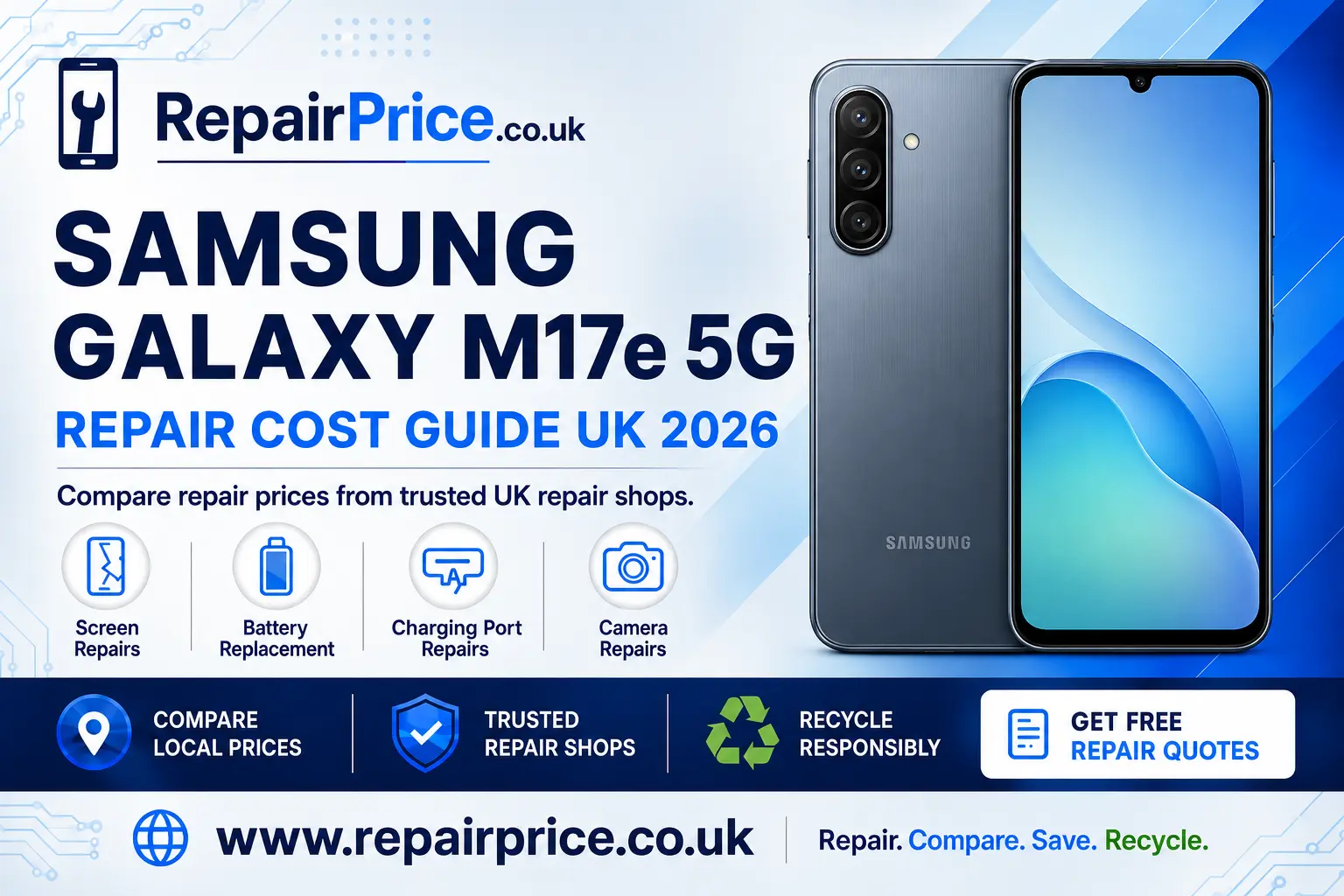
Samsung Galaxy M17e 5G Repair Guide: Faults, Repair Options and Recycling
A damaged Samsung Galaxy M17e 5G does not necessarily need to be replaced. Problems such as cracked glass, an unresponsive touchscreen, rapid battery drain, unreliable charging or a faulty camera can often be resolved with a targeted repair. This guide explains how to identify common faults, what to check before arranging a repair and when recycling may be the more economical choice.
If you already know what is wrong with your device, visit the Samsung Galaxy M17e 5G repair price comparison page to review suitable repair options. Comparing services can help you understand the likely work involved before committing to replacing the entire phone.
Discuss Your Galaxy M17e 5G Repair on WhatsApp
Is Your Samsung Galaxy M17e 5G Worth Repairing?
Repairing the phone is often worthwhile when the device still meets your everyday needs and the fault is limited to one replaceable component. A broken display, worn battery, damaged charging socket or defective camera module does not automatically mean that the motherboard or the rest of the handset has failed.
Start by comparing the estimated repair cost with the cost of buying an equivalent replacement phone. You should also consider the condition of the frame, display, battery and internal electronics. A single repair can offer good value, whereas several unrelated faults may make recycling or replacement more practical.
Your personal data is another important consideration. Repairing your existing handset may allow you to keep your familiar applications, settings and photographs without completing a full migration. Back up important information whenever possible before handing the phone to a repair provider, even if the reported problem appears minor.
Before requesting a quote, confirm the exact model number in the phone settings, on the original packaging or on your purchase documentation. Similar Samsung models can use different screens, batteries and internal parts. Providing the correct model information helps the repair shop check part compatibility and prepare a more accurate estimate.
Samsung Galaxy M17e 5G Screen Damage
Screen damage can range from a small crack in the outer glass to a completely black or unresponsive display. Warning signs include coloured lines, dark patches, flashing, ghost touches, poor brightness or sections of the touchscreen that no longer respond. A protective case may hide frame damage, so remove it carefully and inspect the edges before deciding how serious the impact was.
If the picture remains visible and touch control works, back up the phone as soon as possible. Cracked glass can deteriorate with pressure, temperature changes or moisture exposure. Continuing to use a badly damaged display may also increase the risk of cuts or allow dust to enter the handset.
Do not press down on a cracked panel or apply household glue. These actions can damage the display beneath the glass and make professional disassembly more difficult. Instead, compare display replacement options for the Galaxy M17e 5G and ask whether the quoted service covers the complete display assembly, testing and labour.
A repair provider should inspect more than the visible crack. The frame may have bent during the impact, and a damaged frame can prevent the replacement display from sitting correctly. Ask whether the technician will test touch sensitivity, brightness, proximity functions and the phone’s general operation after fitting the new part.
Battery Drain, Overheating and Unexpected Shutdowns
A battery naturally loses capacity with use, but rapid discharge is not always caused by the battery alone. Background applications, weak mobile reception, high screen brightness, location services and recent software changes can all increase power consumption. Check the battery usage information in the phone settings before deciding that the cell needs to be replaced.
Restart the handset, install trusted software updates and remove any recently added application that is using an unusual amount of power. If the battery percentage drops suddenly, the phone switches off under light use or the handset only works reliably while connected to a charger, the battery may be worn or defective.
Physical swelling requires immediate attention. Stop charging the device if the back panel or display begins to lift, the phone becomes unusually hot or there is a chemical smell. Do not puncture, squeeze or attempt to flatten a swollen battery. Review the available Galaxy M17e 5G battery replacement services and explain any swelling or overheating when making the enquiry.
When comparing battery repairs, ask whether the replacement part is covered by a warranty and whether charging performance will be tested after installation. A careful post-repair check should confirm that the battery percentage increases normally, the phone remains stable and there is no excessive heat around the battery or charging system.
Charging Port and Power Problems
If the Galaxy M17e 5G will not charge, begin with the simplest checks. Try a known-working cable, compatible power adapter and different electrical socket. Inspect the cable for bent connectors or exposed wiring. Avoid repeatedly forcing a loose plug into the phone, as this can worsen physical damage inside the charging port.
Pocket lint can prevent the connector from seating properly. Switch the phone off and inspect the port under a bright light. Do not insert metal pins, needles or wet cleaning products. If debris cannot be removed safely, let a repair technician clean and examine the socket.
Common charging-port symptoms include intermittent charging, a cable that only works at an angle, no computer connection or a loose physical connection. These symptoms may point to damaged pins, contamination or wear. However, charging failure can also originate from the cable, battery, software or main circuit board. A proper diagnosis is therefore more useful than replacing parts by guesswork.
Use the dedicated service page to arrange diagnosis of a Galaxy M17e 5G charging fault. Describe whether the problem is constant or intermittent and mention any recent drop, liquid contact or overheating. Those details can help the technician isolate the likely cause more efficiently.
Camera Faults and Poor Image Quality
Blurred images do not always mean that the camera module has failed. Clean the lens gently with a dry microfibre cloth, remove any case or lens cover that may obstruct the camera and test more than one camera application. Restarting the phone can also clear a temporary software problem.
A repair may be needed when the camera will not focus, displays a persistent warning, produces shaking images or shows marks that remain after the outer lens has been cleaned. Impact damage can crack the external lens, disturb image stabilisation or damage an internal camera module.
Before booking the work, test the front and rear cameras separately and note which modes fail. Also check video recording, flash operation and autofocus. This information can help distinguish a damaged lens cover from a deeper module fault. Explore camera repair support for the Samsung Galaxy M17e 5G when cleaning and software checks do not resolve the issue.
What to Do After Liquid Exposure
Switch the phone off as soon as it is safe to do so. Disconnect chargers and accessories, remove the case and wipe away visible moisture with a clean cloth. Do not charge the handset simply to see whether it still works, because electricity passing through wet components can cause additional internal damage.
Avoid hairdryers, ovens, radiators and other direct heat sources. Excessive heat may damage the battery, adhesive, screen and plastic components. Rice is also unreliable because it cannot remove contamination from inside the phone and its particles may enter exposed ports.
Liquid damage can progress even after the exterior appears dry. Sugary drinks, salt water and other contaminated liquids are particularly corrosive. Arrange an inspection promptly and tell the technician what liquid was involved, how long the exposure lasted and whether the device remained powered on afterwards.
How to Compare Galaxy M17e 5G Repair Quotes
The lowest headline price is not always the best overall value. Ask what replacement part will be used, whether labour is included and whether the quote can change after inspection. You should also check the repair warranty, estimated turnaround time and whether diagnostic charges apply if you decline the repair.
For a screen repair, confirm whether the quote covers the glass, display and touchscreen assembly. For a battery service, ask whether the new battery and fitting are both covered. Charging and camera faults may require diagnosis before a final price can be confirmed, particularly when damage extends beyond the visible component.
Before sending or leaving the phone, photograph its exterior and remove accessories that are not required for testing. Back up your data, note the device serial information and ask how your information will be handled. You may also wish to remove payment cards from digital wallets and sign out of sensitive applications where practical.
Request a Samsung Galaxy M17e 5G Repair Quote
Find Samsung Galaxy M17e 5G Repair Services by Location
Repair availability, turnaround times and service options can differ between towns. Local pages can help you explore relevant repair information without relying on a generic national search. If you are in Cornwall, begin with Galaxy M17e 5G repair choices around Truro.
Customers in West Yorkshire can review Samsung M17e repair services serving Wakefield. When requesting a local estimate, include the exact fault, whether the phone still switches on and whether it has suffered impact or liquid exposure.
For customers in Somerset, the Wells Galaxy M17e 5G repair information provides a more geographically relevant starting point. Ask whether the provider offers an appointment, walk-in assessment or postal repair before travelling.
People in central London can explore Westminster repair routes for the Galaxy M17e 5G. Confirm the business location and turnaround estimate in advance, particularly if you need the handset returned on the same day.
Customers in Hampshire can compare Samsung Galaxy M17e 5G support in Winchester. A complete description of the symptoms will usually produce a more useful initial response than simply stating that the phone is broken.
If you are based in the West Midlands, visit the page covering Galaxy M17e repair services near Wolverhampton. Compare what is included in each quotation and retain written confirmation of the warranty and agreed work.
When Recycling Is Better Than Repairing
Repair is usually the preferred option when a single affordable service can restore the handset. Recycling becomes more practical when the phone has extensive liquid damage, a badly distorted frame, serious circuit-board failure or several expensive faults at the same time.
Do not place an unwanted phone in household waste. Mobile devices contain batteries, metals, plastics and electronic components that require specialist handling. A damaged lithium-ion battery can also present a fire risk if it is crushed or processed incorrectly.
If the handset cannot be repaired economically, learn how to recycle an unusable Samsung mobile responsibly. You can also visit the broader electronics recycling service information if you have chargers, cables or other unwanted devices to dispose of at the same time.
Before recycling, back up any recoverable files, remove the SIM card and memory card, sign out of accounts and perform a factory reset where the phone remains operational. If the screen is unusable or the device will not power on, tell the recycling provider that personal data may still be stored on it and ask about secure handling procedures.
What Happens to the Phone’s Circuit Board?
The main circuit board contains connections and materials that should be processed through an appropriate electronics recycling route. Recovering useful materials reduces unnecessary waste and helps keep electronic components out of landfill. Even when a handset has no resale value as a complete device, some of its materials may still be recoverable.
Businesses, repairers and individuals handling damaged phone boards can read about specialist mobile phone circuit-board recycling. This is particularly relevant for dismantled devices or boards that cannot be refurbished.
Material values can vary according to board type, condition, quantity and current recovery markets. The mobile phone circuit-board price guide offers further information for people comparing potential recycling routes. Treat published figures as guidance and request a current assessment for the actual material being supplied.
Frequently Asked Questions
Can a cracked Galaxy M17e 5G screen be repaired?
In many cases, yes. The repair required depends on whether the damage is limited to the outer surface or also affects the display and touchscreen. A technician should inspect the panel and frame before confirming the appropriate replacement.
Why is my Samsung phone charging slowly?
Slow charging can be caused by a worn cable, unsuitable adapter, debris in the charging socket, battery deterioration, software activity or a damaged port. Test compatible charging equipment before arranging a hardware repair.
Will a repair erase my data?
Many component repairs do not require data deletion, but no repair process can guarantee that stored information will remain accessible. Back up important files before the appointment whenever the phone is still usable.
Should I repair or recycle a water-damaged handset?
An inspection is the safest way to decide. Limited contamination may be repairable, while widespread corrosion or multiple damaged components can make responsible recycling the more sensible option.
How should I prepare the phone for repair?
Confirm the model, back up your information, remove unnecessary accessories and describe the symptoms accurately. Tell the provider about previous repairs, liquid exposure or impact damage because these details may affect the diagnosis.
Choose the Most Practical Next Step
Begin with a clear diagnosis rather than assuming the entire phone needs replacing. Screen, battery, charging and camera faults can often be handled as individual repairs. Compare the full service, parts, warranty and turnaround time before choosing a provider.
If the Samsung Galaxy M17e 5G remains suitable for your needs, repairing it can extend its useful life and reduce the expense and environmental impact of premature replacement. If damage is too extensive, use an approved recycling route so that the battery, circuit board and other materials are handled safely.
Save this complete Samsung Galaxy M17e 5G repair guide for future reference, then compare the relevant service based on the symptoms your handset is displaying.