

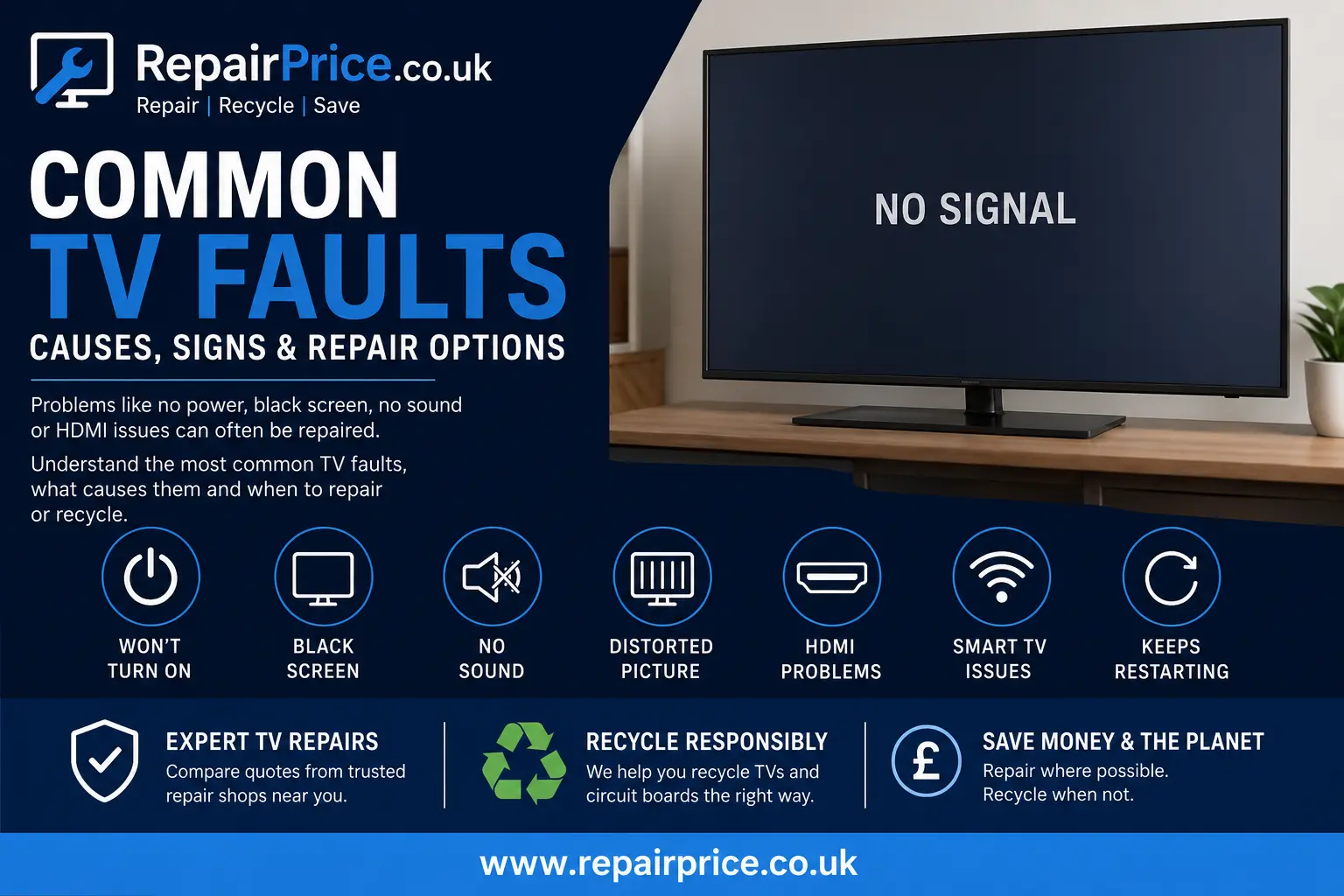
Common TV Faults: Causes, Warning Signs and Repair Options
A faulty television does not always need to be replaced. Problems such as a blank screen, distorted picture, missing sound, power cycling or damaged HDMI ports can often be traced to a repairable component. Understanding the symptoms can help you decide whether to arrange a professional inspection, compare repair quotations or responsibly recycle a television that is no longer economical to restore.
This guide explains the most common TV faults, what may cause them and the practical steps you can take before contacting a repair specialist. It also highlights when a repair is likely to be worthwhile and when recycling may be the safer and more cost-effective option.
Get a TV Repair Quote
RepairPrice.co.uk helps customers compare quotations from suitable television repair shops. Provide the TV brand, model number and a clear description of the fault so repairers can assess the likely work required.
Compare Quotes from TV Repair Shops
Ask About TV Repair or Recycling on WhatsApp
What Are the Most Common Television Faults?
Modern televisions combine display panels, circuit boards, power supplies, speakers, software and multiple input connections. A failure in any of these areas can produce similar symptoms, which is why professional diagnosis is important. A black screen, for example, may be caused by failed LED backlights, a defective power board, a main board problem or a damaged display panel.
Before assuming that the television is beyond repair, visit the main TV repair service page to explore repair options and request quotations from participating repair businesses.
1. The TV Will Not Turn On
A television that shows no signs of power is one of the most frequently reported faults. The problem may be as simple as a damaged power lead, loose plug, faulty wall socket or failed remote-control battery. However, internal failures are also common.
Possible internal causes include a defective power supply board, blown fuse, damaged standby circuit, failed capacitor or shorted component on the main board. Some televisions may appear completely dead, while others display a flashing standby light or produce a clicking sound when the power button is pressed.
Start by testing the wall socket with another appliance and checking whether the power cable can be securely connected. Disconnect the television from the mains for several minutes before reconnecting it. If the TV remains unresponsive, avoid repeatedly switching it on because an electrical fault could cause additional board damage.
A technician may need to test voltage rails, fuses, capacitors and power-control signals. More detailed information about these components is available in our guide to television power supply repair.
2. The TV Turns On but the Screen Is Black
A television may produce sound while displaying a completely dark screen. This often indicates a backlight problem rather than a failed display panel. LED backlight strips can deteriorate over time, particularly when the brightness setting has remained at a very high level for prolonged periods.
One basic test is to shine a torch at the screen while the television is playing. If a very faint image is visible, the LCD panel may still be producing a picture and the backlighting system could be responsible for the darkness.
Other causes may include a faulty LED driver circuit, damaged power board, loose internal ribbon cable, failed timing-control board or main board malfunction. Because televisions contain high-voltage sections and fragile panel connections, opening the casing without suitable experience is not recommended.
Screen-related problems vary significantly in cost. Read our detailed TV screen repair and fault guide for help distinguishing between panel damage, backlight failure and image-processing faults.
3. The TV Has Sound but No Picture
Sound without a visible picture is closely associated with backlight failure, but it may also result from an input problem or damaged video-processing hardware. First, use the remote control to open the television menu. If the menu appears, the television screen is working and the problem may relate to the selected source, HDMI cable or connected device.
If the menu is not visible, the fault may be inside the television. A repair specialist may inspect the backlights, power board, main board, timing-control board and panel connections. Giving the repairer the exact model number will help them identify likely components and replacement-part availability.
4. The Picture Is Distorted, Flickering or Covered in Lines
Vertical lines, horizontal bands, flashing sections, duplicated images or unusual colours can have several causes. A loose cable between the main board and the display assembly may interrupt the picture signal. A faulty timing-control board can also affect how image data is sent to the panel.
In some cases, the defect lies within the bonded panel connections or the display panel itself. Panel faults are often more difficult and expensive to repair because the screen is usually the highest-value component in the television.
Before arranging a repair, test a different input source and HDMI cable. Open a built-in application or the television settings menu. If the lines appear over the menu as well as external inputs, the issue is probably within the television rather than the connected equipment.
5. The TV Keeps Switching Off or Restarting
Repeated restarting, also known as power cycling or boot looping, may be caused by software corruption, overheating, unstable power delivery or a failing main board. The television may display its manufacturer logo before switching off and repeating the same sequence.
Disconnect external devices such as consoles, streaming boxes, soundbars and USB drives. Remove the television from the mains for several minutes, then reconnect it without any accessories. If it operates normally, reconnect each device separately to identify whether an accessory or HDMI control setting is triggering the problem.
If the restarting continues, the power board may be unable to maintain stable voltage or the main board may be failing during the startup process. Firmware problems can sometimes be resolved through an official software update or factory reset, although a reset should only be attempted if the menu remains accessible.
For faults involving processing, connectivity or startup control, our TV main board repair guide explains common symptoms and replacement considerations.
6. There Is a Picture but No Sound
Missing sound may result from incorrect settings, a connected Bluetooth device, damaged speakers, a failed audio circuit or an external sound system problem. Check that the television is not muted and verify that the correct audio output has been selected.
Disconnect soundbars, headphones and HDMI audio equipment before testing the built-in speakers. Try different channels, applications and input sources. If sound works through headphones or an external speaker but not through the television speakers, the internal speakers or their wiring may be defective.
If there is no sound from any output, the problem may involve the main board, audio amplifier circuitry or software. A professional technician can test the speaker resistance, audio supply voltage and output signals.
7. HDMI Ports Are Not Working
HDMI faults can prevent a television from recognising a games console, laptop, streaming box or set-top box. The screen may show “No Signal,” display intermittent video or lose sound while the picture remains visible.
Test the device with another HDMI cable and a different port. Restart both the television and the connected equipment. Check that the correct input has been selected and disable HDMI-CEC temporarily if devices are switching inputs unexpectedly.
A physically damaged HDMI socket may require microsoldering or replacement. If every HDMI port has stopped working, the issue may be connected to the main board or HDMI controller rather than an individual socket.
When troubleshooting connected equipment, it may also be worth checking whether the fault originates from the source device. RepairPrice.co.uk can help users compare options for games console repairs and laptop repair services when those devices fail to output a signal.
8. The Television Has Wi-Fi or Smart TV Problems
Smart televisions may lose their internet connection, freeze while opening applications or fail to complete software updates. Network faults are not always caused by the TV itself, so restart the router and test whether other devices can connect normally.
Forget the saved Wi-Fi network and reconnect using the correct password. Check the television date and time because incorrect settings can interfere with application certificates and online services. Where available, connect the TV through an Ethernet cable to determine whether the Wi-Fi module is responsible.
Persistent app crashes may be resolved by clearing application data, updating the firmware or carrying out a factory reset. However, older televisions may lose access to applications when software support ends. In that situation, an external streaming device may be more practical than replacing the entire television.
9. The Remote Control Is Not Responding
A non-responsive remote control is not necessarily a television fault. Replace the batteries and inspect the battery terminals for corrosion. Many infrared remotes can be tested by pointing them at a smartphone camera while pressing a button. The infrared light may appear on the phone screen even though it is invisible to the human eye.
If the remote is transmitting but the television does not respond, the TV’s infrared receiver, Bluetooth pairing or control board may be faulty. Try the physical buttons on the television. If those controls work, the remote or receiver system is the more likely cause.
10. The TV Screen Is Cracked
A visibly cracked panel is different from a backlight or circuit-board fault. Internal cracks may create black areas, coloured lines, ink-like marks or sections that no longer display an image. Even when the outer surface feels smooth, the internal panel layers may be damaged.
Replacement panels are often expensive and may be difficult to source for older or less common models. Before discarding the television, request a repair assessment and compare the estimated cost with the price, age and condition of a suitable replacement TV.
Brand-Specific Television Repair Support
Although many television faults are similar across manufacturers, replacement components, board layouts and diagnostic procedures can vary by brand and model. Repairers may need the complete model code from the label on the back of the television.
Owners of Samsung televisions can explore dedicated Samsung TV fault diagnosis and repair services. Samsung models may experience backlight, power board, main board, HDMI or panel-related problems depending on the series.
For Bravia and other Sony models, visit the Sony television repair quotation page to compare support for startup faults, flashing error lights, sound issues and picture failures.
LG television owners can use the LG TV repair service for help with LED, NanoCell, OLED, power, sound and smart television faults.
Can a Faulty TV Be Repaired at Home?
Safe external checks can be completed without opening the television. These include testing another wall socket, replacing remote-control batteries, changing HDMI cables, disconnecting accessories, restarting the television and checking picture or audio settings.
Internal repairs are more hazardous. Power boards can retain electrical charge after the television has been unplugged, and display panels are extremely fragile. Incorrect testing can damage boards, ribbon cables or the screen itself. Component-level repairs may also require electrical testing equipment, soldering tools and access to compatible parts.
For these reasons, internal diagnosis should normally be carried out by an experienced television repair technician.
How Much Does It Cost to Repair a Common TV Fault?
The cost depends on the television size, brand, model, age, fault type, replacement-part availability and labour involved. External socket repairs, software fixes or board replacements may be more affordable than replacing a damaged screen panel.
A repairer may need to inspect the television before confirming the final price. To improve the accuracy of an initial quotation, provide the model number, screen size, fault symptoms, any flashing-light pattern and details of what happened before the problem started.
Is It Worth Repairing a Faulty Television?
Repair is often worth considering when the television is relatively new, has a high-quality display, has no physical panel damage and can be restored for significantly less than the cost of a comparable replacement.
Replacement may be more practical when the panel is cracked, multiple boards are damaged, parts are unavailable or the television is already showing several age-related faults. A professional assessment can help prevent a working display from being discarded because of one replaceable component.
TV Repair Services Across West Yorkshire
RepairPrice.co.uk provides access to television repair quotation options across West Yorkshire. Customers should include their location, television size, manufacturer and model when submitting an enquiry.
For local support, customers can compare TV repair shops serving Bradford for picture faults, power failures, sound problems and connection issues.
Residents and businesses can also request help through the Leeds television repair service, including diagnosis for smart TVs, LED televisions and larger-screen models.
Those based in Calderdale can explore television repair options in Halifax before deciding whether to replace a faulty set.
Customers elsewhere in the region can use the dedicated Wakefield TV repair quotation page or find TV repair support around Huddersfield.
Check Connected Devices Before Blaming the Television
Some apparent television faults are caused by connected devices. A console with a damaged HDMI port may create a blank screen or intermittent picture. A laptop with incorrect display settings may fail to output at a resolution supported by the TV.
Test the television using its built-in menu, live channels or an integrated streaming application. If these work normally, inspect the external source, power cable and HDMI lead. Owners of wearable devices can also compare smartwatch repair quotations when charging, screen or connectivity faults affect other technology in the home.
What Happens to a TV That Cannot Be Repaired?
Televisions should not be placed in general household waste. They contain circuit boards, metals, plastics, wiring and electronic components that require responsible treatment. Improper disposal can waste recoverable materials and may expose damaged electronic parts to unsuitable handling.
Visit the main electrical recycling service to learn about collection and recovery options for unwanted electronic devices.
Televisions may also be recycled alongside compatible computers and accessories. Businesses and households clearing multiple electronic items can review the laptop and computer recycling service for additional disposal guidance.
Recycling TV Circuit Boards
A television contains several electronic boards, which may include a power supply board, main board, timing-control board, input board and smaller control modules. Depending on their construction and condition, these boards may contain recoverable metals and reusable electronic materials.
The TV circuit board recycling service explains how boards removed from televisions can enter a specialist recovery route instead of being sent to landfill.
Some lower-grade boards and mixed electronic assemblies may be handled through an appropriate Class 3 circuit board recycling process. Boards should be assessed correctly because classifications and recovery values can vary according to component density, board type and contamination.
How to Describe a TV Fault to a Repair Shop
A clear fault description can help a repairer provide a more useful initial response. State whether the television powers on, whether sound is present, whether the screen briefly lights up and whether any standby lights flash in a repeating pattern.
Include the full manufacturer and model number, approximate age, screen size and details of any impact, liquid exposure or electrical surge. Mention whether the fault affects every input or only one connected device.
Photographs or a short video may also help demonstrate flickering, lines, restarting or physical damage. Never remove the rear cover simply to take internal photographs unless you are trained to work safely on electronic equipment.
How to Reduce the Risk of Future TV Faults
Place the television where air can circulate around its ventilation openings. Excess heat can shorten the working life of power components and processing boards. Avoid covering vents or positioning the television directly beside a radiator.
Use a suitable surge-protected power connection where appropriate, especially in areas affected by unstable electricity. During thunderstorms, disconnecting sensitive equipment may reduce the risk of surge damage.
Lowering excessive backlight or brightness settings may reduce strain on LED backlighting. Keep the screen dry, use only suitable cleaning products and never spray liquid directly onto the panel.
HDMI cables should be inserted carefully without forcing the socket. Heavy cables should be supported so they do not place continuous pressure on the television’s ports.
Repair First, Recycle Responsibly When Repair Is Not Practical
Many common television faults are caused by replaceable parts rather than complete television failure. Power boards, LED backlights, speakers, sockets and main boards may all be repairable depending on the model and extent of the damage.
Comparing a repair quotation can help you make an informed decision before purchasing a replacement. When repair is not economical, responsible electronic recycling ensures that circuit boards, wiring, metals and other materials are handled through a more appropriate waste stream.
RepairPrice.co.uk helps connect customers with repair services while also providing routes for unwanted electronics and circuit boards. Start with diagnosis, compare the likely repair cost and use a suitable recycling service only when the television cannot be restored safely or economically.