

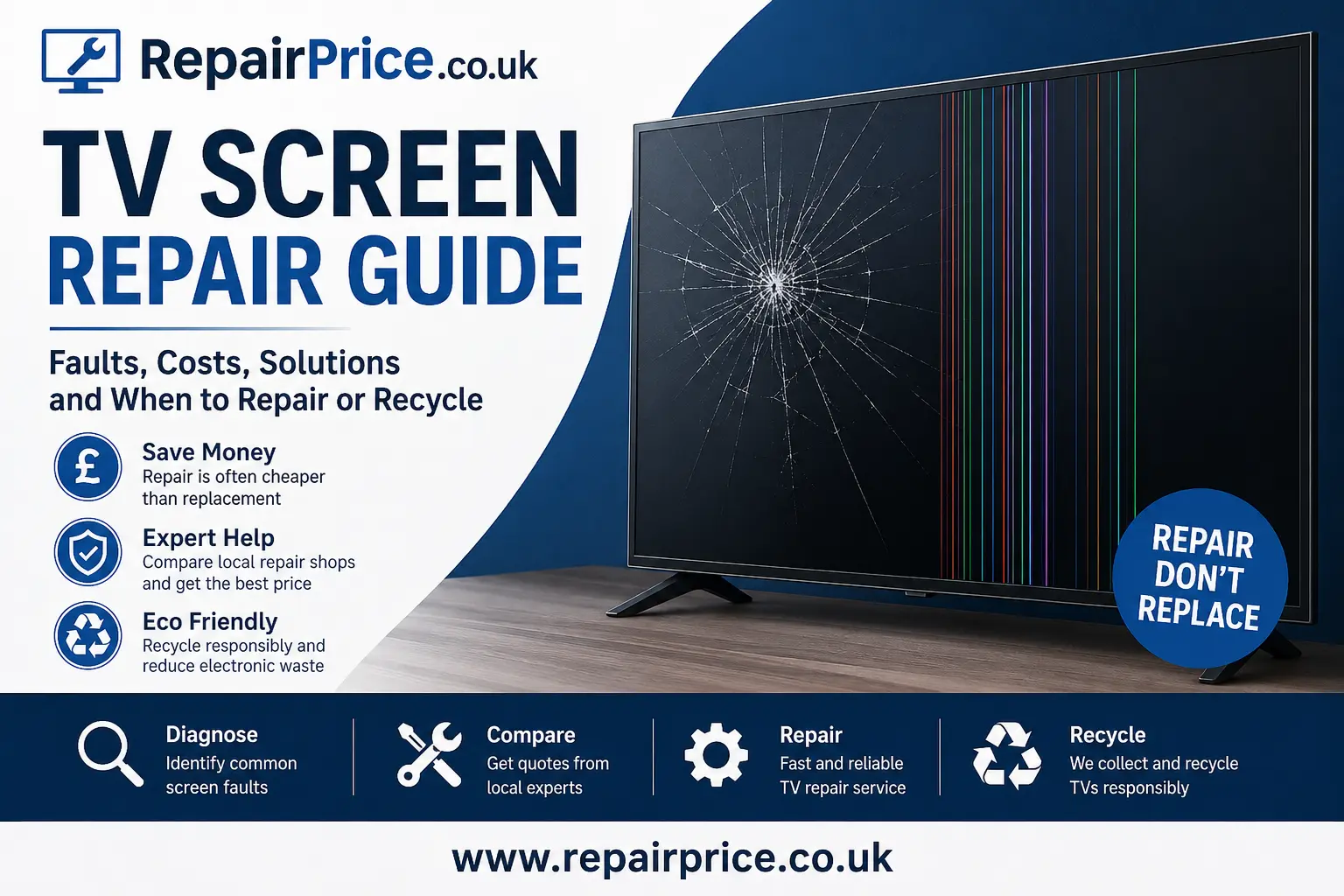
TV Screen Repair Guide: Costs, Faults and When to Repair Your Television
A damaged television screen can be frustrating, especially when the TV is otherwise working normally. Cracks, dark areas, coloured lines, flickering images and patches of missing picture can all make a television difficult or impossible to use. However, not every apparent screen problem means the complete display panel needs replacing. Some faults are caused by backlights, circuit boards, display connections or power components that may be more economical to repair.
This TV screen repair guide explains the most common display problems, what may be causing them, whether a repair is practical and when recycling may be the more responsible option. Before purchasing a replacement television, arrange an assessment through our main TV repair comparison service and give local repair specialists the opportunity to diagnose the fault.
Ask About Your TV Screen Fault on WhatsApp
Can a Broken TV Screen Be Repaired?
Whether a TV screen can be repaired depends on what has actually failed. A physically cracked LCD or OLED panel generally requires complete panel replacement. The individual layers within modern television displays are manufactured as a sealed assembly, so technicians cannot normally replace only the cracked section of the glass.
Panel replacement is technically possible when a compatible display is available. However, the cost of the replacement panel, labour and transportation can sometimes approach or exceed the price of another television. Availability may also be limited for older models or televisions produced in smaller quantities.
Screen-related faults that do not involve physical panel damage can be much more repairable. A television with sound but no visible picture could have failed LED backlights, a power supply problem or a fault involving the display control circuitry. Vertical lines, intermittent images or sections of distorted picture may be connected to a T-Con board, ribbon cable or mainboard fault rather than a destroyed panel.
The important first step is an accurate diagnosis. Replacing a television without identifying the cause could mean discarding a device that only required a component-level repair.
Common TV Screen Problems and Their Possible Causes
Cracked or Impact-Damaged Display
A visible crack, spiderweb pattern, black ink-like patch or rainbow-coloured distortion usually indicates physical damage to the screen panel. This may happen when the television is knocked, dropped, struck by an object or placed under pressure during transportation.
A cracked panel cannot normally be repaired using resin, glass filler or a replacement outer layer. Television screens are different from many phone displays because the panel is a large integrated assembly. The realistic repair option is normally complete panel replacement, subject to cost and availability.
Sound but No Picture
When a television produces sound but the screen remains black, the panel itself may still be functional. Failed LED backlights are a common cause on LED televisions. A power supply fault, damaged backlight driver, loose connection or mainboard problem can produce similar symptoms.
Try shining a torch carefully towards the screen while the television is switched on. A very faint moving image may indicate that the display is generating a picture but the backlighting system is no longer illuminating it. For a more detailed explanation, read our guide to diagnosing and repairing television backlight faults.
Vertical or Horizontal Lines
Lines across a television display can be caused by panel damage, failed driver connections, ribbon cable problems, a defective T-Con board or faults elsewhere in the video processing system. Lines that appear after an impact are more likely to indicate panel damage, while intermittent lines may be associated with connections or circuit boards.
A technician may need to inspect the internal connections and test relevant boards before deciding whether the screen assembly is responsible. Avoid repeatedly pressing or twisting the display, as this can worsen the damage.
Flickering or Flashing Picture
A flickering picture may be caused by a backlight problem, unstable power delivery, incorrect settings, defective external equipment or an internal board fault. Begin by disconnecting HDMI devices, testing another input and restarting the television. If the flickering affects the TV menu and every source, the problem is more likely to be inside the television.
Dark Patches or Uneven Brightness
Dark sections, bright spots or uneven illumination can develop when individual LED backlights fail or the internal diffuser materials become displaced or damaged. Bright circular areas may also appear when backlight lenses detach from the LED strips.
Replacing a complete set of compatible LED strips can often provide a more reliable repair than replacing only one failed LED. The repairer should also investigate why the original strips failed, because operating temperature and backlight settings may affect longevity.
Half of the Screen Is Dark or Distorted
A television showing a normal image on one side and a dark, lined or distorted image on the other may have a panel driver, connection or T-Con-related problem. Some faults can be repaired by replacing a board or correcting a connection, but damage to bonded panel drivers may make the repair uneconomical.
Coloured Spots, Burn-In or Image Retention
OLED televisions can develop permanent image retention when static content remains on the display for extended periods. LCD televisions may develop pressure marks, pixel defects or discolouration. Software tools and pixel-refresh functions may reduce temporary image retention, but permanent panel wear cannot normally be reversed through a standard repair.
Our overview of frequent television faults and warning signs can help you identify whether the screen is the only affected component.
How Much Does TV Screen Repair Cost?
The cost of repairing a television screen varies according to the screen technology, size, brand, model, age and exact cause of the fault. A backlight, power board or T-Con repair may cost substantially less than replacing a complete LCD, QLED, Mini-LED or OLED panel.
Panel replacement can be expensive because the display is usually the highest-value component within the television. Large and premium panels are particularly costly to source and transport safely. Labour charges may also reflect the amount of dismantling required and the risk involved in handling a thin, fragile display.
When requesting a quotation, provide the full model number from the label on the back of the television. Two TVs with similar screen sizes and brand names may use completely different panels and internal parts. Clear photographs of the fault can also help repair shops provide useful preliminary guidance, although a physical inspection may still be required.
Request Quotes from Local TV Repair Shops
Repair Options for Popular TV Brands
Different manufacturers use different display technologies, internal layouts and replacement components. Brand-specific knowledge can therefore improve diagnostic accuracy and help identify compatible parts.
Sony Television Screen Problems
Sony televisions may experience backlight failure, lines, power cycling, display control faults or physical panel damage. Owners can use our dedicated Sony television repair service to find repair options for compatible Bravia and other Sony models.
Samsung Television Display Faults
Samsung TVs include LED, QLED, Neo QLED and OLED models, so the likely repair process depends heavily on the exact television. Black screens, shadowing, backlight failure and lines may require different components. Visit the Samsung TV fault and repair page for brand-focused support.
LG Television Screen Repairs
LG manufactures a wide range of LED and OLED televisions. Some picture faults may involve backlights, power circuitry or display boards, while burn-in and physical OLED panel damage usually require more substantial intervention. Explore our LG television repair options before deciding to replace the device.
Checks to Make Before Booking a TV Repair
Before arranging a repair, confirm that the problem is not being caused by an external device, cable or incorrect picture setting. Disconnect games consoles, streaming boxes, laptops and other HDMI equipment. Open the television menu to see whether the fault also appears over the built-in interface.
Power the television off, unplug it from the mains and leave it disconnected for several minutes. Reconnect it directly to a working wall socket and test it again. You can also check for available manufacturer software updates when the screen remains usable.
Do not remove the rear cover unless you have suitable technical experience. Television power supplies may contain components that retain dangerous electrical charge after the set has been unplugged. Attempting to flex ribbon cables or press damaged areas of the panel may also turn an intermittent fault into permanent damage.
TV Screen Repair Services in West Yorkshire
RepairPrice.co.uk helps television owners submit repair requirements and receive responses from relevant repair businesses. Customers in West Yorkshire can access dedicated local pages covering several major towns and cities.
Residents looking for television diagnostics in Bradford can visit our Bradford TV repair shop comparison page. This is suitable for cracked screens, sound-without-picture faults, backlight problems and other television issues.
For repair enquiries across Leeds and surrounding districts, use the Leeds television repair service directory to describe the fault and compare available support.
Customers in Calderdale can find relevant options through our Halifax TV diagnosis and repair page, including assistance with display, power and circuit board problems.
Television owners in Wakefield can submit details through the Wakefield television repair quotation service before spending money on a replacement set.
For faults in Huddersfield and nearby areas, visit the Huddersfield TV repair comparison page and include the television model number, screen size and visible symptoms.
Should You Repair or Replace a Damaged Television?
A repair is often worth considering when the television is relatively new, the original purchase price was high, the fault affects a replaceable component or the device has features that would be costly to replace. Backlight, power supply, HDMI and board-level repairs can extend the useful life of a television and reduce unnecessary electronic waste.
Replacement may be more practical when the panel is physically cracked, a compatible screen is unavailable or the total repair cost is close to the cost of a suitable new television. Age, energy consumption, expected reliability and warranty coverage should also influence the decision.
Do not compare the repair price only with the cheapest television currently advertised. Consider the replacement model’s screen technology, build quality, refresh rate, connectivity, sound, operating system and expected lifespan. A low-cost replacement may not offer the same performance as the television being repaired.
For a structured comparison of both choices, read our guide explaining when to repair a television and when replacement makes more sense.
Related Devices That May Also Need Repair
A television fault may initially appear to be caused by the screen when the real problem comes from a connected device. Testing each item separately can prevent an unnecessary TV repair.
If a computer produces no picture through the television but works inconsistently on another monitor, the problem may involve the HDMI port, graphics hardware or operating system. Our laptop repair quotation service can help with damaged ports, display output problems and other computer faults.
Games consoles can also cause flickering, signal loss, distorted colours or blank HDMI inputs. Visit the console repair comparison page for PlayStation, Xbox, Nintendo and other gaming system faults.
Tablets are frequently used for casting and streaming content to televisions. Charging, Wi-Fi, software or display faults on the tablet can interrupt this process. Use our tablet repair support service when the portable device appears to be the source of the problem.
What to Do With a Television That Cannot Be Repaired
A television should not be placed in general household waste. TVs contain metals, plastics, circuit boards, cables and electronic components that should be handled through an appropriate recycling route. Responsible processing can recover useful materials while reducing the risk of unsuitable disposal.
When screen replacement is uneconomical, visit our main electrical recycling and collection service to explore available options. Provide information about the television’s size, condition, location and whether assistance is required to move it.
Connected gaming equipment should also be reused, repaired or recycled separately. Our games console recycling service provides an alternative for consoles and accessories that are damaged beyond economical repair.
Recycling Circuit Boards from Unrepairable TVs
Televisions contain several printed circuit boards that control power delivery, image processing, connectivity, audio and display functions. Depending on the model, these may include a mainboard, power supply board, T-Con board, Wi-Fi module and smaller control boards.
These components contain metals and materials that can be recovered through specialist processing. Repair businesses, recycling organisations and commercial holders of redundant television parts can learn more through our specialist TV circuit board recycling page.
Keeping recoverable circuit boards out of general waste supports material recovery and helps reduce demand for newly extracted resources. Working televisions and usable components should be considered for reuse first, followed by repair, parts recovery and responsible recycling.
How to Reduce the Risk of Future TV Screen Damage
Position the television on a stable stand that is designed for its weight and dimensions. When wall mounting, use suitable fixings and make sure the bracket is correctly attached to the supporting structure. Keep televisions away from high-traffic areas where they may be knocked by people, furniture or doors.
Avoid placing toys, decorations or heavy objects above the television. Families with young children may wish to use an appropriate anti-tip strap or secure wall mounting system. Do not spray cleaning fluid directly onto the screen. Apply a small amount of suitable cleaner to a soft cloth and wipe gently without pressing the panel.
When transporting a television, keep it upright whenever the manufacturer recommends doing so. Protect the screen with suitable packaging and avoid laying heavy objects against the display. Large televisions are easier and safer to move with two people.
Reducing the backlight level from its maximum setting may also reduce heat and strain on some LED backlight systems. Use a surge-protected power arrangement where appropriate and ensure the ventilation openings remain clear.
Get Help With Your TV Screen Fault
A cracked panel is not always economical to replace, but a black, dim, flickering or distorted screen may be caused by a repairable component. The best decision begins with a clear diagnosis and a realistic quotation based on the exact television model.
Use RepairPrice.co.uk to explain the fault, provide the model number and connect with relevant repair businesses. Comparing repair options can help you avoid replacing a television unnecessarily, while our recycling services provide a responsible route when repair is no longer practical.
Start with the main television repair request page, explore the related diagnostic guides and consider recycling only after the realistic repair options have been assessed.