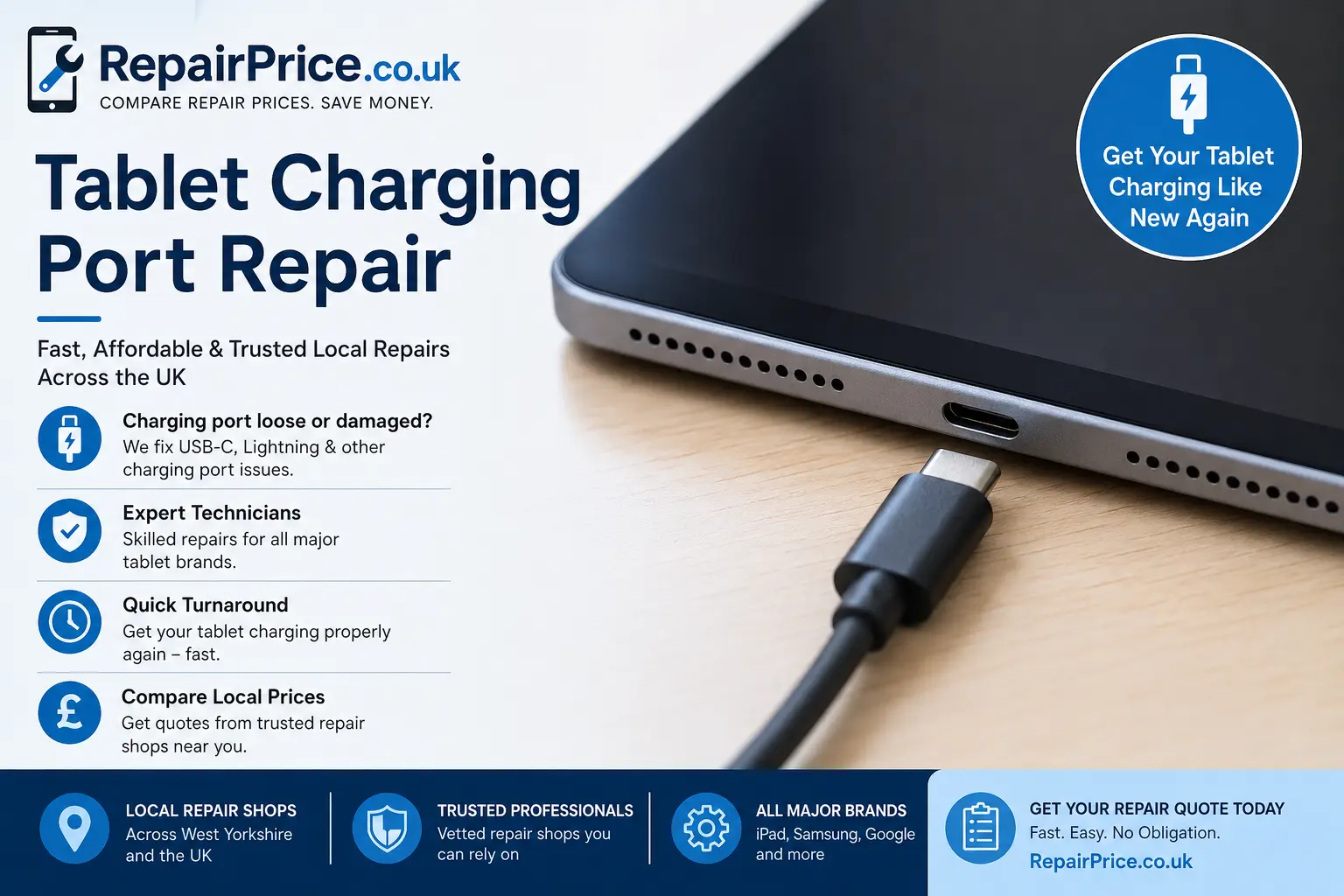
A tablet that will not charge can quickly become frustrating, especially if you use it for work, study, streaming, business tasks, or keeping children entertained. In many cases, the problem is not the tablet itself but the charging port, charging cable, battery, or internal charging circuit. This guide explains the common causes of tablet charging problems, when a charging port repair may be needed, and how RepairPrice.co.uk helps you compare local tablet repair options.
If your iPad, Samsung tablet, Google tablet, or Android tablet only charges at an angle, charges slowly, disconnects when moved, or does not recognise the charger at all, it may need professional inspection. Instead of guessing the fault or replacing the device too soon, you can use RepairPrice.co.uk to request quotes from repair shops that deal with charging port, battery, screen, software, and board-level tablet faults.
A damaged charging port can show several warning signs before it fails completely. You may notice that the cable feels loose, the tablet only charges when the connector is held in a certain position, or the charging symbol appears and disappears repeatedly. Some tablets stop fast charging, while others show moisture warnings, accessory errors, or no charging response at all.
Charging port problems are common on tablets because the port is used every day. Dust, pocket lint, bent pins, liquid exposure, worn cables, forced connectors, and repeated movement while charging can all damage the port. Children using tablets while they are plugged in can also put pressure on the socket, which may loosen the connection over time.
Not always. A tablet that will not charge can also have a faulty battery, damaged charging cable, software issue, power management fault, or internal circuit board problem. Before assuming the port needs replacing, try a different genuine or high-quality charger and cable. Also check whether the port is blocked with dirt or debris. Do not force anything metal inside the socket, as this can damage the pins or short the device.
If the tablet still does not charge after testing another cable and plug, the next step is a professional diagnosis. Local repair shops can inspect the port, battery health, charging current, and internal board condition. If the issue is battery-related, our tablet battery replacement guide explains when a weak battery may be the real cause of charging problems.
Different tablet brands use different charging port designs. Some ports are modular and can be replaced more easily, while others are soldered to the board and require more advanced repair work. If you have an Apple tablet, you can compare options through our iPad repair service page. iPads may use Lightning or USB-C depending on the model, and the repair approach can vary.
Samsung tablets commonly use USB-C charging ports, but the fault may still involve the charging board, battery, or internal connector. For Galaxy Tab models, visit our Samsung tablet repair page to find repair support. If you own a Pixel Tablet or another Google device, our Google tablet repair page can help you request quotes from suitable repair shops.
When a tablet does not charge properly, many users keep pushing the cable harder or twisting it until it connects. This may work briefly, but it can make the damage worse. A loose port can detach further, pins can bend, and the charging circuit may become unstable. If the connector gets hot or the tablet smells unusual, stop charging immediately and arrange an inspection.
Using cheap or damaged charging cables can also create issues. Poor-quality cables may not deliver stable power, may fail to support fast charging, or may damage the charging socket over time. A repair shop can test whether the problem is with the device or the accessory, which helps avoid unnecessary repairs.
Liquid exposure is one of the main reasons tablet charging ports fail. Even a small amount of moisture can corrode the pins inside the socket or damage the charging circuit. If your tablet stopped charging after a spill, rain exposure, bathroom use, kitchen accident, or damp storage, avoid plugging it in repeatedly. Charging a wet or corroded tablet can increase the risk of board damage.
For liquid-related faults, read our tablet water damage repair guide. Water damage may need cleaning, drying, corrosion treatment, battery testing, and possibly charging port or board-level repair. Acting quickly gives the tablet a better chance of recovery.
Many people consider buying a new tablet when charging problems begin. However, replacing a tablet can be expensive, especially if the screen, storage, apps, photos, accounts, and accessories are still useful. A charging port repair may be far more cost-effective than replacement, depending on the model, condition, and repair cost.
If your tablet is older, heavily damaged, slow, or has several faults, replacement may make more sense. Our tablet repair versus replacement guide explains how to compare repair costs against device value. RepairPrice.co.uk helps you make a more informed decision by allowing you to request local quotes before committing.
RepairPrice.co.uk connects users with repair options across the UK, including West Yorkshire. If you need help nearby, you can explore tablet repair shops in Bradford, tablet repair services in Leeds, Halifax tablet repair support, Wakefield tablet repair options, and Huddersfield tablet repair quotes.
Using local repair shops can be convenient when you need faster diagnosis, clearer communication, and support from technicians familiar with common tablet faults. Whether the issue is a loose USB-C port, a damaged Lightning connector, charging board failure, or battery-related charging fault, local repair quotes help you compare your options before deciding.
RepairPrice.co.uk is designed to make repair decisions easier. Instead of contacting multiple shops one by one, you can submit your tablet fault details and request quotes. This helps you compare availability, likely repair options, and pricing before choosing a repair provider. For wider tablet issues, visit our main tablet repair service page.
Tablet charging port faults often overlap with other device categories. If your phone is also having charging issues, you may find our phone repair service useful. For work devices with power or charging faults, see our laptop repair page. If you also need help with gaming hardware, our console repair service covers common power, port, HDMI, and overheating issues.
A repair shop will usually start by checking the charger, cable, port condition, battery response, and charging current. If the port is dirty, it may only need safe cleaning. If the pins are damaged or the connector is loose, the port may need replacing. Some tablets require the screen or back cover to be removed carefully before the charging assembly can be accessed.
For certain models, the charging port is attached to a small daughterboard, which may be replaced as a unit. On other tablets, the port may be soldered to the main board, requiring micro-soldering skills. This is why it is important to use a repair shop that understands the specific model rather than attempting a risky home repair.
In many cases, charging port repair does not affect the data stored on the tablet. However, if the tablet is completely dead or has internal board damage, data access may become more complicated. If your tablet contains important files, photos, schoolwork, business documents, or account information, tell the repair shop before work begins.
Some tablets use the charging port for data transfer as well as charging. If the port is damaged, the tablet may not connect to a computer, which can make backups harder. This is another reason to repair charging issues early rather than waiting until the device is completely flat.
Not every tablet is worth repairing. If the device has severe board damage, a broken screen, a weak battery, no software support, or repair costs close to replacement value, recycling may be the better option. Responsible recycling helps keep electronic waste out of landfill and allows valuable materials to be recovered safely.
If your tablet is beyond economical repair, visit our tablet recycling service. For Apple devices that are too damaged or outdated to repair, our iPad recycling page explains how unwanted iPads can be handled responsibly.
Some tablets fail because the internal charging circuit, connector pads, or board components are damaged beyond practical repair. Circuit boards contain metals and materials that should not be thrown away with general waste. Where repair is not sensible, board-level recycling helps recover useful materials and reduce environmental impact.
RepairPrice.co.uk also provides information about mobile device circuit board recycling, which is relevant for small electronic devices, phones, tablets, and similar technology. Recycling damaged boards supports a cleaner repair and reuse chain.
To protect your tablet after repair, avoid using it heavily while plugged in. Pull the cable out straight rather than twisting it. Keep the charging port clean and dry, and avoid charging near liquids. Use quality cables that fit securely and avoid forcing connectors into the port. If children use the tablet, consider a stand or longer cable to reduce strain on the socket.
It is also wise to check battery health if the tablet is older. A worn battery can make charging behaviour unpredictable and may put extra pressure on the charging system. Combining a charging port repair with battery testing can help prevent repeat issues.
If your tablet is not charging, charging slowly, disconnecting from the charger, or only working when the cable is held at an angle, do not wait until the battery runs flat completely. Request a repair quote, compare your options, and decide whether repair or recycling is the best route. RepairPrice.co.uk helps you move from uncertainty to action by connecting your fault with suitable repair services.
Start with the main tablet repair page, compare local options, and use the related guides across our blog to understand the likely cause of the fault. Whether your tablet needs a simple port clean, a charging port replacement, a battery check, water damage treatment, or responsible recycling, taking the next step early can save time, money, and unnecessary device waste.

