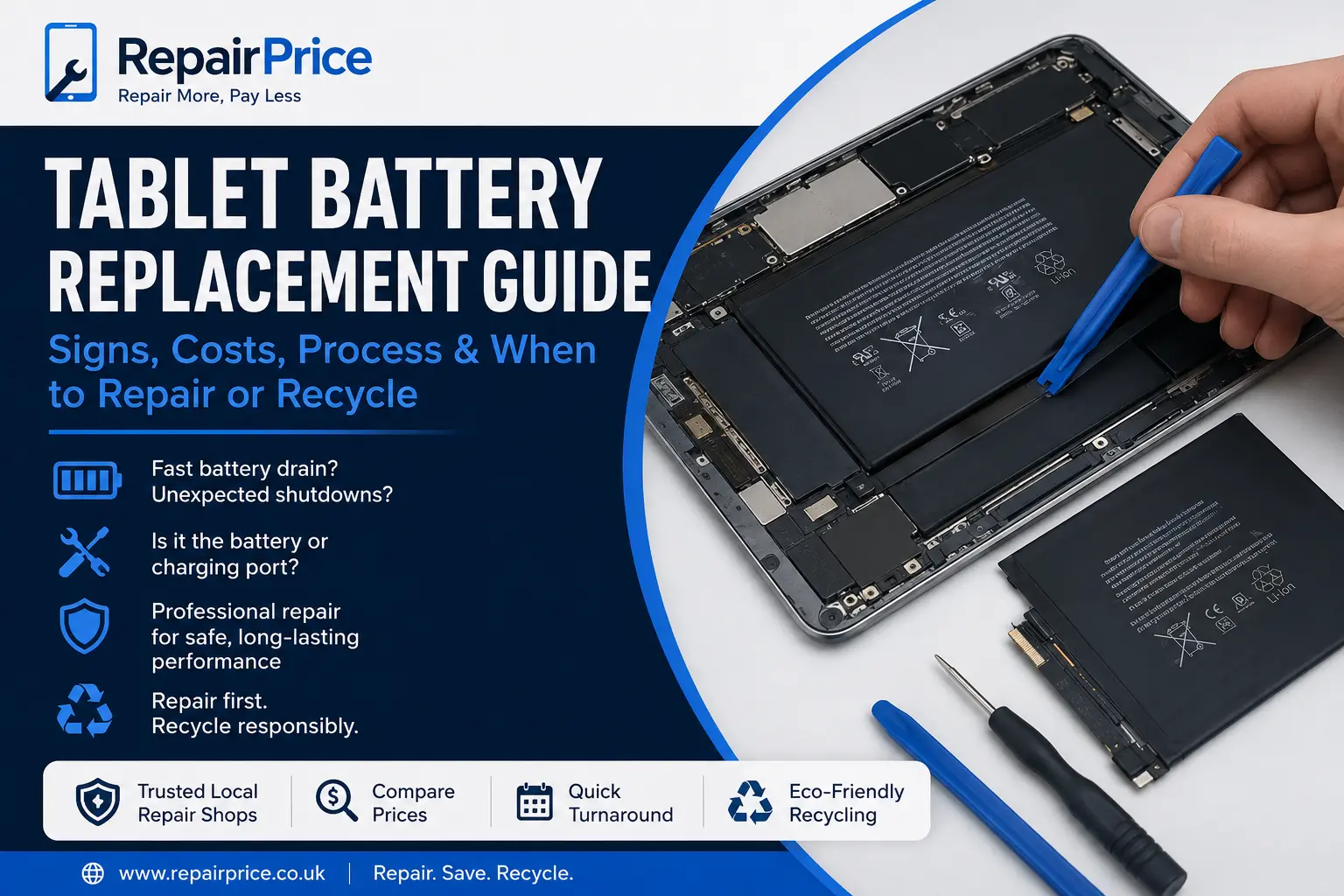
Tablet batteries do not last forever. If your iPad, Samsung Galaxy Tab, Realme tablet or Google Pixel Tablet is losing charge quickly, shutting down early or taking too long to charge, the battery may be near the end of its useful life. This guide explains the common signs of tablet battery failure, when a battery replacement is worth it, when another fault may be causing the issue, and how RepairPrice helps you compare trusted repair options across West Yorkshire and the UK.
A weak tablet battery can make the device frustrating to use. You may charge it overnight and still find it dropping fast during video calls, work, school, streaming or browsing. In many cases, a professional battery replacement can bring the tablet back to reliable daily use without needing to buy a new device.
The most common warning sign is fast battery drain. If your tablet used to last several hours but now drops from full charge to low battery quickly, the internal battery may have degraded. Lithium-ion batteries naturally wear down over time, especially when the device has been used heavily, exposed to heat or charged repeatedly for years.
Another clear sign is sudden shutdowns. A tablet may show 30%, 40% or even 50% battery remaining, then switch off without warning. This usually means the battery can no longer deliver stable power, even if the software still shows charge available.
Slow charging can also point to battery problems, but it is not always the battery. A damaged charging port, faulty cable, poor plug, software issue or board-level power fault can cause similar symptoms. Before replacing the battery, it is worth having the tablet checked properly by a repair specialist.
If the screen is lifting, the back cover is separating or the tablet feels swollen, stop using it and arrange inspection as soon as possible. A swollen battery can put pressure on the screen and internal parts. In this situation, do not press the screen back down, do not keep charging the device, and do not attempt a home repair.
Tablet battery replacement is often worth it when the screen, charging port, buttons, cameras and software are still working well. A good battery repair can extend the life of the device and save money compared with buying a replacement tablet.
It is especially worth considering repair if you own an iPad, Samsung tablet, Google tablet or another higher-value model. You can compare repair options through the main tablet repair service page and find shops that can assess the battery, charging system and overall condition before you decide.
Battery replacement may not be the best option if the tablet also has a cracked screen, liquid damage, damaged motherboard, poor storage, outdated software support or several faults at the same time. In that case, compare the total repair cost against the value of the tablet. If repair no longer makes sense, responsible recycling is the better route.
Get Tablet Battery Quotes from Local Repair Shops
Many users assume the battery is faulty when the tablet will not charge properly. However, the charging port is often the real issue. If the cable feels loose, only works at a certain angle, or the tablet does not recognise the charger, the port may need cleaning, repair or replacement.
You can learn more in our tablet charging port repair guide. A repair shop can usually test whether the issue is caused by the battery, charger, port, software or internal circuit board before replacing parts.
Different tablets are built in different ways. Some models are easier to open and repair, while others require heat, specialist tools and careful adhesive removal. This is why professional repair is recommended for most tablet battery replacements.
If you have an Apple tablet, visit the iPad repair page to compare repair options for battery faults, charging issues, screen problems and other iPad repairs.
Samsung tablet owners can use the Samsung tablet repair page for Galaxy Tab battery problems, charging faults, cracked displays and diagnostic checks.
For Realme tablets, the Realme tablet repair page helps connect users with repair options for power issues, battery drain and general tablet faults.
Google tablet users can visit the Google tablet repair page for support with battery life problems, charging behaviour and device performance concerns.
Tablet batteries are fitted inside thin devices with screens, ribbon cables, cameras, speakers, sensors and circuit boards packed closely together. Opening a tablet without the right tools can crack the display, damage cables or puncture the battery.
A professional repair shop can inspect the tablet, confirm the fault, use suitable replacement parts and test the device after repair. This reduces the risk of unnecessary part replacement and helps protect the data and hardware inside the tablet.
Professional testing is also important because poor battery life can sometimes be caused by software, background apps, failing charging circuits or liquid damage. If the device has a board-level fault, replacing the battery alone may not fix the issue.
RepairPrice helps users find tablet repair options in key West Yorkshire areas. If you are nearby, you can compare local help through Bradford tablet repair, Leeds tablet repair, Halifax tablet repair, Wakefield tablet repair and Huddersfield tablet repair.
Using local repair shops can be useful when you need a quick inspection, want to discuss the fault in person, or need advice on whether repair is financially sensible. It also supports repair-first decisions, which can reduce unnecessary electronic waste.
After a battery replacement, simple habits can help the new battery last longer. Avoid leaving the tablet in hot cars, near radiators or in direct sunlight for long periods. Heat is one of the biggest causes of battery wear.
Use a suitable charger and cable. Very cheap or damaged chargers can cause charging problems and may affect battery performance. Try not to let the tablet run completely flat every day, and avoid keeping it plugged in constantly for long periods when it is already fully charged.
Software updates can also improve battery performance, but very old tablets may struggle with newer apps and operating systems. If your tablet remains slow after a battery replacement, the issue may be age, storage, software load or internal hardware wear.
Repair is not always the right answer. If the battery is failing and the tablet also has a damaged screen, broken charging port, poor performance and low resale value, replacement may be more practical. However, that does not mean the old tablet should go in a drawer or general waste.
Old tablets contain materials that should be handled responsibly. If your device is beyond economical repair, you can use the tablet recycling service to help move it into a responsible recycling route.
Apple tablet users can also visit the iPad recycling page if an iPad is damaged, outdated, not charging or no longer worth repairing.
If a tablet has motherboard damage, charging circuit failure or severe internal faults, it may need specialist diagnosis. Some electronic boards can still hold recyclable value because they contain metals and components that should not be wasted.
For circuit-board-related recycling information, see mobile phone circuit board recycling. Although the page focuses on mobile phone boards, it is useful for understanding why small electronic boards should be separated and processed responsibly rather than thrown away.
Tablet battery faults often appear alongside other device problems. If your phone also has battery drain, cracked glass or charging issues, compare options through phone repair services. If your wearable is not holding charge, visit smartwatch repair. For larger portable devices with battery or power faults, see laptop repair.
You may also find our iPad screen repair guide helpful if your tablet has display damage, and our tablet repair vs replacement guide useful if you are unsure whether to fix the device or move on.
RepairPrice is designed to make repair decisions easier. Instead of guessing whether a tablet battery replacement is worth it, you can send details of the fault and compare responses from repair shops. This helps you understand likely repair options before committing.
When submitting a request, include the tablet brand, model, age of the device, battery symptoms, charging behaviour and whether there is any screen lift or swelling. The more detail you provide, the easier it is for repair shops to advise correctly.
If your tablet is still valuable and repairable, battery replacement may give it a second life. If it is badly damaged or no longer economical to fix, recycling keeps the device out of general waste and supports a more responsible electronics cycle.
A failing tablet battery does not always mean you need a new device. In many cases, a professional battery replacement can restore reliable use and save money. Start by checking whether the fault is truly the battery, compare repair options, and only choose replacement when repair no longer makes sense.
For most users, the best approach is simple: diagnose the fault, repair the tablet if the cost is sensible, and recycle it responsibly if it is beyond economical repair. RepairPrice helps you move through each step with clear links to repair services, local tablet repair pages and recycling options.

