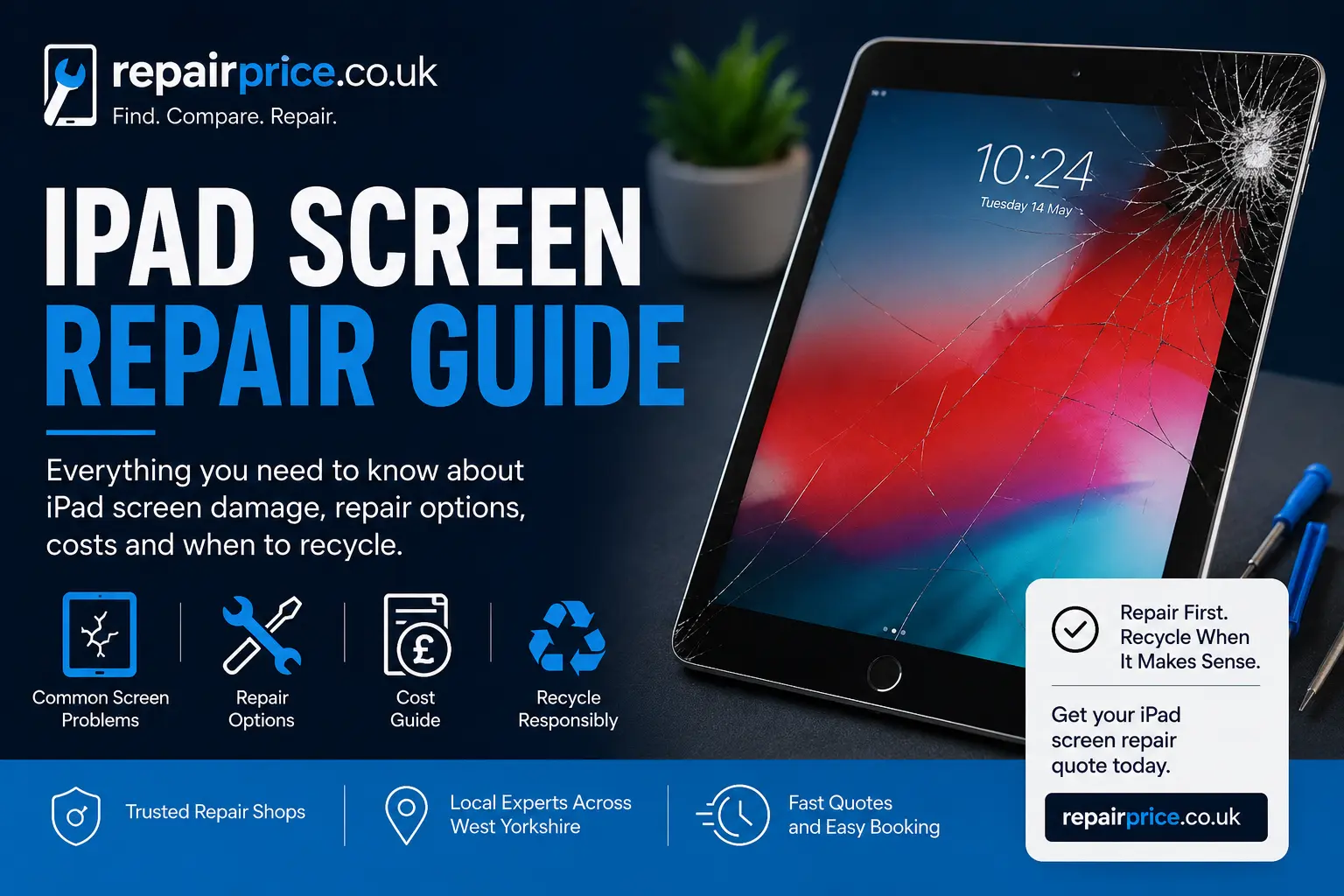
A cracked iPad screen can quickly turn a useful device into something frustrating, unsafe, and difficult to use. Whether your iPad has a small corner crack, a badly shattered glass panel, touch response issues, dark patches, flickering, or lines across the display, it is important to understand what type of repair may be needed before you decide what to do next. This guide explains common iPad screen problems, when repair is worthwhile, when replacement may be better, and how RepairPrice helps you compare repair options from trusted local repair shops.
At RepairPrice tablet repair, we help customers find repair options for iPads and other tablets without wasting time contacting multiple shops one by one. Instead of guessing the cost or visiting several stores, you can send your repair details and receive guidance from repair shops that understand tablet screen faults, glass damage, LCD issues, and touch problems.
iPads are designed to be slim, portable, and easy to hold, but that also means the screen is exposed to everyday risks. Drops onto tiles, concrete, stairs, car parks, worktops, school floors, and even soft surfaces can still cause cracks if the impact hits the corner or edge of the device. A protective case can reduce damage, but it cannot guarantee full protection from screen failure.
Screen damage is not always visible straight away. Some iPads still work after a drop, but later develop ghost touch, dead touch zones, display flickering, black marks, coloured lines, or loose glass around the frame. If your iPad has been dropped and the screen is behaving differently, it is worth getting it checked before the issue becomes worse.
One of the most important things to understand is the difference between front glass damage and full display damage. Some iPad models may have a separate glass digitiser and LCD, while others use a laminated display where the glass and screen are bonded together. This affects the repair process, cost, and parts required.
If the display still looks clear and the touch works properly, the issue may only be cracked glass. If the screen has black ink-like marks, coloured lines, flickering, no image, or touch failure, the repair may involve more than the front glass. For model-specific help, visit our iPad repair service page to compare options for common Apple tablet faults.
The most common iPad screen issues include shattered glass, lifted glass, unresponsive touch, display lines, screen bleeding, dark patches, brightness problems, and screens that come away from the frame. Some customers also notice that their iPad bends slightly after impact, especially if the device was dropped on a corner. A bent frame can make screen replacement more difficult because the new part must sit correctly and safely.
It is also possible for screen damage to affect other parts of the iPad. A heavy drop can damage the battery, charging port, motherboard, cameras, speakers, or internal connectors. If your tablet also has battery problems, read our tablet battery replacement guide to understand the signs of battery wear and power-related faults.
Using an iPad with cracked glass is possible in some cases, but it is not always safe. Small cracks can spread across the screen over time, especially when the device is carried in a bag, used by children, or exposed to pressure. Sharp glass edges can also cause cuts, and dust or moisture can enter through gaps in the display.
If the iPad is used for school, business, design work, video calls, streaming, stock control, EPOS systems, or customer-facing tasks, a damaged screen can affect productivity and presentation. Repairing the screen early can help protect the device and avoid further internal damage.
Screen repair is often worthwhile when the iPad still performs well, holds charge, runs the apps you need, and has no serious motherboard or liquid damage. Many iPads remain useful for years after a professional screen repair, especially if the battery and charging port are still in good condition.
Repair can be a sensible choice for newer iPads, iPad Air models, iPad Pro models, and tablets used for work or education. It may also be better than replacing the device if you want to keep your data, apps, settings, photos, documents, and accessories. For a wider comparison, see our guide on whether tablet repair or replacement is the better option.
Not every iPad is worth repairing. If the device is very old, slow, unsupported, badly bent, water damaged, locked, or has multiple faults, replacement may be more practical. In these cases, recycling the device responsibly is better than leaving it in a drawer or putting it in general waste.
RepairPrice supports repair first where it makes sense, but we also help users move damaged devices into the correct recycling route. If your Apple tablet is beyond repair, visit iPad recycling. For other brands and mixed tablet devices, use our tablet recycling service to dispose of unwanted tablets more responsibly.
Inside every iPad is a circuit board containing valuable and specialist electronic components. If a tablet cannot be repaired, the device should still be handled properly because circuit boards should not be treated like ordinary waste. Recycling helps recover materials and reduces unnecessary electronic waste.
For circuit board recovery information, see our page on small device circuit board recycling. You can also read about Class 3 circuit board recycling for lower-grade boards and mixed electronic components.
iPads are used in homes, schools, restaurants, warehouses, shops, offices, taxis, beauty salons, gyms, and healthcare settings. A broken screen can interrupt lessons, bookings, payments, work orders, video meetings, and customer service. RepairPrice helps both individual users and businesses find local repair support for damaged tablets.
If you have more than one damaged device, it may be worth checking related repair categories too. You can compare help for mobile phone repairs, laptop repair services, and smartwatch repairs through RepairPrice.
Although this guide focuses on iPad screen repair, RepairPrice also supports customers looking for help with other tablet brands. If your household or workplace uses mixed devices, you can explore Samsung tablet repair, Google tablet repair options, and Xiaomi tablet repair support.
Different brands use different screen assemblies, parts, frames, and software features, so repair pricing can vary. Sending accurate details such as the model number, screen condition, touch response, and whether the display still lights up can help repair shops give a more useful quote.
RepairPrice is useful for customers looking for tablet screen repair across West Yorkshire. If you are nearby, you can explore local tablet repair options in Bradford tablet repair, Leeds tablet repair, Halifax tablet repair, Wakefield tablet repair, and Huddersfield tablet repair.
Local repair can be helpful when you want faster turnaround, easier drop-off, better communication, and direct advice from repair shops familiar with common tablet faults. Always describe the fault clearly and mention if the device has been dropped, bent, exposed to water, or previously repaired.
Before asking for a quote, check the iPad model, storage size if known, and whether the device powers on. Look closely at the screen and note whether the glass is cracked only on the surface or whether the display image is affected. Test the touch response in different areas of the screen, including the corners and keyboard area.
You should also back up your iPad where possible. Most screen repairs do not require data removal, but any electronic repair carries some risk, especially when the device has suffered impact or liquid exposure. If the iPad has signs of water damage, read our tablet water damage repair guide before using or charging it again.
RepairPrice makes the process simple. Instead of searching many individual shops, you can submit your repair request and let suitable repair shops review the details. This helps you compare availability, pricing, and repair options without wasting time.
For the best quote, include the iPad model, what happened, whether the screen still displays an image, whether touch works, and your preferred location. Clear information helps repair shops understand whether you may need glass replacement, LCD replacement, full display replacement, or further diagnostic checks.
A damaged iPad does not always need to be replaced. In many cases, repairing the screen can extend the life of the device and save money compared with buying a new tablet. Repairing also reduces electronic waste by keeping usable technology in service for longer.
However, if the repair cost is too high or the iPad is no longer practical for your needs, recycling is the responsible next step. RepairPrice is designed to guide customers toward the best outcome: repair when it is sensible, reuse when possible, and recycle when the device has reached the end of its life.
If your iPad screen is cracked, avoid pressing hard on the glass, do not expose it to moisture, and stop using it if the screen becomes sharp, unstable, or unresponsive. The sooner you get the device assessed, the easier it is to understand whether repair is worthwhile.
Use RepairPrice to compare local iPad screen repair options, explore tablet repair services, and choose the right route for your device. Whether you need a screen repair, battery check, water damage inspection, or recycling support, RepairPrice helps you move from a broken tablet to a clear next step.

