

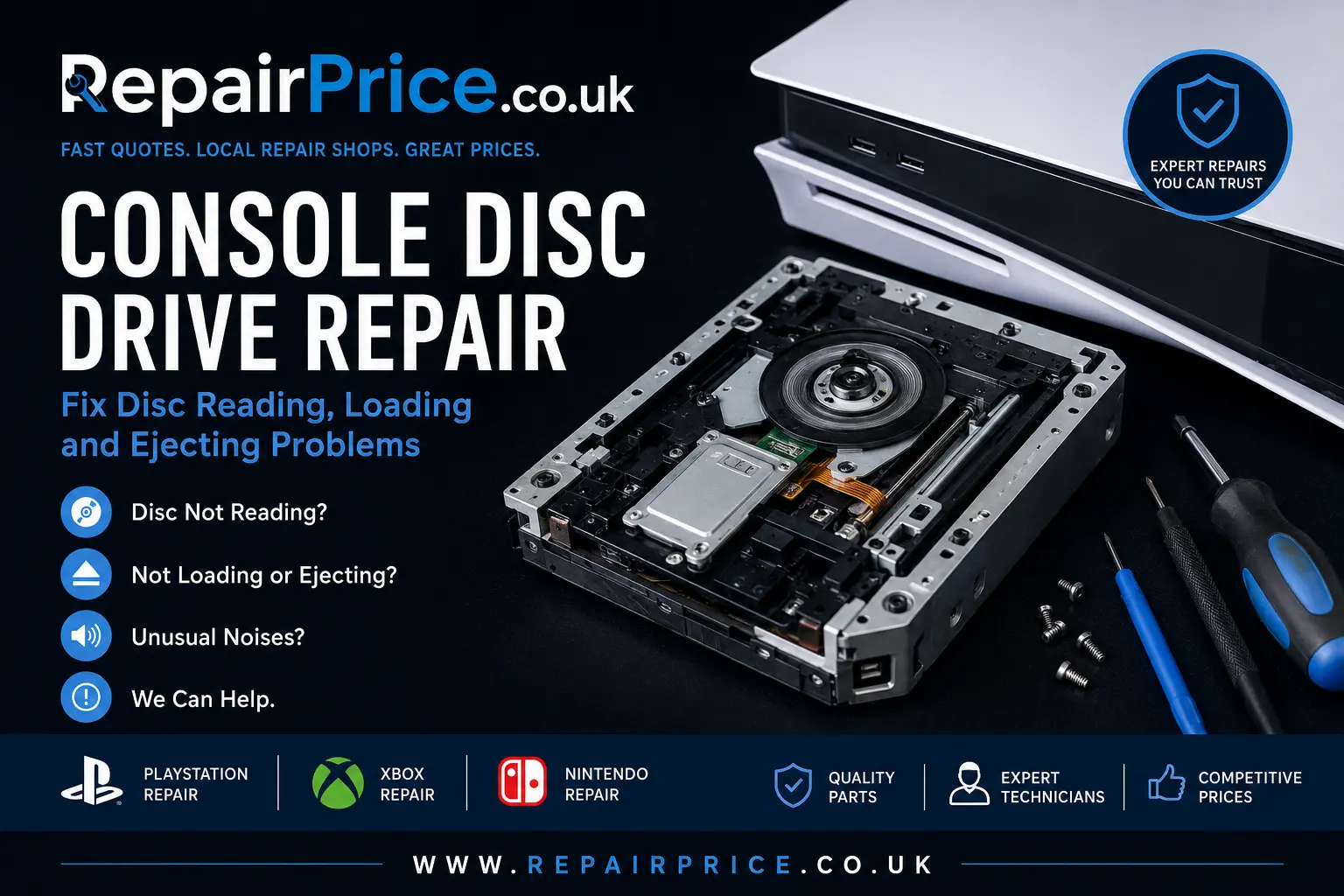
Console Disc Drive Repair: Fix Disc Reading, Loading and Ejecting Problems
A faulty console disc drive can prevent games, Blu-ray discs and DVDs from loading correctly. Your console may reject discs, make grinding or clicking noises, display an unreadable-disc message, or fail to recognise that a disc has been inserted. These problems can affect PlayStation, Xbox and Nintendo consoles, but they do not always mean the entire console needs replacing.
This guide explains the most common console disc drive faults, how technicians diagnose them, which parts may require repair, and when replacement or responsible recycling may be the better option. RepairPrice.co.uk can help you request estimates from repair shops for professional console repair services rather than relying on trial-and-error fixes that could cause additional damage.
Discuss Your Console Disc Drive Fault on WhatsApp
What Does a Console Disc Drive Do?
The disc drive is responsible for accepting, spinning and reading physical game discs and supported media. Depending on the console, the drive may contain a loading mechanism, spindle motor, laser assembly, rollers, gears, sensors, cables and a control board. These components must work together before the console can identify and launch a disc.
When one component becomes worn, contaminated, misaligned or electronically damaged, the drive may stop operating normally. The symptoms can vary because a disc drive that cannot pull a disc inside may have a different fault from one that accepts and spins discs but cannot read them.
Common Signs of a Faulty Console Disc Drive
One of the clearest warning signs is a console that accepts a disc but continues to show “insert disc” or a similar message. The drive may spin briefly before stopping, repeatedly attempt to focus the laser, or return a disc-reading error. Some consoles read one type of media but reject another, which may indicate deterioration within the optical pickup rather than a completely failed drive.
Other symptoms include discs becoming trapped, slow loading, unexpected ejection, scraping noises, repeated clicking, or a drive that refuses to accept another disc. A console may also eject discs immediately after insertion if its sensors cannot confirm that the disc has reached the correct position.
Physical damage should also be taken seriously. Forcing a disc into the slot, inserting more than one disc, moving the console while a disc is spinning, or allowing a child to insert another object can damage rollers, gears and alignment components. Further attempts to operate the drive can increase the repair work required.
Why Is My Console Not Reading Discs?
A dirty or damaged disc should be ruled out before assuming the console has failed. Inspect the disc under good lighting and check for fingerprints, deep scratches, cracks or contamination. Test more than one compatible game disc, because a problem affecting only one disc is more likely to be media-related.
If several known-working discs fail, the optical laser may be dirty, weak or defective. The laser must focus accurately on the surface of the disc while the spindle motor maintains the correct speed. Dust, mechanical wear and ageing components can prevent the drive from reading data consistently.
The problem can also originate elsewhere in the console. Damaged ribbon cables, drive-control electronics, power faults, firmware issues or main-board problems can produce symptoms that appear to be caused by the optical drive. Professional diagnosis is therefore important before purchasing replacement parts.
Why Will the Console Not Accept or Eject a Disc?
Slot-loading drives use rollers and sensors to detect and pull a disc into the console. Worn rollers, broken gears, displaced components or damaged sensors can prevent the loading sequence from completing. The console may make a mechanical noise without moving the disc, or it may pull the disc halfway inside before stopping.
A tray-loading console may have a worn drive belt, damaged tray gears or an obstruction within the mechanism. The tray might open slowly, close by itself, fail to remain shut or stop moving completely. Repeatedly forcing the tray can strip gears or damage the loading motor.
If a disc is trapped, use only the manufacturer-approved manual-eject procedure for your specific model. Avoid inserting knives, screwdrivers or other metal objects into the drive opening. These can damage internal parts, scratch the disc and create an electrical safety risk.
Can a Console Disc Drive Be Repaired?
Many disc drive problems can be repaired, although the correct solution depends on the console model and the failed component. A technician may clean the optical system, reposition the loading mechanism, replace rollers, renew a drive belt, repair damaged connectors or install a compatible laser assembly.
In some cases, the complete drive mechanism may need replacing. However, modern consoles can pair certain drive electronics with the original motherboard. Installing an unrelated replacement drive without transferring or retaining the correct paired components may leave the console unable to authenticate game discs.
This is one reason professional repair is recommended. A suitable technician can identify which original electronics must remain with the console and determine whether a component-level repair, mechanism replacement or board transfer is required.
PlayStation Disc Drive Repair
PlayStation disc drive faults can include unreadable-disc errors, grinding sounds, repeated ejection, discs becoming trapped and drives that no longer pull media into the console. The correct repair varies between PlayStation generations and even between different hardware revisions of the same generation.
Owners of PS4 and PS5 systems can explore dedicated Sony PlayStation console repair support for model-relevant diagnostics. A technician may inspect the laser, loading rollers, eject sensors, drive mechanism, connecting cables and associated control electronics.
Some PlayStation models are available without a built-in disc drive. Before requesting a repair, confirm that your console is a disc-compatible edition and provide the full model number. This helps repair shops assess compatibility and prepare a more relevant quotation.
Xbox Disc Drive Repair
Xbox disc drive symptoms can include games not installing, discs spinning and stopping, unusual mechanical sounds, tray problems on older consoles, or an Xbox that plays DVDs but does not recognise certain game discs. These symptoms may be caused by the laser, spindle system, loading mechanism, drive electronics or communication with the motherboard.
For Xbox One, Xbox Series and older systems, use the Microsoft Xbox repair service page to find relevant assistance. You can also read the Xbox repair services guide for a broader explanation of faults affecting Microsoft consoles.
Replacement must be approached carefully because some Xbox drives contain electronics linked to the console. A repairer may need to preserve the original drive board or transfer authorised components rather than simply fitting an unpaired drive.
Nintendo Console Game Card and Disc Problems
Nintendo hardware uses different physical-media systems depending on the model. Nintendo Switch consoles use game cards rather than optical discs, while older Nintendo systems may use discs. A Switch that does not detect game cards could have contamination, bent reader pins, a damaged game-card slot or a board-level connection problem.
Owners can visit the Nintendo console repair section for help with game-card readers, disc mechanisms and other Nintendo hardware faults. The console model should always be identified before parts are ordered because optical-drive and card-reader components are not interchangeable.
What a Professional Disc Drive Diagnosis Includes
A reliable diagnosis normally begins with an inspection of the console, the customer’s discs and the exact symptoms. The technician may test different compatible media, listen to the drive sequence, inspect for foreign objects and check whether the console detects the loading mechanism correctly.
If internal examination is required, the repairer may inspect ribbon cables, gears, rollers, motors, sensors, the spindle and the laser assembly. Electronic testing can help determine whether power is reaching the drive and whether the control board is communicating with the console.
A good repair quotation should explain the suspected fault, the proposed work and whether replacement parts are new, refurbished or harvested from another device. It should also clarify whether testing and a repair guarantee are included.
Should You Try Cleaning the Disc Drive Yourself?
Basic external checks are reasonable. Restart the console, install available system updates, test several clean discs and confirm that each disc is inserted in the correct orientation. You can also remove loose dust from the surrounding ventilation areas without pushing debris into the drive slot.
Avoid spraying cleaning fluid into the console or inserting cotton buds and improvised tools into a slot-loading drive. Commercial lens-cleaning discs may not be suitable for every console and will not repair a worn laser, broken gear or electrical fault.
Opening the console without the correct equipment can damage cables, clips, screw fittings and shielding. It may also complicate the repair by disturbing the drive timing or losing small mechanical parts. Professional assessment is safer when the fault involves internal hardware.
How Much Does Console Disc Drive Repair Cost?
The price depends on the console model, the fault, the availability of compatible parts and the amount of labour required. Cleaning or realigning a mechanism may cost less than replacing an optical pickup or completing a paired-board transfer. Liquid damage and previous unsuccessful repairs can increase the complexity.
Provide repair shops with the console model, the symptoms, any error message and details of what has already been attempted. Mention whether the drive accepts discs, whether discs spin, whether the problem affects every game and whether unusual noises are present. Accurate information can help shops provide more meaningful estimates.
Request Quotes from Local Console Repair Shops
Local Console Disc Drive Repair in West Yorkshire
Customers in Bradford can request help through the Bradford console repair comparison page. Include the console generation and explain whether the problem involves reading, accepting or ejecting discs.
For repairs in Leeds and nearby areas, visit the Leeds console drive repair page. Supplying the full model number can help local shops check parts availability before responding.
Customers closer to Calderdale can explore console repair options around Halifax. Make sure you disclose previous repair attempts or signs of physical damage when submitting the enquiry.
For technicians serving Wakefield, use the Wakefield console repair quote service. Describe any clicking, grinding, failed loading or unreadable-disc messages as precisely as possible.
Console owners in Huddersfield can use the Huddersfield console repair directory to seek assistance with PlayStation, Xbox and Nintendo hardware.
Other Repairs That May Be Needed
A disc drive fault can sometimes occur alongside overheating, power instability, HDMI damage or motherboard problems. If the console becomes excessively hot, switches off unexpectedly or increases its fan speed during gameplay, read the guide to overheating console symptoms.
For a wider overview of warning signs, the common console faults guide covers power, display, controller, storage, overheating and connectivity problems that may require separate diagnosis.
Your gaming setup may also contain other devices needing attention. RepairPrice.co.uk includes dedicated routes for television repair enquiries, laptop fault assessments and mobile phone repair quotations.
Repair or Replace the Console?
Repair is often worthwhile when the console otherwise performs correctly, the required part is available and the total cost is reasonable compared with replacing the system. Keeping the existing console can also preserve installed data, saved settings and compatibility with a physical game collection.
Replacement may be more practical when the console has several serious faults, extensive corrosion, major motherboard damage or a repair cost close to the value of a suitable replacement. Consider the price of transferring data, replacing accessories and regaining access to physical games before deciding.
Do not discard a console solely because the disc drive has stopped reading games. A diagnosis may reveal a repairable laser, loading component or cable fault. Even when repair is uneconomical, the console may contain reusable parts and recyclable materials.
Recycle a Console That Cannot Be Repaired
Unwanted consoles should not be placed in general household waste. They contain metals, plastics, circuit boards, drives, cables and electronic components that require appropriate handling. Responsible processing can recover useful materials and reduce the amount of electronic waste sent to landfill.
Use the dedicated console recycling service when a PlayStation, Xbox, Nintendo console or other gaming system is beyond economical repair. Controllers, power supplies and related accessories may also be suitable for assessment, depending on the collection requirements.
The main electrical recycling hub provides information about recycling other unwanted devices alongside a console. This may be useful when clearing several old electronics from a home, office, repair shop or storage area.
Why Console Circuit Boards Matter
Console hardware contains printed circuit boards that connect processors, memory, power circuits, storage interfaces and communication components. Damaged boards should be handled through an appropriate recovery route instead of being mixed with general waste.
Some assemblies may be categorised alongside material described on the Class 3 circuit board recycling page. The exact classification and value depend on the board type, component density, condition and available recovery process.
Repair businesses and organisations handling mixed computer-related electronics can also review PC circuit board recycling options. Separating reusable parts and recyclable boards supports better material recovery than disposing of complete electronic devices as general rubbish.
How to Prepare a Console for Repair
Remove any disc if it can be ejected normally, but do not force a trapped disc out. Disconnect the power cable and external accessories before transport. Pack the console securely with cushioning around each side and avoid placing pressure on the disc slot or tray.
Record the console’s serial number and photograph its external condition. Back up accessible data where possible and remove personal account information only when it can be done without interfering with diagnosis. Ask the repair shop whether controllers, power cables or the faulty disc must be supplied.
Explain the full history of the fault. Mention drops, liquid exposure, power surges, foreign objects, previous repairs and any noises produced by the drive. These details can shorten the diagnostic process and reduce the chance of an incomplete repair.
Get Help with a Faulty Console Disc Drive
A console that cannot read, load or eject discs may still be repairable. The fault could involve the laser, rollers, gears, spindle motor, sensors, cables, drive electronics or the console motherboard. Correct diagnosis is essential because replacing the wrong part can add cost without resolving the problem.
RepairPrice.co.uk helps customers connect with repair shops for console fault assessments and quotations. Submit the console model and symptoms, compare the responses you receive and choose a repair option that suits the condition and value of your system.
When repair is no longer practical, use an appropriate console and circuit-board recycling route. This keeps electronic equipment out of general waste and allows reusable components and valuable materials to be recovered responsibly.