

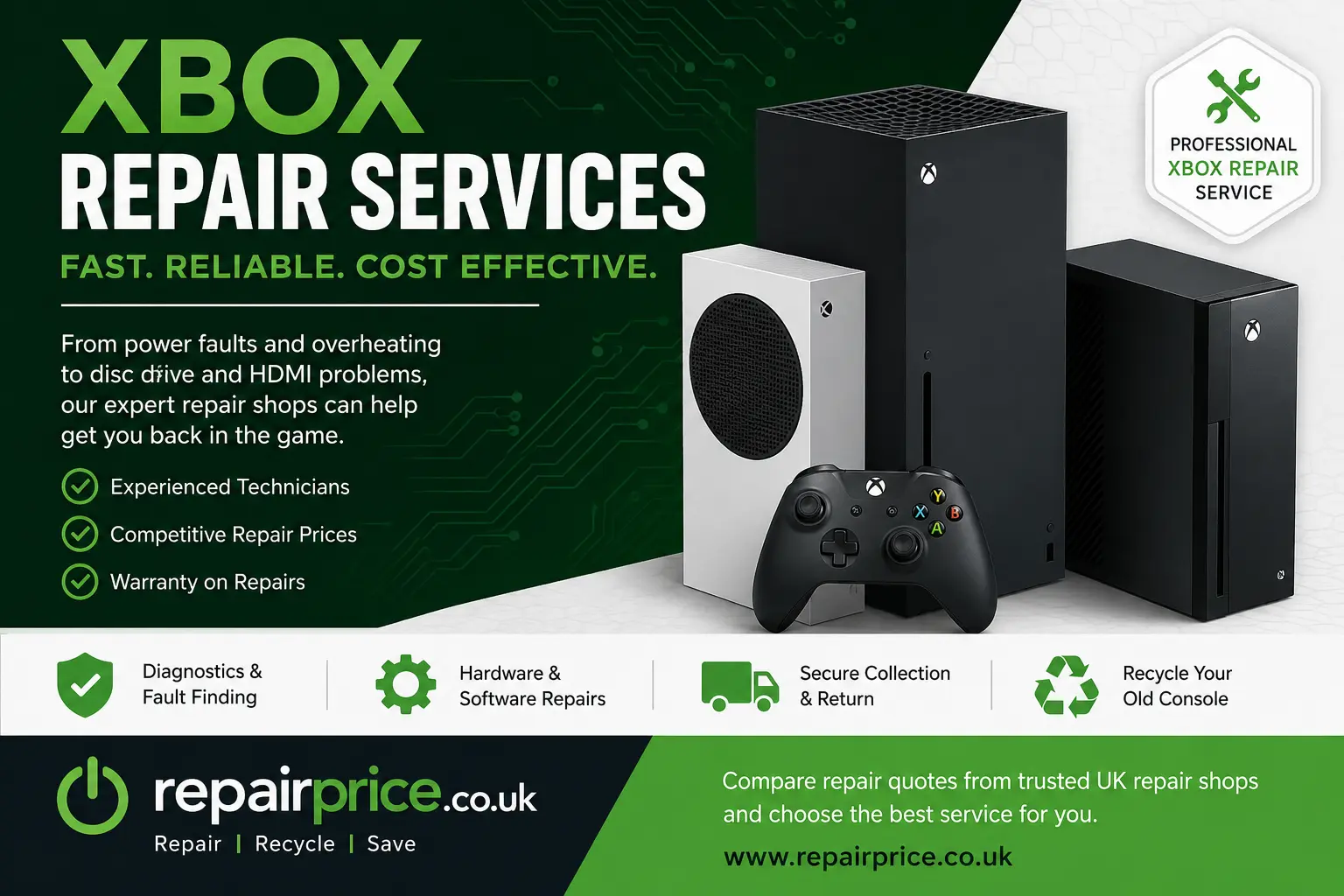
Xbox Repair Services: Troubleshooting, Repair Costs and Reliable Console Support
An Xbox fault can interrupt gaming, streaming and access to digital entertainment, but many common problems can be repaired without replacing the entire console. Whether your Xbox will not turn on, keeps overheating, refuses to read discs or displays no picture, identifying the likely cause is the first step towards an economical repair.
This guide explains the most common Xbox problems, what may be causing them and when professional Xbox repair services are worth considering. You can also use RepairPrice.co.uk to compare repair options from independent console specialists rather than accepting the first quotation you receive.
Request an Xbox Repair Quote
Describe the console model, the symptoms you have noticed and any troubleshooting already attempted. Repair shops can then assess the likely work involved and provide a more relevant quotation.
Compare Xbox Repair Shop Quotes
Speak to RepairPrice.co.uk on WhatsApp
Contact RepairPrice.co.uk through WhatsApp for help submitting your Xbox repair enquiry or arranging responsible recycling when a console cannot be repaired economically.
Discuss Xbox Repair or Console Recycling on WhatsApp
Which Xbox Models Can Be Repaired?
Repair specialists may work on several generations of Microsoft consoles, including the Xbox Series X, Xbox Series S, Xbox One X, Xbox One S and original Xbox One. Some workshops may also accept older Xbox 360 systems, although replacement parts for discontinued models can be harder to source.
The availability and cost of a repair will depend on the console model, the damaged component and whether suitable replacement parts are available. Newer consoles may justify more extensive repairs because their replacement value is higher, while older systems should be assessed carefully against the cost of a refurbished replacement.
For a broader view of available repair options, visit the main console repair comparison service. Customers specifically seeking Microsoft support can also explore the dedicated Microsoft Xbox console repair page.
Common Xbox Problems and Their Likely Causes
Xbox consoles contain power-management components, cooling hardware, storage devices, display circuitry and network modules. A fault in any of these areas can prevent the console from operating correctly. The symptoms may appear similar even when the underlying causes are different, so accurate diagnosis is important.
Xbox Will Not Turn On
An Xbox that shows no signs of power may have a damaged power supply, faulty internal connector, failed power-management component or short circuit on the main board. Before requesting a repair, test another wall socket and inspect the power cable for visible damage. Avoid repeatedly attempting to start a console that makes clicking sounds, smells burnt or becomes unusually warm.
A technician may test the incoming voltage, internal power rails and board-level components. Replacing a power supply can be relatively straightforward, while a main-board fault may require detailed electronic diagnosis and microsoldering.
Xbox Turns On and Immediately Switches Off
Automatic shutdown can be caused by overheating, unstable power delivery, liquid contamination or a failing motherboard component. The console may shut down to protect its hardware from further damage.
Ensure that the ventilation openings are not blocked and that the console is not positioned inside a tightly enclosed cabinet. If the system continues to shut down when it is cool and properly ventilated, professional inspection is advisable.
Xbox Overheating or Loud Fan Noise
Dust can collect around the fan, heatsink and ventilation channels, restricting airflow through the console. The fan may then run at a higher speed to compensate for increased internal temperatures. Dried or poorly distributed thermal compound can also reduce heat transfer between the processor and heatsink.
A professional cooling service may include internal cleaning, fan inspection and replacement of thermal materials where appropriate. Persistent overheating should not be ignored because continued heat exposure can damage sensitive board components and storage hardware.
More examples of overheating, power and display problems are covered in the guide to frequent console faults and repair solutions.
No Picture or Intermittent HDMI Output
A damaged HDMI port is one of the most recognisable Xbox faults. The port may become loose, bent or physically separated from the circuit board after a cable is pulled or inserted at an angle. However, a blank screen can also be caused by a damaged HDMI cable, incorrect television input, display settings or a fault in the console’s video-output circuitry.
Test another HDMI cable and television input before arranging a repair. If the port is visibly damaged or the picture appears only when the cable is held in a particular position, the HDMI connector may need replacing. This is usually a soldered component and should be handled by a technician with suitable board-repair equipment.
It is also worth checking whether the television itself is causing the display problem. RepairPrice.co.uk provides access to TV fault diagnosis and repair quotations for screens with input, power or picture-related issues.
Xbox Disc Drive Will Not Read Games
A disc-reading fault may be caused by a contaminated laser lens, worn optical assembly, damaged loading mechanism or electronic problem within the drive. First, test more than one clean and undamaged disc. If one game fails while others work normally, the disc itself may be responsible.
Grinding, clicking or repeated loading sounds can indicate a mechanical problem. Avoid forcing a disc into the drive or using unsuitable cleaning products. The detailed console disc drive repair guide explains common optical-drive symptoms and the repair process.
Games Freeze, Crash or Fail to Load
Crashes can result from corrupted software, insufficient free storage, overheating, failing internal storage or a damaged main board. Begin by installing available system and game updates, restarting the console and checking the available storage space.
If several games crash consistently or the console becomes unresponsive during normal use, the fault may be hardware-related. A technician can test the storage system, cooling performance and motherboard for instability.
Xbox Controller Will Not Connect
A controller connection problem is not always caused by the console. Replace or recharge the controller batteries, reconnect it using a data-capable USB cable and attempt the pairing process again. Testing another compatible controller can help determine whether the fault is with the accessory or the console.
If no controllers can connect wirelessly, the Xbox wireless communication hardware may need attention. Physical damage to the USB ports can also prevent wired controllers and accessories from working reliably.
Xbox Cannot Connect to Wi-Fi
Before assuming the console is faulty, restart the router, forget and reconnect to the wireless network, and test whether other devices can access the internet. Temporary network outages, router settings and weak signal strength can all affect Xbox connectivity.
When the console cannot detect any networks or repeatedly disconnects while other devices remain stable, the internal antenna, wireless module or related circuitry may require inspection.
What Does an Xbox Repair Service Include?
The exact process varies between repair shops, but a professional service will usually begin with a diagnostic assessment. The technician may reproduce the reported symptoms, inspect the exterior for physical damage and test relevant components.
Once the problem has been identified, the repairer should explain the suspected fault, the proposed work and the estimated cost. Depending on the issue, the service could involve replacing a damaged port, installing a new fan, repairing the power system, servicing the disc drive, replacing storage or carrying out component-level board work.
Ask whether the quoted price includes parts, labour, testing and return delivery where applicable. You should also confirm whether the workshop offers a repair warranty and what that warranty covers.
How Much Does Xbox Repair Cost?
Xbox repair prices vary because different faults require different parts, equipment and labour. Cleaning a cooling system will generally involve less work than repairing damaged motherboard circuitry. The console model also matters because component layouts, replacement-part prices and disassembly procedures differ.
A useful quotation should be based on the actual symptoms and, where necessary, a physical diagnosis. Be cautious of prices that are presented as guaranteed before the console has been inspected, particularly when several faults could produce the same symptom.
When comparing quotations, consider the quality of the replacement part, the repairer’s experience, warranty terms, delivery arrangements and any diagnostic charges. The cheapest initial price may not represent the best value if it excludes essential parts or testing.
Should You Repair or Replace Your Xbox?
Repairing an Xbox can be worthwhile when the fault is clearly identifiable, the remaining console is in good condition and the repair cost is comfortably below the price of a suitable replacement. Repair can also preserve downloaded games, saved settings and an existing entertainment setup.
Replacement may make more sense when the console has several serious faults, extensive liquid damage, severe board corrosion or limited availability of replacement parts. You should also consider the age and performance of the model, particularly if a newer console would provide features you already planned to purchase.
The comparison between repair value, replacement cost and remaining lifespan is explored further in the console repair versus replacement guide.
Why Choose an Independent Xbox Repair Specialist?
Independent repair shops may offer services for faults that are not covered by a manufacturer warranty. They may also provide component-level repairs that reduce the need to replace an entire motherboard or console assembly.
Using RepairPrice.co.uk allows customers to describe the fault and seek quotations from relevant repair businesses. This can make it easier to compare prices, services and practical repair arrangements before choosing a provider.
The service is not limited to Xbox systems. Owners of other consoles can explore Sony PlayStation repair options or find support through the Nintendo console repair service directory.
Xbox Repair Services Across West Yorkshire
RepairPrice.co.uk helps customers find console repair options across West Yorkshire. Local availability can vary, so submitting clear details about the console model and fault can help repair shops respond more accurately.
Xbox Repairs in Bradford
Customers in Bradford can use the Bradford console repair quotation service to seek help with Xbox power faults, overheating, disc-drive problems and damaged HDMI ports.
Xbox Repairs in Leeds
The Leeds console repair comparison page connects local enquiries with businesses that may provide Microsoft console diagnostics and repair services.
Xbox Repairs in Halifax
Xbox owners can visit the Halifax console repair enquiry page when seeking support for display, cooling, storage or power-related faults.
Xbox Repairs in Wakefield
For repair options in and around Wakefield, submit the console details through the Wakefield console repair service.
Xbox Repairs in Huddersfield
The Huddersfield console repair page can be used to compare potential solutions for Xbox consoles that have stopped operating correctly.
Related Devices That May Need Repair
A console entertainment setup often includes several connected devices. A black screen may be related to the television rather than the Xbox, while network, account or software tasks may involve a computer or mobile device.
For computer-related faults, use the laptop repair quote comparison service. Customers with damaged mobile devices can also explore independent phone repair options.
Testing connected equipment individually can prevent unnecessary repairs. For example, connecting the Xbox to another display can help determine whether the no-picture fault originates from the console, HDMI cable or television.
What to Do Before Sending an Xbox for Repair
Record the console model, serial number and the symptoms you have experienced. Explain whether the problem happens continuously or only after the console has been operating for a particular period.
Remove any game disc from the drive if it can be ejected safely. Disconnect removable storage devices and accessories unless the repairer asks you to include them for testing. Do not include controllers, cables or other items that are not required.
Review your account security and ensure you know your Microsoft account credentials. Where possible, back up important captures or synchronise saved data with supported cloud services. Ask the repair shop before resetting the console because preserving the fault may help with diagnosis.
For postal repairs, package the Xbox securely using protective material and a strong outer box. Movement inside the package can cause additional damage to ports, casing and internal components.
Can You Repair an Xbox Yourself?
Basic external troubleshooting can be completed safely by most users. This includes testing another power socket, changing the HDMI cable, restarting the router, installing software updates and improving ventilation around the console.
Internal repairs are more complicated. Xbox consoles contain delicate connectors, soldered components and parts that can be damaged by electrostatic discharge or incorrect disassembly. A board-level repair also requires diagnostic equipment, soldering tools and experience working with small electronic components.
Opening the console may affect any remaining warranty or service entitlement. When the fault involves the power supply, liquid damage, HDMI port or motherboard, professional inspection is usually the safer option.
What Happens When an Xbox Cannot Be Repaired?
An unrepairable Xbox should not be placed in general household waste. Consoles contain circuit boards, metals, plastics, wiring and electronic components that should be processed through an appropriate recycling route.
The dedicated Xbox and games console recycling service provides information about passing unwanted gaming equipment into a more responsible recovery process. The main electrical recycling hub also covers other unwanted devices and electronic equipment.
Recycling can help recover useful materials while reducing the number of electrical products sent to landfill. Before recycling a console, remove any accessible discs and external storage devices. You should also remove the console from your Microsoft account and erase personal information where the system remains operational.
Recovering Circuit Boards from Unwanted Consoles
The motherboard is one of the most valuable and technically complex parts inside a games console. It contains processors, memory, connectors and many smaller electronic components. When a board cannot be repaired or reused, specialist processing may recover materials from the assembly.
Businesses and organisations holding separated electronic boards can learn about Class 3 circuit board recycling options. Additional information is available through the computer and gaming-related PCB recycling service.
Complete consoles and separated circuit boards may require different collection and assessment processes. Provide accurate information about the equipment, approximate quantity and condition when requesting recycling support.
Frequently Asked Questions About Xbox Repairs
Can an Xbox HDMI port be replaced?
A physically damaged Xbox HDMI port can often be replaced by a technician with appropriate soldering and board-repair equipment. The circuit board should also be checked for damaged pads, filters or video-output components.
Why does my Xbox keep overheating?
Common causes include blocked ventilation, accumulated dust, a failing fan, degraded thermal material or another internal hardware problem. Continued use while the console is overheating can cause additional damage.
Can an Xbox disc drive be repaired?
Many disc-drive faults can be investigated and repaired, depending on whether the problem involves the loading mechanism, optical assembly, internal electronics or physical damage. The correct repair will depend on the console model and diagnosis.
Will an Xbox repair delete my saved games?
Repairs to ports, fans or power components may not affect stored data, but storage replacement, system corruption or motherboard work can create a risk of data loss. Ask the technician about data preservation before authorising work.
Is an older Xbox worth repairing?
An older Xbox may still be worth repairing when the fault is inexpensive, the console meets your needs and replacement would cost considerably more. Compare the complete repair price with the value and condition of available replacement consoles.
Can a liquid-damaged Xbox be repaired?
Some liquid-damaged consoles can be repaired if they are inspected before corrosion becomes extensive. Disconnect the console from power and avoid repeatedly switching it on. The final outcome depends on the affected components and the length of exposure.
Find the Right Xbox Repair Service
An Xbox fault does not automatically mean the console has reached the end of its useful life. Power problems, damaged ports, overheating, storage faults and disc-drive failures may all be repairable after proper diagnosis.
Begin with safe external checks, record the symptoms and compare repair quotations before deciding how to proceed. A clear quotation should explain the likely fault, proposed repair, included parts, labour charges and warranty terms.
When repair is not technically possible or does not offer sensible value, use a responsible console recycling route. This provides a practical alternative to storing an unwanted device or disposing of electronic equipment through general waste.