

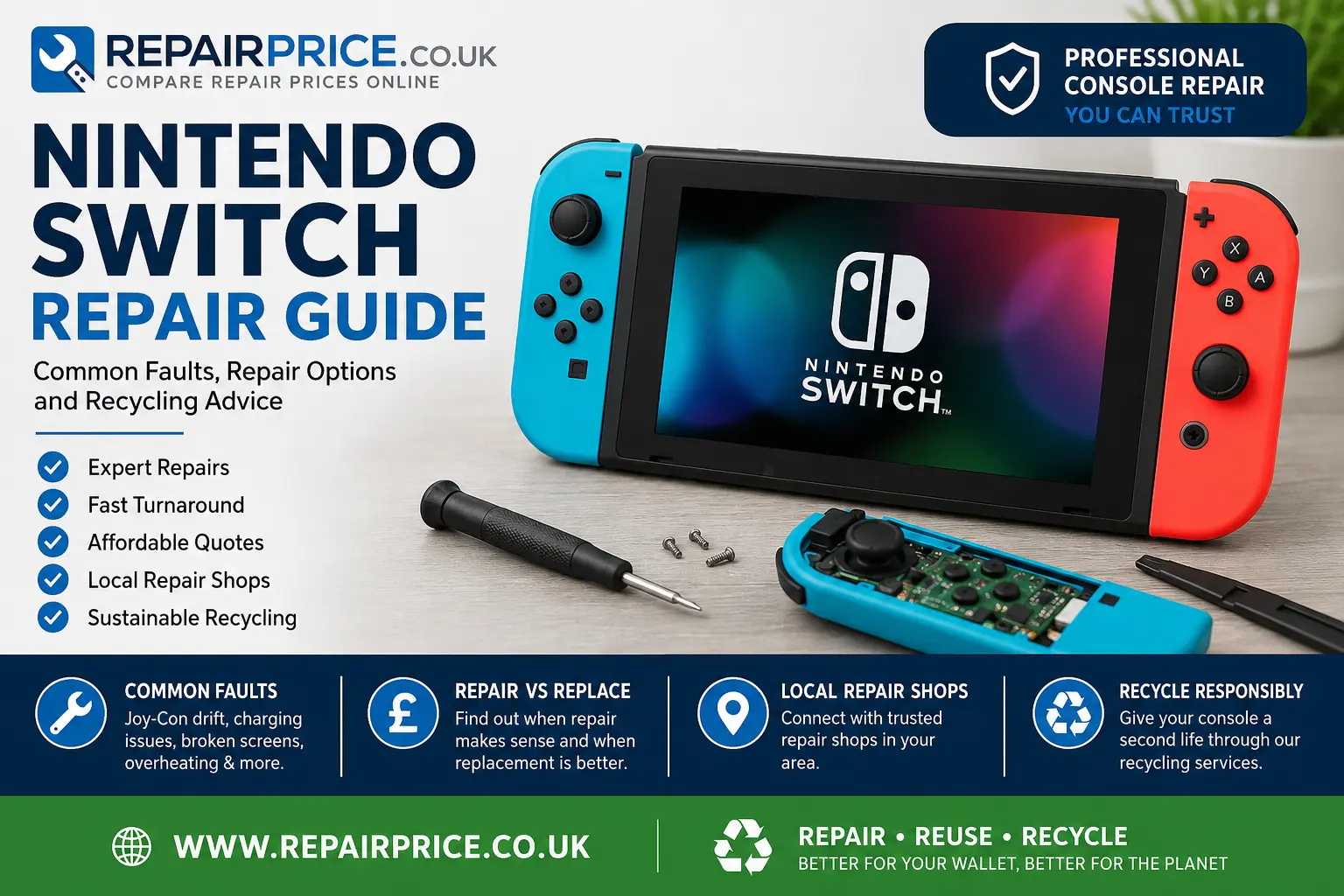
Nintendo Switch Repair Guide: Common Faults, Repair Options and Recycling Advice
A faulty Nintendo Switch can quickly interrupt gaming, streaming and online play. Problems such as a damaged screen, drifting Joy-Con controllers, charging failure, overheating, liquid damage or a console that will not switch on can make the device difficult or impossible to use. However, many Nintendo Switch faults can be professionally diagnosed and repaired without replacing the entire console.
This Nintendo Switch repair guide explains the most common problems, what may cause them, when professional attention is recommended and when recycling may be the more practical option. RepairPrice.co.uk helps customers compare repair options by passing enquiries to suitable repair shops that can assess the fault and provide a quote.
Nintendo Switch Repair Quotes and Support
Before buying another console, request an assessment of the existing device. A repair shop can investigate the symptoms, identify the damaged component and explain whether a repair is likely to provide good value. Providing the model, fault description and details of any accidental damage can help the repairer understand the problem before inspection.
Discuss Your Nintendo Switch Repair on WhatsApp
Customers looking for help with a Nintendo device can visit the dedicated Nintendo console repair service. For wider support covering different gaming systems and fault types, explore the main console repair comparison service.
Common Nintendo Switch Problems
The Nintendo Switch combines a handheld screen, removable controllers, charging hardware, internal storage and docking functions in one system. Because several components work together, similar symptoms can sometimes have different causes. For example, a console that appears not to charge may have a worn USB-C port, a damaged charging circuit, a faulty battery, an unsuitable charger or contamination inside the connector.
A professional diagnosis is important because replacing the wrong component may not solve the original fault. The following problems are among the most frequently reported Nintendo Switch issues.
Joy-Con Controller Drift
Joy-Con drift occurs when a controller registers movement even though the analogue stick is not being touched. Characters may move by themselves, menus may scroll unexpectedly or aiming may become difficult. Dust, wear inside the analogue stick mechanism or damage to the controller can cause this behaviour.
Calibration and software updates may improve minor control problems, but persistent drifting commonly requires cleaning, component repair or analogue stick replacement. Avoid repeatedly forcing or twisting the stick because this may increase wear.
Nintendo Switch Not Charging
If the console does not display a charging symbol, test it with a compatible charger and allow it to remain connected for a reasonable period. A deeply discharged battery may not respond immediately. Inspect the USB-C port without inserting tools into it. Bent contacts, packed debris or looseness may indicate physical damage.
The charging connector is attached to the internal board and requires specialist equipment to replace correctly. Attempting to remove it with household tools can damage tracks, nearby components or the main circuit board. Read the related console charging port repair guide for more information about charging faults and professional repair options.
Cracked or Damaged Nintendo Switch Screen
A Nintendo Switch screen may crack after a fall, impact or pressure inside a bag. Some devices continue displaying an image despite damaged outer glass, while others develop black patches, lines, flickering or a completely blank display. Touchscreen failure can also make menus difficult to use.
Screen repairs vary according to whether the digitiser, display panel or both components have been damaged. The exact process can also depend on whether the device is an original Nintendo Switch, Switch Lite or Switch OLED. A repairer should confirm the model before quoting for replacement parts.
Nintendo Switch Will Not Turn On
A console that will not power on may have a discharged battery, faulty power button, charging problem, damaged display or board-level failure. If the device has recently been dropped or exposed to liquid, stop repeatedly trying to power it on. Continued attempts can worsen an electrical short or spread corrosion through the internal components.
Power problems are not always caused by the battery. Diagnostic testing may be required to check voltage, charging behaviour and the condition of the motherboard. Our overview of frequent console faults and warning signs explains how repairers approach several common gaming-system problems.
Overheating and Loud Fan Noise
The Nintendo Switch uses a fan and internal cooling system to control heat. Blocked vents, accumulated dust, dried thermal material or a failing fan can cause the console to become unusually hot. Games may close unexpectedly, performance may become unstable or the device may shut down to protect itself.
Use the console on a firm surface with clear ventilation around it. Avoid covering the vents while playing. If the fan grinds, rattles or does not operate, arrange an inspection rather than continuing to use the console for long periods.
Game Card Reader Problems
A damaged game card reader may stop recognising cartridges, repeatedly display an error or work only when a game is held in a particular position. Dirt on the game card contacts can sometimes cause reading problems, but bent reader pins or internal connector damage may require repair.
Do not force a cartridge into the slot or insert cleaning tools that could bend the contacts. Testing more than one genuine game card can help determine whether the problem affects the console or a single cartridge.
Docking and TV Display Faults
If the Nintendo Switch works in handheld mode but does not display on a television, the fault could involve the dock, HDMI cable, television input, USB-C connector or internal video circuitry. Test a different HDMI input and a known-working cable before arranging a repair.
A television that has its own display, sound or HDMI problem may also prevent the console from appearing correctly. RepairPrice.co.uk can also help users explore television repair services when testing suggests that the screen rather than the Nintendo Switch is faulty.
What to Do Before Requesting a Repair
Record the exact symptoms before contacting a repair shop. Note whether the fault is constant or intermittent, which games or accessories are affected and whether the device has suffered impact, moisture exposure or a previous repair. Clear information helps repairers narrow down possible causes.
Where possible, back up compatible save data through the available Nintendo account or cloud services. Repair work does not always affect stored information, but data cannot be guaranteed when a device has severe board damage, storage failure or liquid corrosion.
Remove game cards, memory cards and unrelated accessories before handing over the console. Keep account credentials private unless a repairer specifically needs limited access for testing and you are comfortable providing it. Ask whether the repair includes testing, replacement-part information and any applicable workmanship guarantee.
Request a Nintendo Switch Repair Quote
How Much Does Nintendo Switch Repair Cost?
The cost depends on the model, damaged component, part availability and complexity of the work. A Joy-Con analogue stick replacement will generally involve a different level of labour and parts than USB-C port repair, liquid-damage treatment or motherboard microsoldering.
A reliable quote normally follows diagnosis because the visible symptom does not always reveal the complete problem. For instance, a console that fails to charge could need a connector replacement, battery, charging-control component or a more extensive circuit-board repair.
When comparing quotes, consider the quality of the replacement part, expected repair time, testing procedure and warranty rather than choosing entirely on price. A very low quote may not include diagnosis, suitable parts or additional work discovered after the device is opened.
Local Nintendo Switch Repair in West Yorkshire
RepairPrice.co.uk supports customers seeking console repair options throughout West Yorkshire. Local availability varies according to the repair type and the equipment needed by participating shops.
Customers in Bradford can submit their fault through the Bradford console repair service. This can be useful for Nintendo Switch charging, screen, controller and power-related enquiries.
For customers across Leeds and neighbouring districts, the Leeds gaming console repair page provides a route for requesting local repair assistance.
Users closer to Calderdale can explore console repair options in Halifax, including assessments for Nintendo devices that no longer charge, start or connect to a television.
The Wakefield console fault service connects relevant enquiries with repair shops serving Wakefield and nearby communities.
Customers in Kirklees can use the Huddersfield console repair enquiry page to describe the Nintendo Switch model and symptoms before receiving available quote information.
Nintendo, PlayStation and Xbox Repair Options
RepairPrice.co.uk covers several major console manufacturers. Nintendo Switch owners should begin with the dedicated Nintendo service because its portable construction, removable controllers and USB-C charging system require model-specific knowledge.
Households with more than one gaming system can also explore Sony PlayStation repair support for PlayStation power, overheating, storage, HDMI and controller problems.
For Xbox consoles, the Microsoft Xbox repair service covers relevant enquiries involving disc drives, HDMI output, overheating, power faults and other hardware problems.
Repairing Connected Phones and Tablets
Nintendo Switch users often rely on another device for account access, parental controls, voice communication and online services. A damaged phone can therefore disrupt more than ordinary calls and messages. The mobile phone repair quotation service covers screen, battery, charging and water-damage enquiries for a wide range of devices.
Tablets are also commonly used for gaming, streaming and managing family accounts. Customers experiencing a cracked display, weak battery or charging issue can visit the tablet repair comparison page for relevant repair options.
Should You Repair or Replace a Nintendo Switch?
Repair is often worth considering when the console otherwise meets your needs, the fault affects a replaceable component and the estimated cost is substantially lower than buying a suitable replacement. Repair can also preserve access to a familiar device and reduce unnecessary electronic waste.
Replacement may be more practical when the console has extensive board damage, severe corrosion, multiple unrelated faults or repair costs close to the value of another device. Age, cosmetic condition, accessory compatibility and the importance of saved data should also be considered.
Our detailed console repair versus replacement comparison explains the financial, practical and environmental factors that can help you make an informed decision.
What to Do with a Nintendo Switch That Cannot Be Repaired
A Nintendo Switch should not be placed in household rubbish. Consoles contain circuit boards, metals, plastics, batteries and electronic components that require responsible handling. Throwing the device away can waste recoverable materials and may create environmental risks.
If repair is uneconomical or technically impossible, use the dedicated games console recycling service. This route is suitable for unwanted, damaged and non-working gaming equipment that needs to enter an appropriate recycling stream.
Customers with several types of unwanted electronics can review the wider electrical device recycling options. Combining suitable devices may make it easier to organise collection and prevent old electronics from remaining unused in cupboards or storage areas.
Recovering Value from Console Circuit Boards
The motherboard inside a Nintendo Switch contains densely arranged electronic components and conductive materials. When a board cannot be reused or repaired, specialist processing may recover part of its material value while separating substances that require controlled treatment.
Higher-density electronic boards may be assessed through the Class 3 circuit board recycling service. Classification and acceptance can depend on board construction, component density, condition and quantity.
Customers recycling a Nintendo Switch alongside damaged smartphones can also learn about mobile phone PCB recovery. Keeping different electronic boards separated and describing the available quantity can help recycling specialists assess the material accurately.
How to Reduce Future Nintendo Switch Damage
Use a protective case when transporting the console and avoid placing heavy objects on top of it. Store game cartridges separately so they cannot press against the screen. A screen protector may reduce scratching and minor surface damage, although it cannot prevent every type of impact.
Insert and remove the charging cable carefully without pulling it sideways. Repeated lateral pressure can loosen or damage the USB-C connector. Keep drinks away from the console, dock and controllers because even a small amount of liquid can enter buttons, vents or charging openings.
Allow airflow around the console during demanding games. Clean only the exterior using suitable methods and never spray liquid directly onto the device. Address unusual fan noise, charging interruptions or intermittent display faults early because minor symptoms can develop into more serious failures.
Arrange a Nintendo Switch Repair Assessment
A damaged Nintendo Switch does not automatically need to be replaced. Joy-Con drift, cracked screens, worn batteries, faulty charging ports, cooling problems and game card reader faults may all be repairable after proper diagnosis.
Start by recording the model and symptoms, then request an assessment from an appropriate console repair shop. When repair is not practical, move the device into a responsible recycling route so that reusable components and recoverable materials are not unnecessarily discarded.
RepairPrice.co.uk provides a simple route for comparing repair possibilities, accessing local West Yorkshire console pages and finding recycling services for devices that have reached the end of their usable life.