Last updated: September 2026
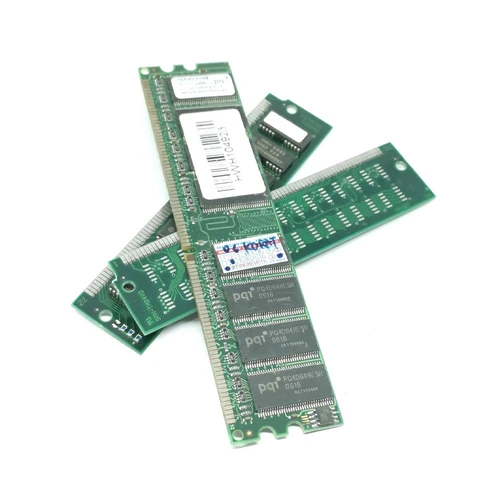
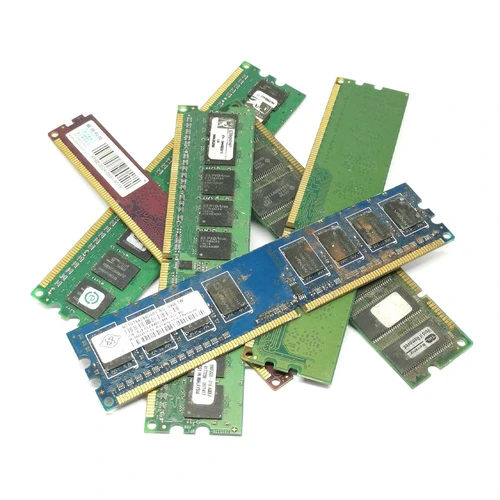
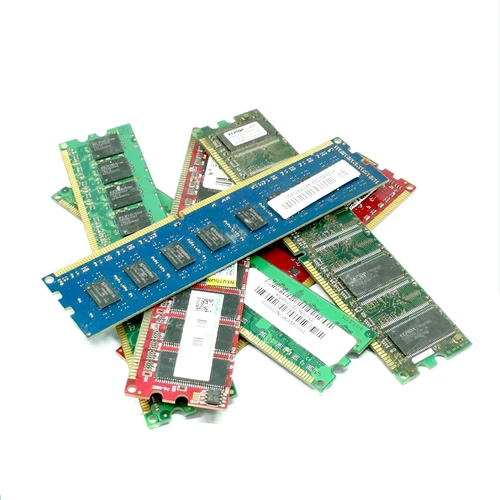
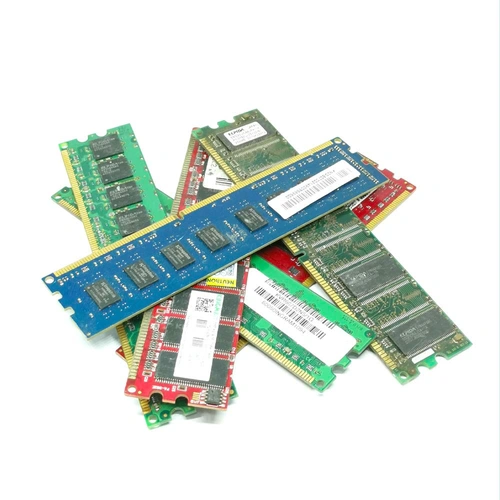
Scrap RAM prices depend on the type of memory, its condition and the quantity you have. A tested DDR5 module may be worth assessing for reuse. Faulty or obsolete modules are usually assessed as electronic scrap. This page helps you compare those routes and prepare desktop, laptop and server memory for a quotation.
The previous version of this page quoted £8–£40 per kg for several RAM categories. Treat that as an older, broad guide, not a September 2026 offer. It does not distinguish tested modules from scrap or account for collection costs. Ask for a dated quote before deciding where to sell your memory.
| RAM type | Compare first | Main value factors | Ask the buyer to confirm |
|---|---|---|---|
| DDR2 desktop RAM | Legacy reuse demand against scrap value | Capacity, matched sets, working condition and contacts | Price per module or price per kg |
| DDR3 desktop RAM | Testing and resale against recycling | Capacity, speed, quantity and test results | Whether testing changes the offer |
| DDR4 desktop RAM | Reuse value before scrap grading | Specification, brand, condition and matching modules | Separate reuse and scrap quotations |
| DDR5 desktop RAM | Tested resale or reuse value | Capacity, speed, part number and working condition | A module-based offer before accepting a scrap rate |
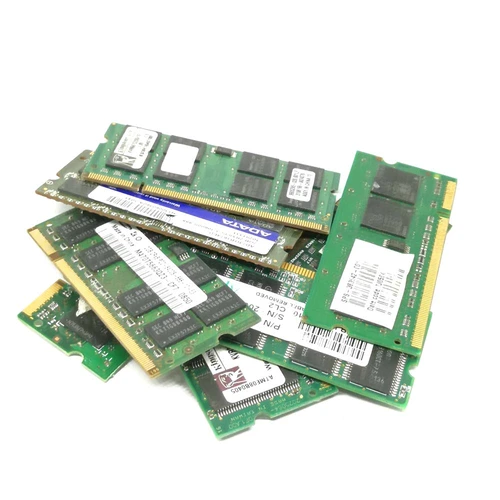
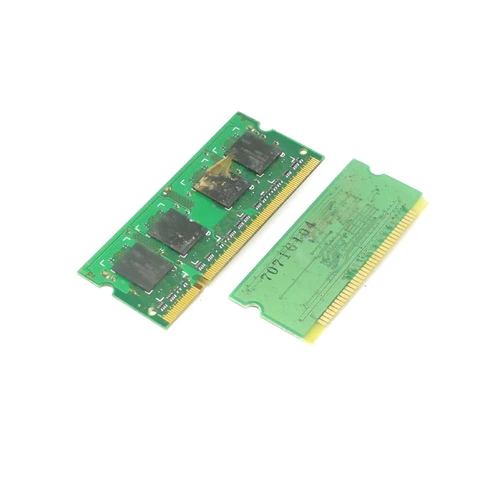
| Laptop SO-DIMM RAM | Reuse by generation and capacity | DDR type, labels, condition and quantity | Whether laptop modules need separate grading |
| Server RAM | Enterprise reuse against scrap recovery | ECC or registered specification, part number and matched batches | A separate server-memory valuation |
| Damaged or mixed RAM | Sorted scrap rate against mixed-load rate | Damage, contamination, board type and total weight | Accepted grade, deductions and net payment |
A price per kilogram and a price per working module measure different things. Compare quotes on the same basis. Confirm the grade, minimum quantity, collection charge and any deductions before accepting an offer.
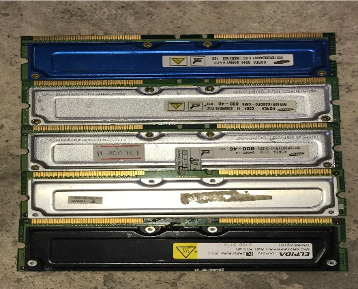
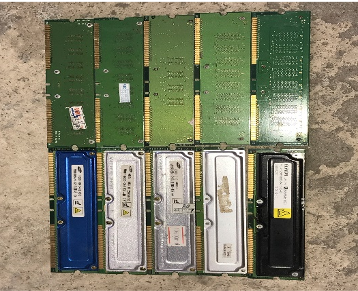
Start with a list of the modules you have. Photograph both sides of a few representative sticks and record the approximate count or weight. If labels are readable, include the DDR generation, capacity and part number. State whether the memory is tested, faulty or untested.
Ask each buyer whether the quote covers reusable memory, scrap material or both. A collection charge may outweigh the payment for a small batch, so confirm the net amount you would receive. For a wider explanation of resale and recycling value, read our guide to the value of old computer RAM.
For memory held in Greater Manchester, see the Manchester RAM recycling service. Related options cover collection of unwanted RAM, local memory price assessments and testing and recovery of usable modules. Businesses clearing larger quantities can review commercial RAM recycling arrangements.
If the load includes complete computers or other electrical items, review Manchester electronics recycling and local e-waste collection options. Keep RAM separate so a provider can assess its value without grading the entire load as mixed electronics.
Motherboards and printed circuit boards have different grades. Compare motherboard recycling options and PCB collection and recovery if you have those materials too. The Manchester RAM recycling and value guide explains the local assessment process in more detail.
This page previously published a broad £8–£40 per kg guide. A buyer must assess the type, condition and quantity before confirming a current price. Ask whether the figure applies to your exact grade and whether collection costs reduce the payment.
A tested DDR5 module may have reuse value, so request a module-based assessment before treating it as scrap. The offer depends on its specification, condition and buyer demand.
Providers may assess SO-DIMMs, ECC memory and registered server modules. Identify each group in your enquiry. A mixed box may receive a different quote from a sorted batch.
Leave the modules intact unless the receiving buyer asks for a different preparation method. Whole sticks are easier to identify and grade.
Removing RAM does not erase data stored on a computer’s hard drive or SSD. Identify and handle storage devices separately when clearing complete computers or servers.