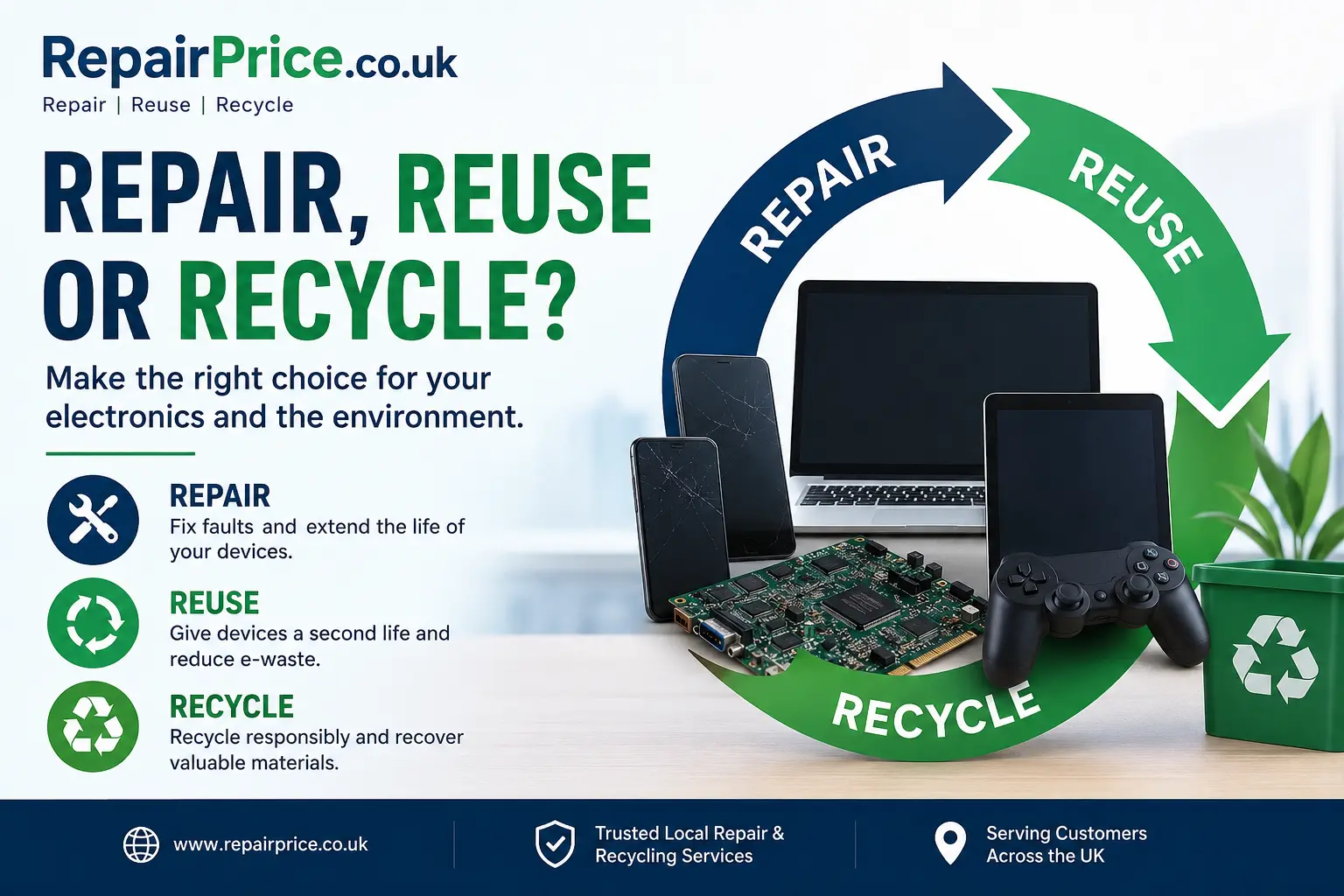
When a phone, laptop, tablet, television or games console develops a fault, it can be difficult to decide what to do next. Should you pay for a repair, continue using the device in a different way, pass it on to someone else or arrange responsible recycling? The right answer depends on the condition of the equipment, the likely repair cost, its remaining usefulness and whether your personal data can be removed safely.
Making an informed decision can save money, reduce unnecessary electronic waste and prevent reusable equipment from being discarded too early. This guide explains how to assess your unwanted or faulty electronics and choose between repair, reuse and recycling.
For many electronic products, the most sustainable approach is to keep the device in use for as long as it remains practical and safe. Repairing a damaged component may extend the working life of the equipment without requiring a completely new product to be manufactured. Reuse can then give functional devices or recoverable components a second purpose. Recycling should normally be considered when repair or continued use is no longer economical, reliable or appropriate.
This does not mean every electronic device should automatically be repaired. Some products may have extensive liquid damage, several failed components, severe structural damage or outdated software that can no longer be used securely. In those circumstances, responsible recycling may provide a better outcome than repeatedly paying for temporary repairs.
The main electronics recycling service from RepairPrice.co.uk helps households and businesses find a responsible route for unwanted devices. It also supports the recovery of valuable materials and suitable circuit boards rather than allowing electronic equipment to enter general waste.
Repair is often the best choice when the device still meets your needs, the fault is limited to one or two replaceable parts and the cost is reasonable compared with buying a suitable replacement. Common examples include cracked screens, worn batteries, damaged charging ports, faulty keyboards, overheating problems, broken HDMI sockets and software-related issues.
A repair assessment can help establish whether the visible fault is the only problem. A damaged screen, for example, may be straightforward to replace when the frame and internal electronics remain intact. However, a device that has been dropped heavily may also have board damage, loose connectors or hidden battery problems. Obtaining a professional inspection reduces the risk of paying for a repair that does not address the underlying cause.
Owners of damaged handsets can explore local options through the mobile phone repair comparison service. This can be useful for screen faults, battery deterioration, charging problems, camera issues, water exposure and other common mobile device failures.
For computers, the laptop repair service can help users obtain assistance with broken displays, power faults, damaged keyboards, storage failures, overheating and motherboard-related problems. Repair may be particularly worthwhile when the laptop contains important files, specialist software or specifications that would be expensive to replace.
Games consoles can also remain useful for many years when individual faults are corrected. The console repair quote service covers common issues such as HDMI port damage, overheating, disc drive faults, power failures and controllers that no longer connect correctly.
Begin by comparing the likely repair cost with the current value of the device and the cost of purchasing a suitable replacement. A low-cost repair on a relatively recent device is usually easier to justify than an expensive board-level repair on equipment that is already outdated.
You should also consider reliability. Ask whether the proposed repair addresses the complete fault, whether additional damaged parts have been identified and whether the device has suffered repeated failures. A product that has already needed several major repairs may be approaching the end of its practical service life.
Software support is another important factor. Even when older equipment can be repaired physically, it may no longer receive security updates or support essential applications. Continuing to use an unsupported device for banking, business communication or sensitive personal information may create unnecessary risks.
Battery condition should also be considered. A repaired screen or charging port may not provide good value when the battery is swollen, unstable or unable to hold a usable charge. Any battery showing signs of swelling, overheating, leakage or physical damage should be handled carefully and assessed by an appropriate repair or recycling provider.
A device does not need to be the latest model to remain useful. Phones, tablets and laptops that are no longer suitable for a primary user may still work well as secondary devices. An older phone can be kept as an emergency handset, used for music, navigation or testing applications. A tablet may be repurposed for video calls, recipes, smart-home controls or children's educational activities.
Laptops can often be made more useful through modest upgrades. Replacing a mechanical hard drive with an SSD, increasing memory or reinstalling the operating system may improve performance without requiring a new computer. Even when a laptop is no longer suitable for demanding work, it may still be useful for web browsing, document editing or basic administrative tasks.
Reuse can also involve giving, donating or selling working equipment. Before transferring any device to another person, remove accounts, sign out of cloud services, disable activation locks and complete an appropriate factory reset. Storage drives containing confidential information may require secure erasure rather than a basic deletion process.
Accessories should not be overlooked. Chargers, cables, controllers, keyboards, remote controls and power adapters may remain usable even when the main device has failed. Keeping compatible accessories in circulation can reduce waste and provide replacement parts for other equipment.
Recycling is appropriate when the equipment cannot be repaired safely, the required work would cost considerably more than the device is worth, essential components are unavailable or the product has reached the end of its supported life. It is also suitable for incomplete equipment, severely damaged electronics and devices that have been stored for years without a realistic prospect of reuse.
Different device types may require different handling. Unwanted handsets can be directed through the mobile phone recycling pathway, which is designed for old, damaged and redundant phones. This is preferable to placing handsets in household rubbish, where batteries and recoverable electronic components may be lost.
For larger portable devices, the tablet recycling service provides an appropriate next step for damaged or unwanted tablets. Users should remove memory cards, disconnect accounts and back up any required data before collection or transfer.
Broken and obsolete computers can be considered through the responsible laptop recycling option. Laptops may contain reusable storage, memory, screens, processors, boards and metal components, although the recovery potential depends on their age and condition.
Owners of failed gaming systems can use the games console recycling service when repair is no longer practical. Consoles should be disconnected from online accounts, and removable storage should be erased or retained where necessary.
Electronic equipment contains a mixture of metals, plastics, glass, batteries and circuit boards. When devices enter general waste, potentially reusable materials may be lost and hazardous components may be handled incorrectly. Batteries can also create a fire risk when crushed or damaged during waste processing.
The guide explaining why electronic devices should stay out of landfill provides more detail about the environmental and practical problems associated with throwing electronics into ordinary bins.
Users who want a broader introduction to the subject can read the complete electronic waste recycling guide. It explains what electronic waste includes, why proper handling matters and how households and organisations can prepare unwanted equipment for collection.
For a closer look at what happens after equipment has been collected, the article on how the device recycling process works explains assessment, sorting, data handling, component recovery and material separation.
Circuit boards are found inside phones, laptops, tablets, televisions, consoles, networking equipment and many other electronic products. They connect processors, memory, power systems and communication components. Although a failed circuit board may prevent an entire device from operating, parts of the board or its materials may still have recovery value.
The circuit board recycling hub provides information for people and organisations handling loose boards, damaged electronics and quantities of redundant equipment. Correct classification is important because board types vary significantly in composition, component density and recovery potential.
Boards removed from damaged handsets may be suitable for the mobile phone circuit board recycling service. These compact boards can contain processors, memory chips, connectors and small quantities of recoverable metals.
Computer repair businesses, IT departments and organisations replacing older equipment may accumulate laptop motherboards. The dedicated laptop circuit board recovery page explains the route available for redundant or non-working laptop boards.
Circuit boards should not be broken, burned or treated with chemicals in an attempt to recover materials. Unsafe dismantling can release harmful substances, damage potentially reusable components and create unnecessary risks. Boards should instead be stored securely and transferred through a responsible recycling process.
Start by backing up photographs, documents, contacts and any other information you wish to keep. Confirm that the backup can be accessed before resetting or surrendering the device. For equipment that no longer powers on, a repair technician may need to assess whether data recovery is possible.
Remove SIM cards, memory cards, external storage and accessories that are not intended to be included. Sign out of manufacturer accounts, cloud platforms, email services and subscription applications. Disable security features such as Find My iPhone, Google device protection or console account locks where applicable.
When equipment is being reused or recycled, erase personal information using the manufacturer's recommended reset procedure. Business devices and storage containing sensitive data may require a more controlled data-destruction process. Simply deleting files does not always remove them permanently from a storage drive.
Describe the condition honestly. Mention cracked screens, swollen batteries, liquid exposure, missing components and previous repair attempts. Accurate information helps repairers or recyclers decide how the equipment should be transported, inspected and processed.
RepairPrice.co.uk connects users with relevant repair and recycling routes across West Yorkshire and beyond. Customers seeking assistance with a damaged handset can explore phone repair options serving Bradford, including support for common screen, battery and charging faults.
Computer owners can compare help through the Leeds laptop repair service page. This may be suitable when a laptop is slow, overheating, failing to charge or showing signs of storage or motherboard trouble.
Tablet users can find local information through the Halifax tablet repair page, while gamers can review options for console repairs around Wakefield.
Television owners experiencing sound, picture, backlight or power problems can visit the Huddersfield television repair page before deciding whether their TV should be repaired or directed towards responsible recycling.
Choose repair when the device remains useful, the fault is identifiable, replacement parts are available and the expected cost is sensible. Ask for a clear explanation of the work required and consider the general condition of the equipment before proceeding.
Choose reuse when the device works safely but is no longer needed by its current owner. Reset it correctly, remove personal information and consider whether it can be sold, donated, passed to a family member or repurposed for a less demanding task.
Choose recycling when the equipment is unsafe, unsupported, uneconomical to repair or too badly damaged for reliable reuse. Use a route appropriate to the device type, and make sure batteries, circuit boards and data-bearing components are handled responsibly.
Repair, reuse and recycling are not competing options. They are connected stages that help extract the greatest possible value from electronic equipment. Repair can extend a product's life, reuse can provide a second purpose, and recycling can recover materials when the equipment has no practical future in its current form.
Before discarding a phone, laptop, tablet, console or television, take a few minutes to review its condition, repair potential, software support and data-security requirements. A professional quotation may show that the fault is affordable to fix. When repair is not worthwhile, a responsible collection can help prevent the equipment from entering general waste.
RepairPrice.co.uk can help you compare repair opportunities and identify an appropriate recycling route for unwanted electronics. By making the decision carefully, you can reduce waste, protect your information and obtain the best remaining value from your device.

