

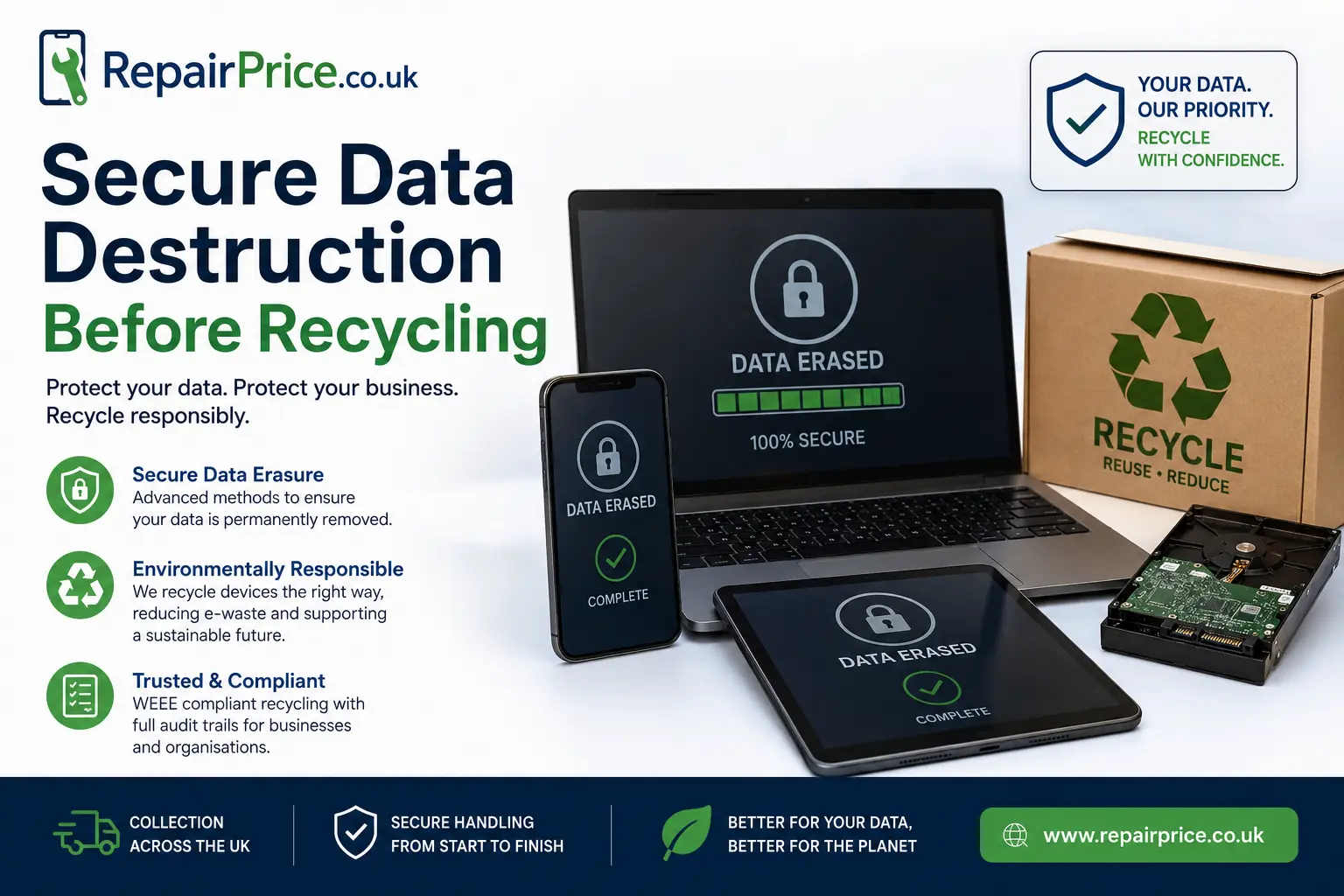
Secure Data Destruction Before Recycling Phones, Tablets and Laptops
Recycling an unwanted phone, tablet, laptop or storage device is a responsible way to reduce electronic waste, recover reusable materials and prevent old technology from being left in cupboards or sent to landfill. However, removing personal and business information must be treated as an essential part of the recycling process. Deleting a few files, signing out of an account or performing a basic factory reset may not always provide the level of protection you expect.
Old devices can contain photographs, saved passwords, emails, financial records, customer information, browser history, identification documents and access credentials. Businesses may also hold employee records, invoices, intellectual property and confidential communications on retired equipment. Secure data destruction helps ensure that this information cannot be recovered or misused after the device leaves your possession.
This guide explains how to prepare electronic equipment for recycling, the difference between data deletion and secure destruction, when physical storage destruction may be appropriate and how RepairPrice.co.uk can help you move from responsible data handling to organised device recycling.
Arrange Secure Device Recycling on WhatsApp
Why Secure Data Destruction Matters Before Recycling
A device that appears broken, outdated or unusable may still contain readable information. A damaged screen does not necessarily mean the internal storage has failed. Similarly, a laptop that no longer starts may still have a functioning hard drive or solid-state drive that can be removed and accessed using another computer.
Secure data destruction reduces the risk of identity theft, unauthorised account access, financial fraud and accidental disclosure of private information. For businesses, it also supports internal security policies and responsible handling of customer, supplier and employee data.
The safest approach is to consider data security before arranging collection or transferring ownership. Decide which information must be retained, create a verified backup and then use an appropriate erasure or destruction method for the type and condition of the storage device.
Once your information has been protected, the equipment can move into a structured recycling route through the RepairPrice electronic recycling hub, where you can explore recycling options for several common device categories.
Deleting Files Is Not the Same as Destroying Data
Moving files to the recycle bin, deleting photographs or uninstalling applications usually removes the visible reference to that information. It does not always immediately overwrite the underlying data stored on the device. Specialist recovery tools may be able to retrieve some deleted information until it has been overwritten or securely erased.
A factory reset is an important preparation step for many modern phones and tablets, particularly when encryption is enabled correctly. However, users should still remove accounts, disable activation locks, remove memory cards and confirm that the reset has completed successfully before recycling the equipment.
Computers and external storage devices may require dedicated erasure software or physical destruction of the storage media. The correct method depends on whether the device uses a mechanical hard disk, a solid-state drive, embedded flash memory or removable storage.
Back Up Important Information First
Secure destruction should only begin after you have confirmed that anything important has been copied elsewhere. A backup may include family photographs, documents, contacts, business records, authentication codes, application data and browser bookmarks.
Create at least one reliable backup using a secure cloud account, encrypted external drive or another trusted device. Open several files from the backup to confirm that they are readable. For business equipment, document which folders, user accounts and applications have been transferred before the original data is erased.
Do not assume that automatic synchronisation has copied everything. Some applications store files locally, while others may require a separate export process. Password managers, accounting software, email archives and specialist business applications should be checked individually.
How to Prepare a Mobile Phone for Secure Recycling
Begin by backing up photographs, videos, contacts, messages and application data. Sign out of cloud services and remove the device from any account-management dashboard. Disable activation locks or device-tracking features, remove the SIM card and take out any removable memory card.
After these steps, perform the manufacturer’s recommended factory reset. When the phone restarts, check that it displays the initial setup screen and does not request access to your personal account. Do not complete the new-device setup process after resetting it.
Phones that remain usable can be directed through the dedicated mobile phone recycling service. If a device has a repairable fault, comparing recycling with a professional assessment through the phone repair quotation service may help you decide whether extending its life is the more economical option.
For devices that are dismantled or beyond economical repair, their internal boards may still contain recoverable materials. The mobile phone circuit board recovery page explains the route available for separated phone PCBs and related components.
How to Prepare an iPad or Tablet for Recycling
Tablets can store much of the same sensitive information as a laptop, including emails, saved logins, photographs, payment details, scanned documents and cloud account credentials. Start by backing up the device and confirming that the backup is complete.
Sign out of the main operating-system account, remove activation locks, disconnect paired accessories and remove any SIM or memory card. Complete a full erase using the security options provided by the manufacturer. When the reset has finished, confirm that the tablet returns to its original welcome screen.
Owners of Apple tablets can use the specialist iPad recycling route, while Android and other models can be directed to the broader tablet recycling collection service.
A cracked screen, damaged charging port or weak battery does not automatically mean the tablet must be recycled. The tablet repair comparison service can help you explore local repair options before making a final decision.
Securely Removing Data from a Laptop
Laptops require particular care because they often contain larger volumes of information and may have several user accounts, partitions or storage drives. Begin by identifying every internal and external drive associated with the computer. Some laptops contain both an SSD and a secondary hard disk.
Back up required information, sign out of software licences and deactivate applications that limit the number of authorised computers. Remove stored browser passwords, disconnect cloud-sync accounts and use a secure drive-erasure method that is appropriate for the storage technology.
Traditional hard disks can often be overwritten using recognised erasure software. Solid-state drives handle data differently and may require the manufacturer’s secure erase function or a verified sanitisation process. Repeatedly writing random files to an SSD is not always the most effective approach because of wear-levelling and reserved storage areas.
When the laptop is ready to leave your control, the laptop recycling collection page provides a direct route for unwanted portable computers. Devices that may still be repairable can first be assessed through the UK laptop repair comparison platform.
If the laptop has been dismantled, separated internal boards may be suitable for the laptop PCB recycling service. Storage controller boards removed from hard drives can also be considered through the hard-drive circuit board recycling route.
When Physical Storage Destruction May Be Appropriate
Software erasure is suitable in many situations, particularly when the device is functional and the process can be verified. Physical destruction may be considered when a storage device is damaged, cannot be securely accessed, contains highly sensitive information or must not be reused.
Physical destruction should target the actual storage media rather than the outer casing. Breaking a laptop screen, damaging a phone housing or removing the battery does not destroy the information stored inside. A professional process focuses on the hard disk platters, SSD memory chips, embedded flash storage or other components that retain data.
Do not drill, crush, burn or dismantle lithium-powered electronics without appropriate equipment and knowledge. Batteries can create fire, chemical and injury risks. A managed recycling route is safer than attempting destructive work at home or in an unsuitable workplace.
Repair, Reuse or Recycle?
Secure data handling does not always mean the entire device must be destroyed. If the equipment can be repaired, refurbished or safely reused, extending its working life may reduce demand for replacement products and make better use of the materials already invested in its manufacture.
A phone with a broken screen, a tablet with a failed charging port or a laptop with a worn battery may still have significant value. Repair should be considered when the expected cost is proportionate to the device’s age, condition and likely remaining lifespan.
Recycling is generally the better route when a device is severely damaged, unsupported, unsafe, repeatedly unreliable or uneconomical to restore. The key is to make a deliberate decision after protecting the information it contains.
Secure Recycling Support Across West Yorkshire
RepairPrice.co.uk helps users compare repair opportunities and move unsuitable devices into responsible recycling routes. Local service pages also make it easier to explore relevant repair options before equipment is retired.
Laptop owners in Bradford can review options through the Bradford laptop repair network. Customers with damaged phones can explore the Leeds mobile repair comparison page or find support through Huddersfield phone repair specialists.
Tablet users can investigate local repair possibilities using the Halifax tablet repair directory. For portable computers in the Wakefield area, the Wakefield laptop repair quotation page provides another route to compare repair before recycling.
Secure Data Destruction for Business Equipment
Businesses often replace several devices at once, making inventory control and documented processing especially important. A collection may include laptops, mobile phones, tablets, external drives, networking equipment and loose circuit boards.
Create an asset list before equipment leaves the premises. Record the device type, asset number, serial number, assigned user, storage type and chosen treatment method. Separate equipment that can be reused from devices that require verified erasure, component recovery or physical storage destruction.
Access controls should remain in place throughout the process. Devices awaiting collection should be stored securely, and responsibility for authorising disposal should be clearly assigned. Businesses should avoid placing data-bearing equipment into general waste or handing it to an unverified collector.
The business IT recycling guide provides further information about planning a workplace clearance, organising equipment and creating a more controlled recycling process.
Understanding the Wider Recycling Process
After data has been removed, devices may be assessed for reuse, refurbishment, component harvesting or material recovery. Working equipment can sometimes be prepared for another user. Non-working equipment may be dismantled so that circuit boards, metals, plastics, cables and batteries enter suitable processing streams.
To understand what may happen after collection, read the step-by-step guide to electronic device recycling. It explains how equipment can move from initial collection through sorting, treatment and material recovery.
Organisations disposing of electrical equipment should also understand their responsibilities. The UK WEEE responsibilities overview introduces the framework surrounding waste electrical and electronic equipment and explains why controlled recycling routes are important.
A Practical Checklist Before Your Device Is Collected
Before releasing a phone, tablet, laptop or storage device, complete a final security check. Confirm that required files have been backed up, accounts have been removed, activation locks have been disabled and removable cards have been taken out.
- Identify every device and storage component.
- Back up files that must be retained.
- Verify that the backup opens correctly.
- Sign out of cloud, email and manufacturer accounts.
- Remove SIM cards and memory cards.
- Disable tracking and activation-lock features.
- Use an appropriate secure erasure method.
- Confirm that the device returns to its setup screen.
- Record business assets and treatment decisions.
- Choose a suitable repair, reuse or recycling route.
When a device cannot be accessed, do not assume that its data is inaccessible. Treat failed equipment as potentially readable until the storage has been securely erased or physically processed using an appropriate method.
Arrange Secure Recycling for Your Unwanted Technology
Secure data destruction and responsible recycling should form one connected process. Protecting personal information is the first priority, but the device and its components should also be directed away from general waste and into an organised reuse or recycling route.
RepairPrice.co.uk can help you explore repair opportunities for devices that may still be economical to restore and recycling options for equipment that has reached the end of its useful life. This approach supports better data security, reduces avoidable electronic waste and gives valuable components a greater chance of being recovered.
Provide details about the equipment you need to clear, its condition, the quantity involved and whether it contains data-bearing storage. This information can help determine whether the most suitable next step is repair, reuse, secure erasure, component recovery or complete device recycling.
Request a Secure Data Destruction and Recycling Quote