

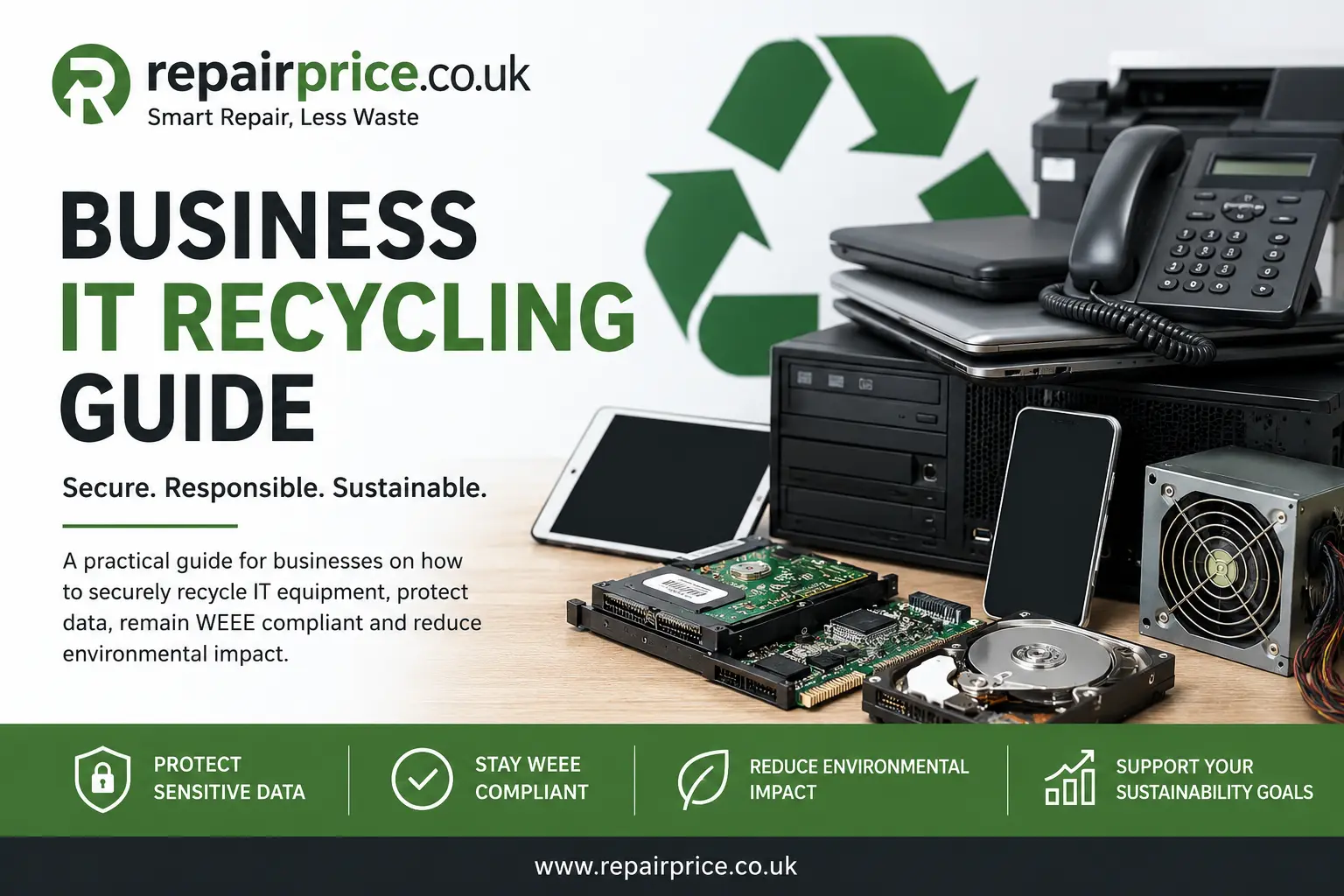
Business IT Recycling Guide: Secure and Responsible Equipment Disposal
Businesses regularly replace laptops, desktop computers, mobile phones, tablets, servers, storage devices, networking equipment and other workplace technology. Although upgrading equipment can improve productivity and security, it also creates an important question: what should happen to the unwanted devices? Business IT recycling provides a responsible way to manage obsolete equipment while reducing environmental harm, protecting confidential information and supporting compliance with UK electronic waste requirements.
This guide explains how organisations can prepare business technology for collection, separate reusable equipment from recyclable waste, arrange secure data destruction and choose suitable recycling routes. RepairPrice helps businesses across West Yorkshire and the wider UK explore responsible options for unwanted workplace electronics.
Arrange a Business IT Recycling Collection
Whether you are clearing a small office, replacing employee laptops or decommissioning an entire IT department, planning the collection properly can make the process safer and more efficient. Provide an approximate inventory of the equipment, identify any devices containing confidential data and explain whether the items are stored upstairs, in a secure room or across several business premises.
Book Your Business IT Recycling Collection from West Yorkshire on WhatsApp
What Is Business IT Recycling?
Business IT recycling is the organised collection, assessment, reuse and processing of unwanted electronic equipment owned by a company, charity, school, landlord, public organisation or other commercial operator. It can cover individual devices as well as larger office clearances involving hundreds of items.
The process should not be treated as simply throwing equipment away. Business devices can contain reusable parts, recoverable metals, batteries, circuit boards and storage components. They may also hold employee records, customer details, financial information, passwords, intellectual property and other sensitive data. A well-managed recycling process considers both the environmental value of the equipment and the security risks associated with its disposal.
Organisations looking for a broader overview of available disposal routes can begin with the main electronic device recycling service. This central recycling hub connects businesses and households with more specific recycling options for different types of technology.
Why Businesses Should Recycle Unwanted IT Equipment
Old IT equipment can quickly accumulate in cupboards, storerooms and unused offices. Keeping obsolete devices indefinitely may appear convenient, but it can create security, storage and environmental problems. Forgotten computers and hard drives may still contain confidential information, while damaged batteries can deteriorate if equipment is stored in unsuitable conditions.
Recycling helps businesses remove unnecessary equipment from their premises and recover useful materials from devices that can no longer be repaired or reused. It can also support environmental policies, sustainability reporting and corporate social responsibility objectives.
Electronic products should not normally be mixed with general commercial waste. Businesses should understand their responsibilities under UK waste rules and use suitable collection and treatment routes. Our detailed guide to UK WEEE regulations explains how electrical and electronic waste requirements may affect organisations disposing of workplace equipment.
Which Business Devices Can Be Recycled?
A business IT recycling collection may include desktop computers, workstations, laptops, monitors, mobile phones, tablets, servers, hard drives, solid-state drives, printers, routers, switches, keyboards, mice, cables, chargers, docking stations, conference equipment and other electronic accessories.
Different device categories may require different handling methods. Batteries should be identified, data-bearing equipment should be securely controlled and reusable items should be kept separate from severely damaged waste where possible.
Companies replacing employee notebooks can use the dedicated commercial laptop recycling route. This service is suitable for outdated business laptops, damaged notebooks, machines with failed components and equipment that is no longer economical to maintain.
Work mobiles can be directed through the business mobile phone recycling service. This may include company smartphones, older handsets, damaged devices and phones left behind after staff or contract changes.
Organisations clearing portable devices used by sales teams, schools, warehouses or field workers can review the tablet and iPad recycling options. Tablets should be logged, disconnected from business accounts and checked for stored information before leaving the organisation.
Businesses operating gaming venues, staff recreation areas, hospitality sites or resale operations may also need to dispose of damaged gaming systems. The console recycling service for unwanted systems offers a suitable route for equipment that cannot be repaired or reused.
Secure Data Destruction Before Recycling
Data protection is one of the most important parts of business IT disposal. Deleting files, formatting a drive or restoring a device to factory settings may not always provide the level of protection required for confidential business information. The appropriate method depends on the equipment, the sensitivity of the information and whether the storage device will be reused.
Before arranging collection, create an inventory of data-bearing items such as laptops, desktop computers, servers, mobile phones, tablets, hard drives, solid-state drives, memory cards and backup equipment. Each item should be assigned an internal reference so the organisation can track what has been removed.
Businesses should also sign out of cloud services, remove device-management profiles where appropriate, disable activation locks and disconnect equipment from company accounts. This makes legitimate reuse easier and reduces the risk of devices remaining connected to business systems after disposal.
For a more detailed preparation process, read our secure data destruction checklist for electronic recycling. It covers practical precautions businesses and individuals should consider before releasing equipment.
Repair, Reuse or Recycle?
Not every unwanted business device needs to be dismantled. Some equipment may still have practical value after repair, refurbishment or component replacement. Extending the life of existing hardware can reduce waste and may be more economical than purchasing replacement equipment immediately.
A laptop with a worn battery, damaged screen, faulty charging socket or failing storage drive may still be repairable. Businesses can explore professional laptop repair quotation options before deciding whether recycling is the best route.
Company smartphones with damaged displays, charging faults, battery problems or software issues may also be suitable for repair. The main mobile phone repair comparison service can help organisations investigate repair costs before removing devices from use.
Televisions and commercial displays used in offices, reception areas, meeting rooms, accommodation or hospitality venues may sometimes be repairable. Businesses can compare options through the TV repair quotation service before sending larger screens for recycling.
When repair is technically possible but costs more than the equipment is worth, recycling may be the more practical choice. The decision should consider the device age, condition, security requirements, availability of replacement parts and expected remaining working life.
How Business IT Equipment Is Processed
After collection, equipment is normally inspected and separated into appropriate categories. Reusable devices may be assessed for refurbishment, while damaged or obsolete equipment can be dismantled for material recovery.
Common materials found in business electronics include steel, aluminium, copper, plastics, glass and small quantities of precious or specialist metals. Circuit boards are especially important because they contain a mixture of electronic components and recoverable materials that require controlled processing.
Desktop computer boards and workstation components can be directed through the PC circuit board recovery service. This is relevant when business computers have been stripped, damaged beyond repair or separated into components during an IT clearance.
Server equipment may contain rear boards, backplanes and other specialist components. Organisations clearing data rooms or decommissioning infrastructure can learn more about server rear wall and backplane recycling.
Hard drives also contain electronic control boards in addition to storage platters and mechanical components. The dedicated hard-drive PCB recycling service provides a route for separated boards and related storage-device components.
Preparing for an Office IT Clearance
Good preparation reduces delays and helps prevent equipment from being misplaced. Start by listing the quantity and type of devices to be collected. Separate laptops, desktops, monitors, phones, tablets, servers, storage devices, batteries and accessories into clearly identified groups.
Record serial numbers or asset tags when the business requires a detailed internal audit. Remove any equipment that is still leased, subject to finance agreements or owned by employees. Businesses should confirm ownership before releasing devices to a collection provider.
Place damaged lithium-ion batteries and swollen devices to one side and report their condition before collection. Do not crush, puncture or dismantle batteries. Equipment that has been exposed to water, fire, chemicals or other hazardous conditions should also be identified in advance.
Make sure access arrangements are clear. Inform the collection provider about loading restrictions, parking limitations, stairs, lifts, security desks, site induction procedures or collection time restrictions. For large clearances, appoint one employee to coordinate access and verify which equipment is approved for removal.
Business IT Recycling Across West Yorkshire
RepairPrice supports organisations seeking recycling and repair options throughout West Yorkshire. Businesses can use nearby service pages to compare repair opportunities before deciding which devices should be retained and which should enter the recycling process.
Organisations in Bradford can assess repair options through the Bradford business laptop repair page. This may be useful for offices, shops, schools, charities and local service providers managing damaged or ageing laptop fleets.
Companies operating in Leeds can review the Leeds laptop repair quotation service when deciding whether business notebooks can be restored before replacement.
Businesses based in Calderdale can use the Halifax laptop repair comparison page to investigate repair support for workplace computers.
Organisations in Wakefield can explore the Wakefield commercial laptop repair options before including potentially repairable equipment in a clearance.
Companies in Huddersfield and surrounding areas can visit the Huddersfield laptop repair service page to compare local repair opportunities for employee and office devices.
Benefits of Using a Structured Recycling Process
A planned recycling process gives a business greater control over what leaves its premises. It helps prevent usable equipment from being discarded accidentally, reduces the chance of confidential information remaining on forgotten devices and makes it easier to maintain internal records.
Separating equipment by condition can also improve the outcome. Working devices may be suitable for reuse, partially damaged devices may have repair potential and obsolete equipment may still contain recyclable components. A mixed pile of unrecorded electronic waste makes these decisions more difficult.
Businesses should also consider how often IT equipment is replaced. Rather than waiting for storerooms to become full, organisations can introduce a regular review schedule. Equipment can be assessed every quarter, every six months or as part of the company’s normal asset-management process.
Understanding the Environmental Impact of Electronic Waste
Electronic waste is a growing environmental concern because devices contain complex combinations of materials. When equipment is handled through unsuitable routes, useful resources may be lost and hazardous substances may be released into the environment.
Responsible recycling supports the recovery of metals and other materials while reducing demand for some newly extracted resources. It also encourages businesses to consider the full lifecycle of the technology they purchase, from acquisition and use through to repair, reuse and final recycling.
Our wider electronic waste recycling guide explains what e-waste includes, why correct disposal matters and how different devices may be processed.
Business IT Recycling Checklist
Before arranging a collection, confirm that your organisation has identified every device, recorded important asset information and separated equipment containing sensitive data. Check whether any items can be repaired, reused internally, returned to a leasing provider or donated through an approved scheme.
Remove business accounts and device-management controls where appropriate. Back up any information the organisation still needs and choose a suitable method of data erasure or physical destruction for storage media.
Separate loose batteries, swollen devices and damaged equipment. Provide accurate quantities and photographs where possible so the collection requirements can be assessed before arrival.
Keep a record of the equipment released and ensure the collection is authorised by an appropriate manager. For larger clearances, consider using an internal handover sheet that lists the number and category of devices leaving the premises.
Common Business IT Recycling Mistakes
One common mistake is assuming that deleting files makes a device safe to release. Another is mixing data-bearing equipment with ordinary office waste before an inventory has been created. Businesses may also retain obsolete equipment for years without checking battery condition or security risks.
Some organisations dispose of repairable devices because they have not compared repair costs. Others overlook smaller items such as mobile phones, external drives, memory cards, routers and backup devices even though they may contain confidential information.
Avoid handing equipment to unidentified collectors without understanding how the devices will be managed. Businesses should seek clear information about collection arrangements, data handling and the intended recycling or reuse route.
Request a Business IT Recycling Quote
The cost and collection requirements for business IT recycling depend on the quantity, type, condition and location of the equipment. A small collection of laptops and mobile phones will require a different approach from a full office clearance involving servers, desktop computers, monitors, printers and storage devices.
Provide as much information as possible when requesting assistance. Include the business postcode, approximate number of items, device categories, condition of the equipment, access restrictions and whether data-bearing devices are included.
Quote from West Yorkshire IT Recycling Services
Choose a Responsible Route for Unwanted Business Technology
Business IT recycling should protect company data, reduce unnecessary waste and recover value from equipment that is no longer required. The strongest approach is to assess every device before disposal, repair equipment that still has a useful working life and recycle items that are obsolete or beyond economical repair.
By creating an inventory, separating data-bearing equipment and choosing appropriate recycling routes, businesses can complete office clearances with greater confidence. RepairPrice provides access to repair comparisons, device-specific recycling pages, circuit board recycling information and guidance for organisations managing unwanted technology.
Start with the main recycling service, identify the equipment you need to remove and request a collection quote based on your organisation’s location and requirements. A structured process can help your business clear valuable space, protect sensitive information and manage electronic waste more responsibly.