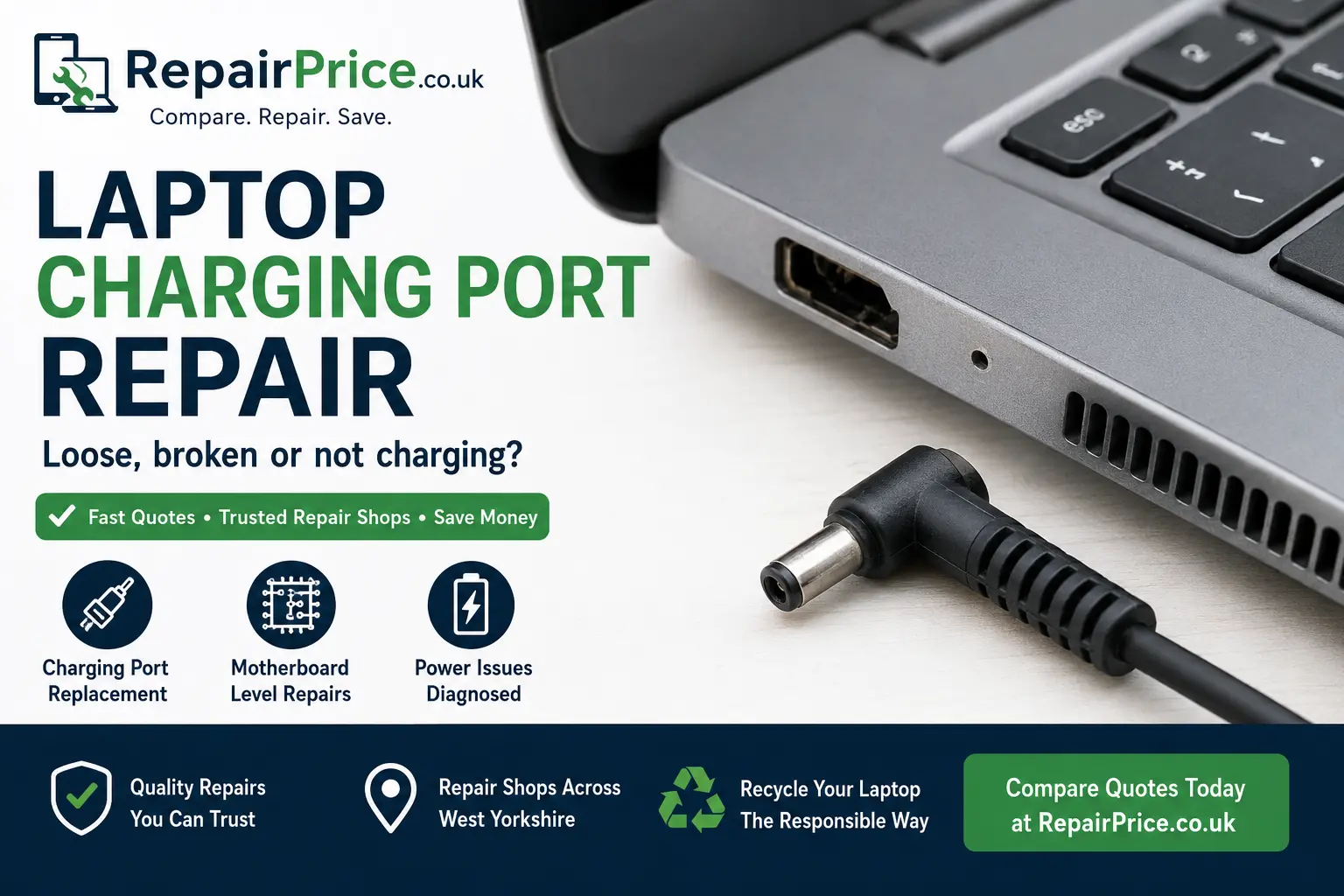
A faulty laptop charging port can quickly turn a reliable computer into an unusable device. Your laptop may only charge when the cable is held at a particular angle, repeatedly disconnect from the power supply or fail to recognise the charger completely. These symptoms can indicate damage to the charging socket, internal power connector, DC jack, USB-C port or the circuit board surrounding the charging system.
This guide explains how laptop charging ports fail, the warning signs to look for, whether the port can be repaired and when replacing or recycling the laptop may be the better option. RepairPrice.co.uk helps customers compare repair options from suitable technicians rather than continuing to use an unreliable charging connection that could cause further internal damage.
Charging port problems are not always caused by the socket itself. A technician may need to test the charger, battery, internal power cable, charging controller and motherboard before recommending a repair. Submit your laptop details, describe the charging fault and request quotes from repair shops that can assess the device properly.
The charging port is the connection through which electrical power enters your laptop. Depending on the model, it may be a traditional round DC jack, a rectangular proprietary connector or a USB-C charging port. The socket transfers power from the charger to the laptop’s power-management system, allowing the battery to recharge and the computer to operate from mains electricity.
Some charging sockets are connected to the motherboard by a removable cable. Others are soldered directly onto the circuit board. A cable-connected socket may be relatively straightforward to replace, while a soldered charging port usually requires specialist microsoldering equipment and board-level repair experience.
The correct repair method therefore depends on the manufacturer, model number, port design and extent of the damage. You can explore our main laptop repair service to find support for charging faults and other common laptop problems.
A charging port can deteriorate gradually or fail suddenly after an impact. One of the most common warning signs is intermittent charging. The charging symbol may appear and disappear as the cable moves, or the laptop may only receive power when the connector is pushed sideways.
You may also notice that the plug feels loose inside the socket, the charger falls out easily or the connection produces visible sparks. In more serious cases, the charging port may become unusually hot, smell burnt or show signs of melting and discolouration.
Other symptoms include a laptop that works from its remaining battery charge but does not respond when the charger is connected. However, this does not automatically prove that the socket has failed. A defective charger, damaged cable, exhausted battery or motherboard power fault can create similar symptoms.
Repeated daily use places mechanical pressure on the charging connection. Pulling the cable sideways, leaving it tightly stretched or moving the laptop while it is plugged in can loosen the internal socket. The port may eventually separate from its mounting points or develop cracked solder joints.
Accidental impacts are another frequent cause. If the laptop is dropped while the charger is connected, the plug can act like a lever and force the socket backwards into the casing. This may break the port, damage its cable or lift electrical pads from the motherboard.
Dirt, dust and debris can also prevent a secure connection, particularly with USB-C charging ports. Liquid contamination may corrode the contacts and cause electrical shorts. Using an incompatible, poor-quality or incorrectly rated charger can place additional stress on the laptop’s power-management components.
Normal wear should not be confused with a battery problem. A laptop that connects to power correctly but loses charge quickly may need a new battery instead. Our laptop battery replacement guide explains how to recognise declining battery performance.
Many damaged laptop charging ports can be repaired or replaced. If the socket is connected by a removable internal cable, a technician may be able to replace the complete DC jack assembly. This normally involves opening the laptop, disconnecting the battery, removing surrounding components and fitting a compatible replacement part.
A port soldered directly to the motherboard requires a more advanced repair. The technician must remove the damaged connector without overheating the surrounding circuit board, clean and prepare the contact points, install the replacement socket and test the electrical connection.
If the impact has damaged the motherboard pads or power tracks, additional circuit reconstruction may be necessary. This can include repairing broken traces, replacing tiny components or restoring connections around the charging circuit. Proper board-level diagnosis is important because simply fitting a new socket may not solve a deeper power fault.
Charging systems differ between laptop manufacturers and even between models from the same brand. Some use removable barrel-style sockets, while newer devices increasingly rely on USB-C power delivery. The correct component must match the laptop’s exact model and power requirements.
Owners of Pavilion, Envy, EliteBook, ProBook and other models can find relevant support through our HP laptop repair specialists. HP devices may use traditional DC connectors, centre-pin chargers or USB-C charging systems depending on the model.
For Inspiron, Latitude, XPS, Vostro and Precision computers, visit our Dell laptop repair service. Some Dell charging faults involve the centre identification pin, which can cause the laptop to display an unrecognised adapter warning even when power is reaching the device.
ThinkPad, IdeaPad, Yoga and Legion users can explore Lenovo laptop charging repairs. Depending on the model, the charging connector may be rectangular, round, cable-mounted or integrated into a USB-C port.
Support for ZenBook, VivoBook, ExpertBook, TUF and ROG systems is available through our Asus laptop repair options. Gaming laptops may require higher-powered chargers and careful testing to confirm that the adapter, socket and motherboard are operating safely.
Before replacing the socket, a repair technician should confirm that the charger is producing the correct voltage. A cable can fail internally even when the outer insulation appears intact. The adapter may also cut out under load, causing intermittent charging that resembles a loose port.
Testing with a known-compatible charger can help narrow down the problem, but the replacement must have the correct voltage, connector and power rating. Using an unsuitable charger may damage the laptop or fail to provide enough power for normal operation.
The battery should also be assessed. A worn battery may remain at zero percent, refuse to hold charge or cause the laptop to shut down as soon as the charger is disconnected. Technicians may inspect the charging circuit using a multimeter, bench power supply or diagnostic software before deciding which component should be replaced.
Continuing to use a loose or damaged socket can make the repair more complicated. Movement at the connection may generate heat, electrical arcing or repeated interruptions in power. Over time, this can burn the connector, damage the motherboard and affect the charger plug.
A damaged USB-C port may also contain bent contacts that touch each other and create a short circuit. Stop using the charger immediately if the port becomes hot, emits smoke, smells burnt or produces visible sparks. Disconnect the charger from the mains and arrange a professional inspection.
Avoid forcing the connector, packing the socket with paper or taping the cable into position. These temporary measures may place additional pressure on the damaged port and increase the risk of internal damage.
The process normally begins with an inspection of the charger, plug and external socket. The technician may then test whether the laptop is receiving voltage and whether the battery is charging correctly. If internal access is required, the device should be powered down and the battery disconnected before components are removed.
Once the laptop is open, the technician can inspect the charging socket, cable, solder joints and surrounding motherboard area. A removable port can be replaced with a compatible assembly. A soldered port must be removed and replaced using suitable board-repair equipment.
After the repair, the laptop should be tested for stable power input, battery charging, correct adapter recognition and safe operating temperatures. The connector should hold the charger securely without needing to be pushed or angled.
The cost depends on the laptop model, replacement part, internal construction and type of damage. Replacing a cable-mounted socket may cost less than repairing a port soldered directly onto the motherboard. Board damage, lifted pads, liquid corrosion and failed charging components can increase the amount of specialist labour required.
Some modern laptops must be extensively dismantled to access the socket. Premium ultrabooks and gaming laptops may also use harder-to-source connectors or complex USB-C charging circuits. A clear diagnosis is therefore more reliable than assuming one standard price for every device.
When requesting a quote, provide the laptop manufacturer, complete model number, charger type and a detailed description of the fault. Mention whether the port feels loose, whether the charging light appears and whether the laptop works from battery power.
RepairPrice.co.uk can help customers locate relevant laptop services across West Yorkshire. Customers in Bradford can explore Bradford laptop charging port repair options for loose sockets, broken DC jacks and USB-C charging faults.
For technicians serving Leeds and nearby districts, visit our Leeds laptop repair directory. Customers can provide their laptop details and compare appropriate repair routes before committing to the work.
Our Halifax laptop repair services can help with charging connections, batteries, screens, keyboards and motherboard problems. Local support is also available through our Wakefield laptop power repair listings.
Laptop owners in Kirklees can view Huddersfield laptop repair specialists for assessment of damaged ports, power faults and internal charging circuits.
Charging socket damage is not limited to laptops. Smartphones frequently develop blocked or worn USB-C and Lightning connectors. Our mobile phone repair service can help users find support for charging faults, battery problems, broken screens and other common handset issues.
Tablets can experience similar symptoms because their charging connectors are repeatedly plugged in and removed. Visit our tablet charging port repair page for assistance with iPads, Samsung tablets and other devices.
Gaming systems may suffer from damaged power sockets, USB ports or HDMI connections. Customers experiencing console hardware problems can explore our game console repair services.
A power problem may appear alongside other laptop faults. If the device becomes excessively hot, shuts down unexpectedly or runs its cooling fan continuously, read our guide to laptop overheating problems. Excessive heat can reduce battery life and place additional stress on motherboard components.
Charging problems may also occur after liquid reaches the keyboard and internal circuitry. Keys that stick, fail to respond or type incorrectly may need separate attention. Our laptop keyboard repair guide explains the available repair and replacement options.
A charging port fault does not necessarily mean the laptop has reached the end of its usable life. Repair may be worthwhile when the computer otherwise performs well, meets your needs and has no major additional faults. Extending the life of an existing laptop can also reduce demand for new electronics and prevent usable equipment from becoming waste prematurely.
However, recycling may be more practical if the laptop has extensive motherboard damage, severe liquid corrosion, a failed screen and battery, or repair costs that are difficult to justify. Old laptops should not be placed in household rubbish because they contain batteries, metals, plastics and electronic circuit boards that require responsible handling.
Our dedicated laptop recycling service provides a route for unwanted, damaged and obsolete portable computers. You can also visit the main electronics recycling hub for information about recycling other electrical devices.
If a laptop cannot be economically repaired, its motherboard may still contain recoverable materials. Circuit boards include copper, aluminium and small quantities of other metals that should be processed through suitable recycling channels rather than discarded.
Businesses, repair shops, IT departments and organisations with damaged laptop motherboards can learn more through our laptop circuit board recycling service. Separating reusable components and recoverable materials supports a more responsible approach to electronic waste.
Place the laptop on a stable surface while it is connected to power and avoid pulling the charger cable tightly across a room. Remove the plug by holding the connector rather than pulling the cable. Do not carry the laptop around with the charger still attached.
Keep the charging port free from dust and inspect the cable regularly for exposed wires, bent plugs or heat damage. Use a compatible charger with the correct voltage and wattage. Where possible, position the cable so that accidental movement will not force the connector sideways.
Early attention is important. A port that has only recently become loose may be easier to repair than one that has been repeatedly forced until the motherboard connections break.
A laptop that charges intermittently, requires the plug to be held at an angle or no longer recognises its adapter should be inspected before the fault becomes more serious. The underlying cause may be the charger, battery, socket, internal cable or motherboard charging circuit.
RepairPrice.co.uk helps you submit the device information once and seek suitable repair options. If the laptop is beyond economical repair, responsible recycling can recover valuable materials and prevent electronic components from entering general waste.
Provide the exact laptop model, describe the charging symptoms and mention any impact, liquid exposure, heat or burning smell. Accurate information helps repair shops understand the likely work and provide a more relevant response.

